
Summary: the useful way to answer “Anycubic vs Bambu”
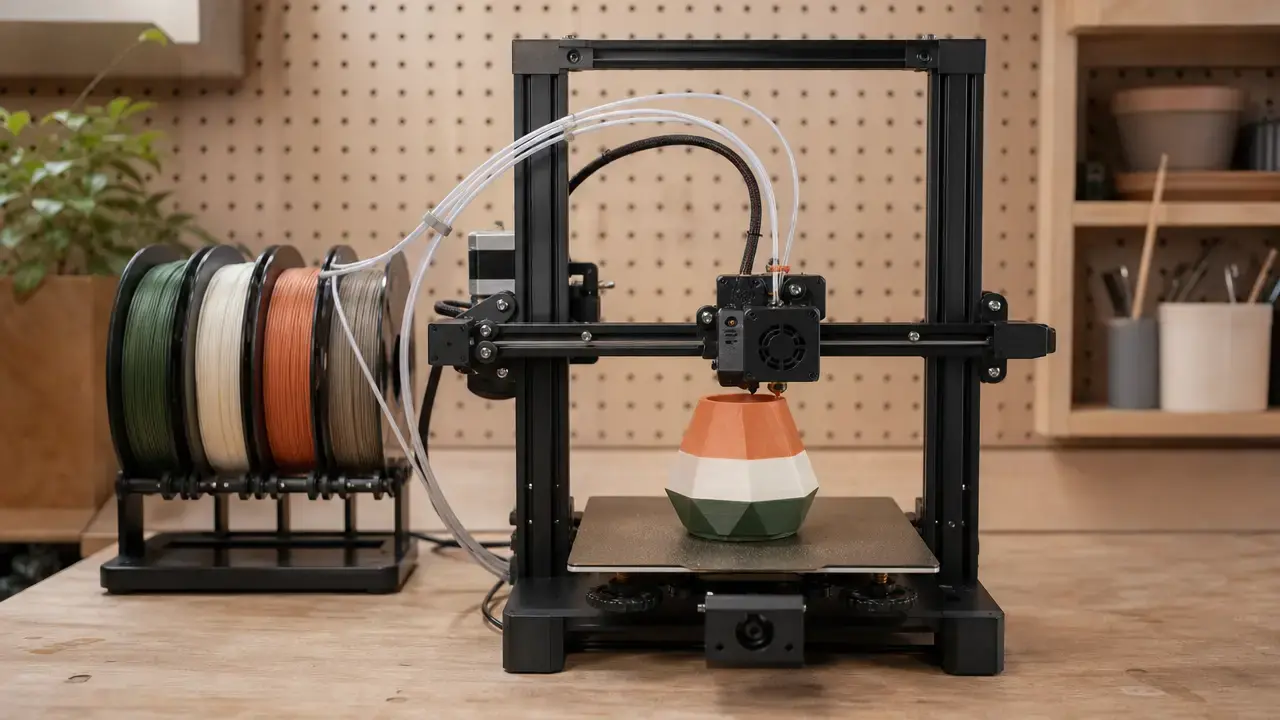
An Anycubic vs Bambu decision is most useful as a model-class comparison: the Anycubic Kobra 3 Combo versus the Bambu Lab A1 Combo. Both are open-frame desktop material-extrusion systems that pair a printer with an external multispool feeder. Material extrusion, or MEX, is the additive-manufacturing process in which material is selectively dispensed through a nozzle or orifice; FDM and FFF are familiar consumer-market labels for this filament-based class. [S2] ISO/ASTM 52900:2021 is the current terminology edition and was confirmed in 2025. [S1]
No controlled 3D Mag lab comparison was performed, so this article cannot declare a universal winner for print quality, speed, reliability, or ownership cost. The practical choice depends on multicolor frequency, feeder-path compatibility, TPU needs, drying routine, workspace, intended materials, and a locally verified purchase price.
Scope: why “brand vs brand” needs a printer-class match
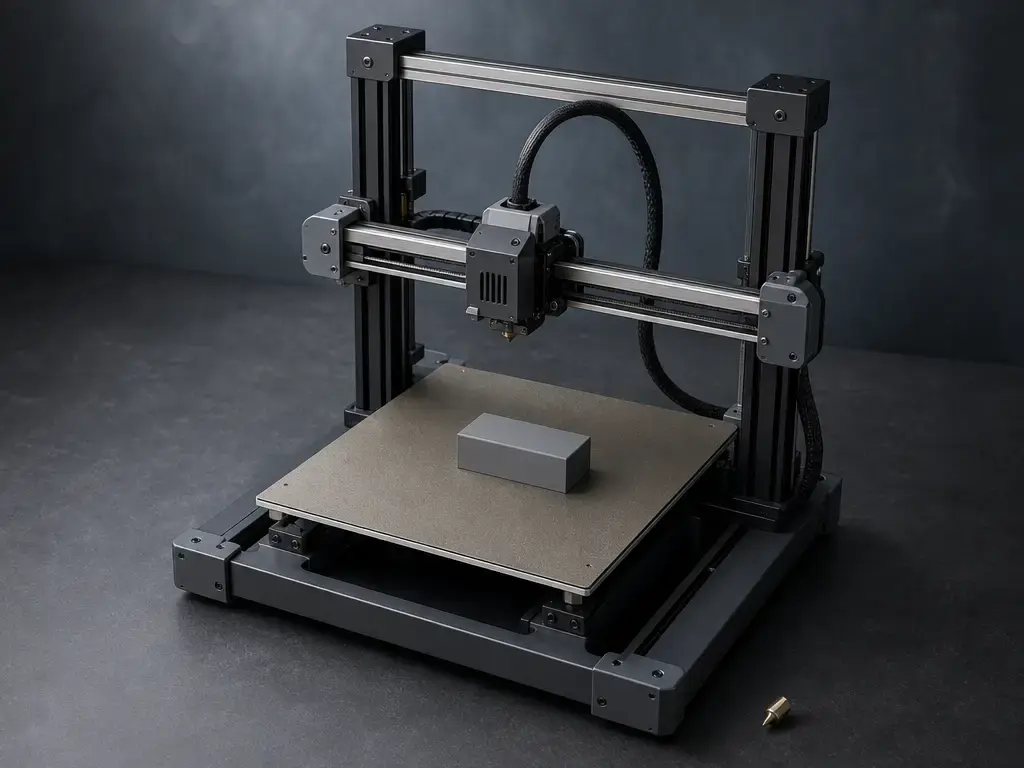
These are open-frame multicolor bedslingers: the bed moves on one axis while the toolhead handles the others. They are a reasonable matched pair, but they are not proxies for enclosed CoreXY machines intended for more demanding thermal environments or engineering-material workflows. Enclosure, motion architecture, surrounding temperature, and filament path all affect which criteria matter.
Here, “Combo” means the Kobra 3 paired with Anycubic’s ACE Pro feeder, and the A1 paired with Bambu Lab’s AMS lite feeder. [S5] [S9] Automatic bed leveling remains relevant because first-layer setup affects routine use, but it should not overshadow material routing, color changes, usable geometry, maintenance, and workspace.
Kobra 3 Combo vs A1 Combo: manufacturer spec snapshot
These are manufacturer-stated specifications for a shopping shortlist, not controlled benchmark results. The table retains each vendor’s terminology because “Printing Speed” and “Max Speed of Tool Head” are not necessarily equivalent measurements.
| Attribute (vendor term) | Anycubic Kobra 3 Combo | Bambu Lab A1 Combo | Editorial interpretation |
|---|---|---|---|
| Build volume (W×D×H) | 250 × 250 × 260 mm. [S5] | 256 × 256 × 256 mm³. [S9] | Both occupy the same full-size open-frame class; small volume differences rarely decide a purchase alone. |
| Speed spec (vendor label) | Printing Speed: 300 mm/s recommended; 600 mm/s max. [S5] | Max Speed of Tool Head: 500 mm/s. [S9] | The labels are not like for like; do not convert them directly into time-to-part. |
| Acceleration spec (vendor label) | 10,000 mm/s² recommended; 20,000 mm/s² max. [S5] | Max Acceleration of Tool Head: 10,000 mm/s². [S9] | A motion limit, not a print-quality score. Geometry, flow, and cooling can dominate. |
| Nozzle and bed maximum | 300 °C nozzle; 110 °C bed. [S5] | 300 °C hotend; 100 °C build plate. [S9] | Hardware temperature limits do not prove reliable printing of warp-prone polymers in open air. |
No matched volumetric-flow figures are published in the supplied material, and no comparable accuracy test artifact, method, or uncertainty statement is available. Those rows do not belong in a direct numerical comparison.
Terminology: MEX, FDM/FFF, accuracy, precision, resolution, and tolerance
Material extrusion is the standards term for a process in which material is selectively dispensed through a nozzle or orifice. [S2] In consumer 3D printing, FDM and FFF commonly describe filament-based MEX machines such as these. The 2015 definition remains useful for wording, but it is not the current edition: ISO/ASTM 52900:2021 superseded it. [S1]
Measurement accuracy concerns the closeness of a measured quantity value to a true quantity value. Trueness concerns the closeness of the average of repeated values to a reference value, while precision concerns how closely repeated values agree. Repeatability is precision observed under the same operating conditions. [S3] A printer can therefore produce similar duplicate parts without those parts necessarily matching intended CAD dimensions.
Resolution is the smallest change in a measured quantity that causes a perceptible change in the corresponding indication. [S3] Layer height is not automatically resolution or accuracy; it is a sliced-toolpath setting. Here, tolerance means a CAD or design acceptance limit. VIM cautions against using “tolerance” to mean maximum permissible error. [S3] Anycubic’s listed X/Y/Z positioning figures of 0.0125/0.0125/0.0025 mm describe positioning, not proven printed-part dimensional accuracy. [S6]
What actually differs: multicolor capacity and feeder-path constraints
Multicolor capability does not mean every printable material can travel through every feeder. Each color change requires a filament transition, making purge waste and longer jobs workflow costs rather than details to ignore in a headline color-count comparison. The relevant question is how often a project genuinely needs automatic color changes.
The Kobra 3 Combo is positioned for four to eight colors, but reaching eight requires two ACE Pro units and an eight-color feeding module rather than the basic Combo arrangement alone. [S5] ACE Pro feeding is not supported for TPU model printing; Anycubic provides a monochrome external-spool TPU workflow with hardness guidance. [S7] [S8] Anycubic states that TPU rated 95A or higher can be printed through that route, while TPU rated 85A or less cannot be printed according to its guide. [S8]
For the A1 Combo, do not use TPU rated 95A or lower in AMS lite. [S10] That is a feeder-path restriction, not a statement that the printer can never use TPU through an appropriate external-spool route. Bambu also warns against using damp PVA or BVOH in AMS lite. [S10]
Questions to answer before buying multicolor
- How often will you actually print multicolor versus single color?
- Is flexible TPU a core material for you?
- Are you comfortable with purge waste and longer print times?
- Do you need drying integrated into the feeder, or do you already own a dryer?
- Do you want soluble or dedicated support materials, and are they feeder-compatible?
- Can your workspace accommodate extra spools, tubes, and clearance?
- Are you actually shopping for an enclosed printer class instead?
Print speed and time-to-part: why motion specs are not enough
A maximum speed figure does not promise that a printed feature will reach that speed, or that one machine will finish every part first. On short segments, curves, small perimeters, and detailed surfaces, the toolhead may spend much of its path accelerating and decelerating. Travel moves, wall count, infill, color changes, and slicer geometry also affect time-to-part.
Volumetric flow is another limit. It concerns how much molten material can be deposited over time, so bead cross-section, nozzle diameter, layer height, and hotend melting capacity all matter. A larger nozzle or thicker layer can demand more material than the hotend can supply consistently, even if the motion system can move faster. No matched Anycubic flow figure is published in the supplied material, so a numerical flow comparison is not possible.
Bambu’s stated maximum hotend-flow example shows why test conditions must accompany the number: 28 mm³/s for ABS, using a 150 × 150 mm single wall, Bambu ABS, and a 280 °C nozzle temperature. [S9] That is not universal throughput for every filament, geometry, nozzle, or cooling condition. Cooling can impose lower usable speeds on bridges, overhangs, small details, and heat-sensitive shapes even when motion and melt capacity allow higher values.
Print quality and dimensional behavior: what to evaluate instead of trusting one number
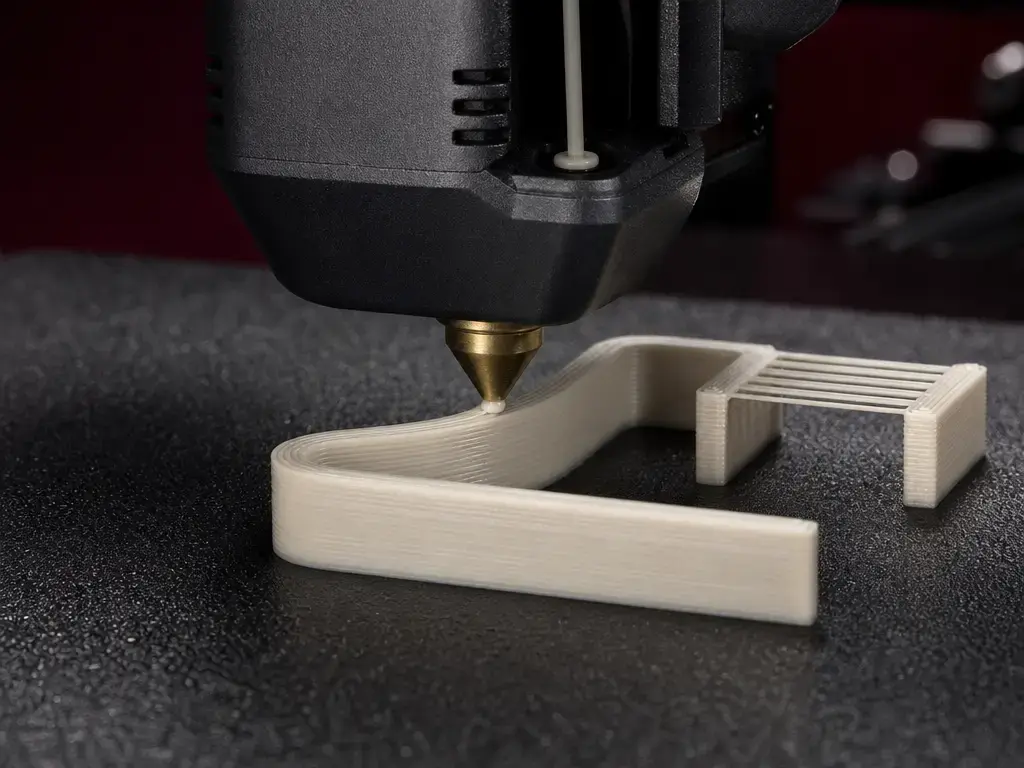
No reliable figure found for a universal Kobra 3 Combo versus A1 Combo dimensional-accuracy difference. A systematic review of 127 experimental material-extrusion studies illustrates why results from one material, geometry, or parameter set cannot be generalized to every print. [S13] A photographed part or a single benchmark model cannot establish that one printer is categorically more accurate, more precise, or better for every use.
Print quality is a collection of outcomes. Decorative surface finish, a close-fitting mechanical bracket, and a support-heavy part place different demands on extrusion, cooling, first-layer behavior, orientation, and slicer settings. Dimensions should be compared with a nominal CAD value, a named measuring instrument, and stated uncertainty. Without those details, a difference may result from the part, material, measurement method, or ordinary process variation rather than the printer.
Print-quality checks that matter more than a speed claim
- First-layer uniformity and bed adhesion.
- Consistent walls with no under- or over-extrusion artifacts.
- Small-hole fit and pin fit.
- Overhang, bridge, and support-interface quality.
- Repeatability across duplicates.
- Measured dimensions versus nominal CAD, with method and uncertainty stated.
What this comparison cannot prove — and what a defensible test would require
This comparison cannot prove that either printer delivers universally better parts, always finishes jobs faster, or has a fixed dimensional advantage. NIST’s additive-manufacturing test-artifact work provides useful methodological context: standardized artifacts and measurements can help characterize and improve a system. It is not an FDM certification protocol or a universal quality score. [S4]
A defensible comparison would control the main variables and distinguish a result for one print condition from a broad claim about a machine. At minimum, it would include:
- The same model, slicer version, nozzle diameter, and filament lot.
- Fixed layer height, wall count, and infill.
- Documented ambient conditions.
- Repeated prints and defined failure criteria.
- A stated measurement method, instrument, and uncertainty.
Running costs and pricing: use snapshots, not false total-cost math
Price claims need a date, region, seller, bundle definition, stock status, and tax or shipping context. The Kobra 3 Combo’s US launch MSRP was $549, but that is historical launch context rather than a current selling price. [S12] A manufacturer storefront or retailer listing can document a moment in time, but it should not be treated as a durable market price.
Price snapshot, checked November 2026.
Kobra 3 Combo: $355.00 on an Anycubic listing for the EU Plug version, marked Sold out. This was not a US checkout price, and tax and shipping may differ. [S5]
A1 Combo: $359.99 at Micro Center, with an original price of $399.99. This was retailer- and time-specific, not MSRP. [S14]
No official Bambu US store price was verified directly in the supplied fact pack. No reliable figure found for total cost of ownership because comparable figures for tax, shipping, purge waste, consumables, electricity, spare parts, and warranty conditions are not available here. Budget separately for the materials and replacement items your projects require.
Ecosystem, multicolor workflow, and material constraints
Bambu positions PLA, PETG, TPU, and PVA as supported materials for the A1, while separately giving ideal or not-recommended guidance for ABS, ASA, PC, PA, PET, and carbon- or glass-fiber-reinforced polymers. [S9] This is manufacturer guidance for an open-frame machine, not a universal ranking of every formulation or printer. A 300 °C hotend or heated build plate does not by itself prove that a warp-prone material will print reliably in open air.
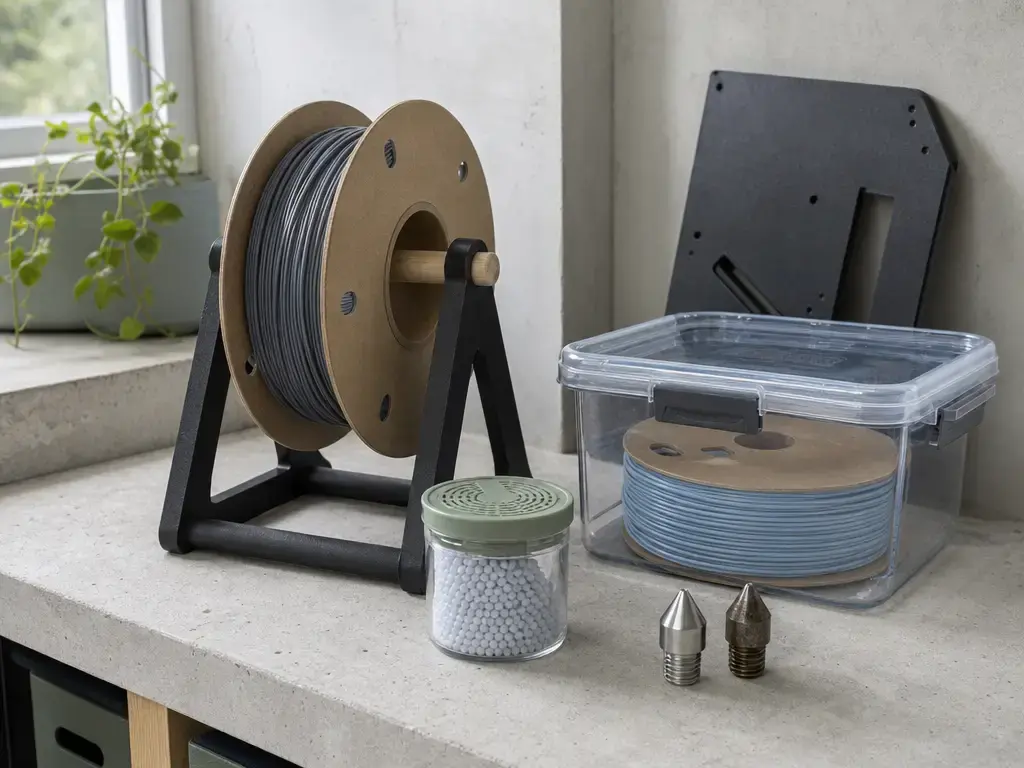
Material planning has several distinct parts. Warping sensitivity relates to thermal gradients and drafts around a part. Moisture sensitivity calls for appropriate storage and, where needed, drying. Abrasive fiber-filled materials raise nozzle-material and wear questions. Ventilation concerns fumes and particles. An enclosure can help thermal control, but it does not automatically make PC, PA, ABS, ASA, or fiber-filled polymers routine.
Feeder compatibility remains distinct from printer-side material capability. The ACE Pro limitation concerns its feed path, while Anycubic documents a separate external-spool TPU workflow. [S7] [S8] Likewise, AMS lite restrictions affect what should travel through that feeder, including Bambu’s warning about damp PVA or BVOH. [S10] Check the whole route: spool condition, feeder or external holder, slicer profile, purge planning, and workspace clearance.
Who should buy which? Three workflow profiles with a named pick
There is no overall winner. The practical choice follows the projects, feeder route, and material routine you expect to use.
| Workflow profile | Named pick | Why the fit is conditional |
|---|---|---|
| Multicolor PLA décor and occasional functional PETG | Pick Kobra 3 Combo if ACE Pro handling, its drying function, and the optional expansion path suit your workspace and workflow. [S5] [S7] | Choose the A1 Combo instead if its AMS lite layout better fits your space and filament routine. PLA and PETG are among Bambu’s supported A1 materials. [S9] |
| Functional PETG with an existing filament dryer | Pick A1 Combo if you want an open-frame multicolor setup and do not need the feeder to handle flexible TPU. [S9] | Treat feeder compatibility separately from printer capability, and keep damp PVA or BVOH out of AMS lite. [S10] |
| TPU-heavy work or engineering-material ambitions | Consider an enclosed printer class instead when thermal control and demanding polymers are central requirements. | Neither Combo should be chosen on the assumption that its feeder will handle TPU: Anycubic documents an external-spool route, and AMS lite restricts flexible TPU in its feeder path. [S7] [S8] [S10] |
For buyers who need feeder-integrated drying as part of routine multicolor work, the Kobra 3 Combo has the more directly relevant ACE Pro workflow. For buyers who already own suitable drying equipment, that feature may matter less than feeder layout, spool routing, and the parts they intend to make.
Verify local bundle contents, plug version, stock, warranty terms, and price before purchasing. Those details can change the value of either system without proving that one brand is categorically better.
Safety and used-market checks: A1 recall identifiers
Used A1 buyers should verify the unit by serial number rather than relying on a vague purchase or production date. The U.S. Consumer Product Safety Commission announced Recall 24-264 on June 13, 2024, covering about 12,800 Bambu Lab A1 printers. Affected units have A as the sixth digit of the serial number; the stated hazard is a heatbed cable that can short-circuit. [S11]
Do not assume every current A1 is recalled. For a second-hand purchase:
- Photograph the serial number before payment.
- Check whether the sixth serial-number digit is A.
- Ask for evidence of recall remedy or replacement work.
- If the identifier matches, stop using the printer and contact Bambu Lab for the stated refund or heatbed-and-cable replacement remedy. [S11]
FAQ
Is “Anycubic vs Bambu” really a brand comparison or a printer-class comparison?
For this article, it is a printer-class comparison: Kobra 3 Combo versus A1 Combo. Both are open-frame desktop material-extrusion systems with external multispool feeders, but they are not stand-ins for every printer either company sells. The decision concerns multicolor frequency, material routing, drying habits, workspace, TPU needs, and tolerance for purge waste. It is not a claim that either manufacturer is categorically better across reliability, support, noise, or every print application.
Kobra 3 Combo vs A1 Combo: what specs are actually comparable?
Build volume, stated temperature limits, and manufacturer motion specifications can be placed side by side. The Kobra 3 lists “Printing Speed,” including recommended and maximum values, while the A1 lists “Max Speed of Tool Head.” [S5] [S9] Those labels are not automatically equivalent operating conditions. Compare them as stated boundaries, then assess feeder compatibility, color-change demands, material condition, available space, and the geometry of the parts you plan to make.
Is 600 mm/s vs 500 mm/s meaningful for real print time or print quality?
Not by itself. Anycubic lists a maximum printing speed of 600 mm/s, while Bambu lists a maximum toolhead speed of 500 mm/s. [S5] [S9] Short paths may never reach either limit before decelerating, and completion time also depends on acceleration, walls, infill, travel, color changes, cooling, and melt capacity. Neither number is a direct quality score. A useful comparison needs the same model, filament, slicer settings, and defined quality criteria.
Can you print TPU with these printers — and can you feed TPU through ACE Pro or AMS lite?
Separate printer-side TPU capability from feeder compatibility. ACE Pro feeding is not supported for TPU model printing; Anycubic documents a monochrome external-spool route and states that TPU rated 95A or higher can be printed in that workflow, while TPU rated 85A or less cannot be printed according to its guide. [S7] [S8] For AMS lite, Bambu says not to use TPU rated 95A or lower. [S10] Check current guidance for the specific filament and feed path.
What does “28 mm³/s max hotend flow” mean, and why are test conditions mandatory?
Volumetric flow is the volume of material deposited per unit time. Bambu’s 28 mm³/s figure is conditioned by ABS, a 150 × 150 mm single wall, Bambu ABS, and a 280 °C nozzle temperature. [S9] It is therefore not a universal throughput number for every nozzle, layer height, material, geometry, or cooling situation. Larger deposited beads demand more melted material, while bridges, overhangs, and small details can require lower speeds for stable results.
How should you test dimensional accuracy and repeatability at home without inventing numbers?
Start with a defined CAD model and control the variables: use the same slicer version, nozzle diameter, filament lot, layer settings, and ambient conditions. Print repeated copies, define failures before the test, and measure the same features with a named instrument. Record the nominal CAD value, each measurement, and measurement uncertainty. NIST’s test-artifact work is useful methodological context because artifacts can support system characterization and improvement; they are not universal certification scores. [S4]
Buying a used Bambu A1: how do you check recall status correctly?
Check the printer’s serial number rather than applying a date-based shortcut. CPSC Recall 24-264, announced June 13, 2024, covered about 12,800 A1 printers and identifies affected units by A as the sixth serial-number digit. The stated hazard is a heatbed-cable short circuit. [S11] Ask the seller for a clear serial-number photograph and evidence of a completed remedy. If the identifier matches, stop use and contact Bambu Lab for the refund or heatbed-and-cable replacement remedy. [S11]
Sources
- [[S1]] ISO — ISO/ASTM 52900:2021 Additive manufacturing — General principles — Fundamentals and vocabulary (2021; confirmed 2025)
- [[S2]] ISO/ASTM — ISO/ASTM 52900:2015 Additive manufacturing — General principles — Terminology (2015)
- [[S3]] BIPM/JCGM — International Vocabulary of Metrology, JCGM 200:2012 (2012)
- [[S4]] NIST — An Additive Manufacturing Test Artifact (2014)
- [[S5]] Anycubic — Anycubic Kobra 3 Combo product listing (observed November 2026)
- [[S6]] Anycubic — Anycubic Kobra 3 Combo User Manual (2024-05-08)
- [[S7]] Anycubic — Anycubic ACE Pro Notes (edited 2026-11-13)
- [[S8]] Anycubic — Anycubic Kobra 3 TPU Printing Guide (edited 2025-05-13)
- [[S9]] Bambu Lab — Bambu Lab A1 Combo Quick Start Guide (observed November 2026)
- [[S10]] Bambu Lab — Bambu Lab AMS Combo Manual (observed November 2026)