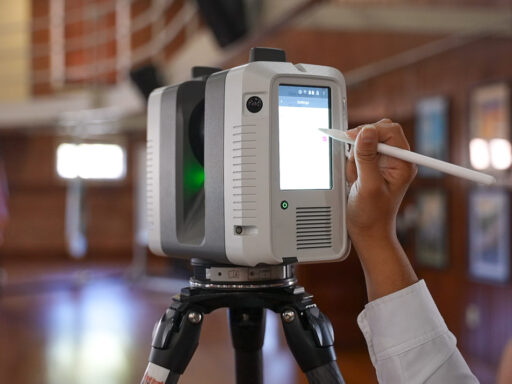


Manufacturing software developer CADENAS has rolled out a new version of 3Dfindit, an online repository where users can download CAD models for millions of parts.
Essentially a search engine for engineering components, 3Dfindit brings together CAD and BIM models from hundreds of manufacturer catalogs in a single platform, giving engineers, architects and buyers access to parts downloadable in 150 CAD formats.
Users can search by keyword, filter, 2D sketch or by uploading an existing 3D model, either on the website or through plugins inside their CAD software.
The latest release touches on almost every stage of that process. Search results are now presented as tiles, downloads no longer require a dialog box, and the 3D preview, PDF data sheet and request for quotation (RFQ) features have all been enhanced. Overall, version 12.13.1 is designed to shorten the route between finding a component online and placing it in a design.
A closer look at the changes
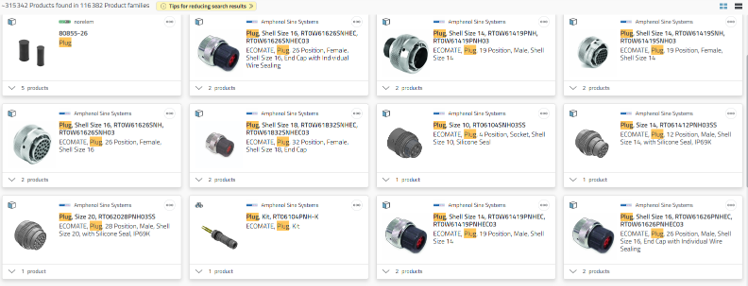
The most visible change is to the results list, which now shows components in a four-column tile layout. Manufacturer and product family names are displayed in full, so several options can be compared without opening each one, and hovering over a manufacturer name enlarges its logo. The layout is identical on desktop, in the CAD plugin and on smartphones.
Downloading has also been simplified. Once a user has set their preferred CAD formats, a single click starts the download, with those settings saved and editable via a gear icon. PDF and CAD downloads now work the same way, and both appear immediately in the Activities panel, which also links to the matching CAD plugin once a file has arrived.
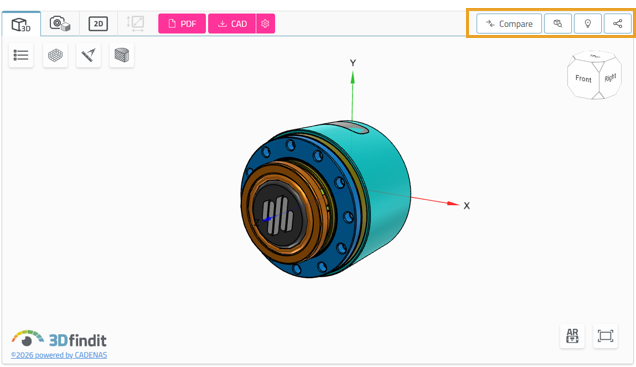
In the 3D preview, frequently used functions keep their text labels while less common ones have been condensed into icons. GeoSearch, Recommendations and Share now sit in a menu at the top right, which CADENAS says keeps the controls usable on mobile devices.
The preview of 2D derivatives is gone, although DWG and DXF files can still be downloaded and opened directly. Smaller adjustments include a multi-line search box that keeps long descriptions and order numbers visible, tables that open 8,000 rows in around half a second instead of two, and a reorganized filter panel with the most popular options expanded by default.
How to create your own CAD models
The breadth of 3Dfindit’s library means a manufacturer-verified model already exists for most off-the-shelf parts. Legacy components, discontinued spares and custom one-offs are another matter, and this is where 3D scanning comes in.
Handheld scanners such as Artec Leo and Artec Spider II capture physical parts as high-resolution meshes, which can then be converted into editable CAD in Artec Studio or Geomagic Design X.
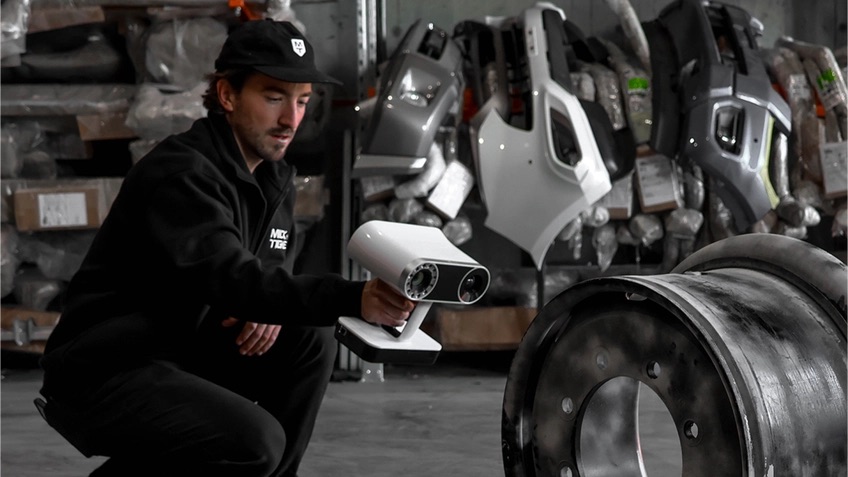
In the past, Forma 3D had used this workflow to reverse engineer discontinued pump impellers, while Artec scanning has also been deployed to produce aircraft spares that would otherwise have been almost impossible to make.
More examples can be found in Artec’s reverse engineering case studies, and 3D Mag has previously covered how to choose a 3D scanner for reverse engineering and how to convert point cloud data into a 3D model.
You can access the online 3Dfindit CAD model repository here: https://www.3dfindit.com/en/