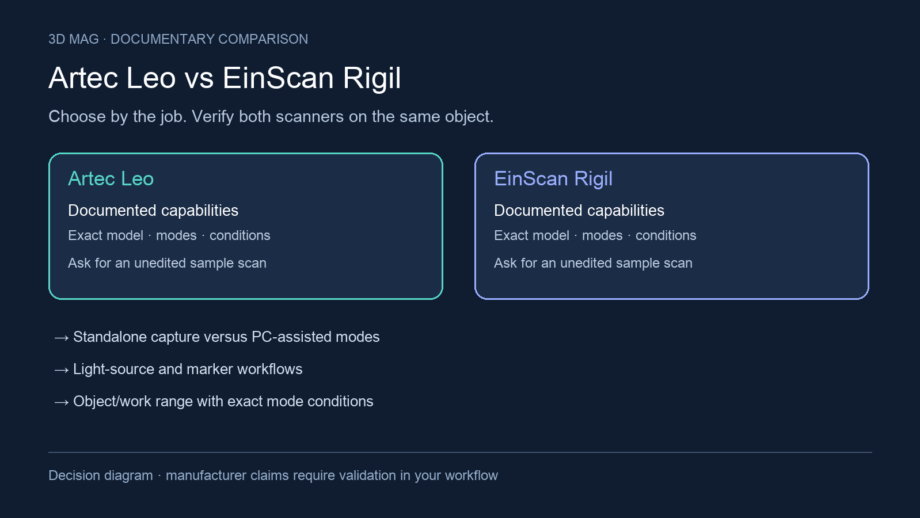
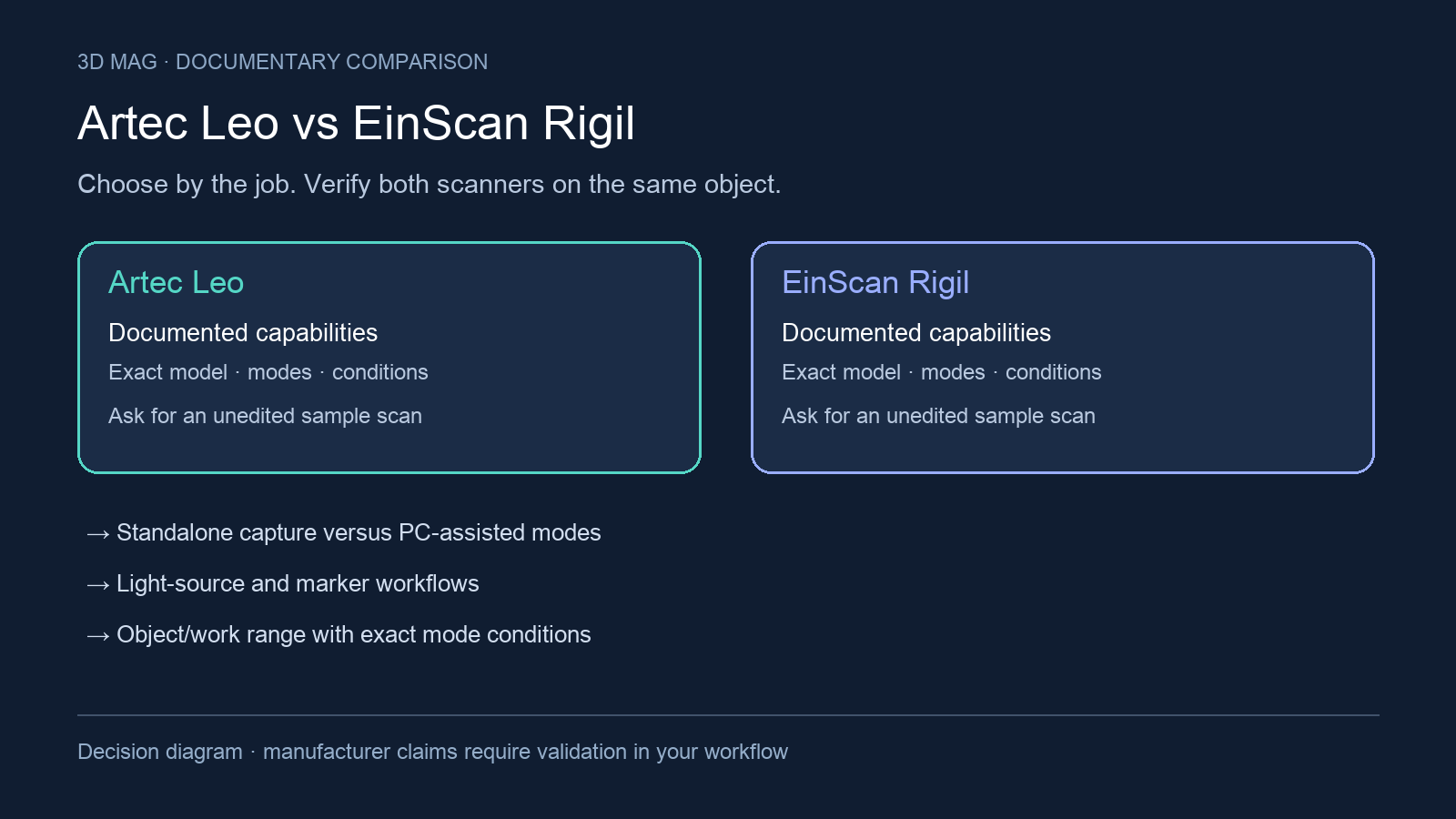

An immovable component changes the scanning job: the operator travels to the object, works around access restrictions and has to bring back geometry another specialist can use. Leo vs Rigil is evaluated here for that field workflow, including standalone and PC-assisted operation, light sources and markers, working range, measurement definitions, processing and export.
The fixed comparison criteria are standalone versus PC-assisted operation; blue-laser and infrared VCSEL workflows and their marker implications; object and work range with exact mode conditions; accuracy over distance versus vendor volumetric accuracy; on-device processing and export handoff; and source conflicts that should shape a sample demonstration. The Rigil figures used here are for the base EinScan Rigil, not Rigil Lite, which SHINING 3D lists with 17 + 17 rather than 25 + 25 crossed laser lines and accuracy it describes as “a bit lower”. The manufacturer documentation reviewed does not provide a same-object, same-environment benchmark, so the choice is scenario-based rather than a metrology ranking. SHINING 3D variant specifications
Concise answer
Choose Artec Leo for the shortlist when the capture job is built around walking the scanner around a vehicle, installed component, sculpture, or large object with minimal peripheral setup. Artec describes Leo as wireless and fully standalone, with an onboard computer, touchscreen, and battery, and says scanning does not require a computer while data processing does (Artec 3D Leo product page and technical specifications).
Choose SHINING 3D EinScan Rigil for the shortlist when the team wants one device that can move between standalone use, wireless PC use, and wired PC use. SHINING 3D describes Rigil as using Standalone, Wireless PC, and Wired PC work modes, and says standalone mode has no PC connection required and completes scanning and processing tasks directly on the hardware (SHINING 3D EinScan Rigil product page).
Defer choosing until a sample demonstration if the purchase depends on measured deviation over a large assembly, difficult surface behavior, outdoor work, no-marker tracking, battery workflow, or a downstream CAD/inspection deliverable. Published specifications are useful for preparing that demo, but they do not establish which scanner will meet a specific acceptance rule.
A maritime refit: capture is only the start of the handoff
Artec’s account of USP Maritime describes using Leo, Artec Studio and Autodesk Inventor for repair and refit work when original designs were unavailable. One practical application was scanning existing pipework to design brackets around it; the account also says Leo was used to capture 300-kilogram pumps that were “almost impossible to remove” from a ship’s engine. The account also describes reducing excess scan frames before CAD analysis. This is an Artec-published customer case, not a comparison with Rigil or independent confirmation of a precision or productivity claim. Artec 3D report
For a retrofit, define the surrounding geometry as carefully as the replacement component: clearance and access may be part of the design problem. For a heritage archive, decide which surfaces must remain untouched and which visual details belong in a texture record. For either scanner, the handoff demonstration should end in the receiving software with an agreed coordinate reference and usable geometry. Ask the receiving engineer or conservator to review that sample before committing to field deployment.
Specification and workflow comparison
| Criterion | Artec Leo | SHINING 3D EinScan Rigil | What changes the buyer’s choice |
|---|---|---|---|
| Core workflow | Artec describes Leo as wireless and fully standalone, and says it has an onboard computer, touchscreen, and battery (Artec 3D). | SHINING 3D describes “Triple Work Modes: Standalone & Wireless PC & Wired PC” (SHINING 3D). | Start with the site: field vehicle, shop floor, lab bench, or a mixed workflow that changes by project. |
| Standalone processing | Artec says a computer is needed only for data processing and that scanning does not require a computer; Leo is also listed with on-board real-time processing and a built-in touch panel screen (Artec 3D). | SHINING 3D says Rigil Standalone Mode has no PC connection required and completes all scanning and processing tasks directly on the hardware (SHINING 3D). | Demonstrate a real project at expected size; “standalone” capture and final deliverable preparation are not always the same stage. |
| Light source | Artec lists Leo’s structured-light source as VCSEL, and says Leo can scan in sunlight (Artec 3D). | Rigil is described with “Hybrid Light Source: Blue Laser + IR VCSEL”; SHINING 3D also says it works efficiently in sunlight outdoors and adapts to dark and reflective metal surfaces without spray (SHINING 3D). | Test the actual lighting and surface finish, especially outdoors, on dark parts, and on reflective metal. |
| Markers and tracking | Artec says Leo’s hybrid geometry and texture tracking frees users from targets or markers for stable scanning (Artec 3D). | SHINING 3D says Rigil provides marker-free blue laser scanning through a Laser + IR hybrid scan mode currently available in EXScan Rigil software (SHINING 3D). | If markers are prohibited on finished, heritage, delicate, or contaminated surfaces, require a no-marker demo in the exact mode. |
| Working range and capture zone | Leo’s working distance is published as 0.35–1.2 m, and its volume capture zone is published as 160,000 cm³ (Artec 3D). | Rigil technical data lists Laser HD working distance as 170–550 mm and IR Rapid working distance as 160–1500 mm (SHINING 3D). | Range is mode-specific for Rigil; match it to operator access, part size, and the surface area visible from each pass. |
| Accuracy and resolution | Leo’s published 3D point accuracy is up to 0.1 mm, 3D resolution is up to 0.2 mm, and 3D accuracy over distance is up to 0.1 mm + 0.3 mm/m (Artec 3D). | Rigil Laser HD mode is published with up to 0.04 + 0.06 mm/m volumetric accuracy and up to 0.05mm geometric resolution; IR Rapid mode is published with volumetric accuracy up to 0.1 + 0.3 mm/m (SHINING 3D). | These are vendor claims with different metrics and mode conditions; use them to frame test requirements, not to declare a universal metrology result. |
| Export and handoff | Artec’s output-format list includes OBJ, PLY, STL, STEP, and IGES, while the same page says data processing needs a computer (Artec 3D). | Rigil documentation says project files can be exported to OBJ, PLY, or STL, says projects without Texture Acquisition can only be exported as STL, and describes upload to SHINING 3D Cloud from the Mesh interface (SHINING 3D documentation). | Test the full path: capture, processing, export, import into the buyer’s CAD or inspection software, and acceptance of the delivered file. |
What the workflow difference means in practice
Leo’s documented field appeal is the capture setup. Artec’s page centers Leo on a self-contained device with onboard real-time scan processing, display, wireless operation, and no computer required for scanning (Artec 3D). That profile fits jobs where the operator must move freely around an installed object, work from awkward angles, or keep the scan session simple for a non-lab environment. Artec also says Leo’s screen colours the surface by scanning distance and shows a surface-quality indicator for areas that need more frames or angles, which helps an operator check coverage before leaving the site; SHINING 3D’s Rigil app also lists a Data Quality Indicator, so compare both on-device feedback views during the demonstration.
Rigil’s documented appeal is mode flexibility. SHINING 3D presents it as a tri-mode scanner with standalone, wireless PC, and wired PC operation, including a standalone mode for on-hardware scanning and processing (SHINING 3D). That profile fits teams that expect different project conditions: quick field capture one day, PC-supported work for larger data volumes another day, and wired operation where network stability or workstation resources matter.
The key distinction is not simply “computer or no computer.” It is where the buyer wants control, processing, review, and rework to happen. A site team may value Leo’s device-centered capture even if final processing later moves to a workstation. A mixed engineering team may value Rigil’s ability to shift operating modes even if many projects still begin in standalone mode.
Light source, markers, and surface risk
Leo’s published 3D light source is VCSEL, and Artec says Leo can scan in sunlight (Artec 3D). Artec also says Leo’s hybrid geometry and texture tracking avoids additional targets or markers for stable scanning (Artec 3D). For a buyer handling statues, body scans, installed parts, or finished surfaces, the operational appeal is clear: less preparation during capture.
Rigil combines Blue Laser and IR VCSEL according to SHINING 3D, and its marker-free blue laser claim is specifically tied to a Laser + IR hybrid scan mode currently available in EXScan Rigil software (SHINING 3D). That can matter when the team wants laser-based capture without placing markers on the object, but the mode and software context should be confirmed in a demonstration. SHINING 3D also says Rigil works in sunlight outdoors and handles dark and reflective metal surfaces without spray; treat that, like Leo’s sunlight statement, as a vendor claim to check on site.
Neither source proves how either scanner will behave on the buyer’s exact glossy paint, black polymer, machined metal, fabric, weathered stone, or repeated geometry. Ask the reseller to scan the representative part without extra preparation first, then document which mode, distance, markers, lighting, and post-processing steps were needed to reach the deliverable.
Accuracy, resolution, and why specs do not name a metrology winner
Artec publishes Leo’s point accuracy, resolution, and accuracy over distance as separate specifications: up to 0.1 mm point accuracy, up to 0.2 mm 3D resolution, and up to 0.1 mm + 0.3 mm/m accuracy over distance (Artec 3D). Those numbers are useful, but they describe different measurement concepts.
SHINING 3D publishes Rigil figures by mode: Laser HD mode with up to 0.04 + 0.06 mm/m volumetric accuracy and up to 0.05mm geometric resolution, and IR Rapid mode with volumetric accuracy up to 0.1 + 0.3 mm/m (SHINING 3D). Those figures are relevant for shortlisting, but their source does not supply a same-object comparison against Leo.
This is why a headline number should not decide the purchase by itself. A reverse-engineering team may care about local detail and clean mesh features; an inspection team may care about repeatable deviation over a larger assembly; a field documentation team may care about coverage, tracking continuity, and color or texture handoff. Ask for a sample report tied to the acceptance criterion, not just the brochure metric.
Export, handoff, and downstream work
Artec’s source lists mesh formats including OBJ, PLY, and STL and CAD formats including STEP and IGES, but it also states that data processing needs a computer (Artec 3D). Read that as a system/software workflow claim, not proof that every CAD-format deliverable is completed on the scanner during field capture.
Rigil’s device documentation is narrower and more device-specific: it says project files can be exported to OBJ, PLY, or STL, that projects without Texture Acquisition can only be exported as STL, and that a model can be uploaded to SHINING 3D Cloud from the Mesh interface (SHINING 3D documentation). That is useful for mesh handoff, but it does not answer every reverse-engineering or inspection workflow question.
For both scanners, make the purchase demo include the final file route. A mesh accepted for visualization is not the same as an editable CAD model, and a format name alone does not confirm feature quality, coordinate alignment, inspection repeatability, or acceptance by the buyer’s downstream software.
Scoped choices and questions to resolve
Shortlist Artec Leo if the buyer profile is mobile capture around medium-to-large or installed objects, with priority on wireless scanning, onboard viewing, and minimal computer setup during the capture phase. This is a workflow recommendation, not a claim that Leo will be more accurate on every object.
Shortlist SHINING 3D EinScan Rigil if the buyer profile values switching between standalone, wireless PC, and wired PC modes, and if the project specifically benefits from documented Blue Laser plus IR VCSEL workflows. This is especially relevant when the team wants to test marker-free laser scanning, but the exact mode and software path should be demonstrated.
Defer the decision if the job is accuracy-critical, uses difficult materials, must work outdoors, cannot accept markers, or depends on a particular CAD or inspection handoff. Also defer if battery capacity, runtime, charging, or battery replacement affects field planning: the reviewed SHINING 3D page lists “5500mAh × 2 Replaceable Batteries” in one section, while its FAQ says “2 x 6000mAh replaceable batteries” and says the device “does not support hot swapping” (SHINING 3D).
Concrete questions to resolve are: Which exact scan mode produced the sample? What working distance was used? Were markers, spray, turntables, or special lighting needed? Which steps happened on-device and which happened on a PC? What file was exported, and did it import correctly into the buyer’s software? What deviation or repeatability evidence is available for the buyer’s own object size, material, and acceptance requirement?
Sources
This comparison uses manufacturer documentation and cited reports; 3D Mag did not conduct hands-on testing. Publisher sponsorship.