
Verdict
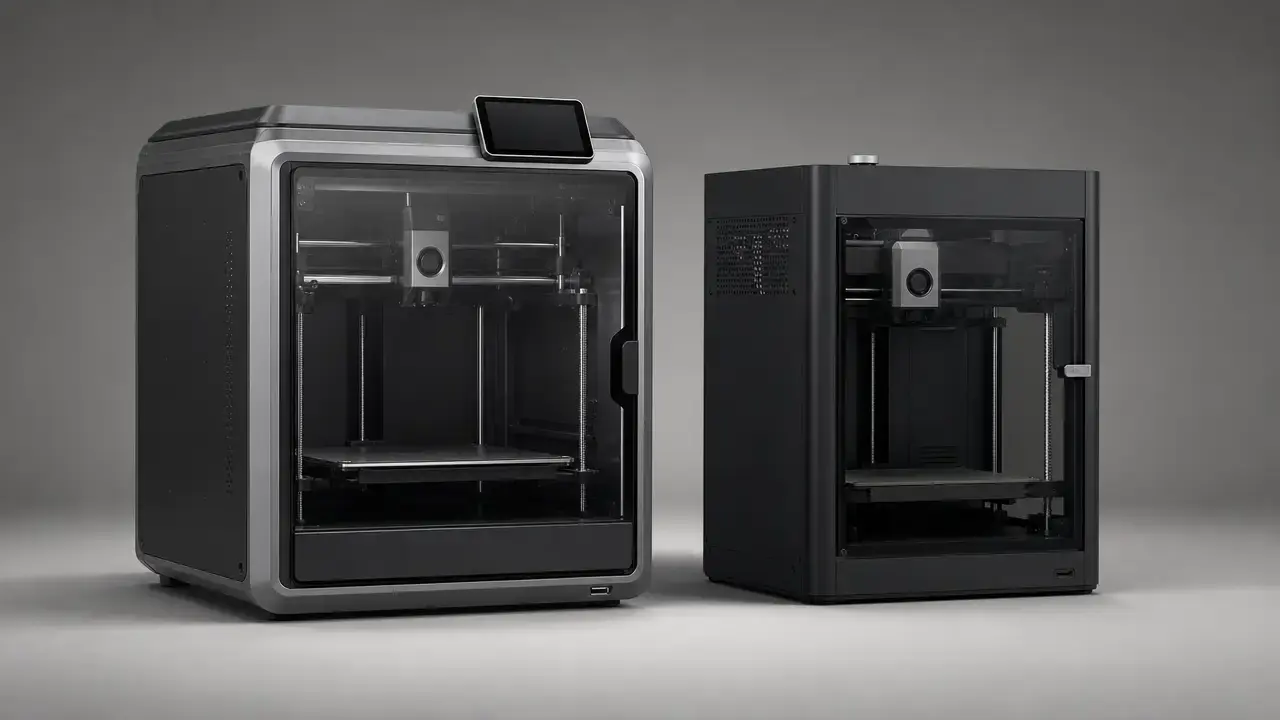
For most buyers, the creality k2 vs bambu p1s decision still leans toward the Bambu Lab P1S if your priority is a more tightly documented stock workflow with clearer published limits around slicer support, camera monitoring, hotend-flow test conditions, and reinforced-material guidance. The base K2 is slightly larger at 260 × 260 × 260 mm versus 256 × 256 × 256 mm, but that size gap is small in practice. [7] [10] [14] [16]
Do not read 600 mm/s versus 500 mm/s as a real-world print-time verdict. Throughput depends on acceleration, volumetric flow, cooling, minimum layer time, geometry, and the slicer profile actually used. Creality’s own K2-series footnote also lists 300 mm/s as the typical printing speed for all K2 models. The K2 base is rated to ≤600 mm/s and ≤20,000 mm/s², while the P1S is rated to 500 mm/s and 20 m/s², which is the same acceleration after unit conversion. [7] [9] [14]
The answer can change if multicolor automation, bundle value, or hotter enclosed engineering-material work is the main goal. Both ecosystems scale to 16 colors or materials with four feeder units, but the feeder constraints, purge overhead, humidity management, and chamber behavior are not the same. K2 Plus also belongs in a different thermal class from the base K2. [8] [10] [13] [15]
Who should buy which?
Use this short selector if you want the answer in one glance.
| Buyer priority | Pick | Why |
|---|---|---|
| Most clearly bounded stock workflow | Bambu Lab P1S | Its official documentation is more explicit about slicer support limits, camera rate, flow-test conditions, and reinforced-material guidance. [14] [16] |
| Slightly larger base-model build area | Creality K2 (base) | The K2 gives you 260 × 260 × 260 mm instead of 256 × 256 × 256 mm. [10] [14] |
| Larger, hotter enclosed engineering-material ambitions | K2 Plus, not base K2 | The base K2 has no chamber constant temperature, while K2 Plus adds a 60 °C chamber, 350 °C nozzle, and 120 °C bed. [10] |
| Multicolor headline capacity | Tie | Both platforms scale to 16 colors/materials with four feeder units. [8] [13] [15] |
| Stock CF/GF guidance matters | Avoid the P1S | The P1S spec marks carbon/glass fiber reinforced polymers as Not Recommended. [14] |
Side-by-side spec table
All figures below are manufacturer-published. Verify them again on publication day, and keep K2 Plus out of this main table so the base-model comparison stays clean. [7] [10] [14]
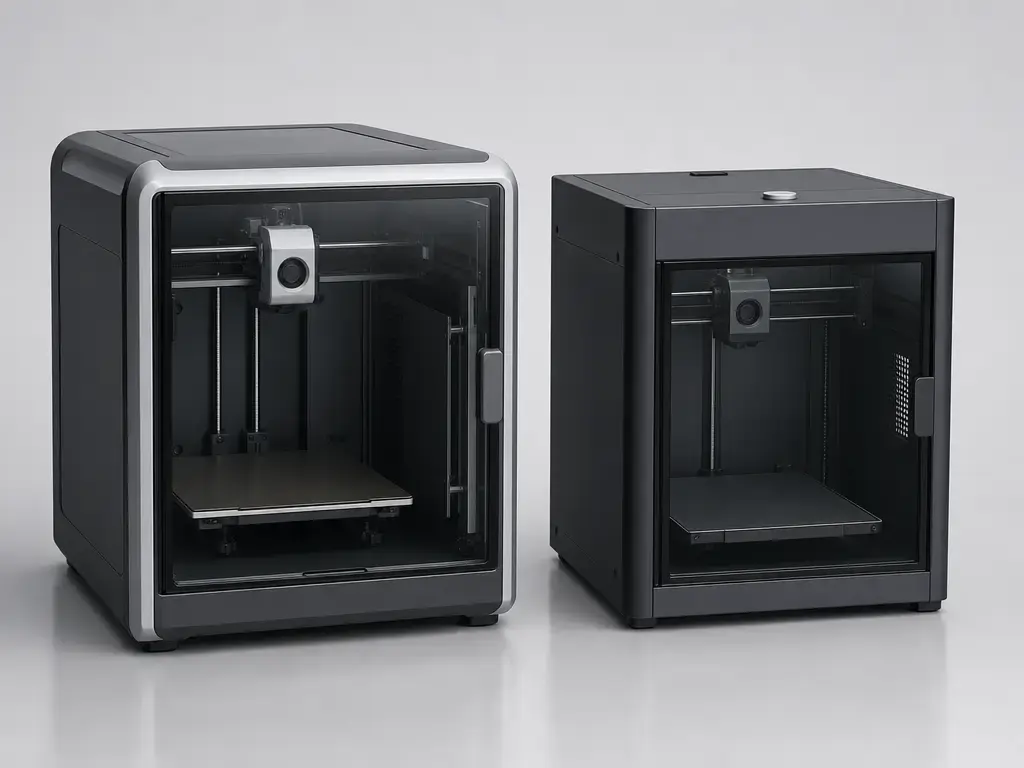
| Metric | Creality K2 (base) | Bambu Lab P1S | Why it matters |
|---|---|---|---|
| Build volume | 260 × 260 × 260 mm [10] | 256 × 256 × 256 mm [14] | The K2 is larger, but only slightly. |
| Max print speed | ≤600 mm/s [7] | 500 mm/s [14] | Headline speed is not the same as job throughput. |
| Acceleration | ≤20,000 mm/s² [7] | 20 m/s² [14] | These are equivalent after unit conversion. |
| Nozzle temperature | ≤300 °C [7] | 300 °C [14] | Hotend ceiling alone does not define material success. |
| Bed temperature | ≤100 °C [7] | 100 °C [14] | Bed heat matters for adhesion and warp control. |
| Chamber heating | No chamber constant temperature [10] | No official active heating spec found [14] | Enclosure behavior matters for ABS/ASA far more than marketing speed. |
| Stock nozzle material | Steel-tipped tri-metal [7] | Stainless steel [14] | Abrasive filaments raise wear questions quickly. |
| Multicolor headline capacity | Up to 16 with CFS [8] | Up to 16 with AMS [15] | Capacity parity does not mean identical workflow. |
| Camera monitoring | 1 × 720P @30fps [9] | 1280 × 720 / 0.5 fps [14] | Published camera specs tell you monitoring intent, not image quality. |
What actually differs
The small size gap is not the main story. More useful distinctions are material guidance, feeder constraints, and how clearly each company documents the software path. The K2 base and the P1S are both enclosed material-extrusion desktop printers, but their official documentation is organized differently. Creality splits important K2 facts across support pages, compare pages, and footnotes, while Bambu’s P1S sheet puts more limits and conditions in one place. [7] [9] [10] [14]
The size difference is 4 mm per axis: 260 mm versus 256 mm. Using the published dimensions, the K2’s build volume is 17,576,000 mm³ and the P1S volume is 16,777,216 mm³. That is a difference of 798,784 mm³, or about 4.8% in the K2’s favor. It is a real margin, but not a category jump. [10] [14]
It also helps to separate the buying packages. K2 (base), K2 Combo, K2 Plus, P1S, and P1S Combo are not interchangeable value propositions. The K2 Combo includes one CFS unit, and both platforms need four feeder units to reach their 16-color headline. [8] [9] [13] [15]
What the numbers really mean
In standards language, this printer class sits under material extrusion. ISO/ASTM 52900:2021 is the relevant vocabulary standard here. FDM and FFF are still the common desktop terms, but the important point is that the process, the machine, and the material form one system. A spec sheet is not a print result. [1]
Speed, acceleration, and volumetric flow are different bottlenecks. A printer can move fast in empty space but still print slowly if the hotend cannot melt enough polymer, if cooling needs more dwell time, if short layers trigger minimum-layer-time limits, or if the slicer caps speed to preserve corners and overhangs. NIST’s metrology work and later NIST process-optimization research reinforce the same lesson: print outcomes depend on the machine, the material, and the chosen parameters together. Every flow claim in this article therefore has to be read with its stated conditions. [3] [4]
Print quality is not one number either. It includes surface finish, ringing or ghosting, seam behavior, overhangs, dimensional error, and repeatability. Review literature also warns that chasing higher printing speed can worsen dimensional accuracy, while other studies identify layer thickness, wall print speed, and build orientation as significant for dimensional accuracy. One good-looking print can be lucky; repeatable output is the harder test. [5] [6]
Print quality: what we can say without in-house test data
A fair Creality K2 vs P1S print quality discussion only works under matched conditions. Hold nozzle size, filament brand and type, layer height, temperatures, cooling, wall count, wall order, seam placement, and orientation as steady as possible. If those differ, the print profile may explain more than the printer does. That is why a clean cube, a pretty Benchy, or one fast demo job should not settle the argument on its own. NIST’s benchmark framing is useful here because it treats output as a function of printer, material, and parameters together, not as a property of the chassis alone. [3] [6]
ISO/ASTM 52902 is the right standards anchor for a buyer-facing test plan because it covers geometric capability assessment using test artefacts, with stated purposes of AM system capability evaluation and AM system calibration. A compact protocol should therefore do two things: use one repeatable artefact concept for geometry and tolerance checks, then run a short parameter sweep across a few materials and layer heights so you can see whether the machine is stable or merely flattering one profile. [2] [3]
Vendor accuracy numbers should be treated only as vendor claims unless the method is disclosed. Creality publishes a “100 ± 0.1 mm” printing-accuracy figure on the K2 support page, but that page does not disclose a cross-printer comparison method, so the claim cannot decide this matchup on its own. [7]
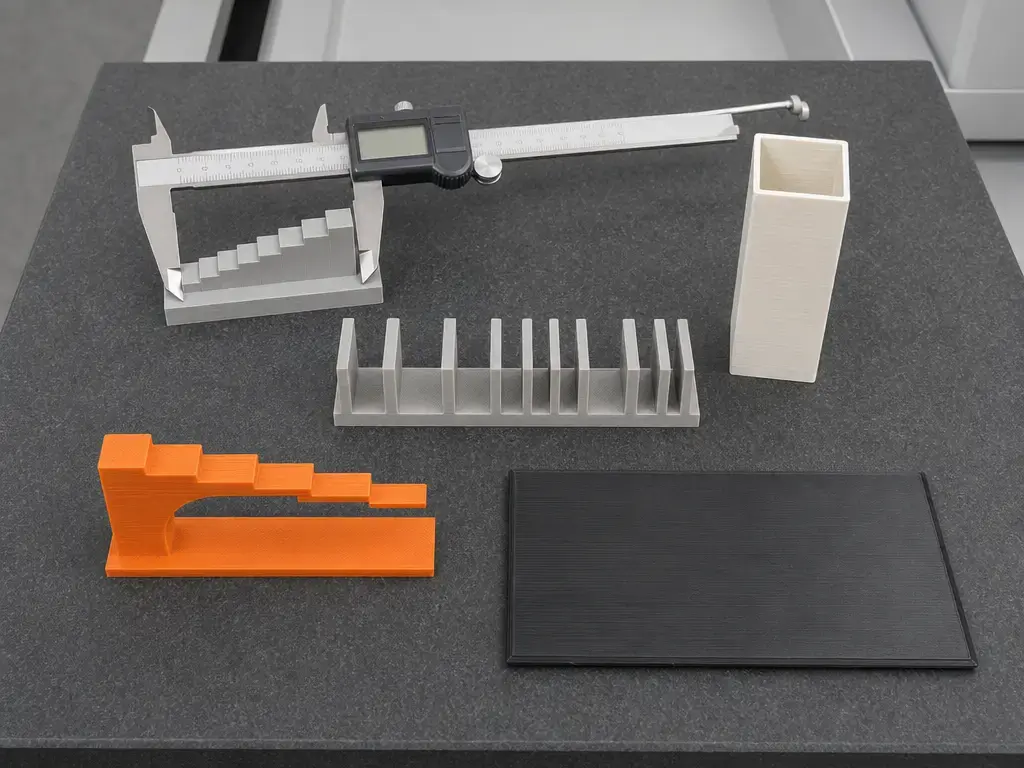
Print-quality checks to include:
- Ringing/ghosting tower
- Overhang/bridge test
- Clearance/tolerance gauge with multiple gaps
- Thin-wall test
- Flat ABS/ASA panel for warp checking, only where the material is appropriate
- Repeat a functional part 3× to check consistency
Print quality and speed in practice
The headline motion numbers are close enough that they should not be treated as a winner by themselves. The K2 base is rated to ≤600 mm/s and ≤20,000 mm/s², while the P1S is rated to 500 mm/s and 20 m/s². Those acceleration numbers are effectively the same after conversion: 20 m/s² equals 20,000 mm/s². Creality’s own K2-series footnote also lists 300 mm/s as the typical printing speed for all K2 models, which is a useful reminder that “max” and “everyday” are not synonyms. [7] [9] [14]
The more useful speed discussion is flow under stated conditions. Bambu lists 32 mm³/s for ABS at 280 °C on a 150 × 150 mm single-wall model using Bambu ABS. Creality lists 40 mm³/s for the K2 series, with the footnote only stating ABS at 280 °C. Because the Creality claim does not publish the same geometry, nozzle, or line-setting context, it is not directly comparable to Bambu’s number. [9] [14]
Speed claims to verify before publishing:
- Manufacturer profile used
- Material, temperature, and nozzle size
- Geometry or test model used for the flow claim
- Whether surface quality was held constant
- Real print-time example only if the same model and settings were actually tested
Multicolor & filament automation: CFS vs AMS
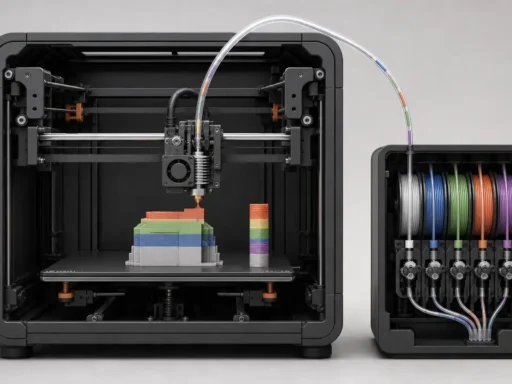
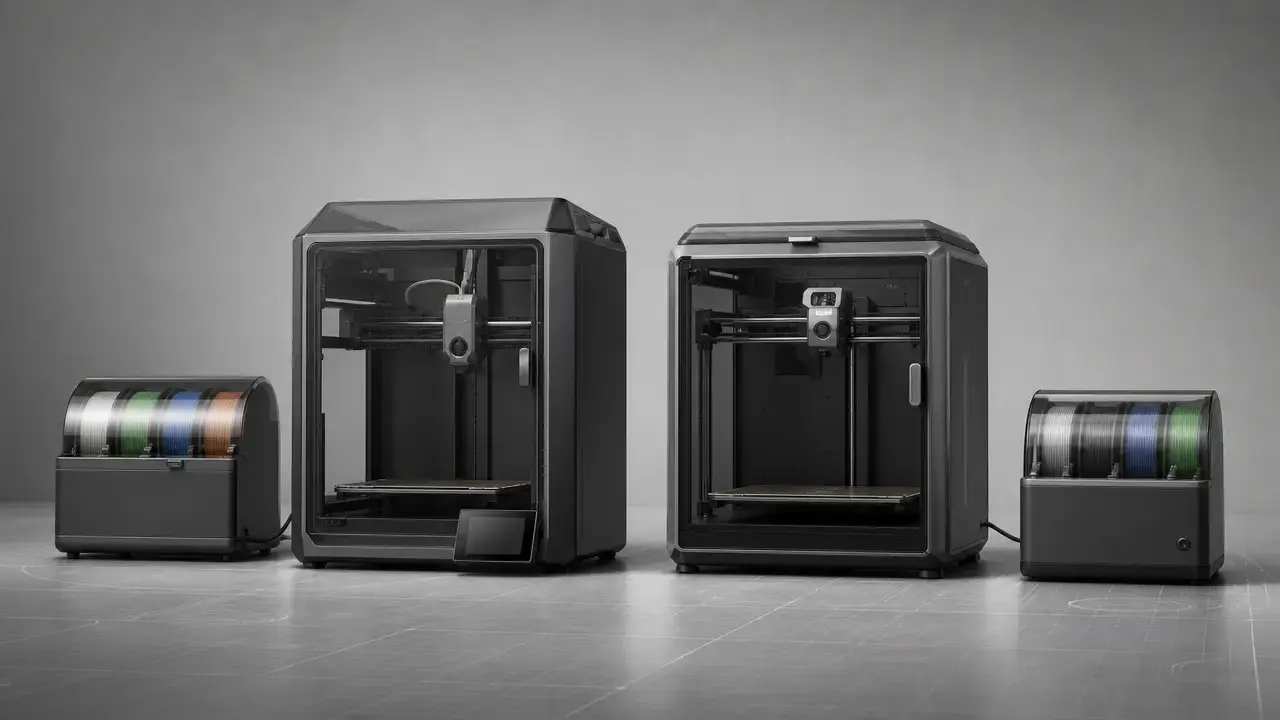
The multicolor headline is effectively a draw. Creality’s CFS has four silos and can expand to four units; the K2 series page says that gets you up to 16 colors. Bambu’s AMS has four slots, and the official blog says you can hook up up to four AMS units with a hub for up to 16 colors or materials. Neither platform wins this comparison on raw slot count alone. [8] [13] [15]
The practical differences are in the constraints. The CFS manual gives spool-fit limits of 1 kg, 197–202 mm spool diameter, and 42–68 mm spool thickness, and it flags moisture-sensitive water-soluble supports and soft filaments as incompatible. Creality’s help guide adds RFID-based color, material, and remaining-filament display, humidity indication, auto mapping, and automatic refill with matching filament settings. Bambu describes AMS as airtight, with a humidity sensor and desiccant slots, but says it still has to purge, does not like cardboard spools, and is not compatible with TPU. [12] [13] [15]
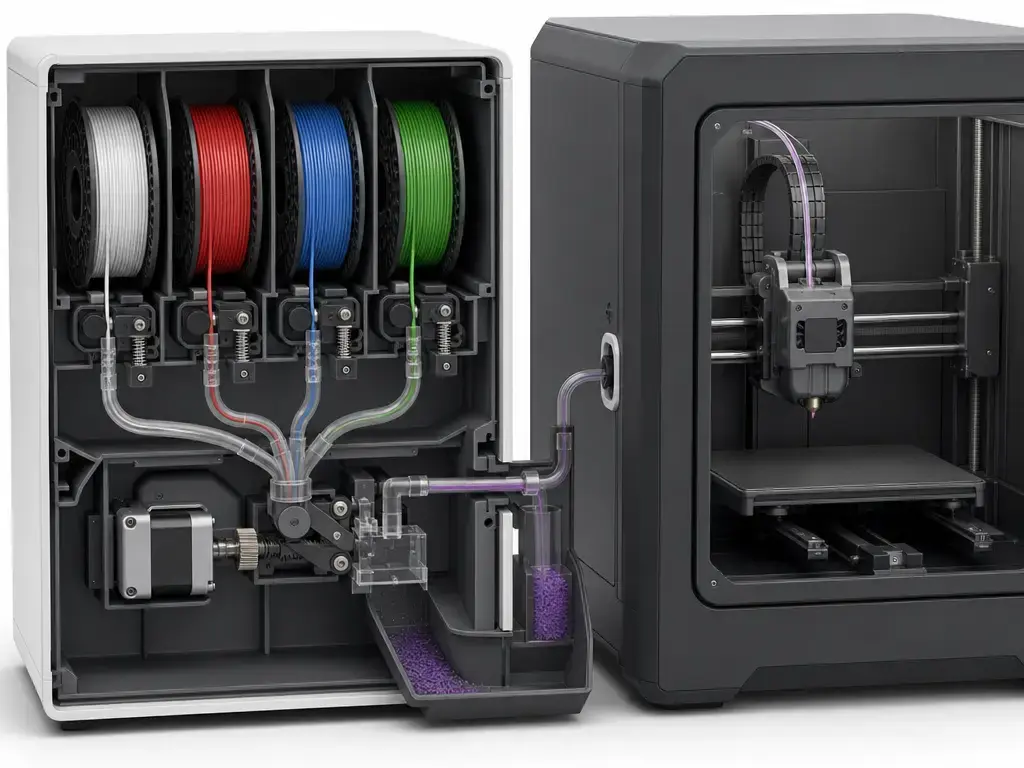
| Feature | Creality CFS | Bambu AMS | Buyer takeaway |
|---|---|---|---|
| Scale to 16 | Up to 4 units, up to 16 colors [8] [13] | Up to 4 AMS, up to 16 colors/materials [15] | Capacity parity does not mean equal convenience. |
| Humidity approach | Desiccant method [13] | Airtight enclosure, humidity sensor, desiccant slots [15] | Both manage moisture, but neither replaces good storage habits. |
| Filament identification | RFID supported; Creality Print can display color, material type, and remaining amount [12] [13] | RFID recognition described for Bambu filament in AMS workflow [15] | RFID improves convenience, not universal compatibility. |
| Key incompatibilities | Soft filaments and moisture-sensitive water-soluble supports flagged incompatible [13] | TPU incompatible; cardboard spools can jam the system [15] | Your existing spool inventory matters. |
| Switching overhead | Multicolor switching workflow adds time/material overhead [12] [13] | Purge waste explicitly required [15] | Single-nozzle automation always has a cost. |
Ecosystem and software
Creality’s K2 support page gives the base software baseline clearly enough: USB and Wi‑Fi file transfer, Creality Cloud integration, OTA firmware updates, and Creality Print 6.0 or newer. The K2 comparison page then adds base-model connectivity details: Wi‑Fi (2.4G), U disk, and a Creality 485 interface. Creality’s download center currently lists Creality Print V7.2.1.5476 dated August 4, 2026, and K2 firmware V1.1.4.1 dated March 18, 2026. [7] [10] [11]
Bambu’s P1S documentation is more explicit about the boundaries. The tech-spec PDF says third-party slicers that export standard G-code are supported, but certain advanced features may not be. The Bambu Studio repository further states that the networking plugin is based on non-free libraries, is optional, and that without it you can still print via SD card after slicing. Bambu Studio release notes also show ongoing LAN-mode-related workflow support in the software stack. [14] [16] [17]
Creality also markets “root access” on the K2 series page, but that remains a marketing claim at the series level here, not reliable confirmation of what every K2 base owner gets in the same way. That asymmetry is one reason the P1S is easier to describe concretely from official docs, even if its advanced third-party workflow is still bounded. [8] [14] [16]
Third-party slicer limitations to verify:
- Network printing path
- Multicolor mapping behavior
- Calibration hooks
- Camera or live-view integration
- OTA firmware update flows and account binding requirements
- Vendor presets availability and update cadence
Materials & enclosure performance
This is where the base K2 and the P1S stop looking symmetrical. The K2 base support page lists PLA, ABS, PETG, PLA-CF, and PET, while the model comparison page says the base model has no chamber constant temperature. The P1S has a 300 °C hotend, 100 °C bed, and activated carbon filter, but its cited spec sheet does not publish an active chamber-heating spec and explicitly marks carbon/glass fiber reinforced polymers as Not Recommended. [7] [10] [14]
K2 Plus is the Creality model that materially changes the thermal conversation. On the official comparison page it moves to a 350 × 350 × 350 mm build volume, 350 °C nozzle, 120 °C bed, and 60 °C chamber. That is why k2 plus vs p1s is a different question from base K2 vs P1S. Even then, abrasive wear and hygroscopic behavior still matter: a 300 °C or 350 °C nozzle does not automatically make reinforced polymers easy in stock form, and drying discipline remains central for nylons and similar materials. [10] [13] [14]
| Material class | K2 (base) | P1S | Notes/constraints |
|---|---|---|---|
| PLA / PETG / TPU | PLA and PETG are listed; TPU is not listed on the cited base-model support page. [7] | PLA, PETG, and TPU are listed on the P1S sheet. [14] | TPU success also depends on the feeder path and profile tuning. |
| ABS / ASA | ABS is listed, but the base K2 has no chamber constant temperature. [7] [10] | ABS and ASA are listed, but no official active chamber-heating spec is published in the cited PDF. [14] | Warp control depends more on enclosure behavior than on max hotend temperature alone. |
| PA / PC | No official base-model support listing found in the cited K2 support page. [7] | PA and PC are listed on the P1S spec sheet. [14] | Drying and dimensional control become the hard part quickly. |
| CF-filled | PLA-CF is listed; steel-tipped tri-metal nozzle helps, but broader abrasive use still needs caution. [7] | Carbon/glass fiber reinforced polymers are Not Recommended. [14] | “300 °C nozzle” is not the same as “stock CF-ready system.” |
Running costs and value
Prices move too often to treat them as stable facts. The clean way to compare value is to separate printer-only pricing from combo pricing, date-stamp the check, and verify the official store on the day you buy. If a same-day official figure is not captured reliably, it is better to say so than to print stale promo pricing. [8] [9] [11] [14]
The accessory math matters because multicolor economics are not symmetrical. K2 Combo includes one CFS unit, and both platforms only reach 16-color capacity after enough extra feeder hardware is added. AMS also carries purge overhead by design, while CFS spool-fit limits can force respooling or change what you can load at all. If your work is mostly single-material, these costs may barely matter. If you plan to use multicolor often, they matter immediately. [8] [9] [13] [15]
| Item | What’s included | Price (as of 2026-08-17) | Source |
|---|---|---|---|
| K2 (printer-only) | Printer only | No reliable figure found (price varies by region/promotion); verify on official store before purchase. | Creality product/download pages [8] [11] |
| K2 Combo | K2 + 1× CFS | No reliable figure found (price varies by region/promotion); verify on official store before purchase. | Creality K2 series pages [9] |
| P1S (printer-only) | Printer only | No reliable figure found (price varies by region/promotion); verify on official store before purchase. | Bambu Lab tech specs [14] |
| P1S Combo | Multicolor bundle; verify the exact accessory set on the official store before purchase. | No reliable figure found (price varies by region/promotion); verify on official store before purchase. | Bambu AMS docs [15] |
| Extra CFS unit | One additional feeder unit | No reliable figure found (price varies by region/promotion); verify on official store before purchase. | Creality CFS docs [13] |
| Extra AMS unit | One additional feeder unit | No reliable figure found (price varies by region/promotion); verify on official store before purchase. | Bambu AMS docs [15] |
Who should buy which: three buyer profiles
If you are upgrading from a bedslinger and want an enclosed printer with a clearer published stock workflow, pick the Bambu Lab P1S. The slight K2 size advantage is real, but the P1S is easier to assess against official documentation. [10] [14] [16]
If you are starting a small print farm, pick the P1S again unless you already know you want Creality’s feeder path or software stack. The reason is not raw motion speed. Bambu documents the third-party slicer boundary more plainly, while Creality spreads important K2 details across support pages, comparison tables, and footnotes. [7] [9] [14] [16]
If you are considering larger, hotter enclosed jobs, pick K2 Plus rather than the base K2 or the P1S. The 350 × 350 × 350 mm build volume, 350 °C nozzle, 120 °C bed, and 60 °C chamber make it the more relevant Creality comparison for that use case. [10]
Limitations & failure modes
Multicolor systems trade convenience for waste, time, and spool discipline. CFS has hard spool-fit limits and flags soft filaments plus moisture-sensitive water-soluble supports as incompatible. AMS explicitly says it still has to purge, is not compatible with TPU, and does not like cardboard spools. In both cases, dry storage still matters. [13] [15]
There are also material and monitoring limits. The base K2 has no chamber constant temperature, which raises the difficulty of warp-prone parts even with a 300 °C nozzle. The P1S camera is only 1280 × 720 at 0.5 fps, so it is better for status checks than for detailed motion review. As for reliability, there is still insufficient independent measured long-run data here to turn scattered anecdotes into proof. [10] [14]
Bottom line
If you want the simpler default answer, the creality k2 vs bambu p1s comparison still leans toward the Bambu Lab P1S for most buyers. Its official documentation is easier to read as a complete stock workflow, and its limits are stated more plainly. The base K2 is not a bad machine, but its slightly larger build volume and faster headline motion spec do not automatically produce faster or better real jobs. [9] [10] [14] [16]
Choose the K2 base only if you prefer Creality’s workflow, want its feeder ecosystem, or find a materially better same-day bundle. If your real need is hotter enclosed engineering-material work, the better Creality comparison is K2 Plus, not base K2. [9] [10]
FAQ
Which is faster in real prints: Creality K2 or Bambu Lab P1S?
Neither max-speed number decides the job by itself. The K2 base is rated to ≤600 mm/s and the P1S to 500 mm/s, but both can be limited by acceleration, flow, cooling, and slicer settings. The P1S flow claim is 32 mm³/s under a defined ABS test condition, while Creality’s 40 mm³/s claim only publishes partial conditions, so it is not directly comparable. [7] [9] [14]
Creality K2 vs P1S print quality: which is better?
There is no reliable universal winner without matched testing. Hold nozzle, filament, layer height, cooling, seam strategy, and wall settings steady, then compare ringing, bridges, tolerances, thin walls, and repeatability. ISO/ASTM 52902 is useful because it frames geometric capability assessment around test artefacts and calibration, not just one attractive demo print. [2] [3] [6]
Does the Creality K2 have a bigger build volume than the Bambu P1S?
Yes, but only slightly. The K2 base is 260 × 260 × 260 mm, while the P1S is 256 × 256 × 256 mm, so the K2 gains 4 mm on each axis. In derived volume terms, that is about a 4.8% larger build volume, not a major class jump. [10] [14]
Is K2 Plus vs P1S a fair comparison?
Only for a specific buyer. K2 Plus brings a 350 × 350 × 350 mm build volume, 350 °C nozzle, 120 °C bed, and 60 °C chamber, so it changes the material and part-size conversation immediately. That makes it a better fit for larger or hotter enclosed jobs, but it is not a direct peer to the P1S on size, weight, or likely budget. [10]
Which is better for ABS/ASA: K2 base or P1S?
Neither is a universal winner. The base K2 officially lists ABS support, but it has no chamber constant temperature. The P1S sheet lists ABS and ASA, but the cited PDF does not publish an active chamber-heating spec. For both printers, enclosure behavior, cooling control, adhesion, and part geometry often matter more than the hotend ceiling alone. [7] [10] [14]
Do CFS and AMS waste filament in multicolor prints?
Yes. That is intrinsic to single-nozzle switching workflows. Bambu states it explicitly: AMS still has to purge and filament switches still take time. CFS also brings practical constraints such as spool-fit limits and incompatibility notes for soft filaments and moisture-sensitive water-soluble supports. The real question is whether that waste and handling overhead are acceptable for your job mix. [13] [15]
Can I use third-party slicers with the P1S, and what breaks?
Yes, but with limits. Bambu says the P1S supports third-party slicers that export standard G-code, while warning that certain advanced features may not be supported. Bambu Studio’s repository also says the optional networking plugin is based on non-free libraries, and without it you can still print via SD card after slicing. The features to verify are network printing, multicolor mapping, calibration hooks, camera integration, and firmware-update flow. [14] [16] [17]
Sources
- ISO/ASTM 52900:2021, Additive manufacturing — General principles — Fundamentals and vocabulary. Standard. https://www.iso.org/standard/74514.html?browse=tc
- ISO/ASTM 52902:2023, Additive manufacturing — Test artefacts — Geometric capability assessment of additive manufacturing systems. Standard. https://www.iso.org/standard/79683.html
- NIST, 3D Printing Metrology. Government/scientific overview. https://www.nist.gov/mml/mmsd/surface-and-trace-chemical-analysis-group/3d-printing-metrology
- NIST, Optimization of fused filament fabrication process parameters under uncertainty to maximize part geometry accuracy. Government/scientific publication record. https://www.nist.gov/publications/optimization-fused-filament-fabrication-process-parameters-under-uncertainty-maximize
- Polymers review PDF on FDM/FFF process parameters and quality tradeoffs. Scientific review. https://mdpi-res.com/d_attachment/polymers/polymers-14-00886/article_deploy/polymers-14-00886.pdf
- Experimental study of surface roughness, dimensional accuracy and time of fabrication of parts produced by fused deposition modelling. Scientific abstract. https://www.sciencedirect.com/science/article/abs/pii/S1355254620000324
- Creality, K2 support/spec page. Manufacturer support/specs. https://www.creality.com/support/k2-series-3d-printer
- Creality, K2 Series product page (EN). Manufacturer product page. https://www.creality.com/products/k2-series-3d-printer
- Creality, K2 Series product page (RU) with footnotes. Manufacturer product page. https://www.creality.com/ru/products/k2-series
- Creality, K2 Series model comparison page (CN). Manufacturer comparison page. https://www.creality.cn/products/k2-series
- Creality, Download Center — K2 Series. Official documentation/download page. https://www.creality.com/download/k2-series-3d-printer
- Creality, Help guide: using CFS on Creality Print. Official documentation. https://www.creality.com/help/help-guide-to-using-cfs-on-the-creality-print
- Creality, CFS user manual PDF. Official documentation. https://wiki.creality.com/products/cfs/%E8%AF%B4%E6%98%8E%E4%B9%A6%E4%B8%AD%E8%8B%B1/cfs-sm-002_user_manual%28de%29.pdf
- Bambu Lab, P1S tech specs PDF. Manufacturer spec sheet. https://cdn.shopify.com/s/files/1/0611/4036/9460/files/bambu-lab-P1S-tech-specs.pdf?v=1689302935
- Bambu Lab, AMS explained in detail. Official manufacturer blog. https://blog.bambulab.com/ams/
- Bambu Lab, Bambu Studio GitHub repository. Official software documentation/repository. https://github.com/bambulab/BambuStudio
- Bambu Lab, Bambu Studio releases page. Official release notes. https://github.com/bambulab/BambuStudio/releases