
Verdict
For creality k2 pro vs k2 plus, the clearer winner is the K2 Plus if you will actually use the larger nominal build volume and higher thermal headroom. Creality lists it at 350 × 350 × 350 mm, versus 300 × 300 × 300 mm for the K2 Pro, along with a 350 °C nozzle and 120 °C bed instead of 300 °C and 110 °C. The K2 Pro makes more sense if you want a smaller, lighter machine rather than the biggest envelope and highest temperature ceiling. [1]
The gap is wider than the volume numbers suggest. Both models are advertised at 600 mm/s max claimed speed, but Creality’s comparison page rates the K2 Plus for 30,000 mm/s² acceleration versus 20,000 mm/s² on the K2 Pro. It also lists auto-adjusted belt tensioning, 2 auxiliary cooling fans, 2 air filters, and a 1080P @30fps chamber camera instead of the K2 Pro’s manual belt tensioning, single fan, single filter, and 720P @30fps camera. Creality still labels K2 Plus smart auto leveling as “Available via Firmware Update” on the comparison page, even though current firmware-upgrade procedures show Auto Leveling as a selectable calibration option. Creality’s own pages also conflict on K2 Pro external dimensions, so clearance planning deserves a manual-versus-store cross-check. [1] [7] [2] [11]
At-a-glance spec table
The table below uses manufacturer and support-page figures rather than lab measurements. Where Creality’s own pages disagree, the conflict is called out later instead of being silently “fixed.” For creality k2 plus vs k2 pro, the biggest practical differences are print volume, acceleration, thermal ceiling, weight, and the amount of supporting hardware around the CoreXY platform. [1] [4] [5]
| Spec | K2 Pro | K2 Plus | Why it matters |
|---|---|---|---|
| Nominal build volume | 300 × 300 × 300 mm | 350 × 350 × 350 mm | Part size and batch capacity |
| Max speed (claimed) | 600 mm/s | 600 mm/s | Same headline speed, not necessarily same real throughput |
| Max acceleration (claimed) | 20,000 mm/s² | 30,000 mm/s² | Matters more on short moves and travel-heavy prints |
| Nozzle temp (claimed) | 300 °C | 350 °C | More thermal headroom, not a blanket material certification |
| Bed temp (claimed) | 110 °C | 120 °C | More adhesion and warp-control headroom |
| Chamber temp (claimed) | 60 °C | 60 °C | Same ceiling does not prove same stability |
| Net weight | 23.7 kg | 35 kg | Moving, lifting, and bench demands |
| Belt tensioning | Manual | Auto adjusted | Different maintenance workflow |
| Chamber camera | 1 × 720P @30fps | 1 × 1080P @30fps | More monitoring detail on the Plus |
| Auxiliary cooling fans | 1 | 2 | More part-cooling hardware on the Plus |
| Air filters | 1 | 2 | More enclosure-side filtration hardware on the Plus |
| Auto leveling status | Yes | Available via firmware update | K2 Plus wording is firmware-dependent |
All figures in the table come from Creality’s K2 Series comparison page; the K2 Plus auto-leveling row is best read alongside Creality’s firmware-upgrade guidance, which shows Auto Leveling as a current calibration option. [1] [7]
In short, k2 plus vs k2 pro is not a close match on hardware capacity. The Plus has the larger nominal envelope, higher claimed acceleration, higher nozzle and bed ceilings, more mass, and more supporting hardware, while the Pro stays smaller and lighter. [1]
What actually differs in practice
The k2 plus vs k2 pro decision comes down to four constraints: how large a part you need to print, how much bench space the machine can take, how much thermal headroom you want, and how much extra hardware you want to manage. The K2 Plus gives you a 350 × 350 × 350 mm nominal envelope instead of 300 × 300 × 300 mm, along with higher claimed acceleration and hotter nozzle and bed limits, so it fits buyers who care more about part size or material window than compactness. [1]
It is also not just a stretched Pro. Creality lists the Plus with step-servo motors on the X/Y/Z axes and extruder, while the Pro is listed for the X/Y axes and extruder. The Plus also adds dual auxiliary fans, dual air filters, auto-adjusted belt tensioning, and a higher-resolution chamber camera. Equal headline speed does not mean equal job time, because acceleration and the surrounding motion system still shape how the printer spends time between moves. [1]
Specs that matter (official numbers, not lab results)
These are manufacturer or official-support claims, not independent lab measurements, and some official Creality pages disagree on secondary details. The most useful way to read creality k2 pro review comparison material is to separate the headline features from the numbers that actually change printing behavior: nominal build volume, acceleration, thermal limits, and the hardware that supports those subsystems. [1] [4] [5]
On the motion and thermal side, Creality lists the K2 Pro at 20,000 mm/s², 300 °C nozzle, 110 °C bed, and 60 °C chamber, while the K2 Plus is listed at 30,000 mm/s², 350 °C nozzle, 120 °C bed, and 60 °C chamber. The Plus also changes the support stack: auto belt tensioning instead of manual tensioning, 2 auxiliary fans instead of 1, 2 air filters instead of 1, and a 1080P camera instead of 720P. Creality also repeats the same vendor accuracy figure, 100 mm ± 0.1, across product and support pages for both machines, but the reviewed pages do not state the full test conditions behind that number. That is why the safer comparison frame is measurement-based: ISO/ASTM 52902 is about geometric capability assessment, and NIST’s AM test-artifact work is useful context for how printers should be evaluated, not proof of how these two specific machines will perform in a shop. [1] [4] [5] [14] [15]
Build volume and what the 50 mm per axis changes
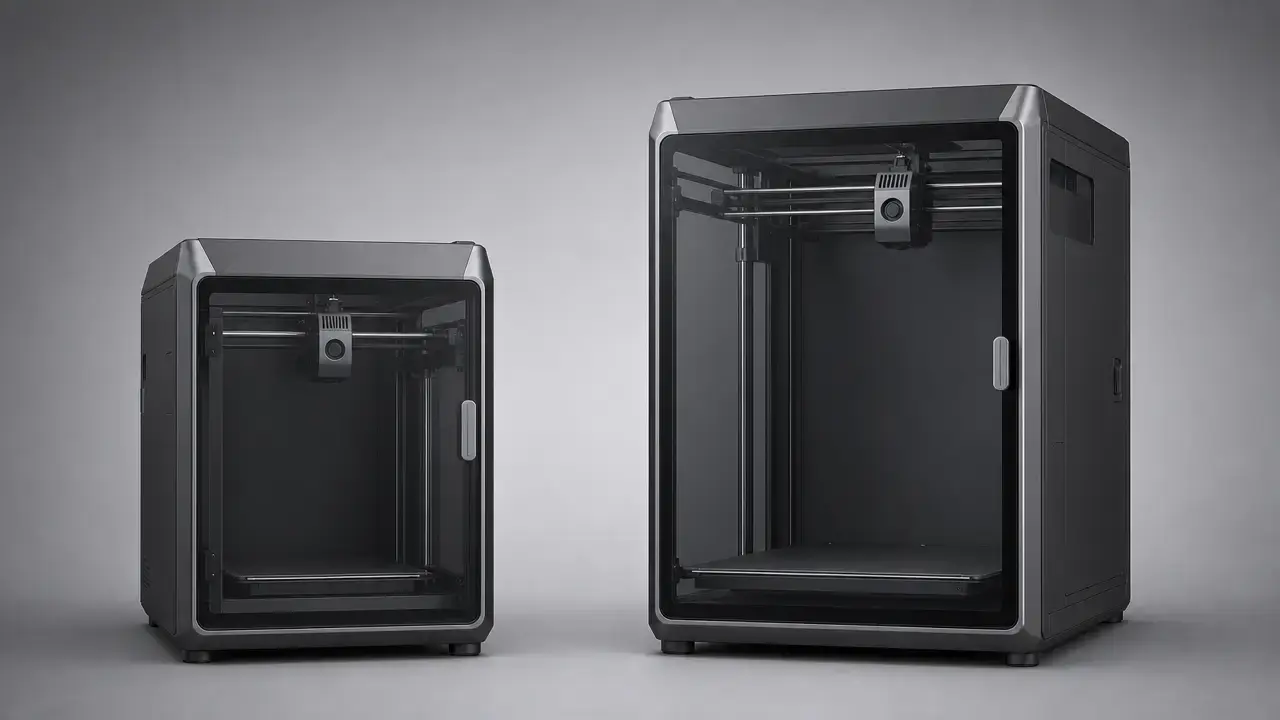
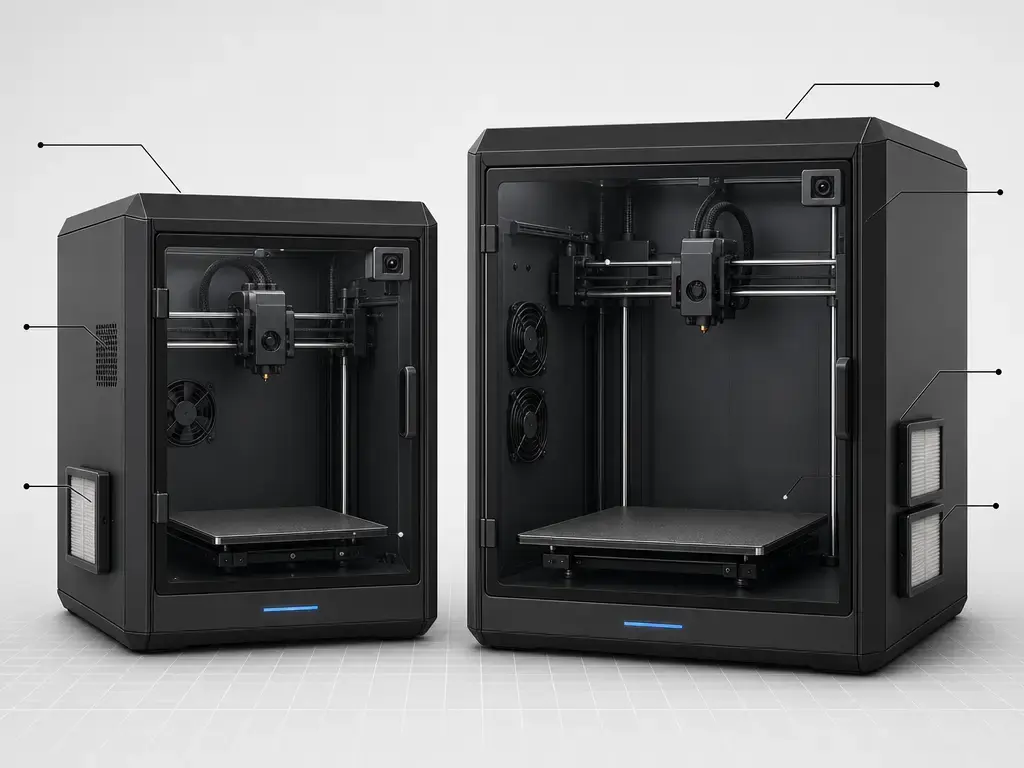
The nominal build volume is 300 × 300 × 300 mm on the K2 Pro and 350 × 350 × 350 mm on the K2 Plus, so the Plus adds 50 mm on each axis. For creality k2 plus print volume comparison, that is still the single biggest sizing difference. [1]
In practice, the extra envelope matters most when a part would otherwise need splitting, when a tall prototype is close to the Z limit, or when a plate of multiple parts needs more room between copies. If you regularly print helmets, masks, enclosure panels, larger fixtures, classroom organizers, or larger functional parts in materials like PETG, ASA, or ABS, the K2 Plus gives you more design margin before you have to reorient or redesign the job. [1]
The key distinction is nominal envelope versus usable job area. The spec sheet tells you the machine’s claimed maximum space, but real jobs can lose practical area to purge structures in multicolor prints, brims for difficult materials, supports, and part spacing. No reliable figure found supports a universal “usable area reduction” percentage, because the loss depends on the model, toolpath, and material. [1]
- Choose K2 Plus volume if you regularly print one-piece helmets or masks, tall prototypes that push Z height, large storage or organizer modules, multi-copy plates, or larger functional parts where extra room helps with brims and supports. [1]
- Choose K2 Pro volume if your parts fit comfortably inside 300 × 300 × 300 mm and you would rather save space and weight than buy unused envelope. [1]
Footprint, external dimensions, and handling
On the bench, the machines are not interchangeable. Creality lists the K2 Plus machine body at 495 × 515 × 640 mm and 35 kg, while the K2 Pro comparison page lists 445 × 477 × 573 mm and 23.7 kg. That is a meaningful difference in footprint and handling: the Plus asks for more bench space and more confidence in the surface underneath it, while the Pro is easier to lift, move, and fit into a tighter setup. [1]
The K2 Pro needs one explicit warning. Creality’s comparison page and user manual both point to 445 × 477 × 573 mm as the machine-body figure, but the Creality Store page also publishes 445 × 505 × 850 mm as “K2 Pro Dimensions.” The store page does not explain what the taller figure includes, so buyers should not assume every Creality page is measuring the same boundary. Treat 445 × 477 × 573 mm as the body-size figure corroborated by the manual, and treat 445 × 505 × 850 mm as a conflicting store-listed dimension that needs seller or manual confirmation for the exact configuration you plan to buy. [1] [2] [11]
Creality’s K2 Plus combo page also publishes 620 × 590 × 708 mm for the combo package, which is useful for shipping and unpacking planning but should not be confused with printer-body footprint on a bench. In practice, leave extra room for rear cables, top access, door swing, and CFS placement rather than planning only around the nominal body box. [3]
Print quality and speed in practice
Creality gives both printers the same max claimed speed of 600 mm/s, but that headline should not be read as normal throughput. On the K2 Series product page, Creality adds a footnote that the typical printing speed for all K2 models is 300 mm/s. That is the more useful expectation-setting number for ordinary slicing profiles and ordinary geometry. In other words, 600 mm/s is a ceiling figure, while real jobs spend much of their time below that because of acceleration limits, part geometry, layer height, cooling needs, and non-printing travel moves. [1]
Acceleration is where the two models part ways on paper: 20,000 mm/s² for the K2 Pro and 30,000 mm/s² for the K2 Plus. That difference matters most on short segments, frequent direction changes, and travel-heavy toolpaths where the printer may never hold top speed for long. It is useful evidence that equal 600 mm/s marketing numbers do not guarantee equal completion times, but it is not a fixed percentage speedup you can apply to every print. [1]
Independent review context supports that caution. In Tom’s Hardware’s K2 Pro Combo review, a presliced four-color Benchy printed in 35 minutes, and the reviewer also noted substantial purge waste in self-sliced multicolor work because of the long hotend melt zone. In Tom’s Hardware’s K2 Plus review, the reviewer let the bed heat-soak for 15 minutes before judging PETG first-layer quality. Those are source-specific observations, not general laws, but they are good reminders that multicolor jobs, thermal soak, and slicer choices all affect real print time and quality beyond the speed line on a spec sheet. [16] [17]
Running costs and CFS workflow constraints
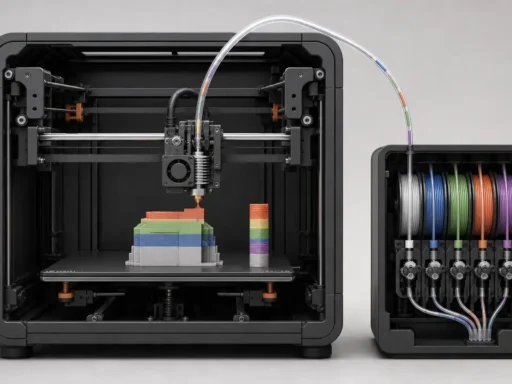
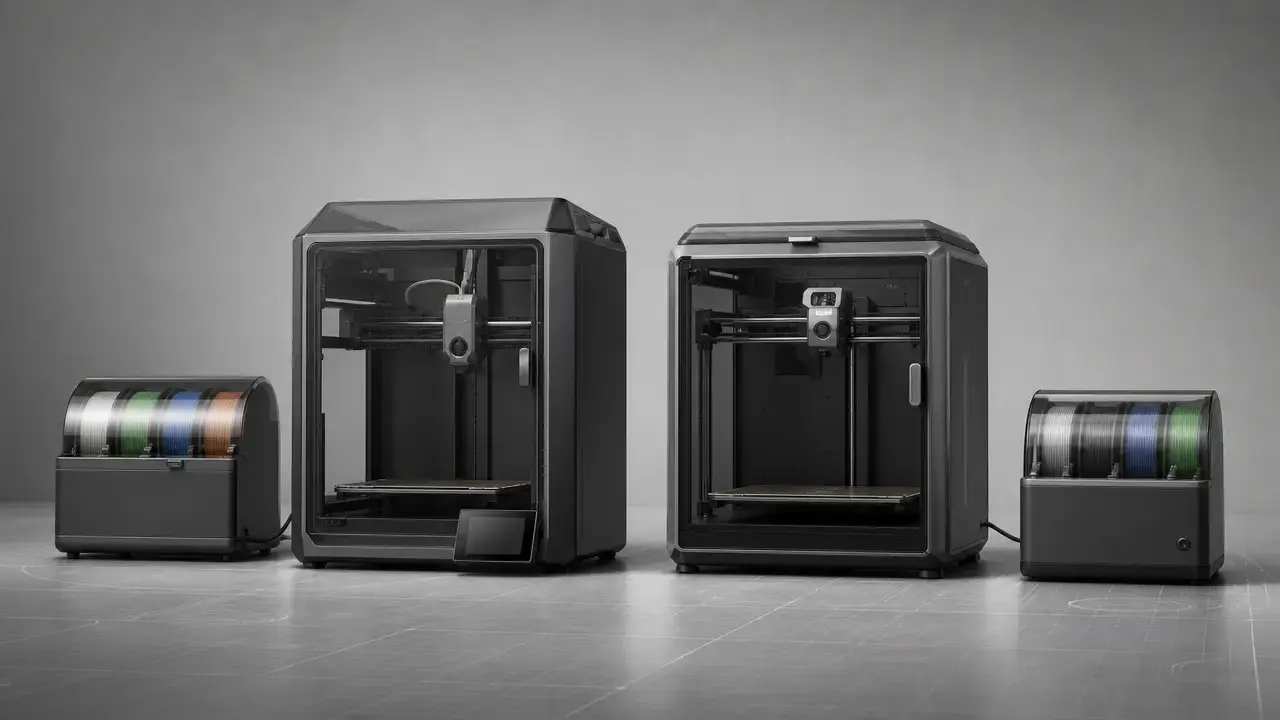
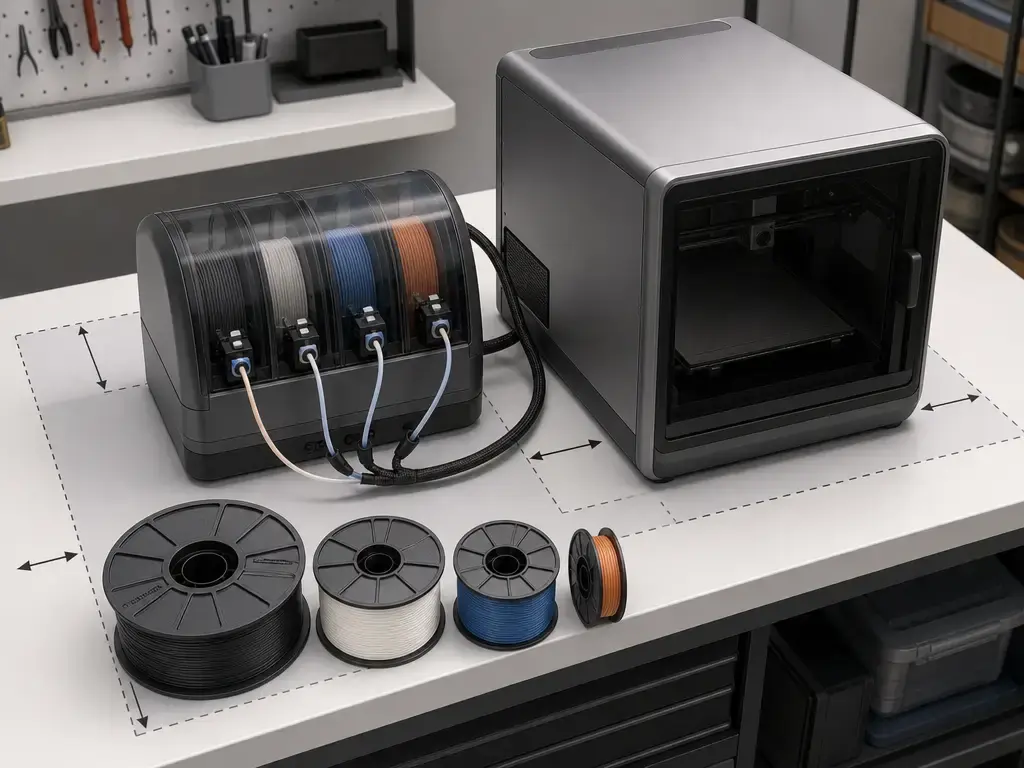
Creality’s CFS is a 4-slot filament-switching unit, and the platform advertises support for up to 16 colors when as many as 4 CFS units are linked together. The K2 Plus Combo does not include four CFS units; Creality says it includes one CFS unit, and a full 16-color setup requires three additional units. [1] [3]
The CFS is also a physical module, not just a software feature. Creality lists it at 379 × 314 × 276 mm and 4.56 kg, with 4 slots, support for up to 4 linked units, 1.75 ± 0.05 mm filament diameter, and spool limits of 197–202 mm diameter and 42–68 mm thickness. That is why CFS placement needs to be planned as part of the workstation, not added as an afterthought. [2] [3]
For materials, the important split is printer-side printing versus CFS handling:
- Printable on the printer side: the K2 Pro support page includes TPU95A in its supported-filament list, while the K2 Plus support page’s short list omits TPU but Creality’s wiki separately documents a TPU workflow for K2 Plus on the printer side with changed settings and disabled auto-calibration steps. [4] [5] [9]
- CFS handling limits: Creality says the CFS is not compatible with flexible TPU, damp BVOH/PVA, or warped cardboard spools, and the K2 Plus filament-parameters page explicitly warns not to use CFS to feed TPU. [2] [3] [8]
The practical takeaway is simple: a printer may be able to extrude a filament from a side spool or direct feed while the CFS still cannot manage that same filament reliably. That matters more than a simple “supports TPU” or “supports water-solubles” headline when your actual goal is automated multi-material workflow rather than single-material printing. [4] [5] [8] [9]
- CFS reality-check before you buy
- Confirm whether you want multicolor printing or only easier loading and refill behavior. [1] [3]
- Check that your usual spools fit the stated 197–202 mm diameter and 42–68 mm thickness limits. [2] [3]
- Do not assume TPU will run through CFS just because the printer can print TPU by another feed path. [4] [8] [9]
- Treat the CFS as a separate piece of bench hardware that needs physical space and cable routing. [2] [3]
- Confirm what a Combo listing actually includes, because one bundle is not automatically a full 4-CFS / 16-color setup. [3] [1]
Ecosystem, calibration, and monitoring hardware
Creality’s comparison page marks Smart Auto Leveling as Yes for the K2 Pro and Available via Firmware Update for the K2 Plus, so the safest way to describe the K2 Plus feature is still firmware-dependent rather than a flat yes. At the same time, current Creality wiki procedures for K2 Series firmware upgrading tell users to go into detection options and tick “Input Shaping” and “Auto Leveling.” On the support pages available at the access date, the K2 Pro firmware was listed as V1.1.4.1 dated March 18, 2026, and the K2 Plus firmware was listed as V1.1.4.11 dated January 18, 2026, but no reliable figure found identifies the exact firmware change-point that reconciles the comparison-table wording for the Plus. [1] [4] [5] [7]
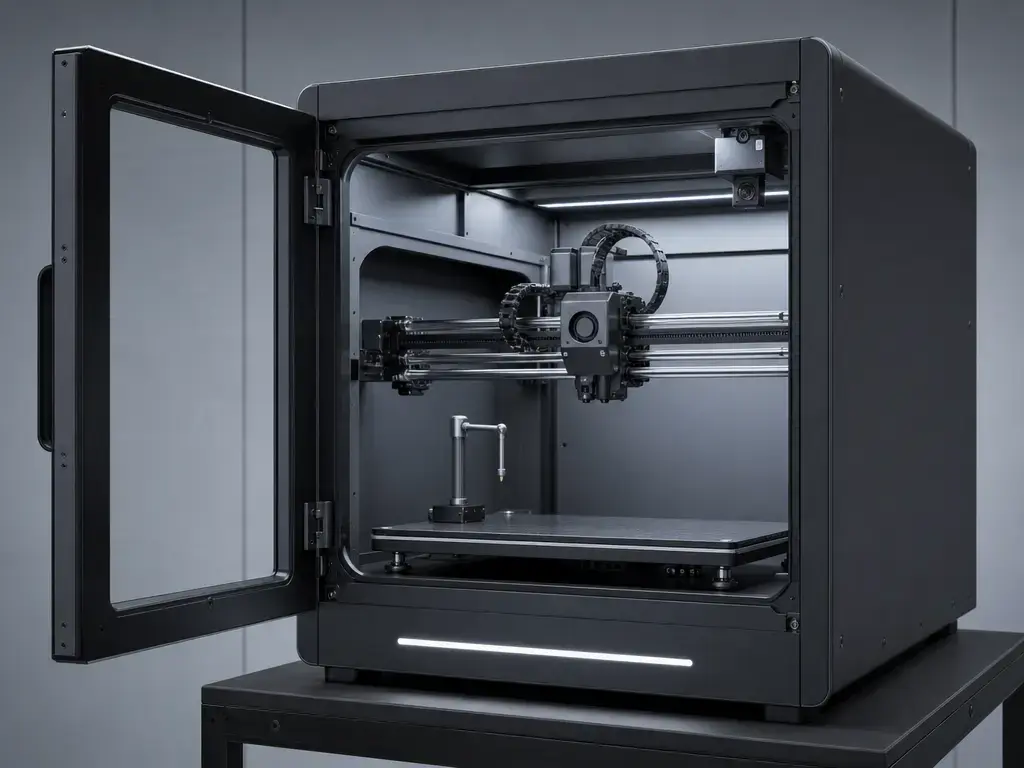
For monitoring, the difference is straightforward hardware rather than proof of smarter failure prediction. The K2 Plus is listed with 1 × 1080P @30fps chamber camera, while the K2 Pro is listed with 1 × 720P @30fps. That mainly changes how much detail you can see remotely or in a time-lapse. It does not prove that either machine is inherently better at detecting print failures, so the camera should be treated as a visibility feature, not a substitute for sane slicing and first-layer checks. [1]
Material support, thermals, and the layer-height conflict
Thermally, the K2 Plus has more headroom on paper: a 350 °C nozzle and 120 °C bed, versus 300 °C and 110 °C on the K2 Pro. Both are listed at a 60 °C max chamber temperature on Creality’s comparison page. That matters because higher ceilings widen the range of material profiles you can attempt, but those numbers are not a certification of quality, consistency, or success with every spool that fits the temperature window. [1]
The chamber note on the K2 Pro is worth reading literally. Creality’s wiki says that when ambient temperature is below 15 °C and local voltage is 110 V, the chamber may not reach the target temperature. So the same nominal 60 °C chamber ceiling on both models should not be read as proof of equal stability, equal warm-up time, or equal temperature uniformity in every room and power environment. [10] [1]
The K2 Pro layer-height numbers are inconsistent across official Creality pages. The store page lists 0.05–0.3 mm, while the support page and buying guide list 0.1–0.35 mm. The K2 Plus support page lists 0.05–0.3 mm. The safe interpretation is not to pick a favorite range and call it truth, but to recognize that layer height is a profile choice shaped by nozzle size, material, and slicer settings rather than a direct proxy for dimensional accuracy. [2] [4] [5] [6]
Maintenance and ownership trade-offs
The K2 Plus is the more demanding machine to place and move. At 35 kg, it is materially heavier than the 23.7 kg K2 Pro, and Creality also lists more support hardware around the motion system in the form of auto-adjusted belt tensioning, 2 auxiliary cooling fans, and 2 air filters. That does not make it automatically harder to own, but it does mean the ownership experience is less minimal. Independent review context also suggests that warm-up discipline can matter on enclosed machines: Tom’s Hardware’s K2 Plus reviewer used a 15-minute bed heat soak before judging PETG first-layer quality. [1] [16]
The K2 Pro is the lighter and simpler machine in that sense. Creality lists manual belt tensioning, 1 auxiliary cooling fan, and 1 air filter, and its lower nozzle and bed ceilings leave less thermal margin than the Plus. In independent review context, Tom’s Hardware also flagged TPU printing as challenging on the K2 Pro Combo. That is not proof that TPU is impossible on every K2 Pro, but it is a reminder that workflow difficulty is not captured by spec tables alone. [1] [17]
Who should buy which
-
Smaller-workspace maker or educator — K2 Pro. If your priority is a lighter machine that is easier to place, lift, and fit into a tighter bench setup, the K2 Pro is the better pick. It keeps the 300 × 300 × 300 mm nominal envelope, lower 23.7 kg mass, and simpler manual belt-tensioning setup. [1]
-
Prototyper who needs larger one-piece parts or more thermal headroom — K2 Plus. If you regularly print larger functional parts, want the 350 × 350 × 350 mm nominal envelope, or care about the 350 °C nozzle and 120 °C bed ceilings, choose the K2 Plus. Its higher claimed 30,000 mm/s² acceleration and richer hardware stack fit that use case better than the Pro. [1]
-
Multicolor buyer balancing CFS limits and desk space — K2 Plus, but only if you want the CFS workflow. The K2 Plus Combo includes one CFS unit, not a full 4-unit / 16-color setup, and the CFS itself is not compatible with flexible TPU, damp BVOH/PVA, or warped cardboard spools. If you truly want CFS-based multicolor printing and have room for the module, the Plus is the right direction; if you mainly want a smaller printer and simpler placement, the Pro is the cleaner buy. [2] [3] [1]
FAQ
Is Creality K2 Pro vs K2 Plus mostly a size difference?
No. The K2 Plus is not just a larger box: Creality also lists higher claimed acceleration, hotter nozzle and bed limits, auto-adjusted belt tensioning, more auxiliary fans and air filters, and a higher-resolution chamber camera. [1]
What is the print volume difference between K2 Plus and K2 Pro?
The K2 Plus is listed at 350 × 350 × 350 mm, while the K2 Pro is listed at 300 × 300 × 300 mm. That is a 50 mm difference on each axis in nominal build volume. [1]
Does the full nominal build volume stay usable for multicolor jobs?
Not always. The published volume is the nominal envelope, but real jobs can give up practical area to purge structures, supports, brims, or conservative part spacing. No reliable figure found supports one universal usable-volume percentage for all multicolor or warp-prone prints. [1]
Does K2 Pro print as fast as K2 Plus if both claim 600 mm/s?
Not necessarily. Creality lists 600 mm/s as the max claimed speed for both, but also says the typical printing speed for all K2 models is 300 mm/s. The K2 Plus also carries a higher claimed acceleration of 30,000 mm/s² versus 20,000 mm/s² on the K2 Pro, which can matter on short-move-heavy jobs. [1]
Can both use CFS for multicolor printing, and what can’t CFS handle?
Creality positions the platform around CFS-based multicolor printing, with 4 slots per CFS unit and support for up to 16 colors with expansion, but the CFS is explicitly listed as not compatible with flexible TPU, damp BVOH/PVA, or warped cardboard spools. That is a CFS restriction, not the same thing as what the printer can extrude by direct or side feed. [1] [2] [3] [8] [9]
Which is better for higher-temperature or warp-prone materials?
The K2 Plus has the stronger paper specs here, with a 350 °C nozzle and 120 °C bed versus the K2 Pro’s 300 °C and 110 °C. But both list a 60 °C chamber ceiling, and Creality also notes that the K2 Pro may miss its chamber target in some low-ambient 110 V conditions, so equal chamber numbers do not guarantee equal real-world behavior. [1] [10]
Why do K2 Pro dimensions differ across Creality pages?
Because Creality publishes conflicting numbers. The comparison page and user manual point to 445 × 477 × 573 mm for the machine body, while the store page also lists 445 × 505 × 850 mm. The safest approach is to confirm which figure applies to the exact configuration or measurement boundary you care about before buying. [1] [2] [11]
Sources
- Creality — K2 Series product comparison
- Creality Store — K2 Pro Combo product page
- Creality — K2 Plus CFS Combo product page
- Creality Support — K2 Pro (K2 series support page)
- Creality Support — K2 Plus CFS Combo support page
- Creality — K2 Series buying guide / compare at a glance
- Creality Wiki — K2 Series & CFS firmware upgrade guide
- Creality Wiki — K2 Plus recommended filament parameters
- Creality Wiki — How to use K2 Plus to print TPU
- Creality Wiki — K2 Pro chamber temperature setting guide
- K2 Pro user manual PDF hosted on Creality Wiki
- ISO — ISO/ASTM 52900:2021 landing page
- ISO — ISO/ASTM 52902:2023 landing page
- NIST — An Additive Manufacturing Test Artifact
- Tom’s Hardware — Creality K2 Plus review
- Tom’s Hardware — Creality K2 Pro Combo review
- Stratasys — Legal terms including FDM trademark
- Justia — FDM trademark record