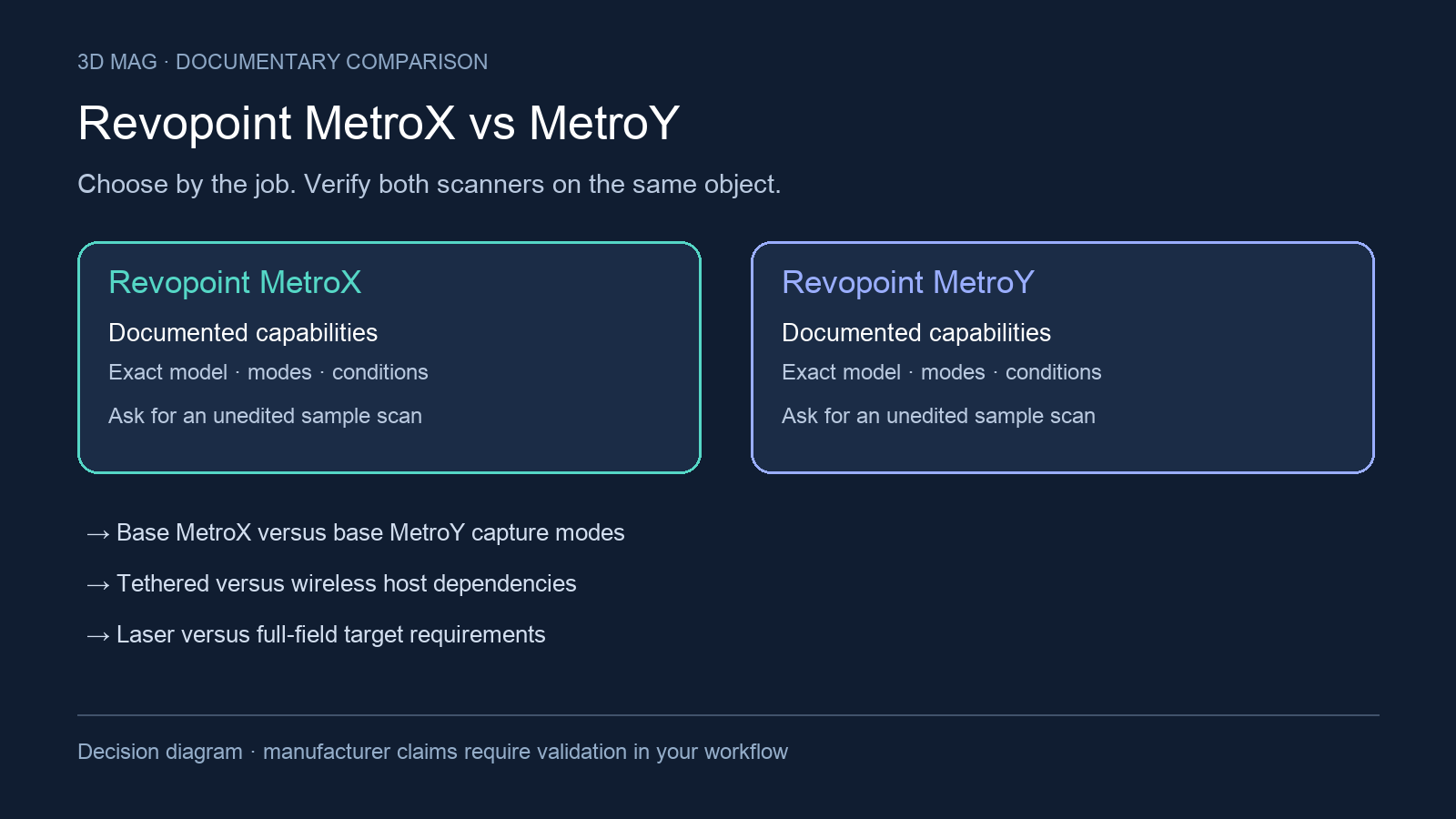

At a scan bench, the important distinction may be whether the part has enough recognizable features to track. Around a larger fixture, it may be how the operator moves while keeping the host computer connected. Base MetroX vs base MetroY is therefore a choice about the intended capture mode and setup, not a general contest between generations.
The comparison criteria are fixed before any recommendation: base MetroX versus base MetroY capture modes; tethered versus wireless host dependencies; laser versus full-field target requirements; single-frame versus volumetric accuracy conditions; output and color capture workflow by mode; and object and workstation compatibility. Pro variants are included only where Revopoint’s pages place base and Pro information together and the distinction changes the buying decision.
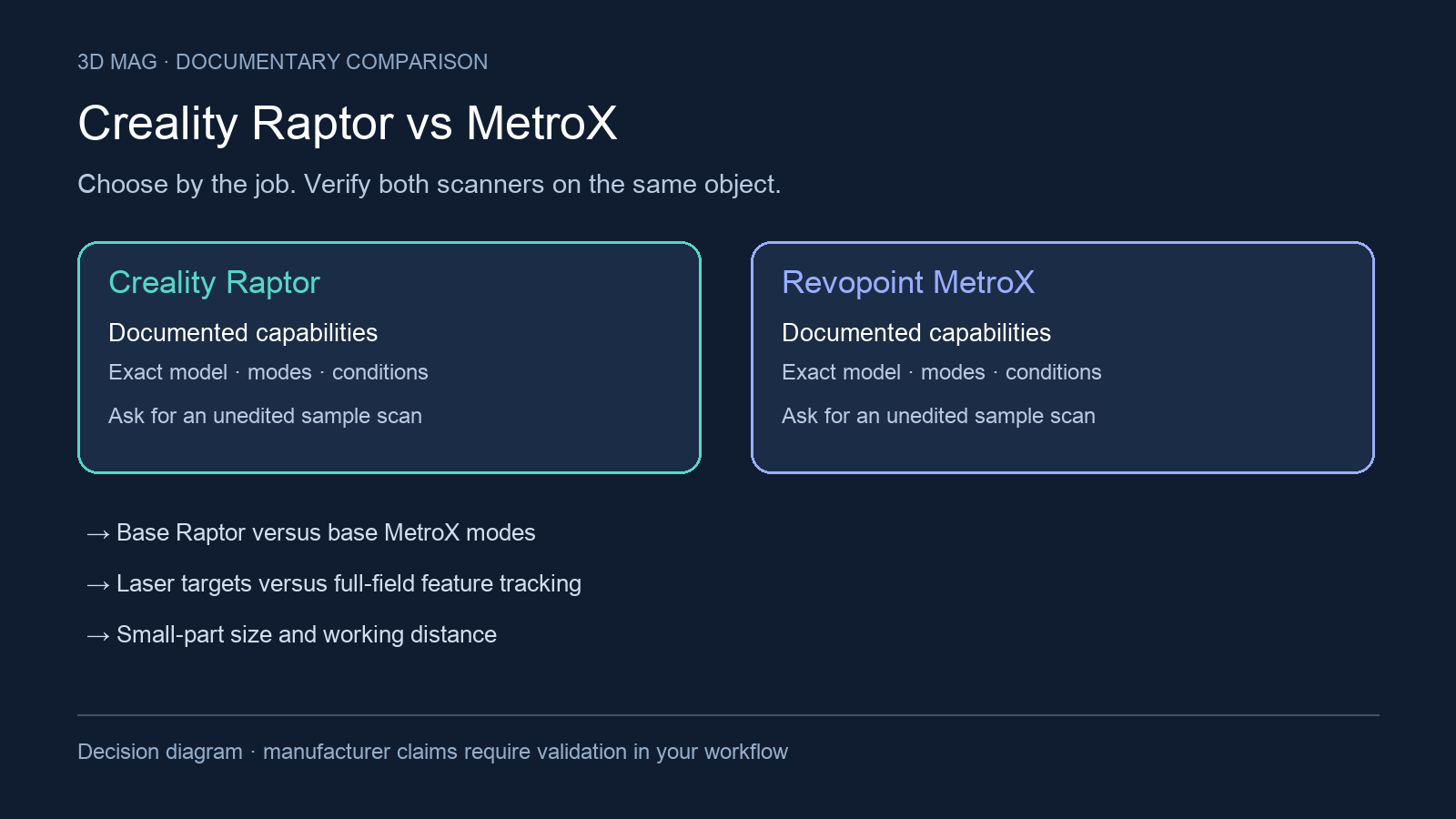
Concise answer: shortlist base MetroX for bench work that needs both laser capture and full-field scanning, including a documented marker-free route for feature-rich workpieces (MetroX tracking documentation). Shortlist base MetroY for wireless handheld laser capture when Marker or Global Marker tracking is workable (MetroY base/Pro table). Its wireless connection still uses a PC for processing. Full-field capture and Feature tracking in the MetroY family belong to Pro, not the base model. Demonstrate the intended mode on the actual part before choosing.
The parasol stand that needed markers
In his MetroX review for 3DWithUs, Max Funkner described a black, partly rusty parasol stand. Marker-based full-field capture worked after several attempts, while feature-based full-field capture lost tracking on the same object. Applying markers took longer than the scan. This example shows why “marker-free” needs an object-specific trial; it does not test MetroY or establish an accuracy difference. The page discloses that purchases through some links may earn the site a commission. 3DWithUs report
For a batch of similar fixtures, include the recurring preparation in the job estimate: placing targets, turning the part and clearing the setup for the next item. For a one-off decorative object, decide whether targets may touch it at all. In either case, ask for a full capture in the mode you intend to use. A successful demonstration in another mode does not settle the workflow decision.
Specification and workflow comparison
The manufacturer documentation reviewed was accessed on 2026-09-08. Both Revopoint pages mix family-level marketing copy with base/Pro comparison tables, so the table below uses base-column entries where the comparison is base versus base and labels Pro-only context separately.
| Criterion | Revopoint MetroX base | Revopoint MetroY base | Pro-variant context | What changes the buyer’s choice |
|---|---|---|---|---|
| Product-page status checked | Revopoint presents the page as “Revopoint MetroX & MetroX Pro 3D Scanner” (Revopoint MetroX page). | Revopoint presents the page as “Revopoint MetroY & MetroY Pro 3D Scanners” (Revopoint MetroY page). | The pages show product-family information; they do not establish stock or delivery status (MetroX, MetroY). | Treat this as a documentation-based workflow comparison, not a live buying-stock check. |
| Scanner format | Base MetroX is listed as “Handheld and Desktop” (Revopoint MetroX page). | Base MetroY is listed as “Handheld” (Revopoint MetroY page). | MetroY Pro is listed as “Handheld and Desktop” in the same table as base MetroY (Revopoint MetroY page). | MetroX is the clearer base-model fit for a fixed workstation or desktop routine; MetroY is the clearer base-model fit when handheld movement around the part is central. |
| Base capture technology | Base MetroX is listed with “Multi-line Laser Scan and Full-field Structured Light Scan” (Revopoint MetroX page). | Base MetroY is listed with “Multi-line Laser Scan” (Revopoint MetroY page). | MetroY Pro is listed with “Multi-line Laser Scan and Full-field Structured Light Scan” (Revopoint MetroY page). | Do not treat MetroY-family structured-light claims as base MetroY claims. |
| Tracking and targets | Full-field scanning is described as marker-free for feature-rich workpieces; the page describes Feature tracking for detail-rich objects and Marker for featureless objects (MetroX tracking documentation). | Base MetroY lists Marker and Global Marker tracking (MetroY base/Pro table). | Feature tracking is added in the MetroY Pro column (MetroY base/Pro table). | If the part or surrounding setup cannot carry targets, base MetroY is not a documented marker-free option; test whether MetroX full-field can track the actual surface. |
| Mode and light-source detail | Revopoint describes the MetroX page around “4 Scanning Modes,” and the base table lists 14 blue cross laser lines, 7 blue parallel laser lines, and 62 line blue full-field structured light (Revopoint MetroX page). | The base MetroY table lists 30 blue cross laser lines, 15 blue parallel laser lines, and 1 blue single laser line (Revopoint MetroY page). | MetroY Pro is the documented MetroY-family route for full-field structured-light capture, because its technology column adds full-field structured light (Revopoint MetroY page). | Base MetroY is not a single-mode device; it is a laser-only base model with cross-line, parallel-line, and single-line hardware documented. |
| Host dependency and mobility | The MetroX page’s real-time PC-to-phone/tablet/display streaming text is limited by Revopoint to MetroX Pro, not base MetroX (Revopoint MetroX page). | Revopoint says MetroY streams scans in real time via Wi-Fi 6, uses the PC’s hardware for processing, and shows live feedback on Revo Mirror (Revopoint MetroY page). | If monitoring from a second screen is important for MetroX, verify the Pro-only limitation in the quote (Revopoint MetroX page). | MetroY can reduce scanner-cable constraints, but the documented wireless workflow still depends on a PC and a suitable wireless setup. |
| Published scanning speed | Base MetroX scanning speed is listed as up to 800,000 Points/s for multi-line blue laser and 7,000,000 Points/s for full field blue light (Revopoint MetroX page). | Base MetroY scanning speed is listed as up to 1,500,000 Points/s for multi-line laser scan (Revopoint MetroY page). | The MetroY Pro column lists 2,000,000 Points/s for multi-line laser scan and 7,000,000 Points/s for full-field structured light scan; do not use those as base MetroY specifications (Revopoint MetroY page). | Use the exact variant and mode behind any speed quote; points per second is not the same as completed scan-to-report time. |
| Accuracy and precision | Base MetroX single-frame precision is listed as up to 0.01 mm, and volumetric accuracy is listed as 0.025 mm + 0.05 mm × L (m), where L is object length (Revopoint MetroX page). | Base MetroY single-frame precision is listed as up to 0.01 mm, and volumetric accuracy is listed as 0.02 mm + 0.04 mm × L (m), where L is object length (Revopoint MetroY page). | Revopoint’s notes say precision and accuracy were acquired in a controlled lab environment and actual results might vary (MetroX, MetroY). | For inspection-adjacent work, decide from whole-part acceptance conditions, not from a single-frame number alone. |
| Color and output workflow | Base MetroX color scanning is listed as “Only in Auto Turntable Mode,” and output formats are listed as PLY, OBJ, STL, ASC, 3MF, GLTF, and FBX (Revopoint MetroX page). | Base MetroY color scanning is listed as “No,” and output formats are listed as PLY, OBJ, STL, ASC, 3MF, GLTF, and FBX (Revopoint MetroY page). | MetroY Pro color scanning is listed as “Only in Auto Turntable Mode” (Revopoint MetroY page). | If texture is part of the deliverable, the base/Pro split matters as much as the scanner family. |
| Workstation compatibility | MetroX output formats are listed as PLY, OBJ, STL, ASC, 3MF, GLTF, and FBX, and compatible operating systems are listed as Windows 10/11 (64-bit) and macOS 11.0 or better (Revopoint MetroX page). | MetroY output formats are listed as PLY, OBJ, STL, ASC, 3MF, GLTF, and FBX, and compatible operating systems are listed as Windows 10/11 (64-bit) and macOS 11.0 or better (Revopoint MetroY page). | Both pages also state separate CPU, RAM, GPU, and acceleration notes that should be checked against the exact workstation before purchase (MetroX, MetroY). | OS support alone is not enough; the PC, GPU, Wi-Fi, software, and accessories determine whether the workflow is practical. |
What should drive the decision
The first practical split is target preparation. A part that cannot be marked may still be suitable for MetroX full-field scanning if it has enough visible features; that is the scope of the marker-free claim in MetroX tracking documentation. Base MetroY’s listed tracking methods use markers (MetroY base/Pro table), so confirm whether targets can be placed on the object or a suitable surrounding setup. Do not extend the MetroX full-field claim to all its laser modes, or import MetroY Pro’s Feature tracking into the base comparison.
The second split is how the operator will move. For a small part that can sit on a turntable or bench fixture, base MetroX’s desktop-capable format and Auto Turntable color limitation may be acceptable, especially if the workflow is controlled around a workstation. For a medium part that is awkward to rotate, a fixture that must stay in place, or a scan path where a cable would interfere, MetroY’s documented Wi-Fi 6 streaming workflow is the more relevant base-model reason to choose it. That does not make the workflow workstation-free: Revopoint says the PC does the processing, so the wireless environment and computer still need to be validated. Revopoint MetroY workflow.
The third split is measurement acceptance. The two pages publish single-frame precision and volumetric formulas, but these answer different questions. A single-frame precision value is not the same as an achieved whole-part inspection result. If the deliverable is reverse engineering, CAD conversion, or inspection reporting, ask for a sample scan of your acceptance part with the exact mode, marker or feature-tracking strategy, surface preparation, alignment method, software path, and the value of L used in the volumetric accuracy formula.
Scenario-based choice
Choose base MetroX if your parts are small to medium, normally handled at a bench, and the job may require both laser and full-field structured-light capture in the base model. It is also the better documented base-model path if your workflow includes color only through Auto Turntable mode. Verify surface preparation on your own part rather than relying on family-level claims for shiny, dark, transparent, specular, or highly reflective surfaces.
Choose base MetroY if handheld laser capture and movement around the workpiece are central, and Marker or Global Marker tracking is acceptable (MetroY base/Pro table). Confirm the target layout and wireless PC setup in the same demonstration. If your requirement is explicitly marker-free capture, resolve that mismatch before comparing speed or accuracy figures.
Consider MetroY Pro instead of base MetroY if your requirement is full-field structured-light scanning or Auto Turntable color within the MetroY family. In that case, the purchase question changes: it is no longer base MetroX versus base MetroY, but base MetroX versus MetroY Pro with a variant-specific quote and demonstration.
Defer choosing until a sample demonstration if the part is transparent, specular, highly reflective, very dark, featureless, deep-featured, or tolerance-critical; if the workstation is near minimum requirements; if Wi-Fi conditions are uncertain; or if color texture is part of the deliverable. Missing or non-comparable documentation should not be interpreted as missing capability. Resolve these questions before buying: Which exact variant is quoted? Which scan mode will be used on the acceptance part? Are markers, global markers, spray, marker blocks, a mobile kit, or a dual-axis turntable required or merely recommended? Which PC, GPU, operating system, Wi-Fi setup, and software versions will be used? Which output formats, scan-to-CAD steps, and measurement reports are included in the demonstrated workflow?
Sources
This comparison uses manufacturer documentation and cited reports; 3D Mag did not conduct hands-on testing. Publisher sponsorship.