
Kid friendly 3D printer: what “safe for children” should actually mean
A kid friendly 3D printer is not a standardized safety class or a promise that a child can operate a machine independently. Here, it means a printing system whose design, materials, room conditions, adult supervision, maintenance routine, and network workflow suit the ages and abilities of its users. ISO/ASTM 52900:2021 establishes additive-manufacturing terminology and describes additive manufacturing as building physical three-dimensional geometries through successive addition of material; it does not define a child-suitability category. [1]
A safe 3D printer for children cannot be judged by an enclosure, mobile app, or filament label alone. The practical assessment has three separate domains:
- Physical contact hazards, including hot surfaces, moving parts, and sharp removal tools.
- Indoor-air and emissions questions involving particles and volatile organic compounds.
- Electrical, fire, and product-compliance claims.
The aim is not to identify a universal “safest” model. It is to provide a verification-first framework for homes, classrooms, libraries, and makerspaces.
How filament printing works — and where children can encounter hazards
The basic workflow in plain English
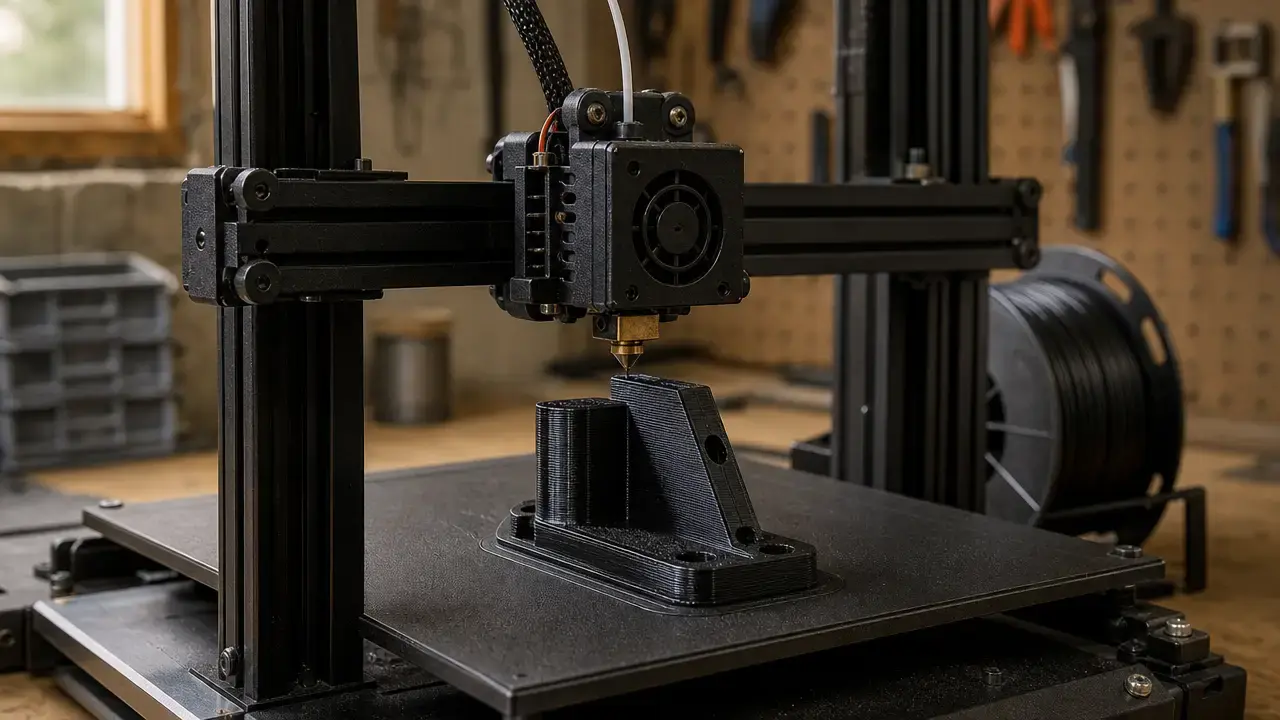
A material-extrusion filament printer feeds a solid plastic strand into a heated print head, softens it, and deposits it in a programmed pattern, one layer at a time. Motors move the print head, build plate, or both as the object forms. A simple print command therefore begins a workflow involving heat, movement, material handling, and eventual part removal. [6] [11]
The hazard map
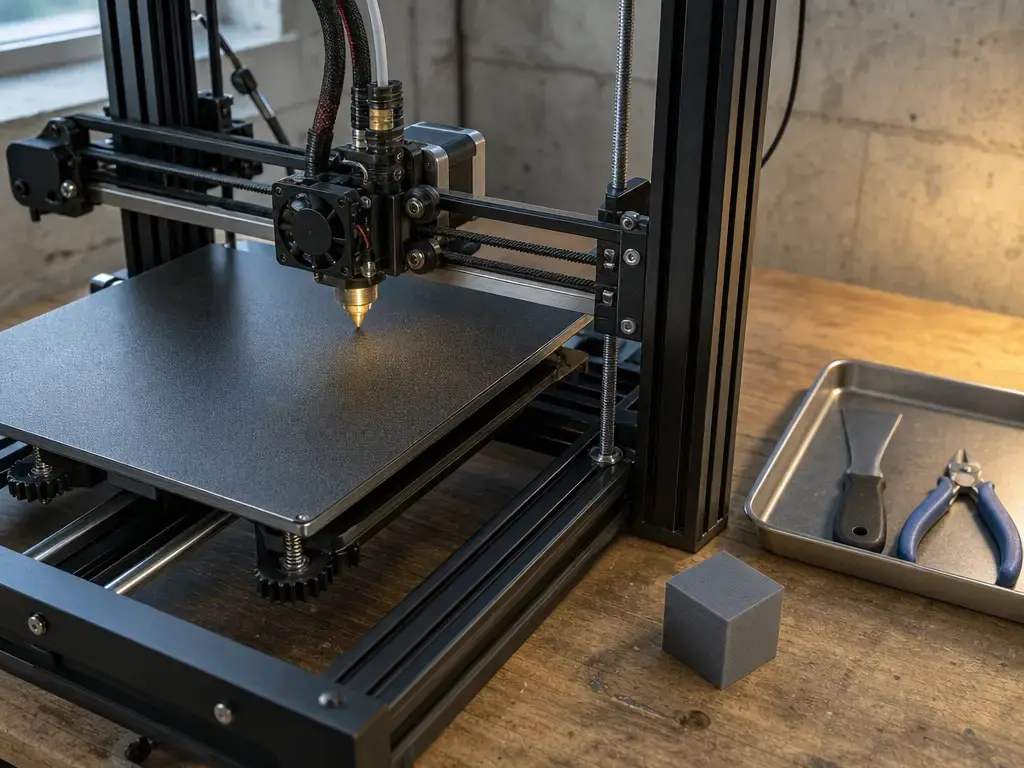
Children may encounter hot nozzle components, a heated build surface, moving axes, belts, and gaps that can create pinch points. Removing a finished part can also involve scrapers, cutters, or other sharp tools. These are distinct hazards that need separate controls, rather than one generic “printer safety” label. [11]
Claims about cool-touch exteriors, door locks, interlocks, automatic shutdown, or post-print behavior should be verified in the model manual; these features vary by model. Indoor-air questions require a separate assessment.
Three claims buyers often confuse
-
Product compliance marks. In the U.S., a properly certified product generally bears a registered mark from a Nationally Recognized Testing Laboratory (NRTL). OSHA recognition of an NRTL is not an endorsement of every product it certifies, and a CE mark is not equivalent to a U.S. NRTL certification mark. Requirements and mark meanings also vary by jurisdiction. [9]
-
Emissions testing and assessment. ANSI/CAN/UL 2904 addresses particle and volatile organic compound emissions from operating 3D printers under defined conditions. It is not, by itself, an electrical, fire, mechanical, or child-use safety finding. [2]
-
Room suitability. A product test does not automatically establish that a particular home, classroom, or library room is suitable. Occupancy, placement, ventilation, supervision, materials, and operating time still matter.
What to ask for when a listing or certification is claimed
- Is the mark visibly present on the product, not just in an online listing?
- Which named standard was used?
- Which laboratory or issuing body made the claim?
- What exact model, configuration, feedstock, settings, and report scope does the claim cover?
UL 2904 can serve as a basis for testing and certification or verification programs, but the product and test scope must be identifiable. [4]
Physical safety: what an enclosure does — and what it does not
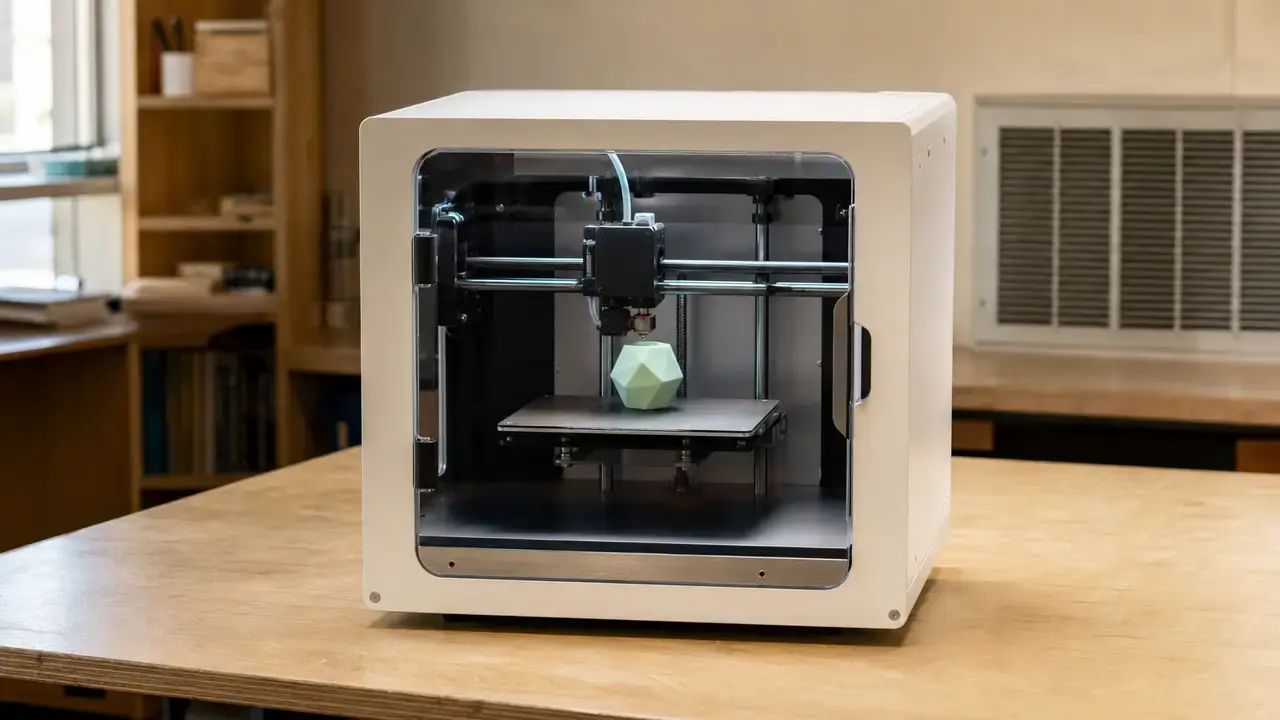
An enclosure is a physical barrier around the printer’s active area, including its moving mechanism and print surface. Its clearest child-safety role is reducing casual access to hot and moving parts during printing and shortly afterward. Prusa states that an enclosure can help prevent children or pets from touching hot components, and that some enclosure designs can be lockable. This is manufacturer guidance about contact access, not an independent assessment of every setup. [12]
The details matter. A simple door may discourage reaching inside but can still be opened during a print. A lockable door adds controlled access if an adult manages the key or release method. An interlocked door is different: it may trigger a defined printer response when opened, but the response, cooldown behavior, and override procedure vary by model. Do not infer lock or interlock behavior from a product photograph.
An enclosure does not eliminate every contact risk. Children may still touch exterior surfaces, reach through openings, open a door, handle a freshly printed object, or encounter loose filament and removal tools during cleanup. Conservative practice is to keep part removal, maintenance, and tool use under adult control.
An enclosure is also not automatically an emissions-control solution; any enclosure, exhaust, or filtration arrangement needs effectiveness verification for its intended use. [11]
Indoor air and emissions: what gets measured, what UL 2904 is, and why room context matters
Measurement context
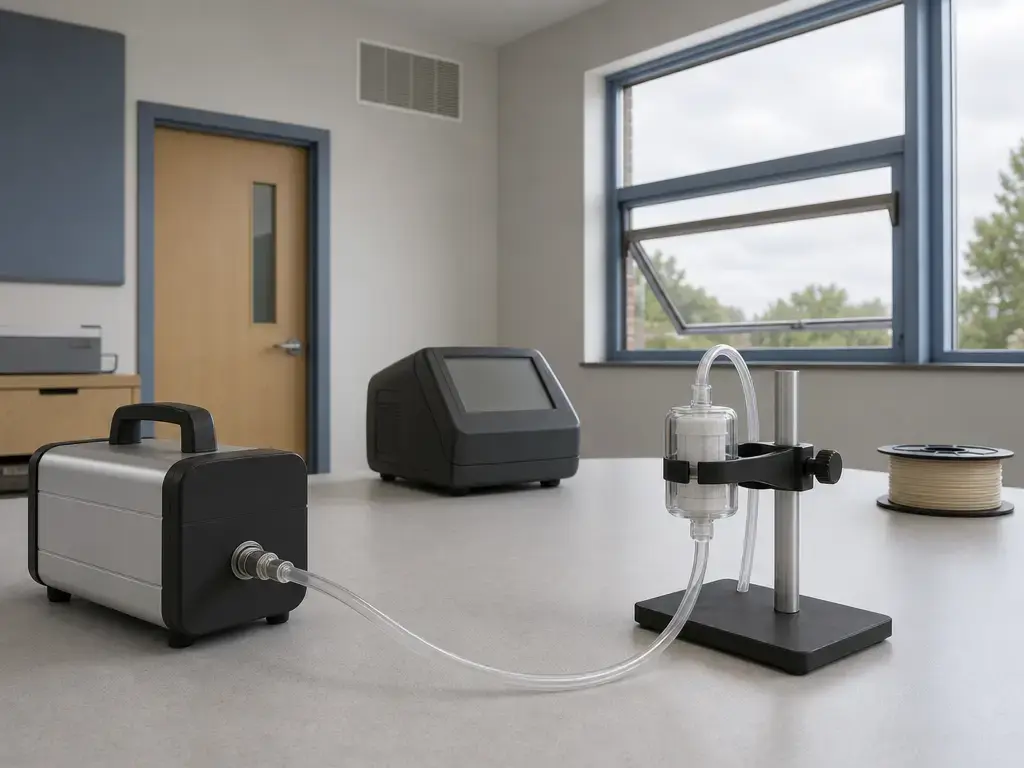
Printing emissions begin at the source, but exposure occurs in a room. A source emission rate describes what a printer releases under specified conditions. An in-room concentration is shaped by the source, room volume, air exchange, print duration, placement, and other sources in the space. These are related but not interchangeable measurements. [2] [5]
Particles can be measured by number concentration or mass concentration. Particle number describes how many particles are counted in a volume of air, while particle mass describes the measured mass in that volume. A low mass result does not necessarily mean particle number did not change. Volatile organic compounds (VOCs) are chemicals that can enter the air as gases; VOC results must distinguish chemical identity and concentration rather than treating “VOCs” as one material or one health conclusion. [2]
Ultrafine particles (UFPs) are very small particles commonly measured by particle-counting instruments. Educational and non-industrial evaluations have combined VOC area-air sampling with UFP particle counting, illustrating why an emissions report may contain different types of measurements rather than one universal result. [8]
What UL 2904 can and cannot tell you
ANSI/CAN/UL 2904 is an emissions testing and assessment standard. Its scope describes methodologies for characterizing and quantifying coarse, fine, and ultrafine particles, plus VOC emissions, from operating 3D printers under normal-use conditions in defined classroom, office, and residential scenarios. [2] UL’s second edition was published on May 26, 2023. [4]
The standard does not purport to address all safety, health, comfort, or performance concerns associated with its use. It is therefore not a blanket child-safety finding, an electrical or fire-safety certification, a guarantee of room-air quality, or permission for unsupervised operation. [2]
A UL 2904-related claim must be interpreted through the tested printer model, feedstock, settings, and report or certificate scope. If a listing makes a model-specific claim but supplies no credible public documentation, state: no public UL 2904 certificate/report scope found.
HEPA and activated-carbon filters address different pollutant categories in principle, but their presence alone does not prove that a particular printer-filter combination is effective for a material, setting, or room. School guidance recommends considering enclosures, direct exhaust, and filtration only when their effectiveness has been verified. [11]
Why one study cannot answer every room question
A NIOSH office-environment evaluation measured emissions from up to 20 desktop printers operating simultaneously in a conference room. During printing, respirable particulate mass was non-detectable below the reported measurement level of 0.03 µg/m³, but that result is specific to the study’s equipment, room, methods, and ventilation context. [5]
A separate evaluation in 11 university and K–12 locations used VOC sampling and UFP counting. Six of the 11 locations showed observable particle increases attributed to printer startup or malfunction events; that is not a probability estimate for every classroom or home. [8]
Emissions claims checklist
- Printer model.
- Feedstock.
- Settings.
- Chamber or room scenario.
- Particles, VOCs, or both.
- Report date.
- Filter-maintenance assumptions.
Materials and temperature: why “low temperature 3D printer for kids” is not a standard
The phrase low temperature 3D printer for kids has no universal technical cutoff or standardized safety meaning in this context. Check the manual for the printer’s actual nozzle and bed temperature limits, then consider the materials and access controls required by the intended workflow. A lower stated maximum temperature does not make unsupervised operation appropriate.
Material selection affects printing behavior and emissions. NIOSH notes that PLA often releases fewer particles than ABS, but that relative result does not mean PLA is emission-free or that it automatically makes a room suitable for child-facing use. [6]
Chemical Insights guidance recommends using the lowest manufacturer-recommended temperature that produces the print quality needed. That is operational guidance, not a universal safe-temperature threshold. [11] For example, UltiMaker lists the enclosed, education-oriented MakerBot Sketch Sprint with a maximum nozzle temperature of 280°C and a heated-bed limit of up to 110°C. These are manufacturer-stated specifications, not an independent child-suitability finding. [13]
Resin printers: why this guide treats them differently for child-facing spaces
Resin printing uses liquid photopolymer resin rather than solid filament. The workflow can involve liquid chemicals, resin-coated parts and tools, contaminated surfaces, washing, curing, and controlled storage. The relevant Safety Data Sheet (SDS) is the primary source for hazards and handling instructions for a specific resin. [15]
Formlabs states that resin may cause skin irritation or an allergic skin reaction and instructs users to wear gloves when handling liquid resin or resin-coated surfaces. [15] Trained adults may manage resin workflows under documented institutional procedures, but resin printing is not an independent child-use workflow.
Choosing by workflow category: editorial heuristics for child-facing filament printing
These categories organize buying questions around adult responsibility and access control. They are editorial heuristics, not recognized safety standards or product certifications.
Editorial buying categories — not recognized safety standards
| Workflow category | Who operates and maintains it | Physical access controls to verify | What still needs verification |
|---|---|---|---|
| Guided children’s printer with constrained workflow | Adult sets up, loads material, maintains, and approves jobs; children participate in guided design and observation. | Door or cover behavior, access to hot and moving parts, and any lock or interlock. | Material limits, room placement, part-removal procedure, and account controls. |
| Enclosed classroom printer with managed workflow | A teacher, technician, or trained adult starts, unloads, cleans, and maintains it. | Enclosure openings, lockability, interlock response, and access during cooldown. | Supervision rules, ventilation planning, maintenance responsibility, and claim scope. |
| General beginner filament printer under adult supervision | An adult retains operation and maintenance responsibility; children use it only within defined tasks. | Reachable hot surfaces, moving axes, cable routing, controls, and storage access. | Whether the room, material, workflow, and supervision plan are suitable. |
As an illustrative manufacturer specification rather than a recommendation or safety certification, Toybox lists a 7 × 8 × 9 cm build volume, 60 mm/s print speed, and a 200-micron print-resolution claim for one printer. [14] Smaller build volume can constrain project size, but it does not by itself predict setup difficulty or print duration.
Specs that matter for a supervised child-facing workflow — more than speed
Headline speed says little about whether adults can operate a printer consistently around children. Use this checklist to assess the workflow rather than treating any feature as a safety certification.
- Access control: Verify enclosure, door, lock, and interlock behavior in the manual, including what remains reachable during operation and cooldown.
- Failure handling: Verify filament-runout detection, power-loss behavior, fault notifications, and the adult response expected after a jam, loose part, or abnormal noise.
- Bed-leveling workflow: Auto bed leveling can reduce setup and troubleshooting burden, but availability, prompts, and manual follow-up steps vary by model. It is not a safety feature or certification.
- Print removal: Keep blades and scrapers adult-controlled. Confirm who waits for safe access, removes the part, and cleans the print surface.
- Documentation and parts: Look for an accessible manual, maintenance schedule, replacement-part availability, firmware-update information, and a clear support channel.
- Recall and support: Check official recall information for the exact model. A model-specific defect may require an official remedy rather than ordinary troubleshooting. [10]
- Cloud and Wi-Fi controls: Establish account ownership, user permissions, camera access, remote-start rules, and any required school IT approval before shared use.
Conservative practice is to assign one adult owner to each shared printer. That person can retain the manual, material records, maintenance status, and recall checks instead of expecting occasional users or children to resolve operating exceptions.
Setup and operating rules: home versus classroom
Home workflow
A home has fewer users but may have less formal oversight. Place the printer where an adult can observe access and where routine household activity does not encourage children to reach into an active machine. NIOSH recommends fresh, uncontaminated air or ventilation, isolating printers from people where feasible, using manufacturer-provided safeguards, and selecting manufacturer-recommended filament. [6]
Classroom workflow
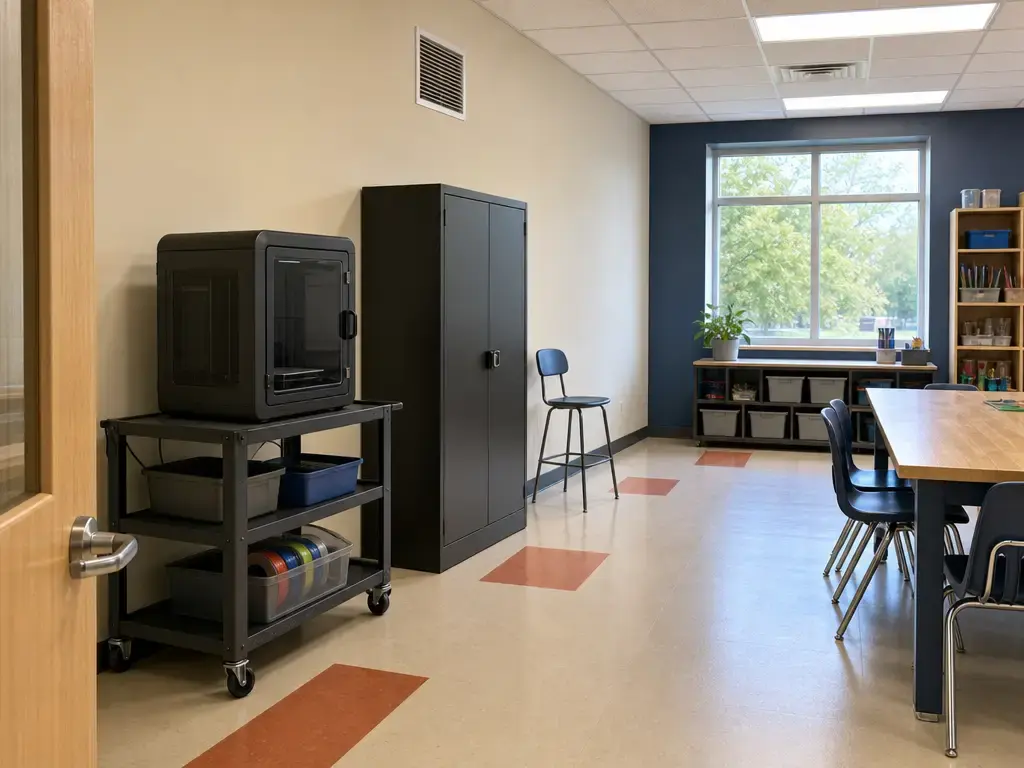
A classroom adds changing groups of students, higher occupancy, shared building systems, procurement constraints, and IT policy. Chemical Insights guidance for schools recommends considering HVAC operating schedules, placing printers away from heavy traffic and return vents, and not running printers unattended. It also references ventilation according to ASHRAE 62.1 for printer locations, without supplying a universal room-size or air-change target for every setting. [11]
Minimum operating rules for a child-facing printer
- (Sourced) Use fresh outdoor air or appropriate ventilation, and locate the printer away from people where feasible. [6]
- (Sourced) Use manufacturer-provided safeguards and manufacturer-recommended filament. [6]
- (Sourced) In school settings, consider the HVAC operating schedule and keep the printer away from heavy traffic and return vents. [11]
- (Sourced) Do not run printers unattended in school settings. [11]
- (Conservative practice) Require an adult handoff before a child observes, starts, or approaches a print.
- (Conservative practice) Make post-print cooldown checks an adult responsibility before parts are handled.
- (Conservative practice) Assign documented maintenance ownership for cleaning, inspection, filament storage, and recall-status checks.
Recalls and secondhand printers: why “check status” is part of safety
A recall can identify a model-specific defect that ordinary setup checks may not reveal. On June 13, 2024, the U.S. Consumer Product Safety Commission announced a recall of about 12,800 Bambu Lab A1 3D printers because a bent or damaged heatbed cable could short-circuit, spark, or damage insulation, creating electric-shock and fire hazards. The notice reported 19 damaged-cable reports, including one sparking incident, and no injuries at that time. [10]
This does not mean that all 3D printers share the same defect. For a used or donated machine, check the exact model with both the manufacturer and CPSC, confirm whether the individual unit is within a recall scope, and follow the official remedy rather than improvising a repair. [10]
How to select a kid friendly 3D printer without falling for “safe” labels
A kid friendly 3D printer remains a buyer-and-workflow judgment, not a standardized additive-manufacturing safety class. [1] A door, automatic setup functions, or a child-oriented interface can be useful, but none replaces planning for materials, supervision, room placement, cleaning, maintenance, and account permissions.
Use this decision hierarchy:
- Process and material choice.
- Physical access control.
- Room and ventilation plan.
- Documentation and testing claims.
- Maintenance and recall support.
- Network and content controls.
FAQ
Manuals, Safety Data Sheets, and school policies may be stricter than this general guidance.
What is a kid friendly 3D printer, really?
It is not a formal safety class. It is a printer and workflow judged suitable for a child-facing setting based on adult supervision, material choice, physical access, room conditions, maintenance, and account controls. [1]
Is an enclosed 3D printer safer for kids?
An enclosure can reduce casual access to hot and moving parts. Manufacturer guidance says some enclosures can help prevent contact with hot components and may be lockable, but door, lock, and interlock behavior must be verified for the specific model. [12]
What filament is safest for kids 3D printing: PLA or ABS?
NIOSH notes that PLA often releases fewer particles than ABS, but PLA is not emission-free. [6] Material choice does not eliminate the need for ventilation, manufacturer safeguards, and adult-managed operation.
What should I look for in a beginner 3D printer for classroom use?
Look for a managed workflow with a named adult owner, appropriate room placement, ventilation planning, and accessible documentation. Verify enclosure, filtration, and exhaust claims rather than assuming they are effective from product branding alone. [11]
What does ANSI/CAN/UL 2904 actually test — and what does it not cover?
ANSI/CAN/UL 2904 is an emissions testing and assessment standard for particles and VOCs from operating 3D printers under defined conditions. [2] It does not address every safety or health concern, and any certification or verification claim must be interpreted through the tested model, feedstock, settings, and report scope. [2] [4]
Particle number versus mass concentration: why can studies sound contradictory?
Particle number and particle mass are different measurements, so they can change differently in the same setting. [5] School and university evaluations have also used both VOC sampling and UFP counting, which produce distinct kinds of results. [8]
Sources
-
ISO/ASTM 52900:2021 Additive manufacturing — General principles — Fundamentals and vocabulary — ISO. Edition 2, 2021-11; reviewed and confirmed 2025.
-
ANSI/CAN/UL 2904 Standard Method for Testing and Assessing Particle and Chemical Emissions from 3D Printers — UL / Chemical Insights. First edition, 2019-01-31.
-
3D Printer Emissions — UL Solutions Code Authorities. No date shown; accessed 2026-11-28.
-
UL 2904 Standard Method for Testing and Assessing Particle and Chemical Emissions from 3D Printers — UL Standards & Engagement. Edition 2, 2023-05-26.
-
Characterizing 3D Printing Emissions and Controls in an Office Environment — CDC / NIOSH. 2018.
-
Safe 3-D Printing — CDC / NIOSH. Posted 2022; last reviewed 2023-11-20.
-
Approaches to Safe 3D Printing: A Guide for Makerspace Users, Schools, Libraries and Small Businesses — CDC / NIOSH. Publication 2024-103; November 2023.
-
Evaluation of 3D Printer Emissions and Controls in Educational and Non-Industrial Settings — CDC Stacks / HHS Public Access. 2025.
-
Nationally Recognized Testing Laboratory Program Frequently Asked Questions — OSHA. No date shown; accessed 2026-11-28.
-
Bambu Lab Recalls A1 3D Printers Due to Electric Shock and Fire Hazards — U.S. Consumer Product Safety Commission. 2024-06-13.