
Summary: STL vs 3MF in 3D Printing
For most people comparing STL vs 3MF, the practical answer is straightforward: use 3MF when you want more than bare mesh geometry to survive handoff, and keep STL for simple geometry exchange or older-tool compatibility. STL is an openly documented triangular surface mesh format, while 3MF now has formal ISO/IEC standard status as ISO/IEC 25422:2025. [1] [3]
As a default rule, 3MF is usually the better 3D print file format for slicing, sharing, and multicolor or multipart work because it can preserve more context, including declared units and package-level structure. STL remains useful as a legacy-friendly fallback when you only need a single mesh object and want the widest baseline compatibility. [1] [2] [5]
Quick pick: use STL when… / use 3MF when…
Use STL when…
- You are sharing a simple, single-part model and geometry alone is enough.
- The receiver specifically asks for STL.
- You want a lowest-common-denominator mesh file for older tools.
Use 3MF when…
- You want units and scale intent to travel with the file.
- You care about multiple bodies, plate layout, color or material intent, or richer metadata.
- You want to preserve slicer-project context inside the same software ecosystem.
- You are choosing a modern handoff format and control the receiving toolchain.
Should You Use STL or 3MF for 3D Printing?
The real choice is not “old versus new” so much as “geometry-only versus context-rich handoff.” If all you need is a printable mesh for a simple single-material part, STL is often enough. If you need model scale, multiple bodies, build placement, color or material intent, or a project that opens with more of your preparation state intact, 3MF is usually the better fit. [1] [2] [5]
The catch is that 3MF can mean two different things in practice. There is standard 3MF, defined by its core package structure and extensions, and there is slicer-specific “project 3MF,” where software stores extra settings inside a 3MF container. PrusaSlicer uses 3MF for near-complete project snapshots, Cura project files include printer and settings data, and Bambu Studio can read settings from 3MF but gives them lower priority than command-line or loaded JSON settings in its CLI workflow. That is useful, but it is not universal portability. [5] [7] [8] [10]
Common scenarios → recommended format
- Simple single-part, single-material share: STL or 3MF both work; STL is fine if the goal is only to pass a mesh. [1]
- Multicolor or multimaterial mapping, plate layout, or modifiers: Prefer 3MF because it has standardized package structure and richer ways to carry intent. [5]
- Print farm handoff inside one slicer ecosystem: Prefer that slicer’s project 3MF, because tools such as PrusaSlicer can save objects, settings, modifiers, and parameters together. [7]
- Engineering archive for later edits: Keep native CAD plus STEP as the editable master, and treat STL or 3MF as downstream exports.
- Service upload: Check the service’s stated requirements; no reliable service-wide figure found.
What Each Format Actually Stores
STL stores a triangulated surface description of one object. It comes in ASCII and binary subtypes, and binary is more common because it is more compact, so any file-size comparison that says “STL” should specify which subtype it means. [1]
Binary STL is intentionally minimal. A binary STL file has an 80-character header, a 32-bit little-endian triangle count, and then 50 bytes per triangle. Each triangle stores 12 little-endian 32-bit floats — one normal vector and three vertices — plus a 2-byte attribute byte count. That simplicity is why STL is so widely supported, but it also explains why STL does not natively behave like a project, scene, or metadata-rich handoff format. [2]
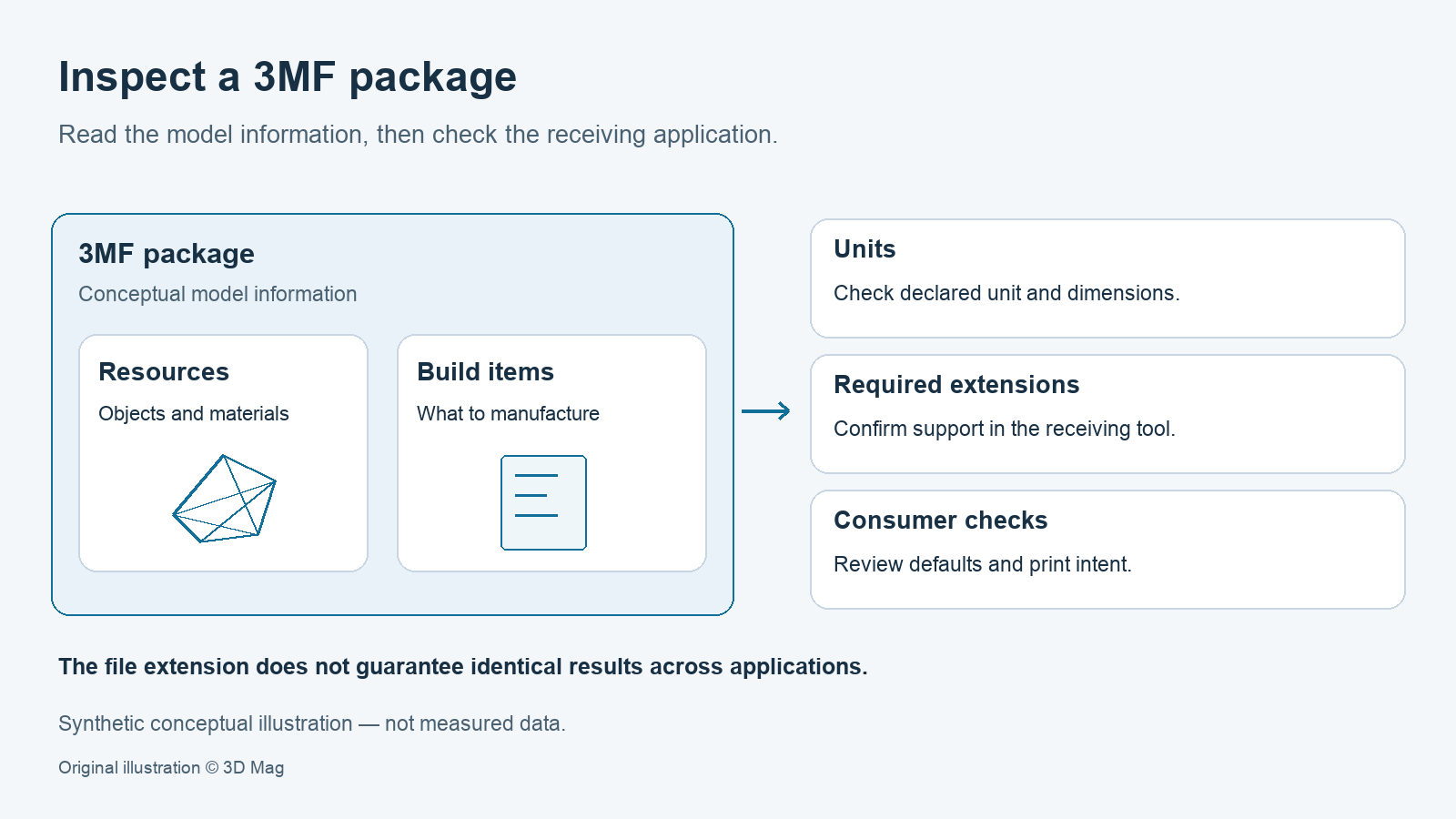
3MF is different in kind, not just in extension. The core specification defines it as an OPC-style package carried in a ZIP archive, with named parts and relationships between them. A required 3D Model part contains resources and build instructions, and the <build> section contains one or more <item> entries that identify what should actually be manufactured. Objects can exist in the package as reusable resources without automatically being output, because consumers must not output objects that are not referenced by an item. [5]
| Feature | STL | 3MF | Practical effect |
|---|---|---|---|
| Geometry payload | Triangle mesh. [1] | Usually mesh plus package resources around a required model part. [5] | Both are typically tessellated handoff formats rather than editable CAD masters. [11] [12] |
| Units | No standard unit declaration in the format structure used for coordinates. [2] | Declared unit; default is millimeter, with other valid values defined by the core spec. [5] |
3MF reduces scale ambiguity during handoff. [5] |
| Color/material intent | Not standardized; binary STL color conventions are incompatible. [2] | Core plus extensions, with explicit warnings about display color versus print intent. [5] | 3MF has better potential for color and material intent, but support depends on the receiving tool. [5] [6] |
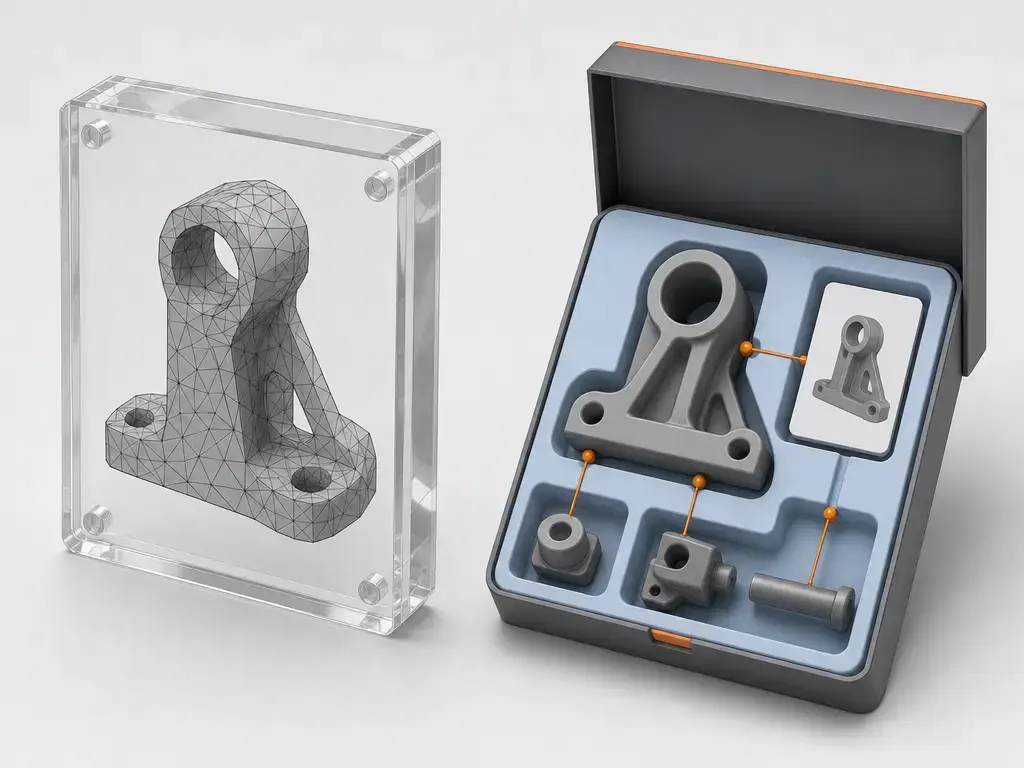
| Multi-object/project | Single object, not a scene container. [1] | Multiple objects plus build items inside one package. [5] | 3MF fits plates and project-like handoff better, though project semantics vary by slicer. [5] [7] [8] |
Brief History and Standards Context
STL was first documented in 1988, with a second edition in 1989, and the Library of Congress describes it as widely adopted in the 1990s. That history is a big reason why STL still appears everywhere despite its limitations. [1]
3MF is now standardized as ISO/IEC 25422:2025, Edition 1, published in June 2025 with a five-page suite-level standard entry. In related standards context, AMF is ISO/ASTM 52915:2020, and broader additive-manufacturing terminology is formalized in ISO/ASTM 52900:2021. That matters mainly as context: AMF is part of the standards landscape, but it is not the mainstream default in hobbyist slicing workflows. [3] [13] [14]
Mesh Fidelity: Tessellation, Accuracy, and Why File Extension Does Not Fix Geometry
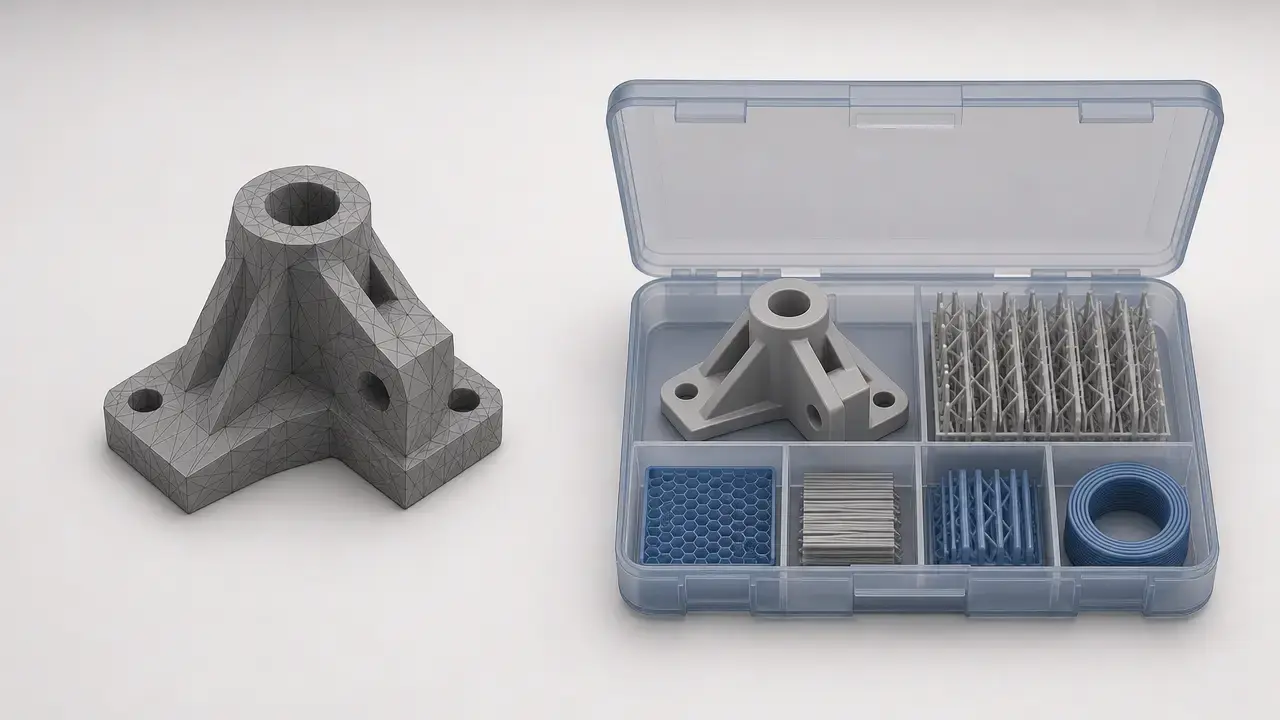
Both STL and most 3MF payloads are still tessellated geometry. When a CAD model with exact curves and surfaces is exported to a mesh, the result depends on tessellation settings such as chord height, deviation, and angle tolerance. NIST notes that STL approximates exact CAD geometry with discrete triangles, and that poor tessellation often brings repair problems such as missing triangles, collapsed edges, unshared edges, inverted normals, overlapping or intersecting triangles, and non-watertight meshes. [12]
That is why 3MF does not automatically make a part more dimensionally accurate. NIST’s 2023 review says 3MF does not extend the underlying polygonal encoding principles used in STL and still has limited solid-model support with enduring repair issues. 3MF preserves more context around the mesh, but it does not repair a bad mesh or replace careful export settings. [11]
Units, Metadata, Color, and Materials: What Survives Handoff
Units are one of the most practical differences. In 3MF, the model has a unit attribute whose default is millimeter, and the valid values are micron, millimeter, centimeter, inch, foot, and meter. That makes scale intent explicit. STL coordinate records, by contrast, do not carry a standardized unit declaration, so receivers usually have to rely on outside convention or import assumptions. [5] [2]
Metadata is another sharp divider. STL has no standard support for descriptive metadata beyond conventions such as using its header text informally. 3MF, by contrast, defines well-known metadata names including Title, Designer, Description, Copyright, LicenseTerms, Rating, CreationDate, ModificationDate, and Application. That is useful for provenance and workflow context, but it is still descriptive metadata, not license enforcement, not PLM, and not a complete digital-thread solution by itself. [2] [5]
Color and materials need careful wording. In binary STL, the original format had no standardized color, and the two known color conventions are incompatible. In 3MF core, displaycolor is defined as sRGB hex in #RRGGBB or #RRGGBBAA form, but the specification explicitly says it is for rendering only and must not be assumed to affect the printed part. For printable color design intent, the spec points users toward extensions such as Materials and Properties. Likewise, a PrintTicket can carry user intent or device-configuration information, but the format is governed by the consumer environment, and unsupported tickets can be ignored with defaults applied by the consumer. [2] [5]
Key data STL usually loses during handoff
- Intended units and scale context, because the mesh coordinates do not come with a standard unit declaration. [2] [5]
- Standardized color or texture intent, because STL color handling is non-standard and incompatible across conventions. [2]
- Material-assignment intent that a richer 3MF workflow may try to preserve. [5]
- Multiple bodies as one packaged project or build definition, because STL is not a scene container. [1]
- Slicer-specific project data such as settings, modifiers, and related setup in tools that save them into 3MF-based projects. [7] [8]
- Descriptive metadata such as author, application, or license terms in a standardized form. [2] [5]
How 3MF Packaging Works
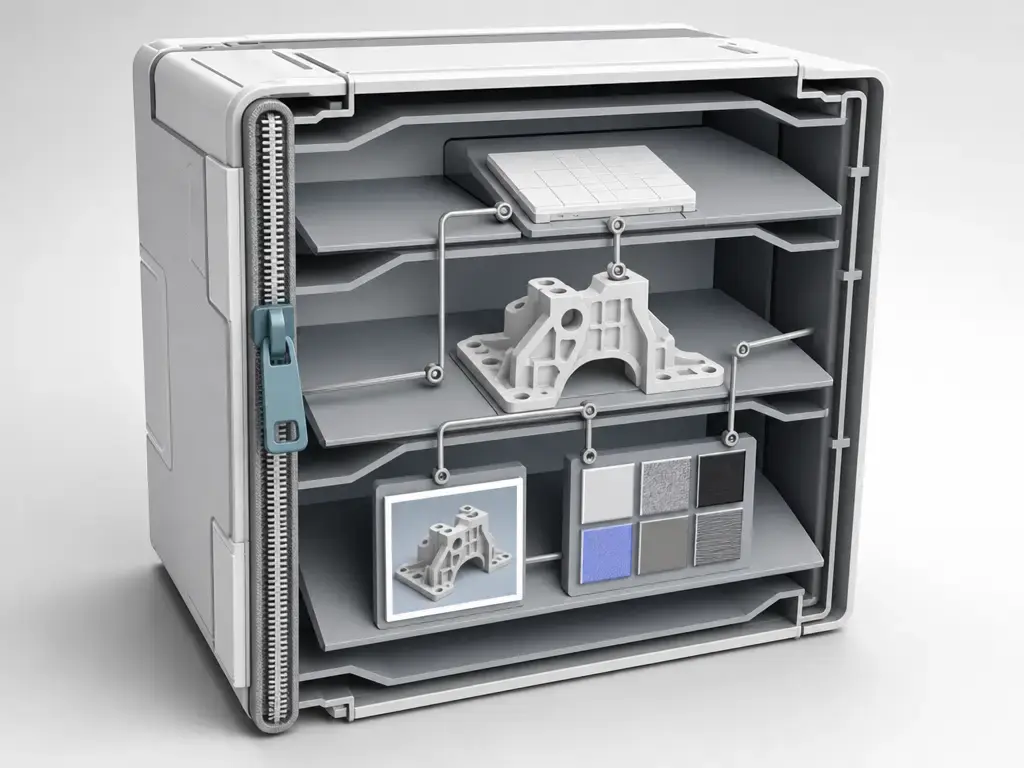
The useful mental model is “structured package,” not “better mesh.” A 3MF document must use a ZIP archive and follows Open Packaging Conventions, which means the file is made of parts linked by relationships. One of those package relationships identifies the required 3D Model part as the starting point for the 3D payload. Inside that model part, resources define objects and properties, while the build section declares which items are meant to be manufactured. [5]
Only some pieces are mandatory. The 3D Model part is required, while core properties, digital signatures, PrintTicket parts, thumbnails, textures, and custom parts are optional. Thumbnail parts must be JPEG or PNG and must be referenced through a thumbnail relationship. This is one reason 3MF often feels more like a document or project than STL, even before any slicer adds its own data. [5]
Extensions are where compatibility gets tricky. The core specification is intentionally narrow, and consumers may ignore unsupported extensions; producers are encouraged to avoid making extensions mandatory when possible. The official 3MF compatibility matrix shows broad support and lists 110+ applications, but it also warns that compatibility is self-reported by vendors and not independently verified. So “supports 3MF” can mean core import/export only, not full extension or project-semantic parity. [5] [6]
Workflow: CAD to Slicer to Printer
In a normal workflow, you design in CAD, export a handoff file such as STL or 3MF, prepare the job in a slicer, and then generate G-code as machine instructions for the printer. That makes STL and 3MF exchange formats for geometry and print-prep context, while G-code is downstream manufacturing instruction, not an editable design file.
For archiving, keep the editable master upstream. Native CAD files and often STEP are the better long-term home for editable engineering geometry, while STL and 3MF are typically downstream tessellated deliverables for print handoff. If your workflow is more appearance-oriented than printer-oriented, OBJ can still make sense for visual texture exchange, but it is not a substitute for keeping an editable master.
Handoff formats vs master files: STL/3MF are typically downstream, tessellated deliverables; keep native CAD/STEP for editability.
Project 3MF in Real Slicers: What Is Standard and What Is Vendor-Specific
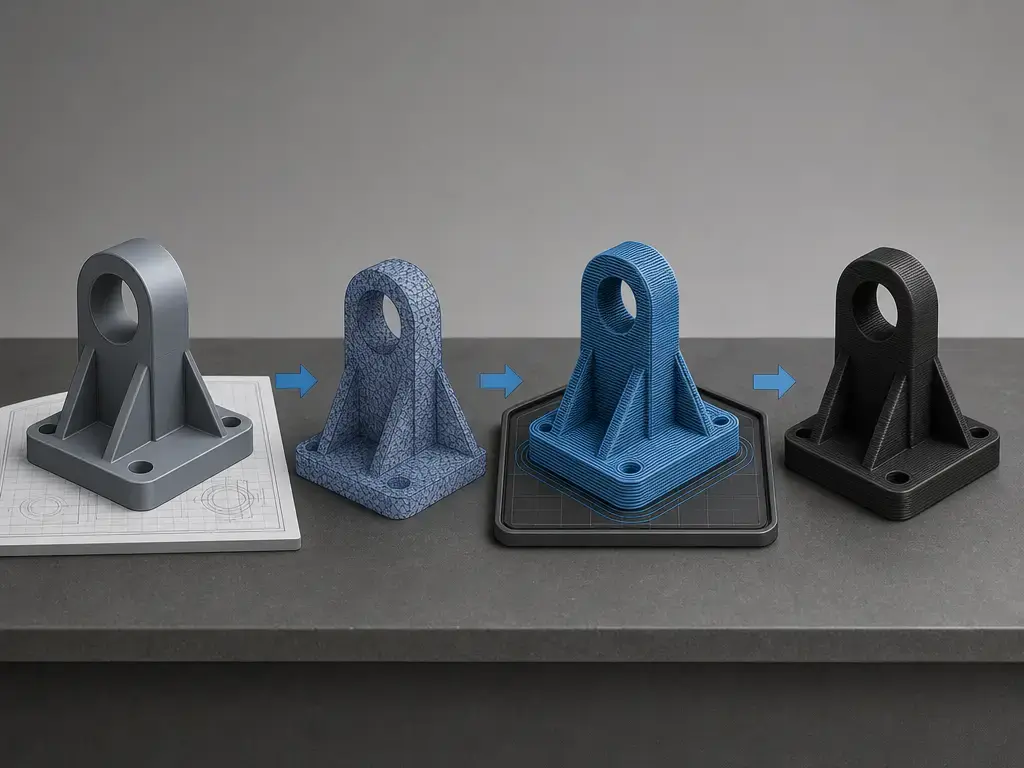
No, 3MF is not just a slicer project file. Standard 3MF defines the package, the model part, units, metadata, build items, and extension points. But individual slicers can also use a 3MF container to persist additional project state. The core spec itself warns that PrintTicket behavior is governed by the consumer environment, so even standards-based intent inside a 3MF does not guarantee that another application will honor it the same way. Some tools will load extra settings, some will partly map them, and some will ignore them. [5]
PrusaSlicer is the clearest example of rich project behavior. Prusa’s documentation says “Save Project as” creates a 3MF containing all objects, settings, modifiers, and their parameters, effectively a complete snapshot of the slicer state. The same page also contrasts STL with 3MF by noting that 3MF can bundle multiple models, slicer settings, a thumbnail, color, and texture in one archive. [7]
Cura and Bambu Studio show why portability needs qualifiers. Cura’s developer-facing troubleshooting guidance says its project file contains the printer and settings needed for debugging, and UltiMaker’s Cura 5.7 beta notes warn that 3MF project settings may not be universally applicable across printers and, in the wrong combination, could cause failed prints or damaged printers. Bambu Studio’s CLI accepts either STL or 3MF input, but settings coming from the 3MF have the lowest priority behind command-line values and loaded JSON settings. Same container family, different semantics. [8] [9] [10]
Comparison Criteria: File Size, Mesh Health, Compatibility, and Print Quality
File size is a behavior question, not a slogan. Binary STL has a fixed structure of 50 bytes per triangle plus file-level overhead, while ASCII STL also exists and is typically larger for the same mesh. 3MF must use ZIP packaging, so compression can help, especially when geometry and related resources are packaged together. But there is no honest universal ratio like “3MF is always X% smaller” unless you benchmark the same model, same tessellation, and note whether the 3MF includes thumbnails or slicer data. [1] [2] [5]
Mesh health is similarly non-magical. NIST lists familiar STL repair problems: missing triangles, collapsed edges, unshared edges, inverted normals, overlapping or intersecting triangles, and watertightness issues. Richer packaging does not eliminate that class of problem. NIST’s later review says 3MF still relies on polygonal principles and still has enduring repair issues, even though it improves data transfer around the mesh. [12] [11]
Print quality depends on mesh export resolution, slicer settings, printer calibration, and material behavior far more than on whether the source file ended in .stl or .3mf. File format alone does not guarantee a better surface finish, tighter dimensions, or stronger parts. [11] [12]
Checks to make before choosing a format
- Does the receiver support 3MF core import, and also any extension or project semantics you actually need, rather than just the file extension itself? [5] [6]
- Do you need scale retention without guessing millimeters versus inches? [5]
- Do you need multicolor or multimaterial intent, and does the receiving tool distinguish display color from actual print intent? [5]
- Do plate layout, modifiers, printer settings, or other slicer context matter to the handoff? [7] [8] [10]
- Do you need editable CAD history, in which case STL and 3MF should stay downstream exports?
- Is a print service asking for a specific upload format? If so, follow that requirement rather than a general rule.
Standards and Ecosystem Update
3MF now sits on two layers: a formal ISO/IEC suite standard and a still-evolving public specification ecosystem. ISO/IEC 25422:2025 was published in June 2025 as Edition 1 with five pages at the suite level, while the 3MF Consortium’s specification page lists Core Specification v1.3.0 updated on 2025-02-27 and Toolpath Extension v1.0.0 updated on 2026-09-17. [3] [4]
That should be read as maturity, not magic interoperability. NIST frames 3MF as richer than STL for additive-manufacturing data exchange, but still constrained by polygonal representation principles and incomplete solid-model support. It is a better handoff format for many workflows, not a complete end-to-end replacement for every engineering, process-planning, or digital-thread need. [11]
STL vs 3MF: Decision Rules and Conclusion
If you want a clear recommendation, default to 3MF when you control the receiving toolchain and want units, packaged structure, and the possibility of preserving more print-prep context. In an STL vs 3MF decision, STL still wins when compatibility is the first priority or when you deliberately want to send only a simple triangular mesh with minimal baggage. The moment scale certainty, multiple bodies, or project-like handoff matters, 3MF usually becomes the better choice. [1] [2] [5]
For archiving, keep native CAD or STEP as the master, export 3MF for modern print-prep handoff, and keep STL as the universal mesh fallback. Also remember that “project 3MF” behavior is slicer-specific: Prusa, Cura, and Bambu Studio all demonstrate that extra settings can exist inside 3MF workflows, but they do not treat them identically. [7] [8] [10]
FAQ
Is 3MF better than STL for 3D printing?
Usually, yes — if “better” means preserving more context during handoff. 3MF can carry declared units and a structured package model, while STL is a simpler single-object mesh format. STL is still fine for basic geometry sharing and for tools that specifically expect it. [1] [2] [5]
What are the limitations of the STL file format?
The main limitations are lack of standardized units, lack of standard descriptive metadata, lack of standardized color handling, and the fact that STL is not a scene or project container. It is fundamentally a triangular mesh exchange format, not a rich manufacturing document. [1] [2]
Does 3MF improve print quality compared with STL?
Not automatically. If the underlying mesh is poorly tessellated or damaged, 3MF does not fix that by itself. Print quality still depends more on tessellation quality, slicer settings, printer calibration, and material behavior than on the file extension alone. [11] [12]
Is 3MF just a slicer project file?
No. Standard 3MF is a packaging and model-exchange standard. Some slicers also use 3MF as a container for project persistence. PrusaSlicer does this very aggressively, while Cura and Bambu workflows show that settings can be carried but interpreted differently or given different priorities. [5] [7] [8] [10]
Can I convert 3MF to STL, and what gets lost?
Yes, but conversion usually strips context down to mesh geometry. You typically lose declared units, metadata, multi-object build semantics, standardized color or material intent, thumbnails, and slicer-specific project data that may have been stored in the 3MF package. [1] [2] [5]
Expert: What does 3MF standardize, and what does it leave to extensions or consumer environments?
Core 3MF standardizes the package structure, required model part, build/items mechanism, units, metadata framework, and some baseline appearance or intent hooks. But extensions can be unsupported, and PrintTicket behavior is explicitly governed by the receiving consumer environment, which may ignore or remap settings. [5]
Expert: How do units and tessellation settings affect dimensional accuracy regardless of STL or 3MF?
Units matter because an explicit unit declaration avoids scale ambiguity, and tessellation matters because mesh export settings control how closely triangles approximate the original CAD geometry. NIST’s discussion of STL repair and tessellation problems is the key reminder here: bad triangulation and bad mesh health create dimensional trouble regardless of whether the file is later wrapped as STL or 3MF. [5] [12]
Sources
- Library of Congress — STL (STereoLithography) File Format Family. https://www.loc.gov/preservation/digital/formats/fdd/fdd000504.shtml
- Library of Congress — STL (STereoLithography) File Format, Binary. https://www.loc.gov/preservation/digital/formats/fdd/fdd000505.shtml
- ISO — ISO/IEC 25422:2025. https://www.iso.org/standard/90283.html
- 3MF Consortium — Specification suite. https://3mf.io/spec/
- 3MF Consortium GitHub — 3MF Core Specification. https://github.com/3MFConsortium/spec_core/blob/master/3MF%20Core%20Specification.md
- 3MF Consortium — Compatibility Matrix. https://3mf.io/compatibility-matrix/
- Prusa Knowledge Base — Saving projects as 3MF. https://help.prusa3d.com/article/saving-projects-as-3mf_1773?product=sl1
- UltiMaker Cura GitHub wiki — Reporting. https://github.com/Ultimaker/Cura/wiki/Reporting
- UltiMaker — Cura 5.7 beta release notes. https://ultimaker.com/learn/ultimaker-cura-5-7-beta-release-notes/
- Bambu Studio GitHub wiki — Command Line Usage. https://github.com/bambulab/BambuStudio/wiki/Command-Line-Usage
- NIST/ASM paper — Data formats in additive manufacturing. https://tsapps.nist.gov/publication/get_pdf.cfm?pub_id=936111
- NIST paper — Exploring MBE Concepts for Additive Manufacturing. https://tsapps.nist.gov/publication/get_pdf.cfm?pub_id=919076
- ISO — ISO/ASTM 52915:2020. https://www.iso.org/cms/%20render/live/en/sites/isoorg/contents/data/standard/07/46/74640.html
- ISO — ISO/ASTM 52900:2021. https://www.iso.org/standard/74514.html?browse=tc