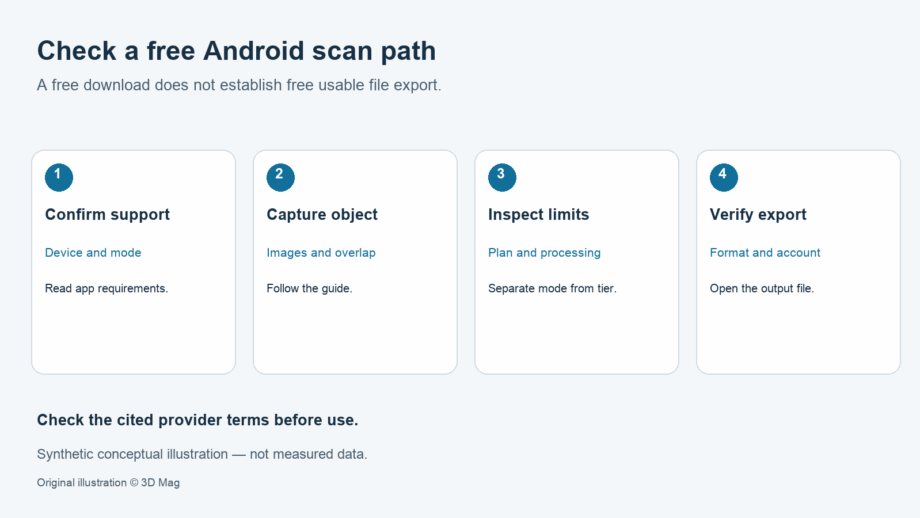
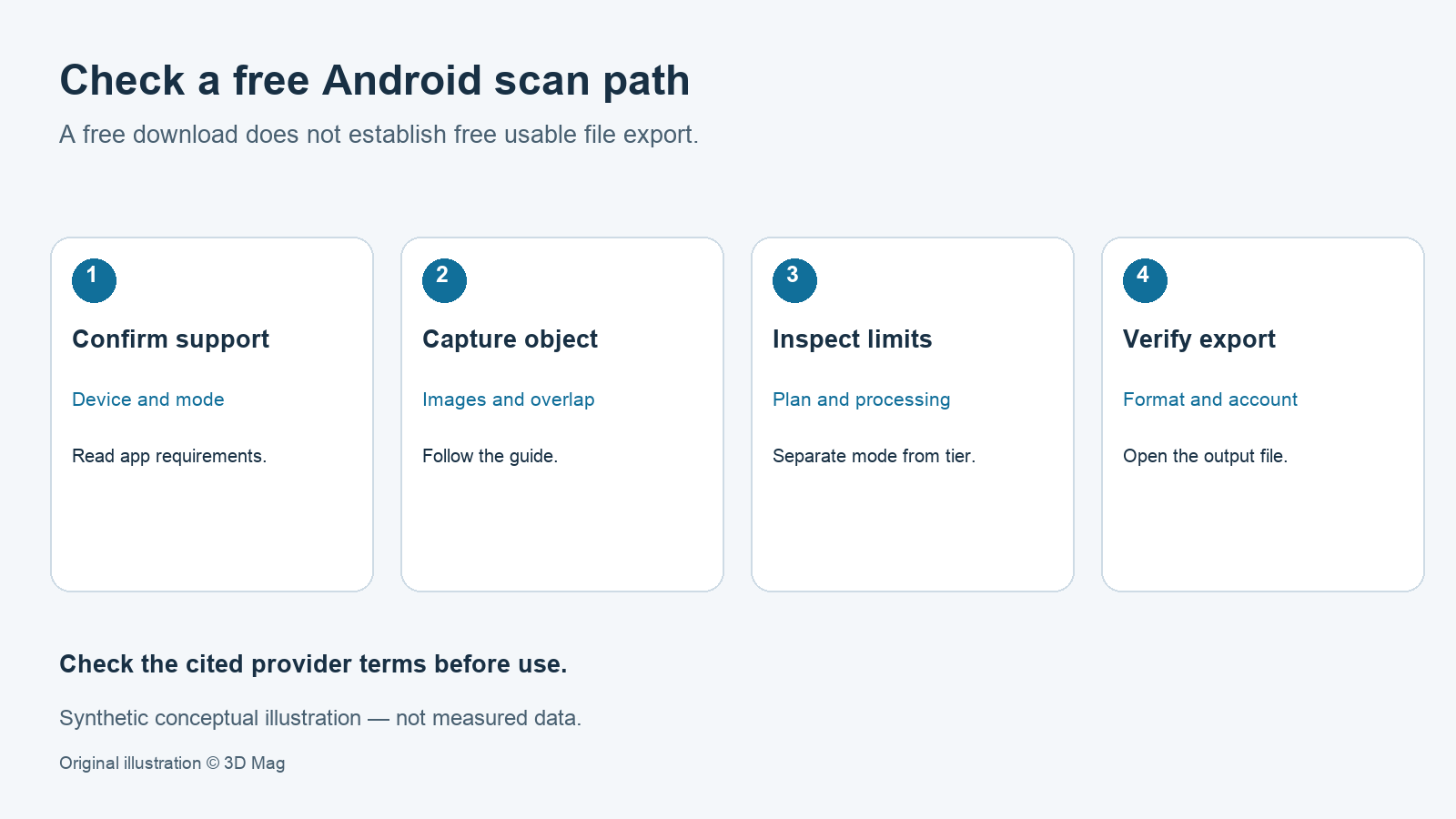

If you need a usable model file from an Android phone without a subscription, check the export terms, not the download price. Among the apps covered here, KIRI Engine is the only one whose retained documentation both lists Android and explicitly promises free export. KIRI lists Android among its platforms, and its FAQ states that “Free users can also enjoy unlimited free export of their 3D scan projects.” The cited KIRI documentation was accessed 7 October 2026.
RealityScan Mobile is a free download, including from Google Play. Epic’s step-by-step guide says processing will “reconstruct and download a textured model to your device” and that you can export an edited model to the device. The retained sources do not state whether that export is free of charge or whether the number of exports is limited. That question is open. It is not evidence that export is paid.
Polycam’s Help Center states that “Free plan users can only export GLTF files”. Other formats, including OBJ, FBX and STL, require a paid plan. Watermarked images and video are available on Free for the Object: Photogrammetry and Object: Gaussian Splat modes, but these are media outputs, not STL meshes. The retained Polycam evidence does not document Android availability.
3D Mag did not test any of these apps. We created no account, captured no scan and exported no file. Treat the table and workflow below as a map of published terms that you should verify on your own device.
Android compatibility and how capture works
KIRI documents that it is “available on Android, iOS, and web platforms”. The retained page names no minimum Android version or hardware, so do not assume that results will be the same across Android phones.
RealityScan Mobile’s system requirements cover Android devices “which support ARCore and can run version 7 (API level 24) and higher”. The same page states that “having an Epic Games account is necessary”.
The free paths documented here are photo-based and send images for processing. KIRI’s FAQ names Photo Scan mode for the free version, with uploads of up to 150 photos for processing. RealityScan’s guide says images start uploading the moment you begin capturing them. Because both documented workflows upload images for processing, expect to need a data connection; this is editorial advice, not a stated app requirement.
Documented capture limits: free-plan figures where stated
KIRI’s pricing page lists the free Basic plan as “Up to 150 photos, max 2 GB per scan”. The paid Pro plan lists “Up to 500 photos, max 5 GB per scan” and adds Featureless Object Scan.
RealityScan’s guide, written for the default settings and Augmented Reality Mode, states: “The image limit is 300.” The retained source does not describe this as a plan quota. These figures are image counts and data sizes per scan, not measures of model quality, resolution or dimensional accuracy.
Export formats: what the free tier actually lets you save
KIRI’s export FAQ lists OBJ, FBX, STL, GLB, GLTF, USDZ, PLY and XYZ for mesh files, but it does not say which formats belong to which plan. On the pricing page, the team says it stands for a free version “without ads and without paywalls on certain export formats or watermarks on your creations”. The same page, however, shows “Export in STL Format for 3D Printing” next to a “Get KIRI Engine Pro” prompt. Until that wording is clarified, confirm in the app that the format you need exports on Basic.
Epic’s product page says you can “Export your models directly to your device”, but the RealityScan Mobile format list was not in the retained evidence. Polycam’s Free mesh export is limited to GLTF.
Paid tiers, accounts and licence boundaries
Polycam’s plan matrix lists Basic access to 12 export formats, including the mesh formats OBJ, FBX, GLTF, DAE, STL and USDZ, plus images and video. Point cloud exports such as LAS, PLY, PTS, XYZ and DXF are listed under the Business and Enterprise plans.
The RealityScan Mobile EULA says that to export, publish or share output, “you may need to use other products of Licensor or its affiliates, such as Sketchfab”. It also states that “Users under the age of 18 are prohibited from using the Software.” Students and other readers should read the full licence before relying on the app, especially for client or commercial work.
This article deliberately leaves out prices and trial terms. Check the current store listing and plan page on the day you subscribe.
Comparison table: documented Android capture and export access
| Criterion | KIRI Engine | RealityScan Mobile | Polycam |
|---|---|---|---|
| Android availability | Documented (Android, iOS, web); no minimum version stated | ARCore support and Android 7 (API level 24) or higher | Not documented in retained sources |
| Account | KIRI FAQ lists a sign-up question; its answer is not retained, so a requirement is unverified | Epic Games account necessary | Not documented in retained sources |
| Documented capture limit (free plan where stated) | Photo Scan, up to 150 photos, max 2 GB per scan | 300-image limit (default settings, AR mode) | Not documented in retained sources |
| Free export | Unlimited free export documented; formats not mapped to plans | Device export documented; payment and count terms not documented in retained sources | GLTF-only mesh export; watermarked images/video in object modes |
| Paid boundary | Pro: up to 500 photos, max 5 GB per scan, Featureless Object Scan | Not documented in retained sources | Basic: 12 formats; Business and Enterprise: point cloud formats listed |
“Not documented” means the retained sources do not say. It does not mean “no”.
Suggested validation workflow before relying on a free export
This is a workflow for you to run yourself. It is not a test that 3D Mag performed.
- Confirm that your phone meets the published requirements for the app you choose.
- Capture a small, well-textured object first, with plenty of image overlap.
- Export the exact format you need, such as STL for printing, before you invest time in a large scan.
- Open the file in your target software and check that the mesh, textures and units load as expected. A file extension does not establish units.
- Epic describes RealityScan Mobile models as appearing “at the right scale” in augmented reality mode, but this is a feature description, not an accuracy tolerance. Measure a known dimension on the real object and compare it with the model.
- Re-check the plan and licence terms on the date you use the app, because providers can change them.
FAQ
Can I export a 3D scan for free on Android? KIRI Engine documents unlimited free export on its free plan. RealityScan Mobile documents device export, but the retained sources do not confirm whether that export is free or how many exports are allowed. Verify both in the app.
Do I need an account? RealityScan Mobile’s documentation says an Epic Games account is necessary. KIRI’s FAQ lists a sign-up question, but its answer is not in the retained evidence; Polycam account terms are not covered.
Are phone scans dimensionally accurate? None of the retained sources publishes an accuracy, repeatability or resolution specification. Check scale against a measured reference.
Is Polycam’s free GLTF export enough for 3D printing? Polycam’s Free plan is limited to GLTF mesh export, and STL requires a paid plan. Whether you can convert GLTF to STL depends on your own software and needs checking.
Related reading: 3D scanner apps overview and SCANN3D Android photogrammetry app review.
Sources
This explainer is based on cited published sources; 3D Mag did not conduct hands-on testing. Publisher sponsorship.