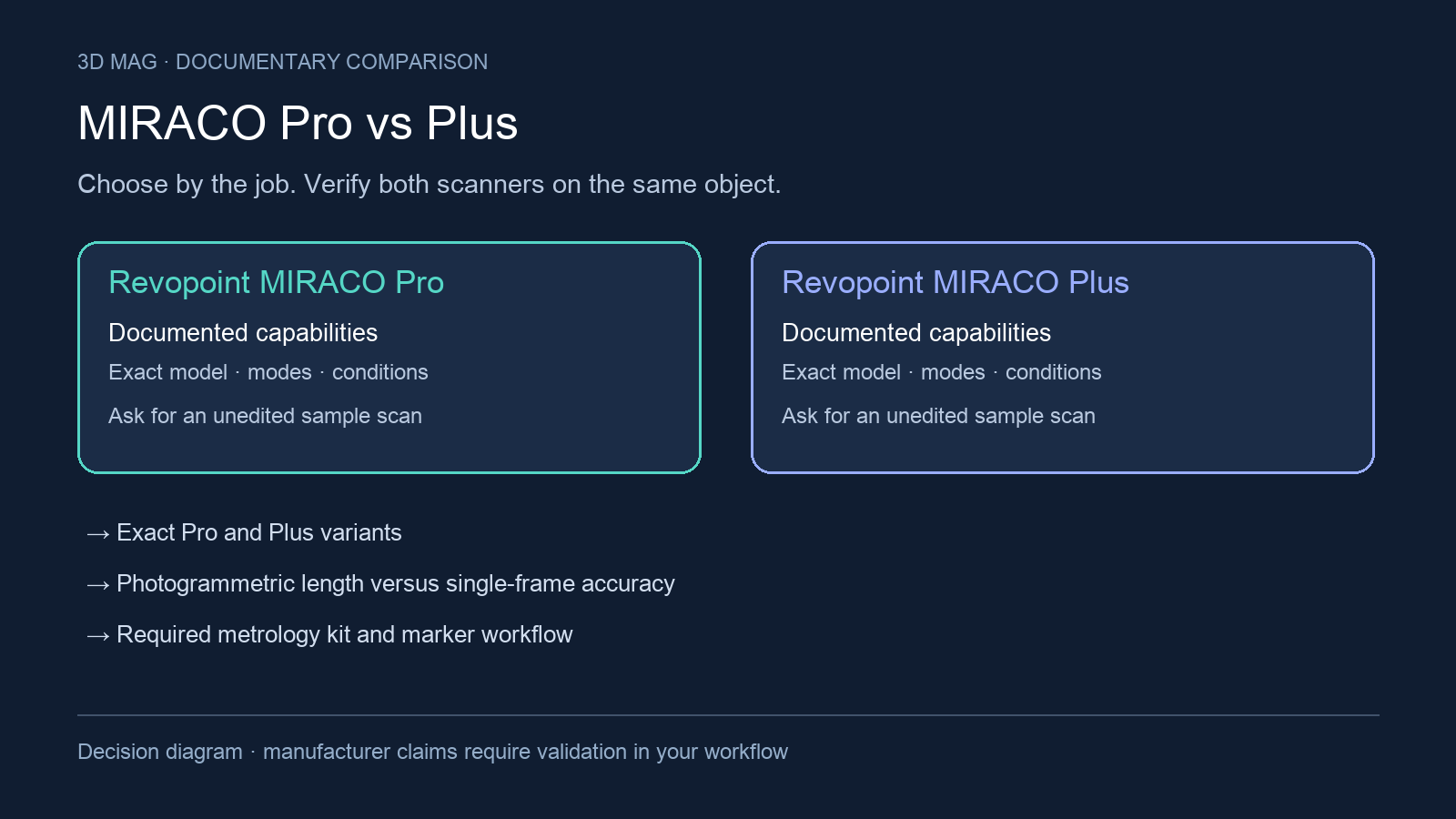

The case for MIRACO Plus becomes more concrete when the deliverable depends on alignment across a large object. Before paying for a photogrammetric workflow, picture the space for targets and scale bars, the surfaces that must be captured and the geometry the receiving software needs. This comparison weighs Pro and Plus identity, accuracy definitions, preparation, capture modes, memory and the purpose of photogrammetry.
Source scope: the Revopoint MIRACO/Pro listing lists both MIRACO and MIRACO Pro and explicitly identifies Pro as the 32GB variant. Its common specifications are labelled as shared-listing evidence below. The Revopoint MIRACO support names Pro directly, and the Revopoint MIRACO Plus specifications and FAQ directly compares Plus with Pro. These sources support a more complete comparison than a model name in navigation, but do not prove stock or a particular regional bundle.
Concise answer
Shortlist MIRACO Pro for standalone mesh capture when you do not need the documented Plus photogrammetric workflow. Shortlist Plus when the project needs its published length-accuracy method and you can prepare scale bars, coded targets, and markers. Revopoint identifies that included kit and optical zoom as differences from Pro (Revopoint MIRACO Plus specifications and FAQ). Large-object size alone is not enough to select Plus: the Pro support FAQ also addresses car-scale work (Revopoint MIRACO support).
A radiator worked; the reflective desk setup was incomplete
Phillip Keane’s MIRACO Plus review at 3D Printing includes both a limitation and a completed capture. His photogrammetry attempt around a desk produced a marker map, but reflective computer surfaces prevented a complete point cloud. With coded targets on a radiator, he reported capturing its visible faces in Global Marker mode. The site says its content may contain affiliate links. Neither example establishes Pro’s limitations or a matched accuracy advantage for Plus. 3D Printing report
For a vehicle panel, define the edges and mounting areas that must relate to one another across the full part. For a pipework or equipment layout, define which surfaces are accessible and whether a visible-face model is sufficient. Include target placement and the geometry scan in the trial: a convincing marker map alone is not the final surface model. Ask for validation of the dimensions your downstream job actually uses.
Specification and workflow comparison
| Criterion | MIRACO Pro | MIRACO Plus |
|---|---|---|
| Evidence for exact variant | Explicit Pro memory variant and support FAQ; other specifications below come from the shared MIRACO/Pro listing (Revopoint MIRACO/Pro listing; Revopoint MIRACO support). | Dedicated Plus specifications and a FAQ comparison that explicitly names Pro (Revopoint MIRACO Plus specifications and FAQ). |
| Single-frame accuracy and precision | Shared listing: up to 0.05 mm accuracy and 0.02 mm precision (Revopoint MIRACO/Pro listing). | Up to 0.04 mm accuracy and 0.02 mm precision (Revopoint MIRACO Plus specifications and FAQ). |
| Photogrammetric length accuracy | A corresponding Pro length-accuracy formula was not found in these sources (Revopoint MIRACO/Pro listing; Revopoint MIRACO support). This does not establish hardware incapability. | 0.02 mm + 0.05 mm × L (m); L is maximum measuring distance in meters (Revopoint MIRACO Plus specifications and FAQ). |
| Capture workflow | Shared listing: single-shot and continuous capture; Feature, Marker and Global Marker tracking (Revopoint MIRACO/Pro listing). | Single-shot and continuous capture; a documented photogrammetry sequence before point-cloud capture (Revopoint MIRACO Plus specifications and FAQ). |
| Near/Far mode changes | The shared FAQ describes pausing, switching Near/Far, and resuming capture (Revopoint MIRACO/Pro listing). | The Plus FAQ describes the same scan-mode switch; photogrammetry shooting itself does not use that Near/Far distinction (Revopoint MIRACO Plus specifications and FAQ). |
| Published capture rate | Up to 15 fps in the shared listing (Revopoint MIRACO/Pro listing). | Up to 20 fps (Revopoint MIRACO Plus specifications and FAQ). |
| RAM and storage | Pro is explicitly 32GB RAM; shared listing storage is 256 GB eMMC (Revopoint MIRACO/Pro listing). | 32 GB RAM and 256 GB internal storage (Revopoint MIRACO Plus specifications and FAQ). |
| Published object envelope | Shared listing: minimum 10 × 10 × 10 mm; maximum 4000 × 4000 × 4000 mm (Revopoint MIRACO/Pro listing). | Minimum 10 × 10 × 10 mm; maximum 4 × 4 × 4 m (Revopoint MIRACO Plus specifications and FAQ). |
| On-device and PC workflow | The series requires no PC for scanning and supports onboard fusion, meshing and editing; a desktop handoff remains available (Revopoint MIRACO/Pro listing). | Standalone scanning; the photogrammetry guide ends with processing, editing and transfer to a PC (Revopoint MIRACO Plus specifications and FAQ). |
| Kit distinction | Pro support names near- and far-mode calibration boards (Revopoint MIRACO support); it does not document the same PMK workflow. | Revopoint identifies optical zoom and the included Photogrammetric Metrology Kit as differences from Pro (Revopoint MIRACO Plus specifications and FAQ). |
What the accuracy figures actually tell you
Both sets of single-frame values are manufacturer lab claims, with operating-environment caveats (Revopoint MIRACO/Pro listing; Revopoint MIRACO Plus specifications and FAQ). They are not results from the same part captured by the same operator. Do not turn the smaller Plus accuracy number into a promise of better hole positions, flatter surfaces, or a finished inspection result.
The length-accuracy formula answers a different question from single-frame accuracy. A small local feature can look convincing while the geometry accumulated across a larger object still needs validation. If relative positions across the whole part determine acceptance, ask for measured reference distances and a report showing the result after capture, alignment, and processing. If the deliverable is only a visual mesh, the added preparation may not address the main problem.
The work added by photogrammetry
The documented Plus sequence is to position the reference kit, photograph the object from several heights and angles, calculate the markers, capture point clouds, and process the data (Revopoint MIRACO Plus specifications and FAQ). Treat this as a setup and capture procedure, not a software switch that makes an unprepared scene metrology-ready.
The Plus instructions require a rigid, unmoved scene and place photogrammetry shooting at 0.8–1.3 m. They also prohibit mixing magnetic and sticky target sets, or combining targets and scale bars from different PMK sets (Revopoint MIRACO Plus specifications and FAQ). Check that the site permits the reference layout and operator movement before paying for this workflow.
For example, a fixed panel with accessible reference positions may be a useful demonstration subject. A flexible cover that changes shape between views is a different job. Ask the demonstrator to keep the complete scene visible, explain the reference arrangement, and provide the exported result alongside the reference measurements. Neither a polished mesh nor a vendor accuracy label by itself verifies your acceptance rule.
Speed, memory, and the large-object decision
The published capture-rate difference is relevant to a scan, but photogrammetry adds preparation and processing. Compare total elapsed work on a representative part, including any repeat captures. The listed RAM is the same for Pro and Plus, and the stated object envelopes match after unit conversion (Revopoint MIRACO/Pro listing; Revopoint MIRACO Plus specifications and FAQ); neither alone establishes an advantage for Plus on a large asset.
Revopoint explicitly recommends the Pro memory variant for particularly large objects such as a car (Revopoint MIRACO support). That is a capacity rationale, not proof of dimensional accuracy over a vehicle. Choose the workflow according to the needed reference geometry, surface preparation, and output—not merely the physical size of the subject.
Scoped choices
Consider Pro when the required deliverable is a standalone-captured mesh, your existing alignment method is adequate, and a representative scan demonstrates the needed result. Compare the actual quote, calibration equipment, and software handoff; this review makes no price or stock claim. Do not pay for a photogrammetry procedure unless it addresses a real requirement.
Consider Plus when the acceptance problem involves reference geometry over a larger object and you can execute the documented PMK procedure. Require the demonstration to show preparation, the capture sequence, processing, and validation against known distances. The decision should survive comparison of the whole job, not only the scanning stage.
Defer either purchase if you cannot prepare the actual surface or reproduce the intended lighting: the reviewed documentation advises spray for reflective, transparent or dark objects and cautions about direct sunlight (Revopoint MIRACO/Pro listing; Revopoint MIRACO Plus specifications and FAQ). Also defer a tolerance-critical decision without sample data. Confirm exact kit contents, software versions, user-accessible storage, return terms, and the downstream route to editable CAD or an inspection report.
Sources
This comparison uses manufacturer documentation and cited reports; 3D Mag did not conduct hands-on testing. Publisher sponsorship.