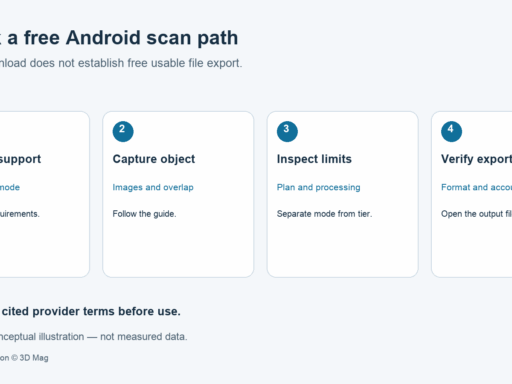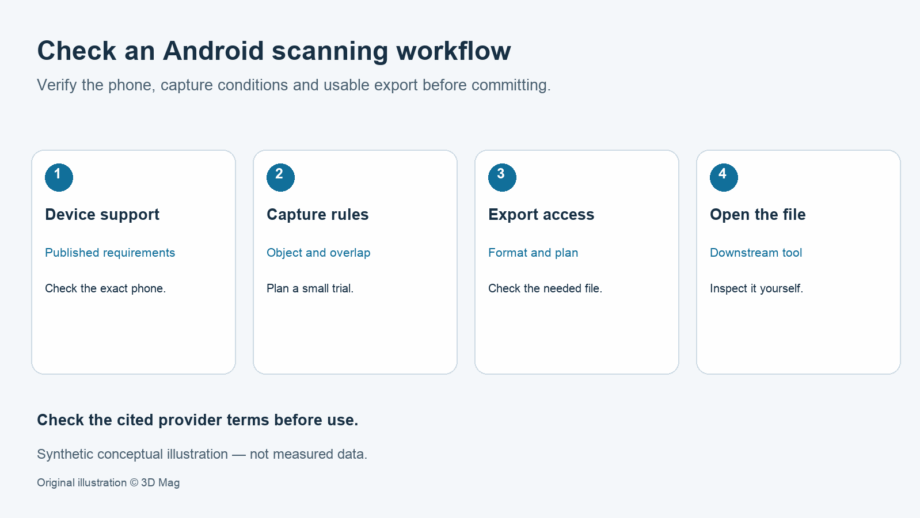
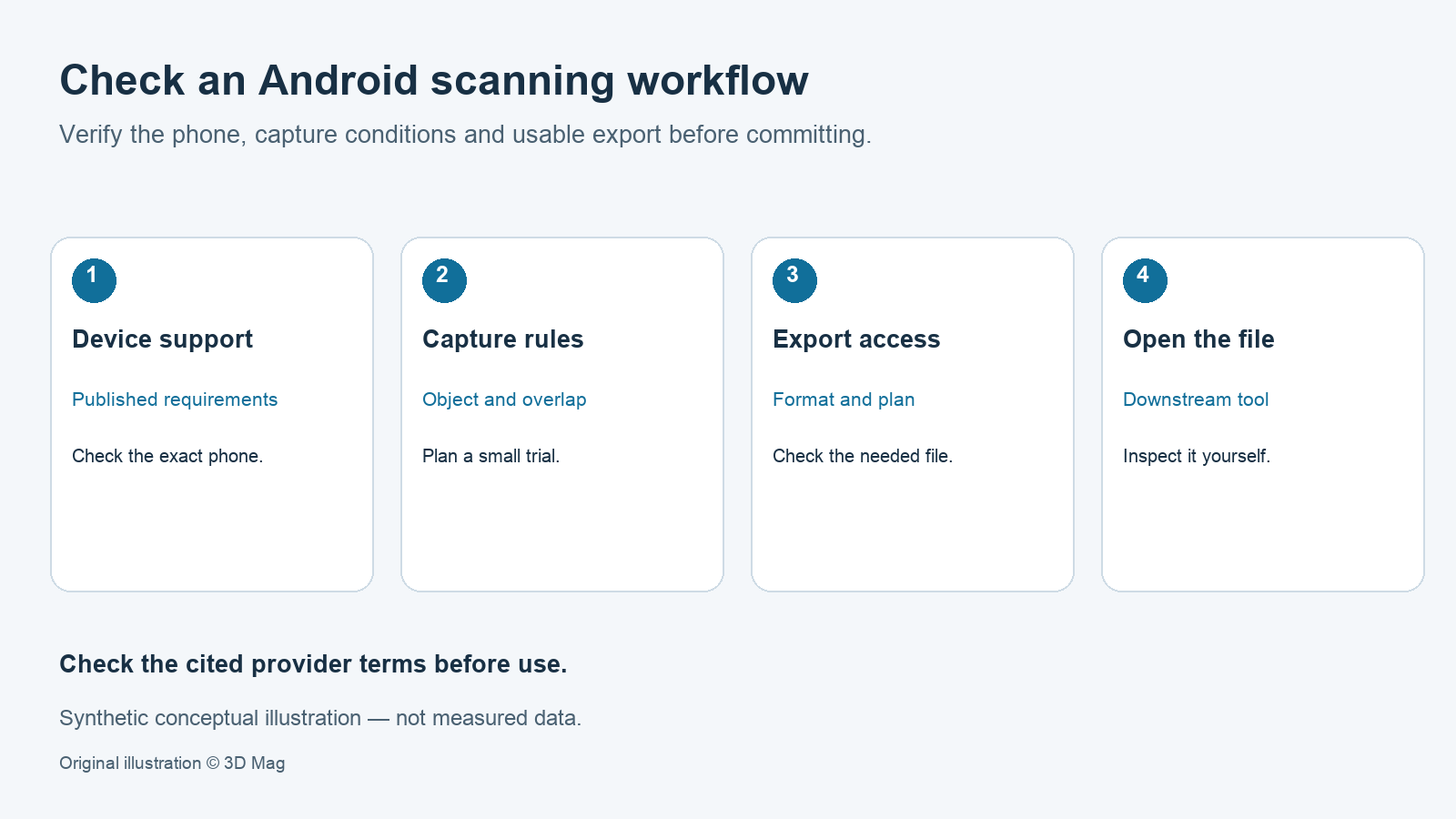

To choose an Android app for scanning objects, run three checks before you spend time capturing. First, confirm that the app’s published requirements cover your phone. Second, confirm that the plan you will actually use exports the file format your next tool needs. Third, run a small test scan and open the result in that tool. This explainer draws on vendor documentation cited inline, and the table lists when each source was accessed. It does not rank apps, and it reports no hands-on testing.
The short answer: three checks before you scan
Requirements differ between apps. Epic documents that RealityScan Mobile is compatible with Android devices that support ARCore and can run Android 7 (API level 24) or higher. KIRI Innovations states that KIRI Engine is available on Android, iOS and web platforms.
Export access also differs between plans. KIRI lists unlimited free exports on its free Basic plan. Polycam’s help centre documents that Free plan users can only export GLTF files for meshes. Separately, watermarked images and video are available on Free for its Object: Photogrammetry and Object: Gaussian Splat modes. Those media outputs are not STL meshes.
None of these documents tells you how well a particular handset will perform. Your own test scan answers that question.
Does the app support your Android phone?
For RealityScan Mobile, the documented Android requirement has two parts: ARCore support and Android 7 (API level 24) or higher. Epic also states that, alongside a compatible device, an Epic Games account is necessary. Meeting the Android version alone is therefore not enough. The sources reviewed here do not say whether your specific handset supports ARCore, so check that yourself before installing.
For KIRI Engine, the vendor FAQ says only that the app is available on Android, iOS and web. Neither that statement nor a store listing means every Android phone will produce equivalent results.
Polycam’s export documentation is useful for understanding plan restrictions, but where its matrix names devices (the Space Mode entries), it refers to iPhone and iPad models. The supplied sources therefore do not establish Polycam’s current Android availability. The table below records this as not documented, which is different from unavailable.
Older reviews, such as 3D Mag’s SCANN3D Android photogrammetry app review, describe app support at the time they were written. Treat them as background, not as evidence of current compatibility.
Photos, not depth sensors: what Android capture means here
In these sources, the capture paths that do not depend on an iPhone LiDAR sensor are photo-based. The sources do not list mode availability per Android device. KIRI states that Photo Scan processing happens on its cloud servers, so there are no specific camera requirements. The same page states that its LiDAR scanning relies on a physical LiDAR sensor available on iPhone 12 Pro and newer. That statement concerns Apple devices and is not evidence of depth capture on Android. Do not assume Android phones have equivalent depth hardware.
Photogrammetry reconstructs the object from overlapping photos. The result therefore depends heavily on the object you choose and on how you photograph it.
Preparing the object and capturing images
KIRI’s guidance is to capture objects with complex, textured surfaces, in orbits from at least three different heights, plus detailed close-up shots. For Photo Scan, KIRI also instructs users to create an account and capture or upload photos through its mobile app or web version.
Epic’s guidance follows the same pattern. It advises that you make circles and arches around the object at multiple heights, with at least half of each image showing the object. Epic also warns that anything not visible in multiple images will not appear in the resulting model, so aim for high overlap across every surface.
Each app sets its own capture limit, tied to a mode or plan:
- RealityScan Mobile: in Epic’s guide, which uses default settings and Augmented Reality mode, the image limit is 300.
- KIRI Engine: Basic allows up to 150 photos and a maximum of 2 GB per scan; Pro allows up to 500 photos and a maximum of 5 GB per scan. The GB figures refer to the digital size of each scan’s data, not to the physical size of the object.
Export formats and plan restrictions
| App | Documented Android requirement | Account requirement | Documented capture method | Free-plan export access | Paid-plan differences | Source access date |
|---|---|---|---|---|---|---|
| KIRI Engine | Available on Android; no OS version stated | Account required for Photo Scan | Cloud-processed Photo Scan | Unlimited free exports (Basic) | Pro: up to 500 photos, 5 GB per scan; USD 79.99/year or USD 17.99/month (region and tax not stated) | 2026-10-07 |
| RealityScan Mobile | ARCore support and Android 7 (API level 24) or higher | Epic Games account | Photo capture; Epic’s guide uses Augmented Reality mode with default settings | Export formats not documented in reviewed sources | Not documented in reviewed sources | 2026-10-07 |
| Polycam (export matrix only) | Not documented in reviewed sources | Not documented in reviewed sources | Not documented in reviewed sources | Mesh: GLTF only; watermarked images/video on Free for Object: Photogrammetry and Object: Gaussian Splat (not meshes) | Basic: 12 export formats; Business and Enterprise: all formats, including point clouds | 2026-10-07 |
KIRI states that mesh files from Photo Scan, Featureless Object Scan, 3DGS Scan (to Mesh) and cloud-uploaded LiDAR Scan can be exported as OBJ, FBX, STL, GLB, GLTF, USDZ, PLY and XYZ. The vendor page lists USDZ twice; this is treated as one format. KIRI publishes its Pro prices in USD: 79.99 billed yearly or 17.99 per month. The page does not specify region, tax or app-store pricing.
Polycam lists 12 export formats on Basic, and all export formats on Business and Enterprise, including point cloud exports. According to the same matrix, the formats available also depend on the capture mode.
Keep three questions separate. A free download does not mean free export. Free export does not mean every format is included. Neither one settles your rights to use the output. For RealityScan Mobile on Android, the reviewed sources do not list export formats.
Licence and sharing terms to read before you scan
The RealityScan Mobile EULA states that, to export, publish or otherwise share output, you may need to use other products of Epic or its affiliates, such as Sketchfab, which may require a Sketchfab account. This term covers the mobile app only, so do not assume it describes desktop licensing. This summary is not legal advice; read the full terms yourself.
Suggested validation workflow (reader-run, not tested by 3D Mag)
The following steps are guidance for you to run yourself. 3D Mag has not performed this test.
- Confirm that your phone meets the app’s documented requirement and that you have any required account.
- Choose a small, matte, textured object with one or two dimensions you can measure with calipers.
- Capture orbits at several heights with high overlap, staying within the app’s image or photo limit.
- Review the point cloud for gaps, crop the reconstruction region, then process. Epic’s guide states that the Process Project step reconstructs and downloads a textured model to the device.
- Export in the exact format your downstream tool needs, using the plan you will actually use.
- Open the file in that tool, whether it is a slicer, Blender, a game engine or a web viewer. Check scale and units, orientation, textures and mesh integrity. For 3D printing, also check that the mesh is watertight.
- Compare your caliper measurements with the model and record the result yourself. The file extension does not guarantee units, and none of the sources reviewed here publishes accuracy, resolution or repeatability figures.
If you are comparing several apps, see our broader overview of 3D scanning apps for adjacent options.
FAQ
Do I need a depth sensor to scan objects on Android? Not for the photo-based modes documented here. KIRI states that its cloud-processed Photo Scan has no specific camera requirements. Your results will still depend on how you capture and on the object itself.
Is a free download the same as free export? No. Polycam’s Free plan exports meshes as GLTF only, with watermarked images and video available separately for Object: Photogrammetry and Object: Gaussian Splat. KIRI lists unlimited free exports on Basic.
Will any Android phone run RealityScan Mobile? Epic documents the requirement as ARCore support and Android 7 (API level 24) or higher, plus an Epic Games account.
Can I 3D print the result? KIRI lists STL among its mesh exports. The file format alone does not establish printability, scale or dimensional fidelity, so check them on your own test export.
Sources
This explainer is based on cited published sources; 3D Mag did not conduct hands-on testing. Publisher sponsorship.