
If you need to record a moving performer in 3D, settle four questions before you compare systems. How does the subject move and interact? How much floor area and height does the performance need? How much of the subject will be hidden from the cameras? Where must the result play back or be edited? This explainer names no overall best system, because the right choice depends on the shot.
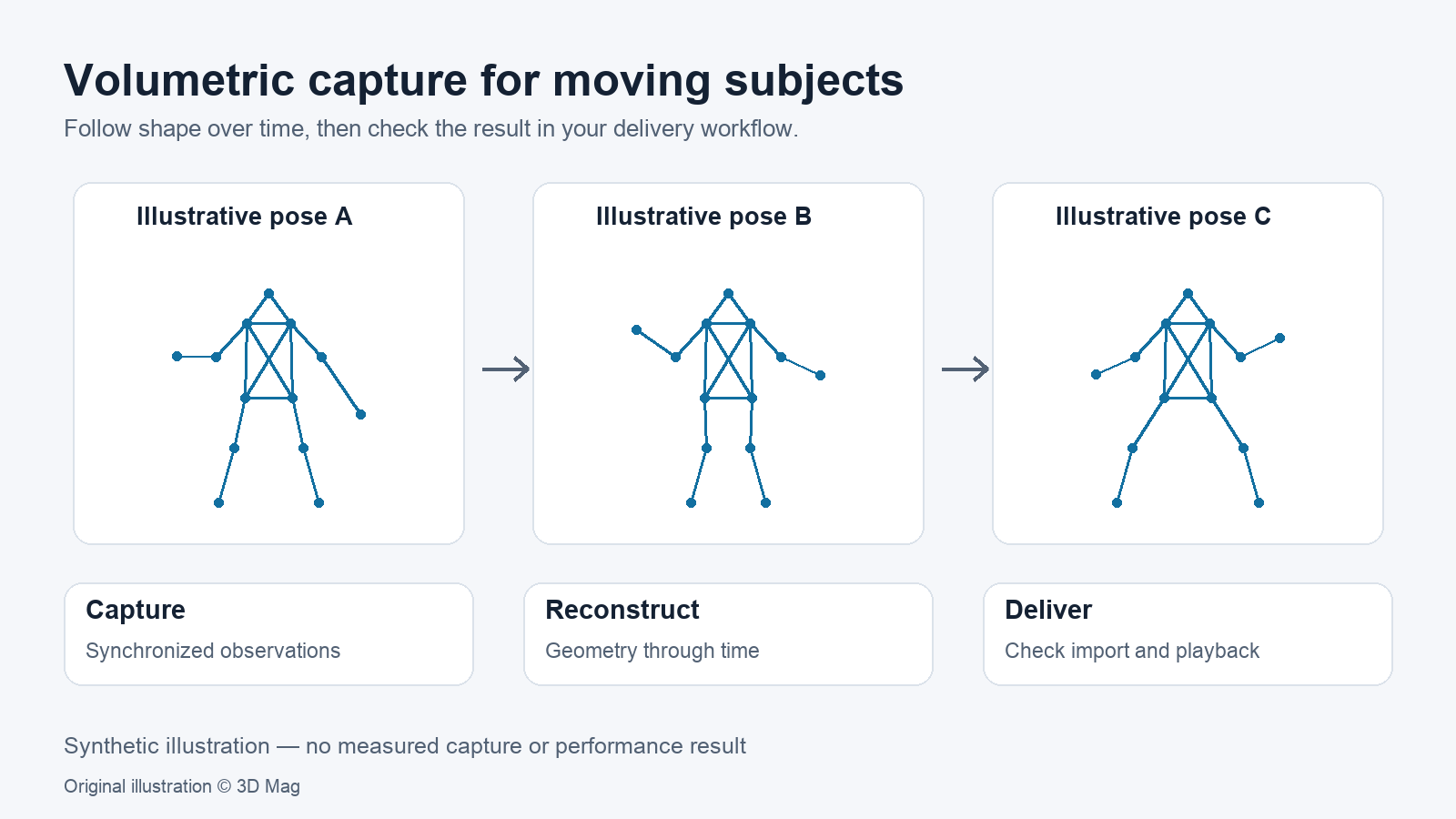
Volumetric video reconstructs a subject over time rather than recording one static state.
The 2021 Function4D research paper describes a dynamic sliding fusion step that fuses neighbouring depth observations with topology consistency to achieve temporal-continuous reconstruction (Function4D, arXiv, 2021).
The same 2021 abstract summarises the main trade-off. Sophisticated off-line systems can achieve high-quality results, while real-time capture of complex scenarios with light-weight setups remains challenging (Function4D abstract). This is the authors’ view of the research field in May 2021, not a statement about any current product.
Volumetric video versus a static 3D scan
A static scan records one state of an object. Photogrammetry or LiDAR matter here only if the workflow handles motion: a performer’s arms cross the body, clothing changes shape and props move between hands.
The Function4D authors observe that volumetric fusion depends heavily on long-term non-rigid tracking. They describe this as especially challenging under severe topology changes and large occlusions (Function4D paper, 2021).
Capture arrays and synchronization
In their 2021 literature review, the Function4D authors describe state-of-the-art multi-view systems built with up to 100 cameras, some also using custom-designed gradient lighting (Function4D paper, 2021).
Function4D itself is described as a volumetric capture system using very sparse consumer RGBD sensors, as few as 3. Its pipeline starts from a group of synchronized multi-view RGBD inputs. The authors report reconstruction at 25 fps for their system, with the deep implicit surface reconstruction stage timed using 3 viewpoints. The run-time pipeline is implemented fully on GPU, with TensorRT mixed precision used for the deep implicit surface reconstruction stage (Function4D paper, 2021). These are 2021 research figures, not product specifications.
On its HOLOSYS product page, 4Dviews lists the capture volume as up to D5m x H2.4m, up to 48 cameras and a frame rate of up to 60 FPS (4Dviews HOLOSYS specifications). Each figure is published as a maximum; the page does not say whether all three apply at the same time, or how the cameras are synchronized or calibrated.
Occlusion, movement, lighting and texture
The Function4D authors state that generating accurate, detailed surfaces and textures for fully occluded regions remains challenging (Function4D limitations, 2021). A performer turning away from the cameras, or a prop held against the chest, is therefore a useful stress case to check in any workflow.
The authors also state that specific materials such as black hair may cause depth sensors to lack observations, which severely degrades their system (Function4D limitations, 2021). This applies to the consumer RGBD sensors in their research setup.
4Dviews lists specialised studio lighting and calibration tools among the hardware in the all-inclusive HOLOSYS package, without lighting specifications (4Dviews HOLOSYS package). Those research limitations are not measured limits of HOLOSYS or other products.
Data processing and delivery formats
4Dviews describes 4DS as an optimised format for playback and integration, supported across multiple 4Dviews tools and game engines. It also states that the HOLOSYS Alembic (.ABC) export option allows native import of volumetric videos into Cinema4D, Autodesk Maya, Houdini and Blender (4Dviews HOLOSYS output formats). No application or engine versions are listed, and 3D Mag has not tested these exports.
4Dviews states that its 4Dfx software achieves compression rates of up to 1 MB/s for adapting volumetric video to WebXR, VFX and XR pipelines (4Dviews 4Dfx page). The page does not state the content, quality settings or software version behind this figure. Treat software licensing as a separate question from the formats your deliverable needs.
Decision table: matching workflow to the job
| Decision factor | What the selected sources document | What to confirm |
|---|---|---|
| Subject motion and interactions | 2021 research: severe topology changes and large occlusions make non-rigid tracking especially challenging (Function4D) | Test footage of your fastest moves and handovers |
| Required capture volume | HOLOSYS: up to D5m x H2.4m, as published by 4Dviews (4Dviews) | Which configuration the maximum assumes |
| Tolerance for occlusion artefacts | 2021 research: fully occluded regions remain challenging (Function4D) | How the vendor fills hidden surfaces |
| Lighting control | HOLOSYS package lists specialised studio lighting; no lighting specifications given (4Dviews) | Lighting requirements on your set |
| Real-time versus offline | 2021 research: 25 fps reported, with the surface reconstruction stage timed using 3 viewpoints on a GPU research pipeline (Function4D) | Processing time for your clip length |
| Delivery target | 4DS for engines; Alembic for Cinema4D, Maya, Houdini and Blender; 4Dfx compression up to 1 MB/s for WebXR, VFX and XR (HOLOSYS, 4Dfx) | Import and playback in your own pipeline |
| Geometric accuracy of commercial output | Not documented in selected sources | Ask for the measurement method |
A pre-production verification workflow (proposed, not performed)
These steps are suggested guidance. 3D Mag has not carried them out.
- Describe the shot in writing: performers, props, fastest movements, costume changes, and hair or material types.
- Mark out the performance area and compare it with the vendor’s published capture volume. Ask which conditions an “up to” figure assumes.
- Ask the vendor, in writing, how cameras are synchronized and calibrated, and which camera count and frame rate apply at your volume.
- Request or shoot a short test clip of the hardest moment. Inspect occluded areas, hands, props, hair, dark materials and texture seams.
- Export the clip to every target format and confirm it imports and plays in your own tools before production starts.
- Record software version, licence terms and per-seat costs separately from the deliverable formats.
FAQ
Is volumetric video the same as a 3D scan? No. A scan captures one state of an object; volumetric capture reconstructs a moving subject over time. The 2021 Function4D research names temporal-continuous reconstruction as a goal of its dynamic sliding fusion step (Function4D).
How many cameras do I need? The selected sources give no single answer. 2021 research documents setups from very sparse RGBD rigs to dense studio rigs (Function4D), and 4Dviews publishes a maximum camera count for HOLOSYS (4Dviews). Base the number on your volume and test footage.
Can I edit volumetric video in Maya or Blender? 4Dviews states that the HOLOSYS Alembic (.ABC) export lets you natively import volumetric videos into Cinema4D, Autodesk Maya, Houdini and Blender (4Dviews). Editing behaviour inside those tools is not documented in the selected sources, and 3D Mag has not tested it.
Sources
This explainer is based on cited published sources; 3D Mag did not conduct hands-on testing. Publisher sponsorship.