
A miniature for a display shelf and a housing for a replacement part ask different things of a scanner. The first needs recognizable detail; the second needs usable geometry around the features that must fit. Moose vs Seal starts with the object you can actually place on the table, not the smallest number on a specification sheet.
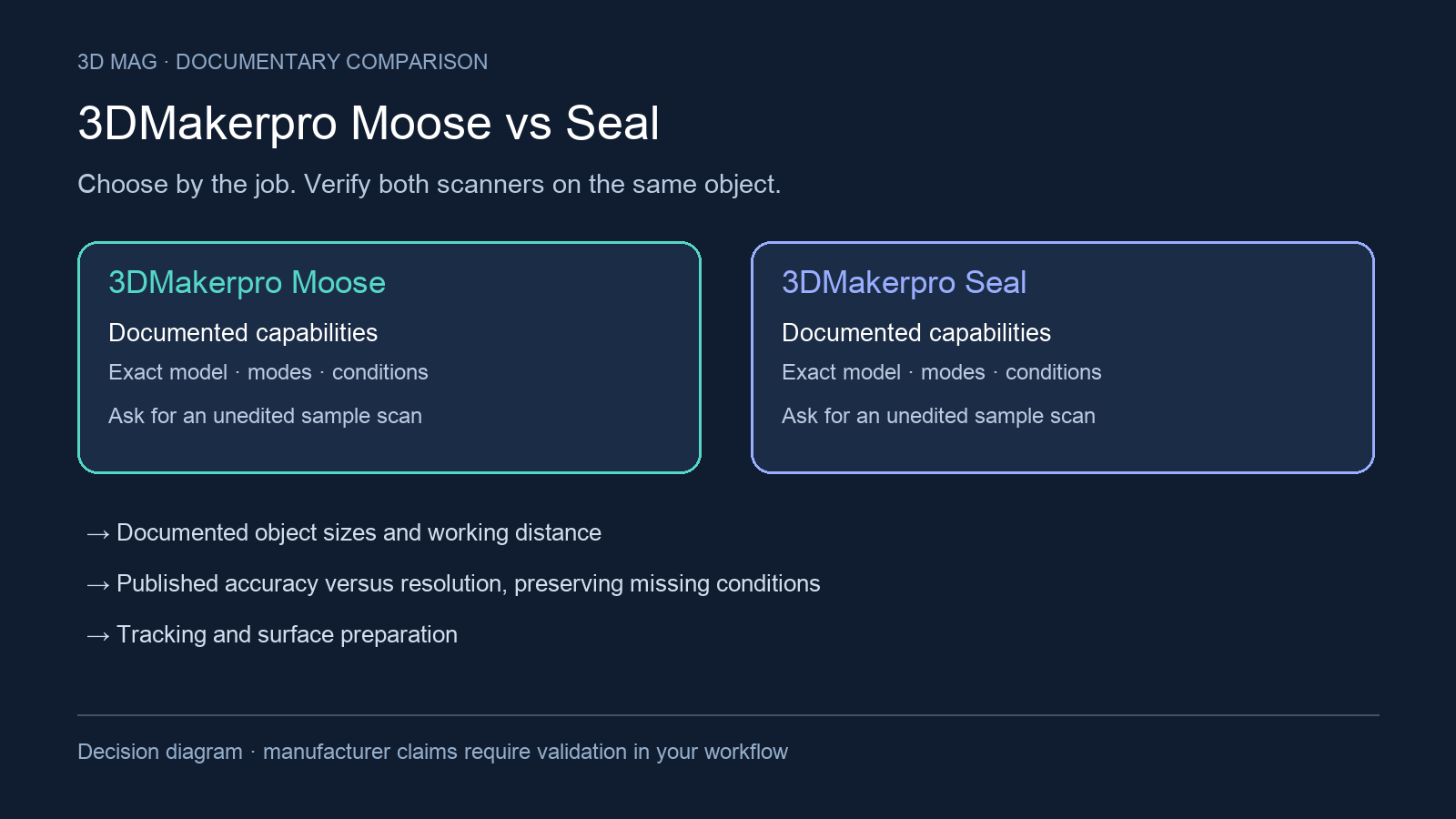
The criteria are fixed before any choice: documented object sizes and working distance; published accuracy versus resolution, with missing conditions preserved; tracking and surface preparation; computer and mobile accessory dependencies; mesh handoff and unverified texture-export details; and availability status plus unanswered buying questions. The manufacturer documentation reviewed does not provide a controlled hands-on test, so the guidance below is a scenario-based reading of the published pages, not a measured performance ranking.
Concise answer: look at Seal first when your work is mainly small objects within its documented object-size range and working-distance range. Look at Moose first when your object fits Moose’s documented size range and its capture window better suits the task. Defer choosing either model until you see a sample demonstration if the object is transparent, reflective, hairy, cannot be sprayed, or has measurement-critical dimensions.
A circuit board is a different job from an antler
In his Lidar News Moose review, Nathan Roe scanned a Raspberry Pi and a deer antler. He reported softer detail on the slightly reflective Pi case than on the matte antler, and noted that JM Studio could automatically close through-holes. Roe disclosed that the scanner was supplied free for review. These are observations from his Moose workflow, not a paired test of Seal. Lidar News report
For a collectible, inspect the face, folds and texture in the mesh before judging the render. For a replacement housing, inspect openings and mating edges before accepting automatic hole filling. For a classroom archive, ask for a repeatable capture routine another student can follow. The useful buying sample is a finished deliverable plus the raw scan that produced it; an attractive screenshot answers only part of the question.
Specification and workflow comparison
| Criterion | 3DMakerpro Moose | 3DMakerpro Seal | What changes the decision |
|---|---|---|---|
| Product positioning | The page labels Moose as “Medium-format” on the 3DMakerpro Moose product page. | The page labels Seal as “Small-format” on the 3DMakerpro Seal product page. | Treat this as vendor positioning, then check it against the size and distance rows. |
| Typical object sizes | Typical object sizes are listed as 15-1500mm on the 3DMakerpro Moose product page. | Typical object sizes are listed as 10-300mm on the 3DMakerpro Seal product page. | This row is the clearest documented split between the two product pages. |
| Working distance | Work distance is listed as 150-400mm on the 3DMakerpro Moose product page. | Work distance is listed as 180-280mm on the 3DMakerpro Seal product page. | Match the published range to your planned scanning space; the pages do not provide a same-condition ease-of-use test. |
| Single capture range | Single capture range is listed as 200x100mm on the 3DMakerpro Moose product page. | Single capture range is listed as 100x75mm on the 3DMakerpro Seal product page. | This is capture coverage, not resolution; use it to check how much of your object fits in one documented capture window. |
| Accuracy and resolution | Accuracy is listed as 0.03mm and resolution as 0.07mm on the 3DMakerpro Moose product page. | Accuracy is listed as 0.01mm and resolution as 0.05mm on the 3DMakerpro Seal product page. | These are manufacturer claims without test method, material, repeatability, or volumetric-accuracy conditions in the reviewed page text. |
| Tracking | Tracking mode is listed as AI Visual tracking on the 3DMakerpro Moose product page. | Tracking mode is listed as Visual tracking on the 3DMakerpro Seal product page. | The wording differs, but the reviewed pages do not show a same-condition tracking comparison. |
| Surface preparation | The Moose page says transparent, reflective, or hairy surfaces may require scanning spray on the 3DMakerpro Moose product page. | The Seal page says transparent, reflective, or hairy surfaces may require scanning spray on the 3DMakerpro Seal product page. | Difficult surface material is a separate buying question for both models. |
| Computer requirements | Minimum computer requirements are Intel Core i5 8th, 16GB RAM, and MX250 GPU with 2GB VRAM on the 3DMakerpro Moose product page. | Minimum computer requirements are Intel Core i5 8th, 16GB RAM, and MX250 GPU with 2GB VRAM on the 3DMakerpro Seal product page. | This documented requirement does not separate the models, but it may affect the total setup you need. |
| Mobile accessory path | Smart Grip is described as connecting Seal/Moose to a smartphone for on-the-go scanning on the 3DMakerpro Moose product page. | Smart Grip is described as connecting Seal to a smartphone for on-the-go scanning on the 3DMakerpro Seal product page. | Verify phone compatibility, cables, power, app support, and whether the accessory is included in the package. |
| Mesh handoff | Output format is listed as OBJ/STL/PLY/ASC on the 3DMakerpro Moose product page. | Output format is listed as OBJ/STL/PLY/ASC on the 3DMakerpro Seal product page. | These listed formats do not by themselves prove clean parametric CAD conversion. |
What points toward Moose or Seal?
Start with Moose when the larger object-size envelope and capture window in the table fit your work. A medium prop or classroom artifact may need room around it for the operator to maintain tracking; compare the object and available scanning space with Moose specifications before weighing finer specification differences.
Start with Seal when most of your objects fit its smaller-object profile. For miniatures and compact decorative pieces, check that the working space and capture window in Seal specifications suit how the object will be held or supported. A smaller published accuracy number alone does not establish whether a fine edge or recess will survive scanning and cleanup.
Read the accuracy and resolution rows separately. Accuracy concerns closeness to the real geometry; resolution describes detail spacing or capture. The Moose specifications and Seal specifications do not state the complete test method, material, environment, repeatability, or volumetric accuracy behind those figures. For fitting parts or scaled reproductions, request a sample file and compare it with known dimensions.
Tracking and surfaces: where a demonstration matters
Moose lists AI Visual tracking on the 3DMakerpro Moose product page, while Seal lists Visual tracking on the 3DMakerpro Seal product page. That is a real documentation difference, but it is not evidence that either scanner will keep alignment better on your object, in your room, or through your software workflow. If tracking behavior is important to the purchase, ask to see the scan session and the resulting unedited file.
Surface preparation is the shared caveat: the Moose page and the Seal page both say transparent, reflective, or hairy surfaces may require scanning spray on the Moose and Seal product pages. Spray may be acceptable for a disposable print reference but unacceptable for a borrowed object, porous artifact, painted miniature, or item that must remain untouched.
A useful demonstration should answer concrete questions: Was spray used? Was a turntable used? Were markers or manual alignment needed? How many passes were captured? Was the mesh shown before cleanup? Were failed passes omitted? Missing answers should not be interpreted as missing capability; they are simply not established by the reviewed pages.
Computer, phone, and handoff considerations
The same minimum computer configuration appears on the Moose specifications and Seal specifications. For a school-issued laptop or low-power mini PC, that shared requirement can decide whether either scanner is practical. Check the exact computer against the table before focusing on smaller scanner-spec differences.
Both models also show a smartphone route through Smart Grip, but the wording is accessory-based. The Moose page says Smart Grip connects Seal/Moose to a smartphone for on-the-go scanning on the 3DMakerpro Moose product page, and the Seal page says Smart Grip connects Seal to a smartphone for on-the-go scanning on the 3DMakerpro Seal product page. Before relying on that route, confirm whether Smart Grip is included in the exact package, whether your phone and operating system are supported, what cables are required, and how power is handled during longer scans.
For downstream software, both specification rows list OBJ/STL/PLY/ASC on the Moose and Seal product pages. That is not the same as a guaranteed editable CAD model. If the goal is reverse-engineering a mechanical part, ask for the actual exported file and the steps needed to make it usable in your CAD software. Confirm the exact export and texture packaging you need in the demonstrated software version; the reviewed text does not describe that packaging.
Scenario-based choices
Choose a Seal demonstration first for small objects in a controlled tabletop setup, with matte or spray-tolerant surfaces. The object must fit the documented size and working-distance limits in Seal specifications; inspect an unedited scan of the finest feature you need to preserve before buying.
Choose a Moose demonstration first for medium tabletop objects, props, larger craft pieces, or repair items that better match the envelope in Moose specifications. Ask to see the operator complete the whole object, including changes of orientation, rather than judging only a finished presentation mesh.
Defer choosing until a sample demonstration if your object is transparent, reflective, hairy, cannot be sprayed, or important for dimensional trust. Also defer if your computer does not meet the minimum requirements listed on the Moose and Seal pages, or if you plan to scan mainly by phone and have not confirmed the Smart Grip bundle and device compatibility.
Before purchase, ask the seller or manufacturer for the exact SKU contents, current US stock and return process, phone compatibility, whether spray or a turntable was used in any demonstration, and an unedited OBJ/STL/PLY/ASC file from an object similar to yours. Those file formats are the output formats listed on the Moose and Seal pages; the other purchase questions are unresolved by the reviewed documentation.
Availability status
Both models were checked through manufacturer product pages accessed on 2026-09-08: the 3DMakerpro Moose product page and the 3DMakerpro Seal product page. Page presence is not proof of current manufacturing, stock, delivery timing, or ongoing support. Stock status is therefore treated as unknown for both models.
Sources
This comparison uses manufacturer documentation and cited reports; 3D Mag did not conduct hands-on testing. Publisher sponsorship.