
The risk on a site visit is coming home with a missing surface that nobody can easily rescan. For a tabletop reproduction, it is discovering that the mesh still needs work before printing. VEGA vs base MIRACO should therefore start with what you need to inspect and finish before leaving the object, then consider what can wait for the desktop.
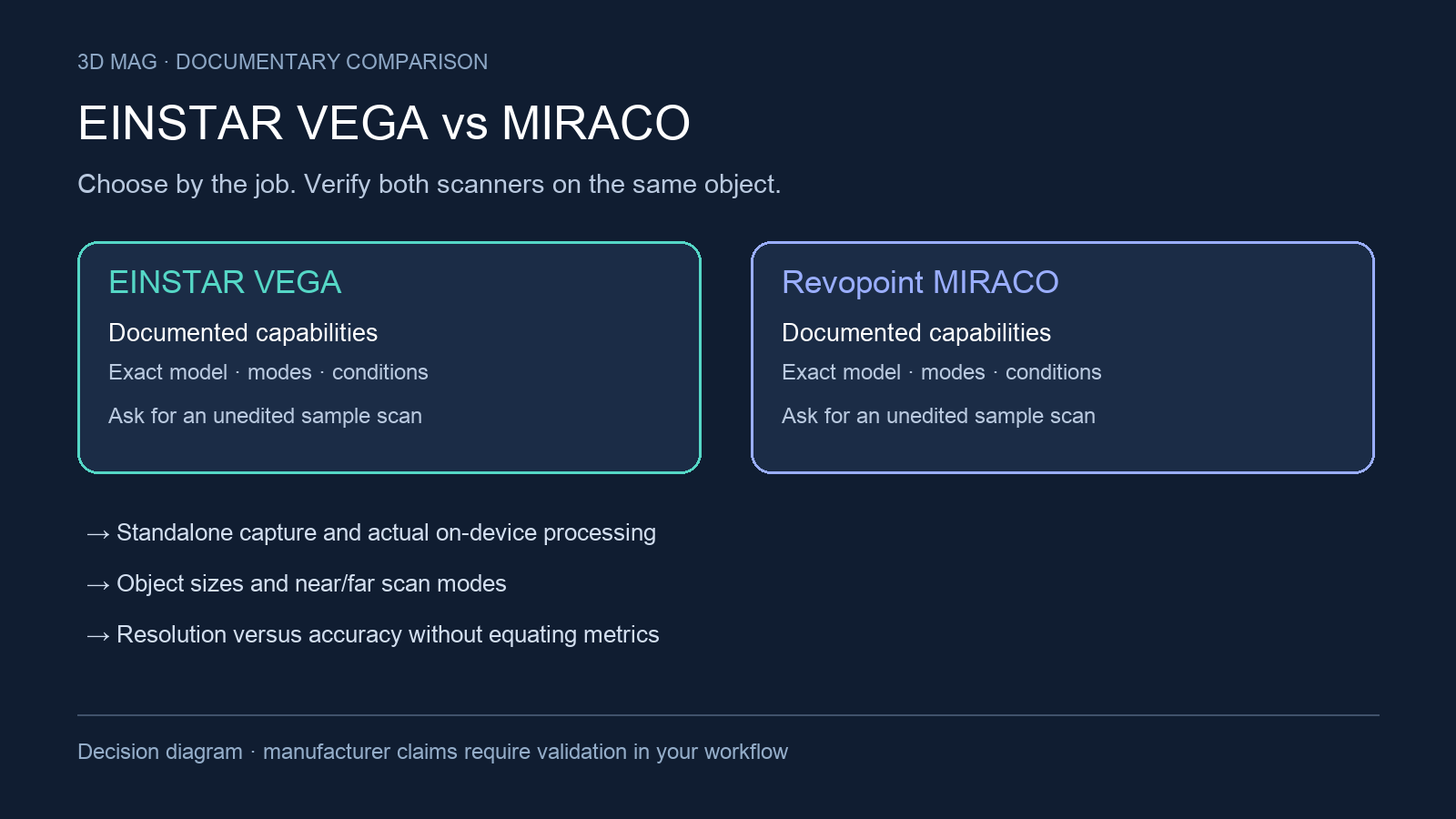
The comparison criteria are: standalone capture and on-device processing; object sizes and near/far or HD/Fast scan modes; resolution versus accuracy without treating them as the same metric; tracking and surface preparation; RAM, storage, battery, file formats, and desktop handoff; and unresolved availability or software questions. The chosen models are SHINING 3D EINSTAR VEGA and the base Revopoint MIRACO, not MIRACO Pro as a separate comparator.
Concise answer
Both scanners have documented capture and processing on the device: the VEGA workflow guide covers scan creation, point-cloud editing, meshing, and sharing, while MIRACO documentation describes PC-free capture and onboard fusion, meshing, editing, and export. Start the shortlist with the object envelope, working distance, memory, and deliverables in the table. Standalone operation alone does not separate the pair.
VEGA deserves a demonstration when its listed memory and storage fit a mixed capture session (VEGA specifications). Its working-distance documents disagree, so resolve the applicable range before committing to a fixed standoff. MIRACO provides an explicit upper object-volume specification and screen-mirroring guidance (MIRACO documentation). These differences help prepare a test; they do not establish which scanner is more accurate.
Defer choosing either scanner until a same-object demonstration if the deliverable is measurement-sensitive, if the object cannot be sprayed, if direct sunlight is unavoidable, or if the workflow depends on a particular workstation, file format, firmware branch, or regional bundle. The manufacturer documentation reviewed does not prove current stock, price, firmware parity, or real-world measurement performance.
A portable scanner still has a route to the finished print
Andrew Sink’s base MIRACO review for 3DWithUs followed the supplied bust from capture to a printed replica. He removed floating points on the scanner, checked the project on a computer and exported the mesh. In Bambu Studio he cut the uneven base flat for printing. This is a useful completed workflow example for base MIRACO, not a result for Pro or Plus, and it does not compare processing time with VEGA. The page discloses that purchases through some links may earn the site a commission. 3DWithUs report
For a museum or workshop visit, make “ready to leave” mean that the underside, recesses and joining surfaces have been checked, even if final processing happens later. For a decorative replica, also budget for base preparation and print orientation. For dimensional documentation, keep that cosmetic editing separate from the geometry used for measurements. These are different deliverables even when they begin with the same captured object.
Specification and workflow comparison
| Criterion | SHINING 3D EINSTAR VEGA | Revopoint MIRACO |
|---|---|---|
| Standalone capture basis | Manufacturer specifications explicitly say no computer is required for scanning (VEGA product page); the device manual describes scanning and point-cloud generation (VEGA workflow guide). | MIRACO is described as requiring no PC when scanning (MIRACO documentation). |
| On-device processing and review | The guide covers editing, meshing, and sharing on VEGA; the manufacturer says more detailed processing may need a computer (VEGA workflow guide; VEGA manufacturer FAQ). | Onboard fusion, meshing, editing, and export; screen mirroring through a USB-Type C to HDMI adapter or DP port (MIRACO documentation). |
| Transfer interfaces | VEGA lists USB 2.0 or 3.0, BT, and Wi-Fi 6, without transfer-speed test data in the reviewed text (SHINING 3D specification). | MIRACO lists USB Type-C and Wi-Fi 6, without transfer-speed test data in the reviewed text (Revopoint MIRACO page). |
| Scan modes and working distance | The archived specification gives HD 100–250 mm and Fast 350–1500 mm (VEGA specifications). The current product page instead gives HD 100–350 mm and Fast 270–1500 mm (VEGA product page). Confirm which applies to the quoted unit. | MIRACO describes Near/Far modes and gives an overall 100–1000 mm working-distance range (MIRACO documentation). |
| Capture area and object envelope | VEGA lists scan area as 26 mm (H) × 29 mm (V) at 100 mm in HD mode and 1028 mm (H) x 997 mm (V) at 1000 mm in Fast mode; it lists minimum scan dimensions as 10 mm 10 mm 10 mm, but the reviewed text does not state a maximum scan volume (SHINING 3D specification). | MIRACO lists single capture area as 28 x 53 mm at 100 mm and 975 x 775 mm at 1000 mm, with minimum scan volume of 10 x 10 x 10 mm and maximum scan volume of 4 × 4 × 4 m (Revopoint MIRACO page). |
| Resolution and accuracy wording | VEGA lists 3D camera resolution as HD: 2 mega-pixel and Fast: 1.3 mega-pixel; its separate Resolution field says “Accurate to the minimum of 0.05 mm,” but the reviewed text does not separately define repeatability or volumetric accuracy (SHINING 3D specification). | MIRACO lists single-frame accuracy up to 0.05 mm and fused point distance up to 0.05 mm, and its feature text pairs the 0.05 mm figure with fine-detail capture while giving single-frame accuracy up to 0.3 mm when capturing large areas; Revopoint states those values were acquired in a controlled lab environment and that actual results might vary with the operation environment (Revopoint MIRACO page). |
| Tracking and preparation | VEGA supports Features alignment, Markers alignment, Texture alignment, and Hybrid alignment; the reviewed specification does not include equivalent spray guidance for transparent, dark, or highly reflective objects (SHINING 3D specification). | MIRACO lists Feature, Marker, and Global Marker tracking methods, and Revopoint advises scanning spray for transparent, dark, or highly reflective objects (Revopoint MIRACO page). |
| Memory, storage, and exports | VEGA lists RAM as 32 GB, ROM as 32 GB eMMC+ 512 GB SSD, and data format as OBJ / STL / PLY / ASC (SHINING 3D specification). | MIRACO lists 256 GB eMMC storage, memory as 16 GB or 32 GB DDR4 with 32GB only in MIRACO Pro, and output formats PLY, OBJ, STL, ASC, 3MF, GLTF, FBX (Revopoint MIRACO page). |
| Battery and runtime | VEGA lists a 5000 mAh battery; its manufacturer FAQ gives 1.5–2 hours of continuous work and a power-bank option (VEGA specifications; VEGA manufacturer FAQ). | MIRACO lists a 5,000 mAh battery with up to 2-hour continuous scanning, plus charging to 80% in 35 minutes with 65W fast charging (MIRACO documentation). |
What changes the choice
Both offer a way to inspect and process captured data before leaving the site. The question is whether those onboard steps produce the deliverable you need. VEGA’s manufacturer notes that more detailed processing may require a computer (VEGA manufacturer FAQ); MIRACO’s listed onboard exports likewise do not guarantee an editable CAD model (MIRACO documentation). Include a complete export and downstream import in the demonstration.
Confirm working distance before planning access around an installed asset. The VEGA manual and current product page give different HD/Fast bands, shown together in the table (VEGA specifications; VEGA manufacturer FAQ). Neither source explains the change in the material reviewed. Ask which hardware and firmware the quoted range applies to. MIRACO’s single overall range likewise does not establish identical Near/Far behavior (MIRACO documentation).
For larger assets, MIRACO states an upper object-volume limit; VEGA’s versioned specification provides a minimum but no maximum (MIRACO documentation; VEGA specifications). A documented upper bound is useful for planning, but it is not a guarantee of whole-object accuracy. Ask for a scan of the proposed asset size and keep alignment, preparation, and acceptance checks consistent.
Measurement-sensitive buyers should be careful with terminology. MIRACO’s 0.05 mm claims are framed as single-frame accuracy and fused point distance, with a controlled-lab note and an actual-results-may-vary caveat (Revopoint MIRACO page). VEGA’s page uses different wording: camera resolution is given as HD: 2 mega-pixel and Fast: 1.3 mega-pixel, while the Resolution line says “Accurate to the minimum of 0.05 mm” (SHINING 3D specification). Do not compare these as if they were the same test. Ask each vendor what object, distance, alignment method, environmental condition, and calculation produced the number.
Surface preparation can decide the purchase. MIRACO advises spray for transparent, dark, or highly reflective objects and says outdoor scans should avoid direct sunlight (MIRACO documentation). VEGA’s current product table lists outdoor scanning, but does not establish equivalent direct-sunlight tolerance (VEGA product page). For fragile, reflective, or no-spray objects, demonstrate the actual material and lighting rather than treating an outdoor label as a guarantee.
Scoped choices by buyer profile
Shortlist VEGA when its listed RAM, storage, and mesh formats fit the capture session (VEGA specifications). On-device processing is documented, with a possible desktop step for more detailed work (VEGA manufacturer FAQ). Resolve the conflicting working-distance specifications and demonstrate the actual object envelope before choosing it for constrained access.
Shortlist base MIRACO when its stated object envelope, screen mirroring, and onboard export workflow fit the field job (MIRACO documentation). Keep the base-versus-Pro memory distinction explicit in the quote. Standalone capture is shared with VEGA, so use the intended object, export, and processing steps to make the final choice.
Defer choosing until a sample demonstration if the deliverable requires repeatable measurement over a defined volume, the asset must be scanned in direct sun, the material is transparent or reflective and cannot be sprayed, or the project depends on exact behavior in desktop software. Ask for the same object, same lighting, same surface preparation, exported deliverables, alignment settings, processing steps, and raw project data where available.
Questions to resolve before purchase
- Are the quoted units on the same hardware revision and firmware branch as the pages reviewed here?
- For VEGA, what maximum practical object envelope applies in HD and Fast mode, and under which alignment settings?
- For MIRACO base, which features on the page are shared with MIRACO Pro, and which are Pro-only beyond the documented RAM note?
- How much onboard storage is user-accessible after system files and sample projects?
- Are every required export format and texture option available from the intended scan mode and software version?
- What does each vendor recommend for shade, overcast light, and unavoidable direct sunlight?
Sources
This comparison uses manufacturer documentation and cited reports; 3D Mag did not conduct hands-on testing. Publisher sponsorship.