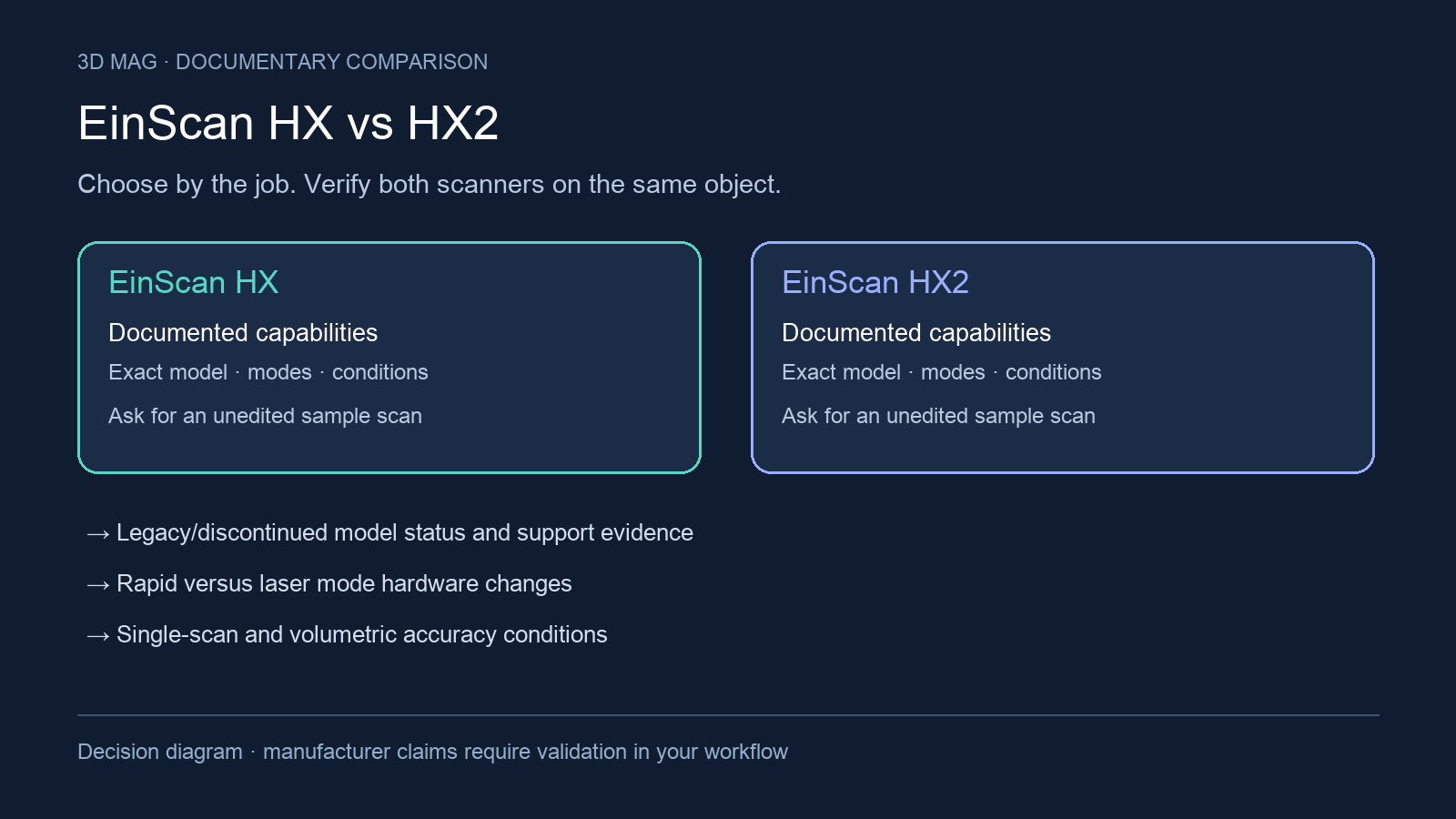

A used HX or HX2 is only valuable if the complete scan-to-deliverable workflow still works for your shop. The decision may be whether to keep a known HX installation or take on the condition, software and support questions of another used scanner. Both exact models are compared here in that installed-base and second-hand context.
The job scope is handheld capture of physical parts or objects where the workflow may involve rapid scanning, laser scanning, markers, color texture, reverse-engineering meshes, or measurement-oriented output. The fixed criteria are model status and support evidence; rapid-versus-laser hardware changes; single-scan and volumetric accuracy conditions; marker and color workflows; computer and shared software dependencies; and used-equipment verification. Prices, stock, warranty transfer, license transfer, and bundle contents are not established by the manufacturer documentation reviewed.
Concise answer
Treat the HX2 as a discontinued-model or used-equipment decision, not as a straightforward current upgrade purchase: SHINING 3D’s page is labeled “EinScan HX2 (Discontinued)” SHINING 3D HX2 page. Treat the HX as documented, but do not infer current new-unit availability from documentation alone: the reviewed manufacturer page is headed “EinScan HX SPECS” EinScan HX specs.
The documented change that matters most for laser-heavy work is HX2’s greater laser-line count and higher vendor-published laser capture rate, detailed in the table (HX specifications; HX2 documentation). Neither proves that a used HX2 will shorten an entire project once preparation, cleanup, and equipment condition are included.
An application beyond copying parts: racing development
SHINING 3D describes racing company APR bringing EinScan HX scanning into its garage after outsourcing scans of wind-tunnel models. The manufacturer’s case connects captured geometry with design work and CFD simulation. This is a vendor-published customer example for HX, not an independent benchmark, a measured productivity guarantee or a case study of HX2. SHINING 3D report
For a bodywork project, define whether you need a visual reference for redesign or geometry suitable for simulation preparation. Those are different acceptance files. For a damaged legacy part, distinguish preserved geometry from surfaces a designer must reconstruct. A used-equipment demonstration should carry your sample through the software and export route you will actually inherit; a scanner powering on does not establish that the project can be completed.
Specification and workflow comparison
| Criterion | SHINING 3D EinScan HX | SHINING 3D EinScan HX2 | What changes for the buyer |
|---|---|---|---|
| Documentation and model status | Documented on a manufacturer page headed “EinScan HX SPECS” EinScan HX specs. | Manufacturer page labeled “EinScan HX2 (Discontinued)” SHINING 3D HX2 page. | HX2 needs discontinued-model due diligence. HX documentation is not proof of current sales availability. |
| Scan-mode structure | HX lists “Rapid Scan” and “Laser Scan” modes EinScan HX specs. | HX2 is presented with hybrid blue laser and LED light, and its specs list “Blue LED / 13 Blue Laser Crosses” SHINING 3D HX2 page. | Compare by mode. Rapid, laser, color, and marker workflows are not interchangeable. |
| Light-source hardware | HX light source is listed as “Blue LED” and “7 Blue Laser Crosses” EinScan HX specs. | HX2 product copy says it is “boosting 13 crossed blue laser lines” and its tech specs list “13 Blue Laser Crosses” SHINING 3D HX2 page. | HX2 has the documented laser-line hardware increase; ask for a demonstration rather than assuming every object benefits equally. |
| Laser-mode rate | Laser Scan is listed at “480,000 points/s” and “55FPS” EinScan HX specs. | SHINING 3D says HX2 laser scan mode reaches “1,600,000 points/s and 120 FPS” SHINING 3D HX2 page. | HX2 has the higher vendor-published laser-mode rate, but condition, setup, and object surface still control purchase risk. |
| Rapid-mode rate | Rapid Scan is listed at 1,200,000 points/s and 20FPS (HX specifications). | A rapid-mode rate was not verified in the reviewed HX2 source (HX2 documentation). | The laser-mode figures belong in their own row; no rapid-mode speed comparison is supported here. |
| Scan accuracy | HX lists “Up to 0.05mm” in Rapid Scan and “Up to 0.04mm” in Laser Scan EinScan HX specs. | HX2 copy states “Accuracy up to 0.04 mm under laser mode” SHINING 3D HX2 page. | HX gives a mode split; HX2 provides a laser-mode condition in copy, not a complete rapid-versus-laser accuracy table. |
| Volumetric accuracy | HX lists “0.05+0.1mm/m” in Rapid Scan and “0.04+0.06mm/m” in Laser Scan, with the footnote tying reduction to object size and marker alignment EinScan HX specs. | HX2 lists “up to 0.04 + 0.06 mm/m” SHINING 3D HX2 page. | The published HX laser-mode volumetric figure matches the HX2 figure shown here; larger-object work still needs a tolerance and setup demonstration. |
| Color workflow | HX texture scan is “Yes (Built-in Color camera)” in Rapid Scan and “No” in Laser Scan EinScan HX specs. | HX2 “supports full-color texture capturing and tracking in rapid scan mode” SHINING 3D HX2 page. | Both documented color workflows are rapid-mode claims, not proof of laser-mode color capture. |
| Point distance | HX lists “0.25mm-3mm” for Rapid Scan and “0.05mm-3mm” for Laser Scan EinScan HX specs. | The HX2 page says “Minimum point distance of 0.05 mm,” but its tech-spec block also says “Point Distance 0.25 ~ 3 mm” SHINING 3D HX2 page. | Because the HX2 page contains non-matching point-distance statements, this article does not declare a point-distance choice. |
| Software and OS | EXScan_HX is described as “applicable to EinScan HX, HX2” EinScan support. | The support page lists latest “Version 1.4.1.3” and “Windows 10/11 (64 bit)” for EXScan_HX EinScan support. | Shared software documentation helps, but it does not prove account access, license transfer, or future compatibility for a used unit. |
| Marker note | A previous release note says “EinScan HX now can recognize both 3mm and 6mm markers” and says markers should be purchased from SHINING 3D EinScan support. | The support page applies to HX and HX2, but the marker sentence itself names HX, not HX2 EinScan support. | Confirm marker size, marker source, and behavior on the actual scanner before buying. |
What changes the choice
For an installed HX owner, start with the project gap. If the current rapid or laser workflow already produces an acceptable deliverable, replacing known equipment with a used scanner introduces condition and support questions. The HX specifications establish the available modes; they do not prove that an HX2 will shorten setup, marker placement, scanning, and cleanup on your part.
For a laser-heavy used purchase, the HX2 specifications in the table justify a demonstration, not an automatic upgrade. Its discontinued status in HX2 documentation makes calibration, service route, software access, and return terms part of the choice. Compare complete scan sessions on the same part and include processing time.
Accuracy should be read by condition, not as a single headline. HX lists “Up to 0.05mm” in Rapid Scan and “Up to 0.04mm” in Laser Scan; HX2 copy says “Accuracy up to 0.04 mm under laser mode” EinScan HX specs SHINING 3D HX2 page. For whole-object work, volumetric accuracy is more relevant than single-scan accuracy: HX lists “0.04+0.06mm/m” in Laser Scan, and HX2 lists “up to 0.04 + 0.06 mm/m” EinScan HX specs SHINING 3D HX2 page. That matching published figure is a reason to ask for an acceptance demonstration rather than treating HX2 as an automatic measurement upgrade.
Color does not separate the models as much as a quick spec skim might suggest. HX texture scan is listed as “Yes (Built-in Color camera)” for Rapid Scan and “No” for Laser Scan, while HX2 supports full-color texture capture and tracking “in rapid scan mode” EinScan HX specs SHINING 3D HX2 page. If color texture is part of the deliverable, the right buying test is a rapid-mode sample file from a representative object, not a laser-mode rate comparison.
Software is a necessary gate for both models. The support page says EXScan_HX is “applicable to EinScan HX, HX2” and lists latest “Version 1.4.1.3” with “Windows 10/11 (64 bit)” EinScan support. That is useful for installed-base planning, but a used listing still needs proof that the buyer can install the software, access any required account, and run the scanner on the intended workstation.
Scenario-based choices
Stay with an installed HX, at least until a real project gap is shown, if the current scanner meets the required mesh, texture, or measurement deliverable. This is especially reasonable when the work fits the documented HX modes and the buyer has a known PC and software setup.
Consider a used HX2 when the job is specifically laser-mode-heavy, the unit is demonstrably functional, and the seller can scan a comparable part. Use the documented hardware and laser-rate differences in HX2 documentation to define that demonstration. Keep the purchase framed as discontinued equipment and verify the service route before paying.
Consider a used HX when the listing is better documented, the accessories and software path are clearer, and the object class fits its published rapid or laser workflow. The HX page documents Rapid Scan and Laser Scan modes, but it does not establish current new-unit stock or seller-specific condition EinScan HX specs.
Defer choosing until a sample demonstration if the object is dark, reflective, low-feature, unusually large, tolerance-critical, or color-dependent. Also defer if the seller cannot show scanner condition, software access, marker workflow, and workstation compatibility with the EXScan_HX “Windows 10/11 (64 bit)” listing EinScan support.
Before buying used, ask the seller to resolve these specifics: exact model label and serial number; whether HX2’s discontinued status affects service or returns; which EXScan_HX version is installed; whether the buyer can access latest “Version 1.4.1.3”; whether markers are included and suitable; whether the operator is relying on the HX release note for “3mm and 6mm markers”; and what sample mesh or measurement artifact will prove the result on the buyer’s object EinScan support.
Sources
This comparison uses manufacturer documentation and cited reports; 3D Mag did not conduct hands-on testing. Publisher sponsorship.