
A broken handle or worn bracket can look simple until the underside has to align with the front. For a small-parts bench, the relevant question is how reliably you can capture, join and hand off the surfaces that matter. This comparison covers the base Raptor and MetroX, with the intended job continuing beyond the first point cloud.
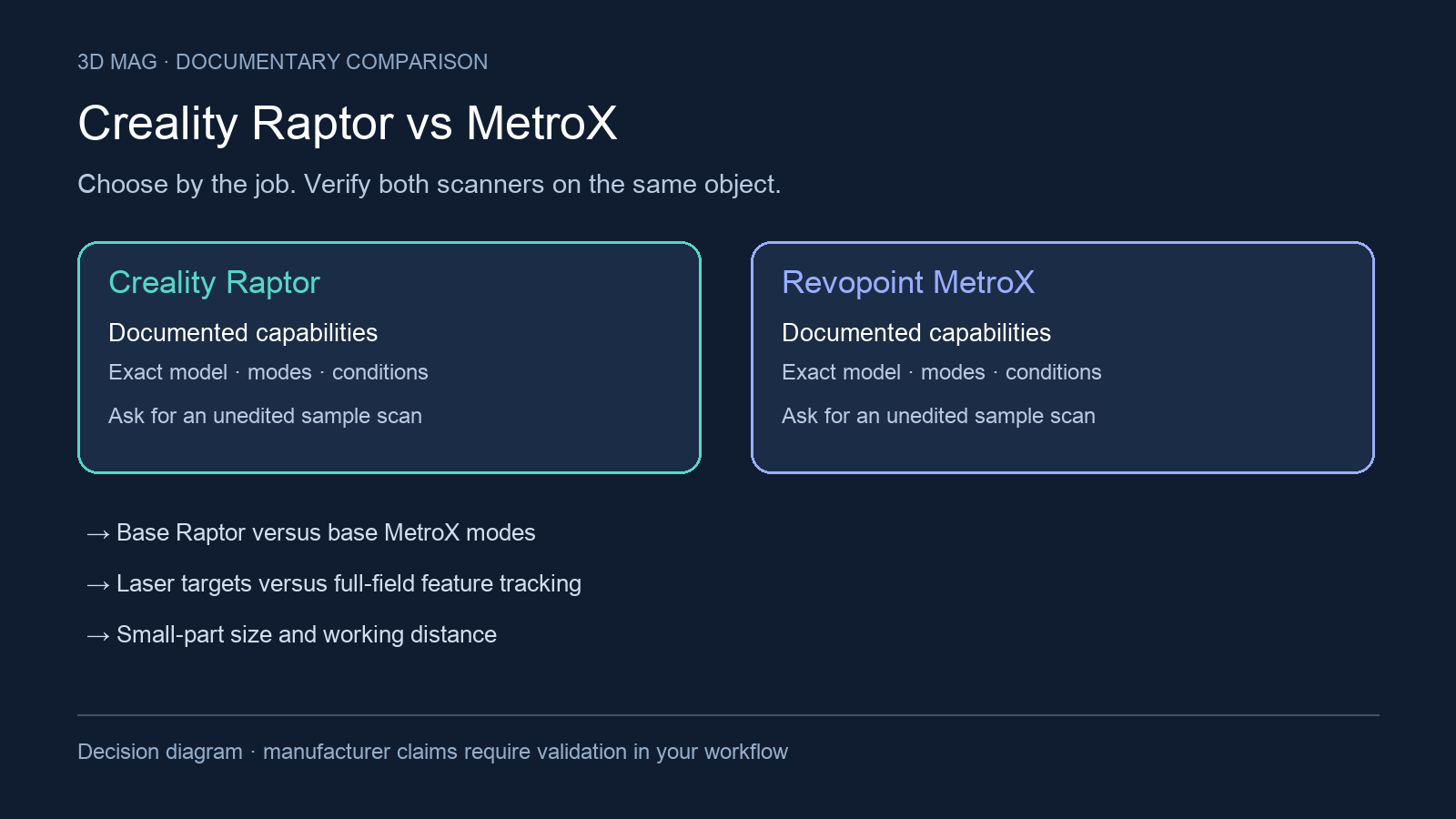
The criteria are base Creality CR-Scan Raptor versus base Revopoint MetroX modes; laser targets versus full-field feature tracking; small-part size and working distance; accuracy, volumetric accuracy, precision, and resolution context; host performance and GPU requirements; and texture, export, and downstream CAD workflow. Pro, Plus, Lite, successor, and legacy variants are outside scope. The manufacturer documentation reviewed was accessed on 2026-09-08; it does not verify price, stock, bundle contents, tax, current manufacture, or US availability.
Concise answer: choose by workflow constraint, not by a single headline number. Demonstrate CR-Scan Raptor first if the first filter is very small object size, close blue-laser working distance, and a marker workflow that can be built into the bench setup. Demonstrate MetroX first if you want its documented base-model mix of multi-line laser, full-field blue structured light, Feature/Marker/Global Marker tracking, and explicitly stated Windows RTX requirements. Defer choosing either scanner until a sample demonstration if your parts are reflective, transparent, dark, tolerance-critical, or expected to move into inspection or editable CAD with little rework.
A knife handle: the merge is part of the job
Max Funkner’s MetroX test for 3DWithUs included a snap-off knife handle scanned from both sides. Alignment took several attempts; overlap between the views was important to the successful merge. He filled holes afterward, but described printing that handle as a future step. It is therefore a documented scan-and-merge example, not proof of a finished replacement handle or a result for Raptor. The page discloses that purchases through some links may earn the site a commission. 3DWithUs report
For a replacement handle, ask to see both the visible grip and the internal attachment geometry before accepting a repaired mesh. For a bracket, keep the hole centres and mounting surfaces in the acceptance check, including where capture ends and CAD reconstruction begins. Run both demonstrations with the same required deliverable. Comparing a polished render from one system with raw capture from the other would obscure the work still left to do.
Specification and workflow table
Raptor manual citations were checked against the English specification section of the archived multilingual manual; other language sections were outside this review.
| Criterion | Creality CR-Scan Raptor | Revopoint MetroX | What changes the buyer’s choice |
|---|---|---|---|
| Base-model modes | Creality lists CR-Scan Raptor with Blue Light (Blue 7-line laser) and NIR infrared binocular structured light in the CR-Scan Raptor Product Manual V2.1. | Revopoint lists MetroX technology as multi-line laser scan and full-field structured light scan on the MetroX product page. | Both are hybrid in vendor documentation, but the routes differ: Raptor pairs blue laser with NIR, while MetroX pairs multi-line laser with full-field blue structured light. |
| Laser and tracking workflow | Creality says Raptor blue laser mode requires circular reflective marker assistance; for smaller objects, markers can be affixed to the desktop or scanning pad rather than the object surface in the Raptor instruction. | Revopoint lists MetroX tracking methods as Feature, Marker, and Global Marker on the MetroX page. | If stickers would hide critical geometry, Raptor’s bench-marker option and MetroX’s feature tracking both need a same-part demonstration. The question is where references go and whether tracking remains stable. |
| Marker-free structured-light route | Creality says Raptor infrared structured light can achieve marker-free point scanning in the manual. | Revopoint says MetroX full-field blue structured light scans feature-rich workpieces marker-free with 62 light lines on the MetroX page. | Marker-free does not mean every surface or shape will track well. For small mechanical parts, confirm that the chosen mode sees enough geometry, texture, or surrounding reference. |
| Difficult surfaces | Creality’s manual says Raptor has low dependence on powder spraying and can directly scan many black and metal objects, without tying that sentence to one mode in the manual. | Revopoint says MetroX cross-line mode can scan flat, shiny, or dark surfaces without scanning spray on the MetroX page. | Treat both no-spray statements as vendor wording, not as a guarantee for transparent, mirror-like, or every coated surface. |
| Working distance | Raptor blue laser scanning distance is listed as 150-400mm in Creality’s instruction. | MetroX working distance is listed as 200 ~ 400 mm by Revopoint. | The closer lower end can matter on a crowded bench or inside a fixture, but clearance is only useful if tracking, exposure, and access still work. |
| Minimum scan volume | Raptor blue-light minimum scanning volume is listed as 5mm x 5mm x 5mm in the Creality manual. | MetroX minimum scan volume is listed as 10 × 10 × 10 mm on the MetroX page. | For very small parts, this is a reason to test Raptor early, not proof of final mesh quality. Above both thresholds, material behavior and post-processing may dominate. |
| Accuracy, precision, and volumetric context | Raptor blue-light accuracy is listed as up to 0.02mm @ 100mm, with accuracy evaluated in laboratory conditions and the measurement object stated as a 100mm sphere pair in the manual. | MetroX single-frame precision is listed as up to 0.01 mm, and MetroX volumetric accuracy is listed as 0.025 mm + 0.05 mm × L (m), where L is the length of the object on the MetroX page. | These figures describe different measurement ideas. Do not rank accuracy, single-frame precision, and volumetric accuracy as interchangeable. |
| Host performance and GPU | Creality’s separate performance page lists Raptor Windows recommended configuration as Windows 10 / 11, Intel Core i7 12th Gen or above, NVIDIA GeForce RTX 3060 with 6GB VRAM or higher, and 32 GB or more RAM, and the same page lists a lowest Windows configuration of Intel i5-Gen8 with 8 GB RAM and software ≥V3.3.0, which Creality describes as a threshold that can barely run the software; the archived Product Manual V2.1 lists a lower Windows recommendation of i7-Gen7 CPU, Nvidia 6GB VRAM graphics, and 16GB memory or higher on the Creality performance page and in the manual. | Revopoint lists MetroX Windows minimum PC requirements as Intel i7 13th Gen or AMD Ryzen 7 5800, RAM ≥ 32GB, and NVIDIA GeForce RTX 3060 (8GB); Revopoint also says only NVIDIA RTX 30 and 40 Series GPUs are currently supported on Windows on the MetroX page. | The computer can decide the system budget before scan quality does. Because Creality’s sources differ, verify the current software version, GPU, driver, operating system, and laptop power mode before buying. |
| Texture, export, and downstream workflow | Raptor output format is listed as OBJ/STL/PLY in the manual, and Creality says Raptor has a high-definition RGB camera with texture applied through Mesh Processing -> Color Mapping after meshing in the instruction. | MetroX output file formats are listed as PLY, OBJ, STL, ASC, 3MF, GLTF, and FBX on the MetroX page. | MetroX has the broader documented export list here. That still does not prove automatic parametric CAD; confirm whether your next step needs a printable mesh, inspection setup, or reverse-engineered solid. |
What matters in practice
The mode split is the main decision. Raptor’s small-part story, from the cited documentation, is strongest when the blue-laser workflow and a controlled marker layout are acceptable. Creality’s instruction says smaller objects can use markers on the desktop or scanning pad rather than on the object in the Raptor instruction. For tiny brackets, screws, inserts, and delicate surfaces, that may preserve geometry that stickers would otherwise cover. The tradeoff is that the bench becomes part of the tracking system: marker visibility, overlap between passes, and fixture access all need to be planned.
MetroX’s documentation lists Feature, Marker, and Global Marker as tracking alternatives for the base model on the MetroX page. That matters if your part has enough shape detail for feature tracking and you want to avoid target placement. Its full-field blue structured-light claim is aimed at feature-rich workpieces, while its cross-line no-spray claim is separate and mode-specific on the same page. For shiny, dark, transparent, or specular materials, ask for the exact mode, preparation, lighting, and workstation used in the demonstration.
Published measurement figures are screening data. Raptor’s cited figure is a blue-light accuracy claim under laboratory conditions at a stated distance and artifact in the manual. MetroX gives single-frame precision and a volumetric accuracy formula on the MetroX page. For reverse engineering, ask whether the critical issue is local detail, whole-part scale, repeated capture, or alignment between sides. For inspection, request a scan of your part or a known artifact in the software you will actually use.
Workstation requirements can be the practical tie-breaker, but the documentation is not perfectly aligned: Creality’s Product Manual V2.1 lists a lower Windows recommendation than Creality’s separate performance page in the manual and on the Creality performance page. A buyer should treat the separate performance page as the stricter planning baseline while still asking the seller which requirement applies to the exact Creality Scan version. MetroX’s cited Windows line is a minimum requirement with an additional RTX-series support note on the MetroX page. A shop with older laptops, integrated graphics, non-RTX cards, AMD GPUs, or a Mac-centered workflow should verify compatibility before treating either scanner as a standalone purchase.
Scoped choices
For very small parts where minimum scan volume is the first filter, put CR-Scan Raptor first on the demo list because the cited blue-light minimum is smaller. Make the demonstration use the blue-laser mode and the same marker placement you would use on the bench.
For feature-rich small parts where avoiding markers is a priority, put MetroX first on the demo list because Revopoint documents Feature tracking and marker-free full-field structured light for feature-rich workpieces. Confirm that your exact geometry supplies enough trackable detail.
For flat, shiny, or dark parts, do not choose from claims alone. MetroX ties its no-spray statement to cross-line mode, while the Raptor manual makes a broader low-spray claim for many black and metal objects; the purchase should wait for a same-material sample scan with the intended mode.
For workstation-constrained buyers, verify host compatibility before either purchase. MetroX’s cited Windows GPU note may force a hardware upgrade; Raptor’s cited documentation contains a source conflict, and the stricter Creality performance page is not a low-spec route.
For CAD and 3D printing users, decide after clarifying the next file step. The cited Raptor formats cover common mesh outputs, while the cited MetroX list is broader. Neither documentation set proves one-click editable CAD reconstruction, so budget time for cleanup, inspection setup, or reverse-engineering software.
Questions to resolve before a demo or purchase
- Can the seller scan your smallest and most difficult part in the exact mode you expect to use?
- Where will markers go: on the part, on a scanning pad, on marker blocks, or not at all?
- Are you judging local detail, whole-object scale, alignment between sides, or only printable mesh completeness?
- Which current software version, GPU, driver, and operating system will be used on your bench?
- Which output format does your CAD, inspection, or slicer workflow require, and what manual post-processing is still needed?
Sources
This comparison uses manufacturer documentation and cited reports; 3D Mag did not conduct hands-on testing. Publisher sponsorship.