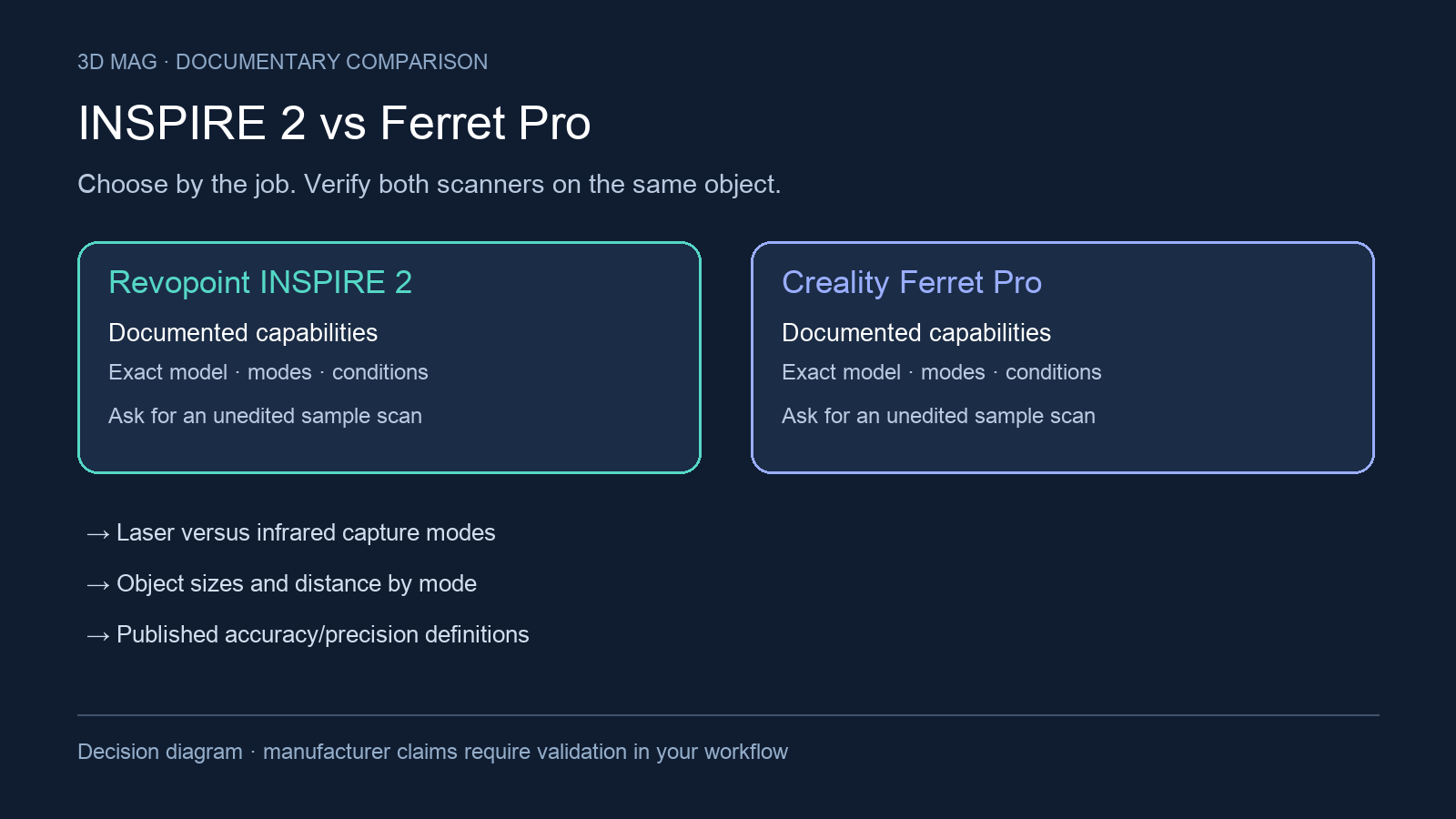

A portable scanner is only part of a portable setup. Picture the phone, power, cables and object support you will carry, then decide whether the result is a colourful digital asset, a printable copy or geometry for a fitted part. INSPIRE 2 vs Ferret Pro is evaluated here on capture technology, object scope, measurement definitions, surface preparation, host accessories and export workflow.
Concise answer: start with the INSPIRE 2 profile if the job is small-part capture and you specifically want a documented infrared multi-line laser workflow alongside infrared structured light; Revopoint lists INSPIRE 2 technology as dual-camera infrared structured light and infrared multi-line laser, and lists scan volume from 20 × 20 × 20 mm to 2 × 2 × 2 m. Revopoint INSPIRE 2 product page and specifications Start with the Ferret Pro profile if the job is mobile capture of medium-to-large objects and Creality’s published handheld positioning fits the work; Creality says the CR-Scan Ferret Pro uses one-shot 3D imaging technology for shaky-hand scanning and is for medium to large objects ranging from 15cm to 2meter. Creality CR-Scan Ferret Pro product page
What changes the choice
The practical split is not a universal ranking. INSPIRE 2 is documented as a dual-mode scanner: structured light for broader mobile capture and infrared multi-line laser for marker-based capture. Revopoint states that INSPIRE 2 tracking methods are feature, marker, and global marker, but also says structured light supports all three tracking types while laser mode supports marker and global marker only. Revopoint INSPIRE 2 product page and specifications If the reason you are considering INSPIRE 2 is laser scanning, plan for markers and do not assume the same phone-only workflow as structured-light scanning.
Ferret Pro is documented more as a handheld mobile-capture product than as a technology-mode specification in the reviewed source. Creality says its one-shot 3D imaging technology makes scanning smooth even with shaky hands, and the same product page emphasizes black or metal objects, outdoor scanning, and medium-to-large objects. Creality CR-Scan Ferret Pro product page That does not prove it tracks better in your hands; it means the manufacturer documentation reviewed frames the Ferret Pro around a different practical job and does not provide a directly comparable sensor or mode description.
A colourful object, a print and a phone connection
Richard Hirst’s Ferret Pro review for 3DWithUs followed a colourful object through scanning, mesh processing and a print on a Creality K1. He found brightly coloured objects easier in his setup, while dark or translucent regions could leave missing sections. His example is a reproduction workflow, not dimensional validation of a replacement part or a head-to-head INSPIRE 2 test. The page discloses that purchases through some links may earn the site a commission. 3DWithUs report
For a school project, define success as a recognizable scan that students can clean and print with the available devices. For a mobile visit, rehearse capture and file transfer on the actual phone before relying on the setup away from the workshop. For a replacement component, add a separate dimensional check around the features that mate with another part. The successful print in a review is evidence of that project, not automatic proof of mechanical fit.
Specification and workflow comparison
| Criterion | Revopoint INSPIRE 2 | Creality CR-Scan Ferret Pro | Practical implication |
|---|---|---|---|
| Published capture-technology disclosures | Revopoint lists INSPIRE 2 technology as dual-camera infrared structured light and infrared multi-line laser. Revopoint INSPIRE 2 specifications | Creality says the CR-Scan Ferret Pro uses new one-shot 3D imaging technology that makes scanning smooth even with shaky hands; the reviewed product text does not provide a directly comparable structured-light, laser, or sensor-mode specification. Creality CR-Scan Ferret Pro product page | If a documented laser mode is required, INSPIRE 2 is the model in this pair with that published mode. If the task is mobile handheld capture, Ferret Pro’s page is written around that use case, but its mode details need confirmation. |
| Object sizes | Revopoint lists INSPIRE 2 scannable object size as small to medium, with minimum scan volume of 20 × 20 × 20 mm and maximum scan volume of 2 × 2 × 2 m. Revopoint INSPIRE 2 specifications | Creality publishes the CR-Scan Ferret Pro for medium to large objects, ranging from 15cm to 2meter. Creality CR-Scan Ferret Pro product page | The smaller documented lower bound points toward INSPIRE 2 for small objects; Ferret Pro is positioned for larger handheld subjects. |
| Working distance | Revopoint lists INSPIRE 2 working distance as 200 ~ 400 mm indoors and 150 ~ 250 mm outdoors. Revopoint INSPIRE 2 specifications | The reviewed Ferret Pro product page does not provide a directly comparable working-distance range. Creality CR-Scan Ferret Pro product page | Ask for a live demonstration at the distance you can actually maintain around your object. Missing documentation is not the same as missing capability. |
| Outdoor light | Revopoint publishes INSPIRE 2 outdoor scanning up to 20,000 lux, and notes that outdoor scans should avoid direct sunlight. Revopoint INSPIRE 2 specifications | Creality says the CR-Scan Ferret Pro maintains excellent performance in sunlight under 30000 lux. Creality CR-Scan Ferret Pro product page | Both are vendor light-condition claims, not the same as an outdoor test of your object. INSPIRE 2 also has an explicit direct-sunlight caveat. |
| Published accuracy and precision | Revopoint publishes INSPIRE 2 single-frame accuracy up to 0.05 mm and single-frame precision up to 0.03 mm, and states that accuracy and precision were acquired in a controlled lab environment and actual results might vary. It also publishes volumetric accuracy of 0.05 mm + 0.1 mm × L (m), where L is object length, using marker tracking mode. Revopoint INSPIRE 2 specifications | Creality’s CR-Scan Ferret Pro product page lists 0.1mm accuracy, but the reviewed text does not provide the same measurement definitions or conditions. Creality CR-Scan Ferret Pro product page | Do not choose on headline accuracy alone. Ask each vendor for method, mode, object length, calibration assumptions, and sample data for your part. |
| Surface treatment and markers | Revopoint says INSPIRE 2 has 11 parallel infrared laser lines and can capture detailed, dark, or shiny surfaces without scanning spray; it separately recommends scanning spray for transparent or specular surfaces, and laser mode supports marker and global marker only. Revopoint INSPIRE 2 product page and specifications | Creality says that without scanning spray, CR-Scan Ferret Pro users can scan cars, car parts, tires, and other black or metal objects, and adds that cars should be scanned in texture mode after marking the surface. Creality CR-Scan Ferret Pro product page | Both pages include no-spray claims, but their caveats differ. Transparent, specular, glossy black, metallic, or no-marker parts should be demonstrated before purchase. |
| Phone, PC, and wireless accessories | Revopoint says INSPIRE 2 works on Windows, macOS, Android, and iOS. It also says multi-line scanning mode does not support standalone mobile-phone operation, requires PC connection via WiFi with real-time phone screen casting, and that full-field scanning mode can be used independently with a mobile phone. Revopoint INSPIRE 2 product page and specifications | Creality says Ferret pro and Ferret use a wireless box for wireless scanning and that Ferret pro comes with a wireless box with no additional purchase needed; its Ferret-series phone table lists Snapdragon 8gen1 or above, Android 10.0+, and 8GB+ RAM, or A15 or higher, iOS 15+, and 6GB+ RAM. Creality performance requirements | INSPIRE 2 phone use is mode-specific. Ferret Pro wireless use depends on the wireless box and a compatible phone. Confirm the exact scan mode before assuming field independence. |
| Export and downstream use | Revopoint lists INSPIRE 2 output formats as PLY, OBJ, STL, ASC, 3MF, GLTF, FBX, and Splat. Revopoint INSPIRE 2 specifications | Creality’s general CrealityScan FAQ lists supported formats as PLY, STL, OBJ, and ASC; because this is general software documentation, confirm the exact Ferret Pro software version before relying on it. Creality general scanner FAQ | Mesh export is not editable CAD. If reverse engineering is the goal, ask for a sample file and the conversion route into your CAD or inspection software. |
Scenario-based choice
For small parts, INSPIRE 2 is the better-documented starting point in this comparison. The reason is narrow: Revopoint publishes a small-to-medium object positioning, a minimum scan volume of 20 × 20 × 20 mm, and a maximum scan volume of 2 × 2 × 2 m, while Creality positions the CR-Scan Ferret Pro for medium to large objects ranging from 15cm to 2meter. Revopoint INSPIRE 2 product page and specifications Creality CR-Scan Ferret Pro product page If your part can sit on a turntable, can use markers nearby or on the surface, and does not require standalone phone operation in laser mode, the INSPIRE 2 documentation lines up more closely with that buyer profile.
For marker-aided dimensional work, INSPIRE 2 also has the clearer published framework here. Revopoint’s volumetric accuracy claim is 0.05 mm + 0.1 mm × L (m), where L is object length, and the note ties the claim to marker tracking mode. Revopoint INSPIRE 2 specifications That condition matters: if markers are impossible, if coating is prohibited, or if the scan will support engineering decisions, request a sample scan and dimensional report before choosing either scanner.
For mobile capture of medium-to-large objects, Ferret Pro is the more directly documented starting point. Creality publishes the CR-Scan Ferret Pro for medium to large objects ranging from 15cm to 2meter, says its one-shot 3D imaging technology helps with shaky-hand scanning, and says black or metal objects can be scanned without spray. Creality CR-Scan Ferret Pro product page That makes it relevant for mobile field capture, car parts, tires, and larger objects where INSPIRE 2’s laser-mode PC workflow would be inconvenient.
For phone-first use, separate structured-light scanning from laser scanning. Revopoint says INSPIRE 2 full-field scanning can be used independently with a mobile phone, while multi-line scanning mode requires PC connection via WiFi and screen casting to the phone. Revopoint INSPIRE 2 product page and specifications Creality says Ferret Pro wireless scanning uses a wireless box and that Ferret Pro comes with one, but the same performance page also sets phone-chip, operating-system, and RAM guidance for the Ferret series. Creality performance requirements The practical question is not simply “phone or PC?” but “which mode, which phone, and what happens after tracking loss?”
For difficult surfaces, treat both no-spray statements as starting points to verify. Revopoint says INSPIRE 2 can capture detailed, dark, or shiny surfaces without scanning spray, but recommends spray for transparent or specular surfaces. Revopoint INSPIRE 2 product page and specifications Creality says Ferret Pro can scan black or metal objects without spray, while adding a car-specific note to scan after marking the surface. Creality CR-Scan Ferret Pro product page If the object is transparent, specular, glossy, black, metallic, or cannot be marked, a demonstration on the actual material is more useful than comparing the wording.
Who should defer choosing
Defer if the job involves measured tolerances rather than general mesh capture. INSPIRE 2 has published accuracy, precision, and volumetric accuracy claims with stated conditions, while the reviewed Ferret Pro page lists 0.1mm accuracy without comparable conditions. Revopoint INSPIRE 2 specifications Creality CR-Scan Ferret Pro product page A numeric ranking would be unsupported without a sample part, method, and report.
Defer if the scanner must be used away from a desk and failure recovery matters. Ask both vendors to demonstrate the complete field workflow with your phone or laptop, the intended scan mode, the wireless or wired connection, power source, live preview, recovery after tracking loss, and export into your downstream software. For Ferret Pro, also confirm that your phone matches the Ferret-series guidance; Creality lists Snapdragon 8gen1 or above with Android 10.0+ and 8GB+ RAM, or A15 or higher with iOS 15+ and 6GB+ RAM. Creality performance requirements
Questions to resolve before buying
Ask what the smallest repeated object will be, whether it can carry markers or sit near markers, and whether a coating is acceptable. Ask whether the output is a visual model, a print mesh, or a dimensionally checked asset. For INSPIRE 2, ask whether the intended work uses full-field mobile scanning or infrared multi-line laser scanning through the PC-linked workflow. For Ferret Pro, ask Creality for the accuracy definition and measurement conditions that apply to your object size and material, and ask whether its sensor or mode details matter for your workflow. For both, request a raw sample scan, not only a cleaned model, and confirm the export format your CAD, inspection, slicing, or modeling software actually needs.
Sources
This comparison uses manufacturer documentation and cited reports; 3D Mag did not conduct hands-on testing. Publisher sponsorship.