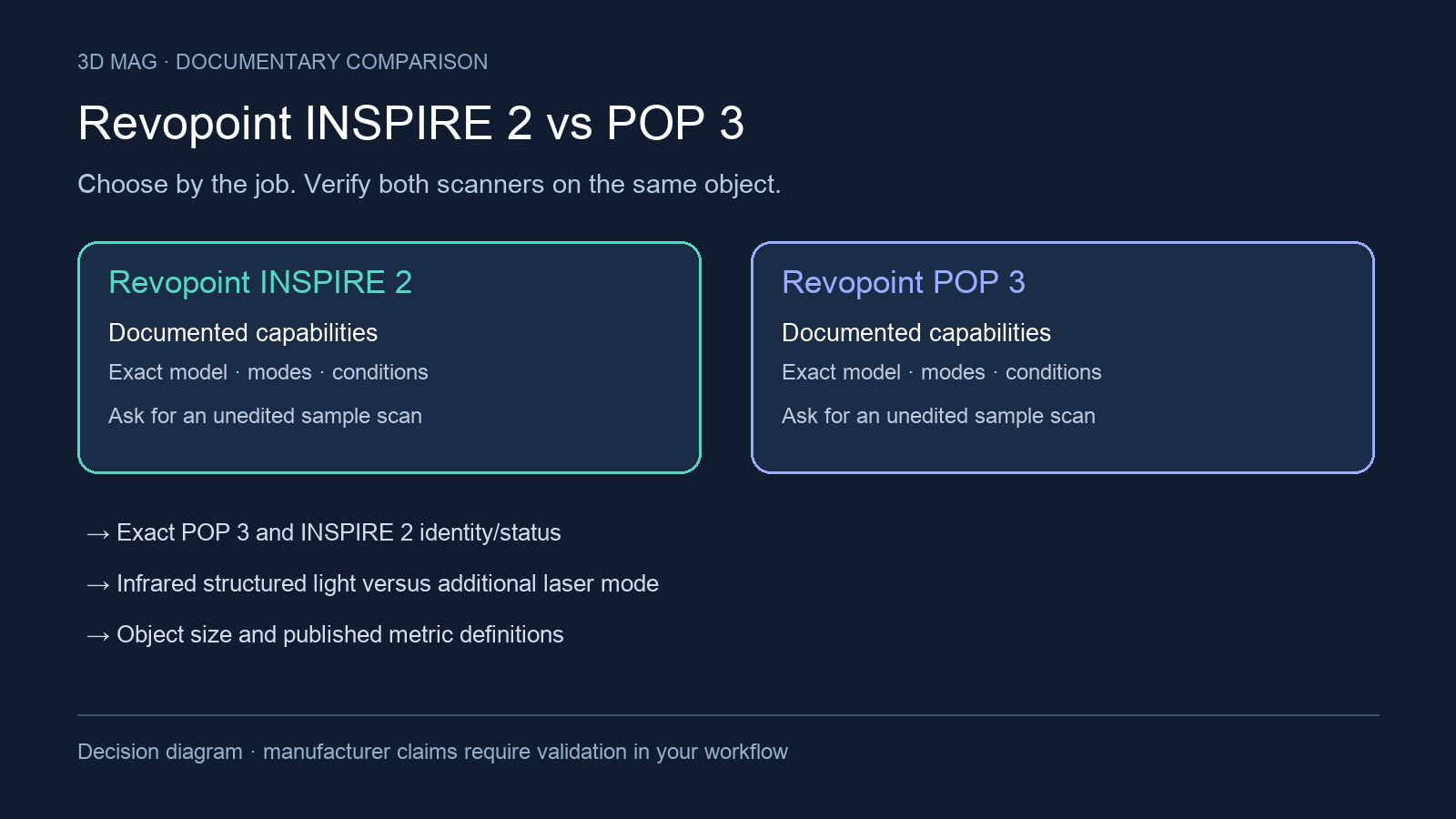

If you already own a POP 3, start with the job it cannot finish satisfactorily. Is the problem a reflective surface, an incomplete seam or too much cleanup after merging passes? This comparison covers the exact POP 3 and INSPIRE 2: model status, capture modes, size and measurement definitions, preparation, phone and PC support, and the case for replacing a working scanner.
Concise answer: consider INSPIRE 2 when the job specifically benefits from its documented dual-mode workflow—infrared structured light plus infrared multi-line laser—and when you can work within the laser mode’s marker requirements. Treat POP 3 as an installed-base or used-purchase comparison unless the seller documents the exact unit and bundle. Do not substitute POP 3 Plus specifications: the manufacturer documentation reviewed here names POP 3 and separately lists POP 3 Plus in navigation, but it does not provide a POP 3 Plus specification set for this comparison.
Exact model identity and status
Revopoint presents INSPIRE 2 on a dedicated product page titled "INSPIRE 2 3D Scanner | Infrared Laser & Structured Light Technology", and the page includes a Buy Now element. The page confirms that product documentation is available; it does not establish manufacture, stock, or the contents of a particular US bundle.
POP 3 is different in this source set. The exact POP 3 source is a "Revopoint POP 3 3D Scanner Support" page headed “POP 3 3D SCANNER.” It is therefore treated here as support-only documentation for owners and used buyers. The page does not say discontinued, so this article does not infer discontinuation. Because search results often mix POP 3 with POP 3 Plus, confirm the label on the device, box, invoice, and Revo Scan software before using any specification in a purchase decision.
A model boat: orientation before an upgrade
Max Funkner’s INSPIRE 2 project on 3DWithUs involved an RC boat prototype. Scanning it on a holder left rough patches and holes where the upper and lower surfaces met. Turning it onto its side enabled a cleaner merge. He later printed a reduced version after mesh repair in Creality Print. The project documents a change in orientation and processing; it does not demonstrate that POP 3 could not complete that boat. The page discloses that purchases through some links may earn the site a commission. 3DWithUs report
For an RC upgrade, separate copying the outer hull from designing a bracket that must fit inside it. Ask for visibility around the attachment area, not just an attractive boat-shaped mesh. For a display miniature, a repaired and scaled model may be the right result. Try a better support and overlapping views with an installed scanner before treating every incomplete seam as a reason to replace the hardware.
Specification and workflow comparison
| Criterion | Revopoint INSPIRE 2 | Revopoint POP 3 |
|---|---|---|
| Documentation status checked | Dedicated manufacturer page seen, titled "INSPIRE 2 3D Scanner | Infrared Laser & Structured Light Technology"; page presence and Buy Now wording do not prove stock. | Manufacturer support page seen, headed "Revopoint POP 3 3D Scanner Support"; this is support-only evidence, not proof of stock or discontinuation. |
| Exact model distinction | The comparison model is INSPIRE 2, named on Revopoint’s INSPIRE 2 product page (Revopoint INSPIRE 2 page). | The comparison model is POP 3, not POP 3 Plus; the support page says “POP 3 3D SCANNER” while site navigation separately lists “POP 3 Plus 3D Scanner” (Revopoint POP 3 support page). |
| Core scanning technology | Revopoint lists INSPIRE 2 technology as “Dual-camera Infrared Structured Light and Infrared Multi-line Laser” (Revopoint INSPIRE 2 page). | The reviewed POP 3 support page does not provide a comparable laser/structured-light mode split (Revopoint POP 3 support page). |
| Surface preparation | Revopoint says INSPIRE 2 has 11 parallel infrared laser lines that can capture detailed, dark, or shiny surfaces without scanning spray, but its special-object note recommends scanning spray for transparent, specular surfaces (Revopoint INSPIRE 2 page). | Revopoint says that for POP 3, transparent and highly reflective objects need scanning spray (Revopoint POP 3 support page). |
| Marker workflow | Structured Light supports Feature, Marker, and Global Marker tracking, while Laser mode supports Marker and Global Marker only (Revopoint INSPIRE 2 page). | The POP 3 support page does not provide a mode-by-mode tracking split comparable to INSPIRE 2 (Revopoint POP 3 support page). |
| Body, face, feature-rich objects | Revopoint says INSPIRE 2 infrared structured light can perform body and face scans and capture feature-rich objects without markers (Revopoint INSPIRE 2 page). | The POP 3 support page does not make the same structured-light body/face mode claim; it documents POP 3 as a medium-object color scanner (Revopoint POP 3 support page). |
| Object size | Minimum scan volume is 20 × 20 × 20 mm and maximum scan volume is 2 × 2 × 2 m (Revopoint INSPIRE 2 page). | Minimum scan volume is 20 mm x 20 mm x 20 mm; no upper scan volume is given in the reviewed support text (Revopoint POP 3 support page). |
| Measurement metrics | Revopoint lists single-frame precision up to 0.03 mm and single-frame accuracy up to 0.05 mm, both acquired in a controlled lab environment; volumetric accuracy is 0.05 mm + 0.1 mm × L (m), where L is object length, using marker tracking mode (Revopoint INSPIRE 2 page). | Revopoint lists POP 3 single-frame precision up to 0.05mm; the reviewed support text does not provide a matching accuracy or volumetric-accuracy figure (Revopoint POP 3 support page). |
| Working distance | Indoors: 200–400 mm; outdoors: 150–250 mm (INSPIRE 2 specifications). | 150–400 mm; the specification line does not split indoor and outdoor ranges (POP 3 support). |
| Capture area at farthest listed distance | Indoor: 293 × 257 mm at 400 mm (INSPIRE 2 specifications). | 244 × 180 mm at 400 mm (POP 3 support). |
| Published frame rate | Up to 18 fps full-field; multi-line laser up to 90 fps with GPU or 40 fps with CPU (INSPIRE 2 specifications). | 12–18 fps; the support specification does not give the same mode/GPU breakdown (POP 3 support). |
| OS and connection support | Windows 10/11, Android, iOS, macOS 11.0 or better; Wi-Fi 6 and USB Type-C (INSPIRE 2 specifications). | Windows ≥ 10 64-bit; Android ≥ 9.0 with RAM ≥ 6GB; Intel Mac 10.15 or Apple-chip Mac 11.0; iOS ≥ 13.0 on iPhone 8 onwards. iOS connects by Wi-Fi only; the others list USB or Wi-Fi (POP 3 support). |
| Phone-only scanning | Full-field works independently with a phone; multi-line laser requires a PC and real-time phone screen casting (INSPIRE 2 specifications). | Mobile operation is documented in the Android/iOS compatibility FAQ, without an equivalent laser-mode split (POP 3 support). |
| Outdoor use | The INSPIRE 2 page contains mixed wording: it markets outdoor scanning up to 20,000 Lux of daylight, but the specification note says outdoor scans should avoid direct sunlight (Revopoint INSPIRE 2 page). | POP 3 support says outdoor scanning is possible, but it “will not work well in direct sunlight” (Revopoint POP 3 support page). |
What actually changes the buying decision
The practical difference is the scanning workflow, not a simple lower-number comparison. INSPIRE 2 brings infrared multi-line laser capture in addition to infrared structured light. That can matter for detailed, dark, or shiny surfaces, because Revopoint ties the no-spray claim to INSPIRE 2’s 11 parallel infrared laser lines (Revopoint INSPIRE 2 page). But the same page recommends scanning spray for transparent, specular surfaces, so buyers should not treat “shiny” as permission to scan every reflective or transparent object without preparation (Revopoint INSPIRE 2 page).
Marker rules are the next filter. If your target object cannot accept markers and the surrounding scene cannot support Global Markers, INSPIRE 2’s laser mode may not solve the job, because Revopoint says Laser mode supports Marker and Global Marker only (Revopoint INSPIRE 2 page). The markerless claim in the reviewed page belongs to the infrared structured-light workflow for body, face, and feature-rich objects (Revopoint INSPIRE 2 page). Choose by the mode you will actually use, not by the scanner name alone.
For measurement-led work, INSPIRE 2 has the more complete documented metric set in this source pair: single-frame precision, single-frame accuracy, and a marker-tracking volumetric-accuracy formula (Revopoint INSPIRE 2 page). POP 3’s support page gives single-frame precision only (Revopoint POP 3 support page). That missing POP 3 accuracy and volumetric-accuracy information is a documentation gap, not evidence that POP 3 cannot meet a particular tolerance. If acceptance criteria matter, ask for the exact metric definition, calibration state, and a sample scan of your own part before replacing a working POP 3.
Object size is only partly comparable. Both pages support a roughly 20 mm cube-class minimum scan volume, using their own wording: INSPIRE 2 lists 20 × 20 × 20 mm, and POP 3 states 20 mm x 20 mm x 20 mm (Revopoint INSPIRE 2 page; Revopoint POP 3 support page). INSPIRE 2 also lists a 2 × 2 × 2 m maximum scan volume (Revopoint INSPIRE 2 page). The reviewed POP 3 support page does not give a matching upper limit, so larger-object buyers should not assume parity or infer a ceiling from absence. Request a POP 3 manual, archived product sheet, or seller demonstration for the exact object size.
Mobile workflow may decide the upgrade for some users. INSPIRE 2 can run full-field scanning independently with a mobile phone, but its multi-line scanning mode requires a PC connection with the phone used for real-time casting (Revopoint INSPIRE 2 page). POP 3 has desktop and mobile compatibility in the support FAQ, but iOS is Wi-Fi only and the Android/macOS requirements have version and hardware qualifiers (Revopoint POP 3 support page). If your workflow is phone-only, the central question is whether the mode you need is supported phone-only, not whether the scanner has mobile support somewhere on the page.
Outdoor use should be handled conservatively. INSPIRE 2’s source includes an up-to-20,000 Lux daylight claim and also says outdoor scans should avoid direct sunlight (Revopoint INSPIRE 2 page). POP 3 support says it can be used outdoors but will not work well in direct sunlight (Revopoint POP 3 support page). Neither source provides a head-to-head outdoor test, so a buyer scanning cars, sculptures, construction elements, or field objects should arrange a same-object daylight demonstration.
Scoped choices
Choose INSPIRE 2 if your documented need is a dual-mode workflow for small-to-medium objects, especially when the infrared laser-line mode is relevant to detailed, dark, or shiny surfaces and you can use Marker or Global Marker tracking. It is also the better-documented choice in this source set when you need Revopoint’s published volumetric-accuracy formula for a marker-tracked workflow.
Stay with POP 3 if you already own one and your routine work is indoor medium-object color capture on cooperative surfaces, with no unresolved need for INSPIRE 2’s laser mode or volumetric-accuracy documentation. For a used POP 3 purchase, treat it as an exact-unit decision: verify condition, accessories, supported software version, and whether the seller is describing POP 3 or POP 3 Plus.
Defer choosing until a sample demonstration if the part is transparent, specular, glossy, dark, larger than the documented POP 3 information supports, cannot be sprayed, cannot use markers, or must be scanned phone-only. Ask the demonstrator to state the scanner model, scanning mode, tracking mode, lighting conditions, object preparation, export format, and whether the quoted metric is precision, accuracy, repeatability, or volumetric accuracy.
Sources
This comparison uses manufacturer documentation and cited reports; 3D Mag did not conduct hands-on testing. Publisher sponsorship.