
A1 mini print size: official maximum dimensions
The a1 mini print size is 180 × 180 × 180 mm (W × D × H), according to Bambu Lab. The quick-start guide presents the specification with “mm³,” but it represents three separate maximum linear dimensions, not a calculated cubic-volume value. [S1]
That figure answers the maximum model-size question. It does not describe the usable XY layout area, the printer’s external dimensions, or the clearance needed for its moving heatbed.
Build volume vs. build envelope vs. “bed size”
Bambu Lab labels the 180 mm XYZ limit as “build volume.” ISO/ASTM vocabulary uses build volume for the total usable volume available in a machine for building parts, while build envelope means the largest external X, Y, and Z extents within the build space where parts can be fabricated. [S1] [S6] [S7] Here, specified build volume refers to Bambu’s product label, while nominal build envelope describes the three-axis limit in standards-aware terms.
ISO/ASTM 52900:2021 is the second edition of the additive-manufacturing vocabulary standard. It was published in November 2021 and reviewed and confirmed by ISO in 2025. The standard defines terminology; it does not certify the A1 mini’s specifications. [S5]
| Measurement term | A1 mini figure | What it describes | What it does not describe |
|---|---|---|---|
| “Build volume” (Bambu label) / nominal build envelope (standards-aware) | 180 × 180 × 180 mm | Maximum XYZ model extents per manufacturer specification | Accuracy or tolerance; external machine size |
| Usable XY print size (on A1 mini-sized plate) | 180 × 180 mm | Usable XY area / usable print-size listing | Z height; guaranteed edge-to-edge success; steel sheet’s outside dimensions |
| Physical dimensions (W × D × H) | 347 × 315 × 365 mm | Printer body size | Print capacity; operating clearance |
| Safety-space guidance for heatbed movement | ~390 mm | Vendor placement guidance for heatbed motion | Fully specified total desk depth or a front/back clearance split |
In short, the build surface is two-dimensional, the build envelope is three-dimensional, and the footprint is the machine’s external size. A model may fit within the XY limit yet still require additional layout space after slicing.
A1 mini print size in XY: bed size and printable area dimensions
“Bed size” can refer either to the removable sheet or to the area available for a print. For the A1 mini-sized plate, Bambu’s product listing states a usable print size of 180 × 180 mm. This is best understood as the usable XY print area, not as the outside dimensions of the steel sheet. [S2]
The model’s outline is not always the full area occupied in the slicer. Brims, skirts, and supports can expand the used XY footprint depending on the geometry and settings. A prime tower affects the layout only when it is enabled. No reliable universal edge-clearance figure is available.
Footprint and desk placement: why the printer needs more space than the part
The A1 mini measures 347 × 315 × 365 mm (W × D × H). Those figures describe the printer itself, not the size of a printable model. [S1]
Bambu’s quick-start guidance also shows approximately 390 mm of safety space for heatbed movement. This is placement guidance for the moving bed, not a stated total operating-depth measurement. Bambu does not define it as a front-to-back clearance split, so it should not be used to calculate one. [S3]
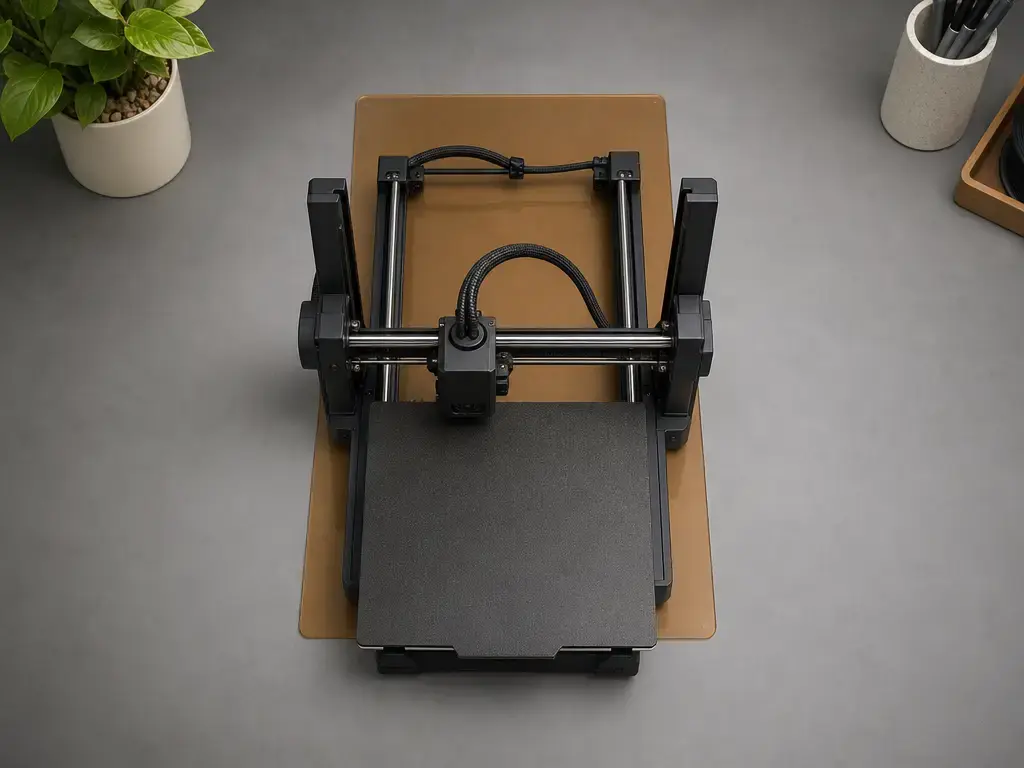
How the A1 mini’s X/Y/Z limits work
Bambu labels the A1 mini’s printing technology as Fused Deposition Modeling. A part is built layer by layer across the X and Y axes, while Z describes its height above the build surface. [S1] The A1 mini heatbed moves back and forward along the Y direction. [S4] This movement affects desk placement and clearance, but it does not change the specified printable depth.
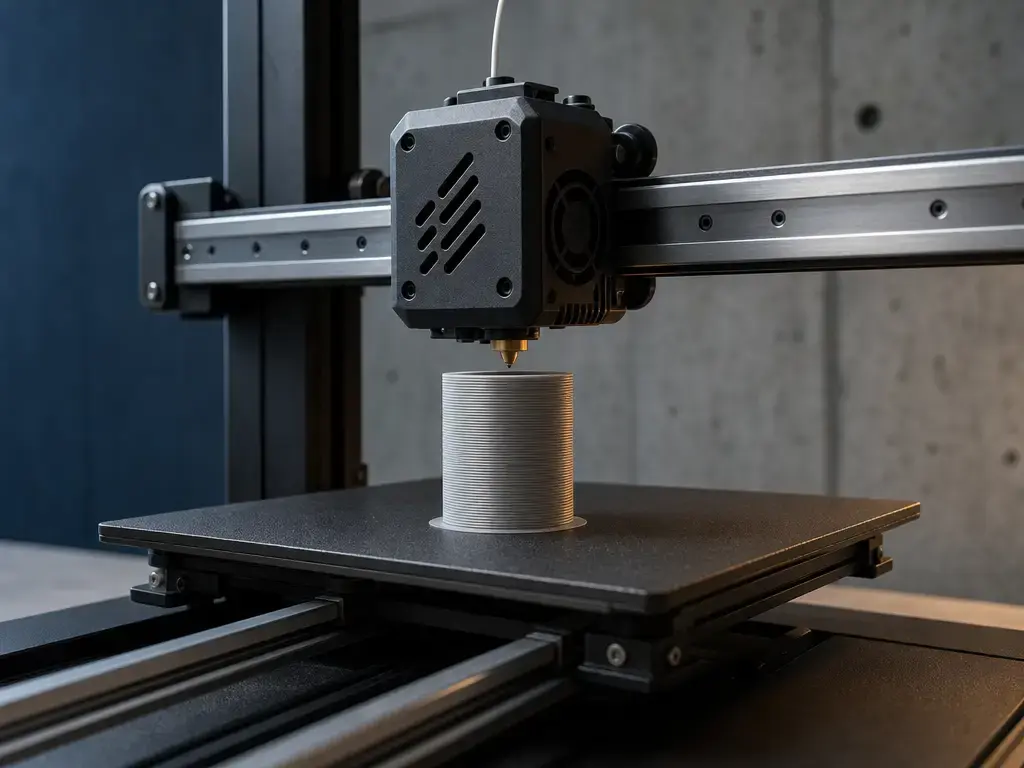
How to check whether a model fits the A1 mini build envelope
Checking the model in the slicer is necessary, but the complete job layout matters as much as the model’s bounding box.
- Check the model’s overall X, Y, and Z dimensions in CAD or in the slicer’s bounding box.
- Compare them with the specified 180 × 180 × 180 mm (W × D × H) limit. [S1]
- Confirm that the selected printer profile is for the A1 mini; other Bambu models do not necessarily share the same envelope.
- Re-check the layout if a brim, skirt, or supports are enabled.
- For multi-color or multi-material workflows, check whether an enabled prime tower changes the layout.
- Use the preview and any boundary warnings to confirm that nothing extends beyond the configured build envelope.
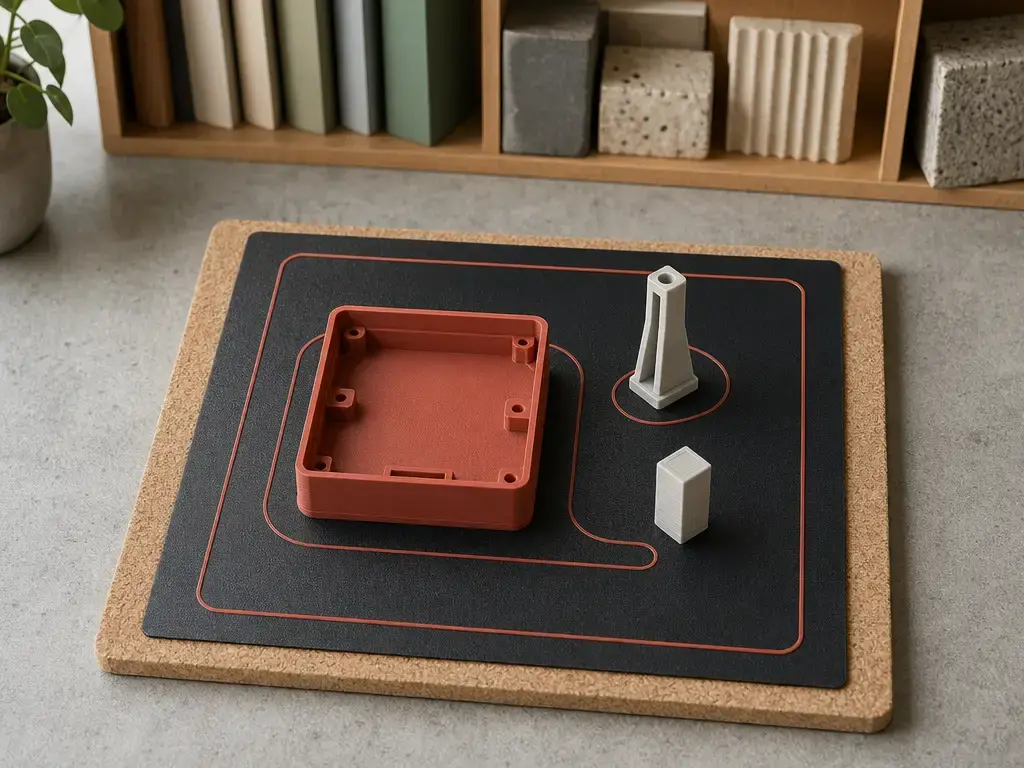
No universal edge-clearance number applies to every model. Use the configured A1 mini profile and sliced preview rather than applying a fixed margin.
What print size does not tell you: accuracy, shrinkage, and exact-limit parts
A build envelope is a capacity specification, not a tolerance specification. No reliable official A1 mini dimensional-accuracy figure was found in the cited sources. Dimensional results in FDM depend on process settings, material behavior, and part geometry rather than a single universal machine-accuracy value. [S8] A design close to the stated limit may require careful orientation and layout planning, particularly when supports or other layout features are enabled, but there is no general rule that an exact-limit design cannot be printed.
Quick fit checklist before you press print
- Confirm that the selected printer profile is for the A1 mini.
- Inspect the model’s XYZ bounding box.
- Account for enabled brims, skirts, supports, and any prime tower.
- Check the slicer preview and boundary warnings before sending the job.
Conclusion: is the A1 mini print size large enough?
The a1 mini print size is specified as 180 × 180 × 180 mm (W × D × H), while the printer measures 347 × 315 × 365 mm externally. [S1] The A1 mini-sized plate has a listed usable print size of 180 × 180 mm, and Bambu shows approximately 390 mm of safety space for heatbed movement. [S2] [S3] Check the model’s bounding box in the correct slicer profile, then account for any feature-dependent layout space.
FAQ
What is the a1 mini print size?
Bambu Lab specifies the A1 mini at 180 × 180 × 180 mm (W × D × H). This is the manufacturer’s stated maximum model size in width, depth, and height. It is a capacity specification, not a dimensional-tolerance claim or a measurement of the printer’s external dimensions. [S1]
Is 180 × 180 × 180 mm the bed size or the build volume?
It is Bambu Lab’s build-volume specification: three limits for printable width, depth, and height. The A1 mini-sized plate listing separately gives a usable print size of 180 × 180 mm for the XY plane. “Bed size” is therefore imprecise unless the measurement being discussed is clear. [S1] [S2]
What are the A1 mini printable area dimensions in XY?
The A1 mini-sized plate is listed with a usable print size of 180 × 180 mm in XY. This describes the usable layout area, not the outside dimensions of the removable steel sheet or a guarantee that every edge-to-edge arrangement will succeed. [S2]
How much desk space does the A1 mini need?
The printer’s physical dimensions are 347 × 315 × 365 mm (W × D × H). Bambu also shows approximately 390 mm of safety space for heatbed movement. That figure is placement guidance, not a defined total operating depth or a specified split between front and rear clearance. [S1] [S3]
Can the A1 mini print a part that is exactly 180 mm wide or tall?
That dimension falls within the stated maximum envelope, but capacity is not a tolerance guarantee. Orientation, placement, material behavior, and enabled layout features can affect job preparation. No reliable universal edge-clearance figure is available, so use the sliced layout and configured A1 mini profile to assess the job. [S1]
Build envelope vs. build volume: which term is correct?
Both are useful when used precisely. Bambu uses “build volume” for the A1 mini specification. ISO/ASTM defines build volume as the total usable machine volume for building parts, while build envelope describes the largest external XYZ extents within the build space. The terminology distinction does not invalidate Bambu’s product label. [S6] [S7]
Do brims, skirts, supports, or a prime tower reduce the usable area?
They can change the area occupied by a particular sliced job without changing the printer’s specified capacity. Brims extend from the model, skirts may use surrounding space, and support extent depends on the geometry. A prime tower occupies layout space only when it is enabled. There is no fixed reduction that applies to every print.
Sources
- Quick start guide – A1 mini (EN PDF)
- Bambu Textured PEI Plate
- Quick start guide for A1 mini (English PDF mirror)
- Heatbed Unit – A1 mini
- ISO/ASTM 52900:2021 Additive manufacturing — General principles — Fundamentals and vocabulary
- ISO/ASTM 52900:2021 sample excerpt
- EN ISO/ASTM 52900:2021 terminology preview
- Review on dimensional accuracy in FDM