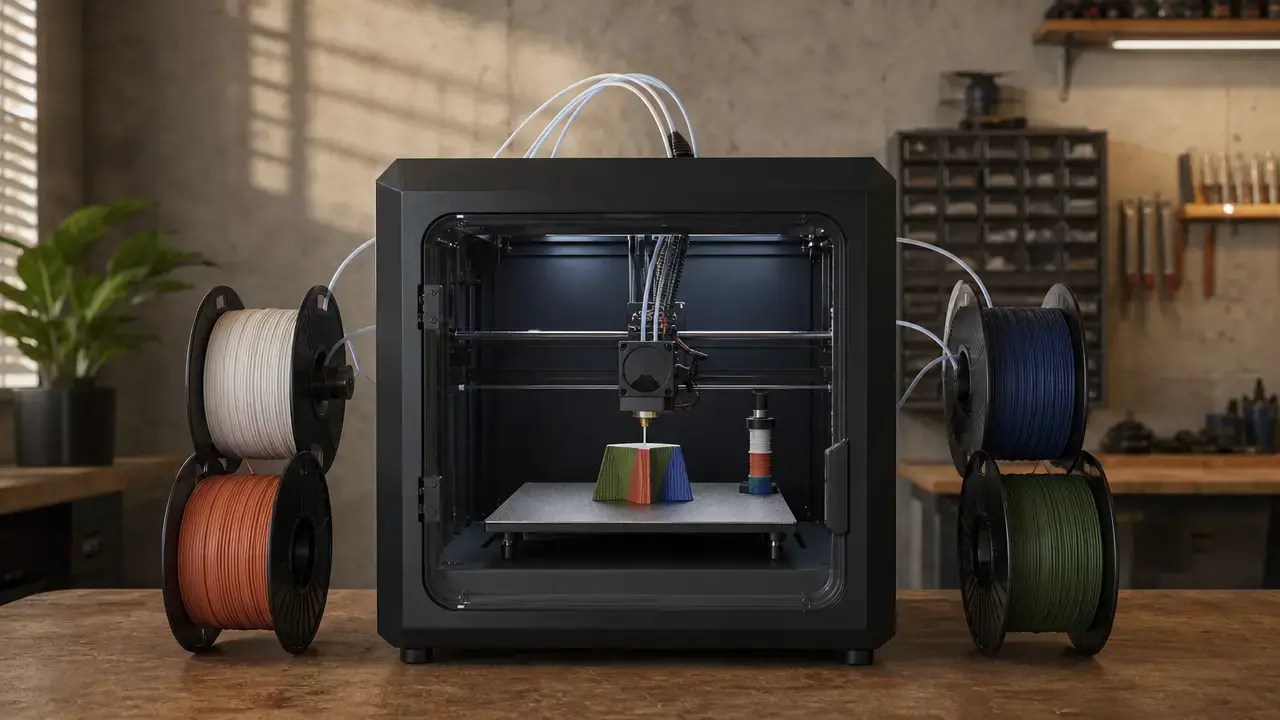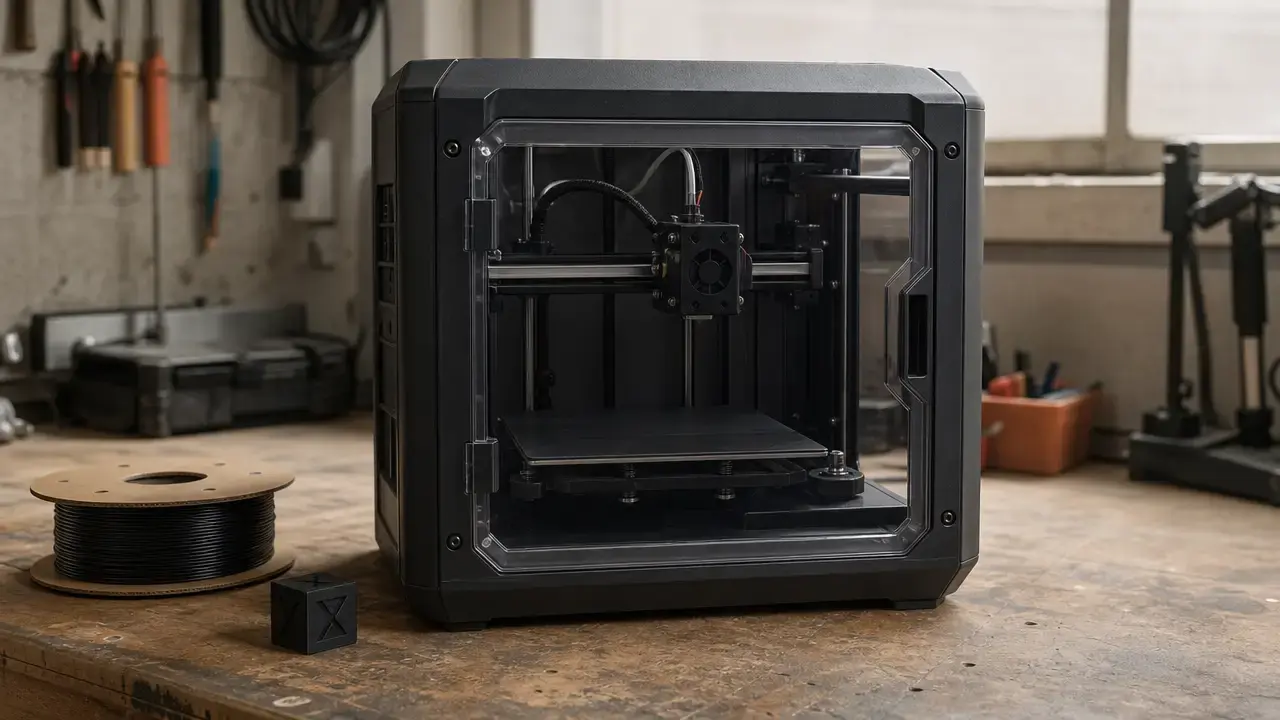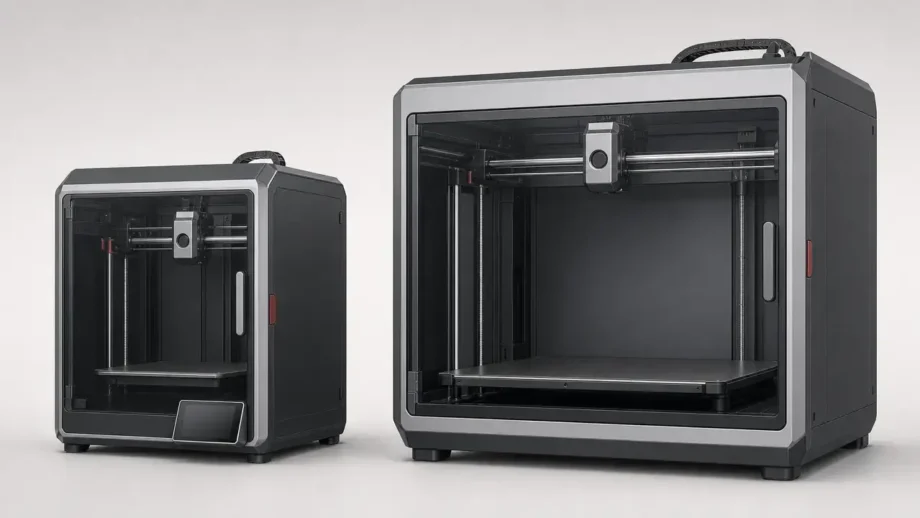
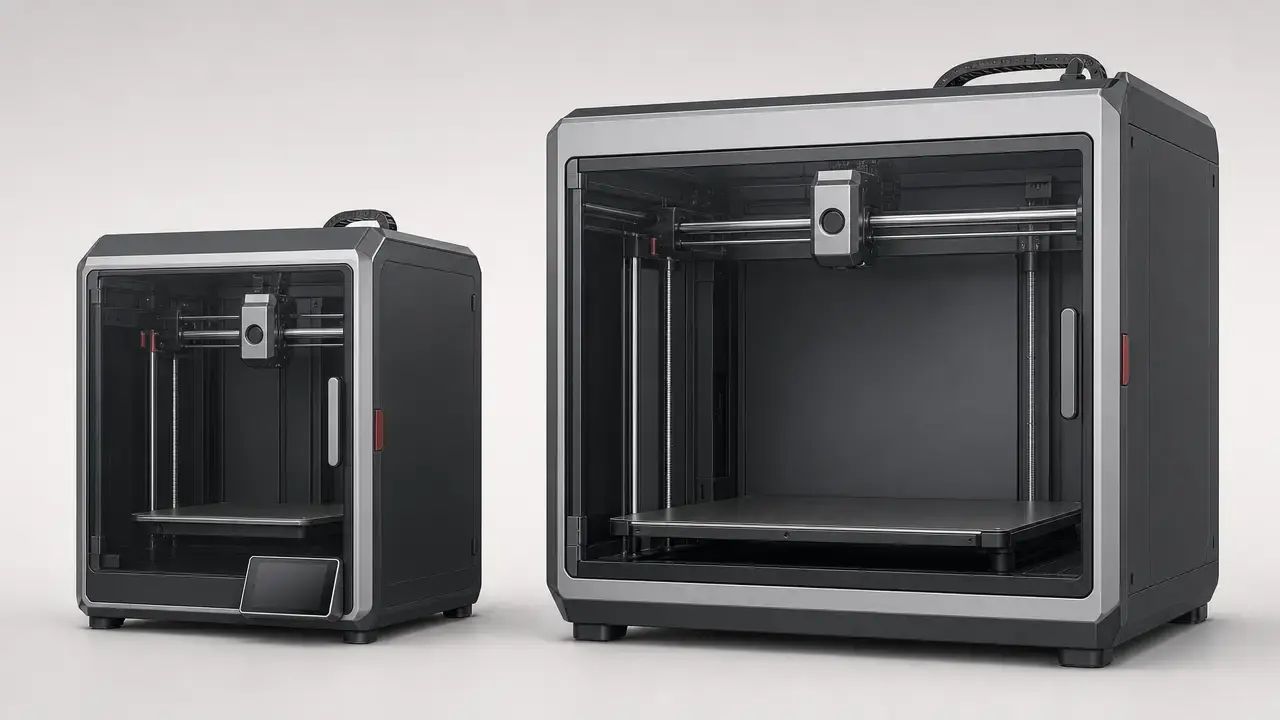

Summary: Creality K1 vs K2 in One Minute
In creality k1 vs k2, newer does not automatically mean better. The K1 is the stronger value pick for compact, single-color printing, while the base K2 makes more sense if you need more build space or the simplest path into CFS-based multicolor workflows. [5] [8] [13]
On paper, both printers list the same 600 mm/s maximum speed, and both also show a 300 mm/s typical-speed figure in Creality documentation. The bigger differences are size and workflow, not a proven speed leap. [5] [8] The K2 increases build volume from 220 × 220 × 250 mm to 260 × 260 × 260 mm, and it is sold in a K2 Combo bundle that pairs the base printer with CFS. [5] [8] [12] The K1 can also move into that ecosystem, but through a retrofit kit with compatibility limits and a reduced Y dimension when CFS is installed. [13] Multicolor printing also brings tradeoffs: purge structures, extra material use, and longer job times during color changes. [15]
The main evidence limit is straightforward. This article can verify many official base-K2 specs, but the independent benchmark coverage in the cited source set is much stronger for K1, and it does not establish a same-method base K1 vs base K2 print-quality head-to-head. [6] [7] [8] [16]
Naming Check: K2, K2 Pro, and K2 Plus Are Not the Same Printer
Creality announced the K1 series on April 9, 2023. Its October 21, 2025 K2 buying guide describes a later lineup of K2, K2 Pro, and K2 Plus, and states that the latest member of the K2 Flagship Series launched on October 8, 2025. [10] [9] A lot of online comparisons blur those three K2 variants together.
For this article, “K2” means the base K2 only, and “K2 Combo” means the base K2 bundled with one CFS unit, not a separate model. [8] [12] The key distinction is that base K2 does have a 720p chamber camera, but it does not list a built-in RFID reader, auto flow rate calibration, or the nozzle AI camera reserved for higher K2 variants. [8]
| Model | Build volume | Chamber/heating statement | What people confuse |
|---|---|---|---|
| K2 | 260 × 260 × 260 mm. [8] | No heated chamber in Creality’s buying guide, and the product page lists max chamber temperature as “-.” [8] [9] | K2 Pro/Plus features often get imported into it, especially RFID and the nozzle AI camera, but base K2 does not list those. [8] |
| K2 Pro | 300 × 300 × 300 mm. [9] | Heated chamber up to 60 °C in Creality’s guide. [9] | Its chamber, smarter calibration features, and RFID can be mistaken for base-K2 features. [8] [9] |
| K2 Plus | 350 × 350 × 350 mm. [9] | Heated chamber up to 60 °C in Creality’s guide. [9] | Its larger frame, dual-band Wi‑Fi, 32GB storage, and higher-end multicolor hardware often bleed into base-K2 discussions. [8] [9] |
What We Can Verify (and What We Can’t Yet) for Base K2
What is easy to verify for the base K2 is its official documentation layer: size, speed claims, chamber wording, storage, camera, slicer listing, and the manual’s spec table. [6] [7] [8] What is harder to verify from the cited source set is whether the base K2 is meaningfully better than the K1 in real print quality, real job time, or reliability under matched third-party test conditions. [16] Official specs tell you what Creality lists; independent measurements tell you what a tested unit actually did.
- Verified from official sources: Base K2 is listed at 260 × 260 × 260 mm, 600 mm/s maximum speed, 20,000 mm/s² maximum acceleration, 300 °C nozzle temperature, 100 °C bed temperature, 8GB EMMC storage, Creality Print slicer support, and CFS compatibility. [6] [7] [8]
- Not verified by same-method independent benchmarks: A proven base-K2 advantage over K1 in print quality, dimensional behavior, or real-print speed is not established in this article’s cited independent source set. [16]
Definitions That Prevent Bad Comparisons
Both the K1 and the base K2 are desktop material-extrusion printers, often marketed as FFF, rather than resin machines, and Creality lists CoreXY motion for each line in its official specs. [1] [4] [6] ISO/ASTM 52900:2021 is the vocabulary anchor here because it is the current additive-manufacturing fundamentals-and-vocabulary standard, published in November 2021 as Edition 2 and confirmed in 2025. [1]
ISO 5725-1:2023 is useful when brands use “accuracy” loosely, because it frames accuracy through trueness and precision rather than as a casual synonym for guaranteed finished-part tolerance. [2] In practice, a listed “100 mm ±0.1” line is not the same as saying every part, material, geometry, and profile will hold ±0.1 mm everywhere. [2]
NIST’s additive-manufacturing test-artifact guidance is why this article avoids broad claims based on a single headline spec. [3] NIST says the pertinent process parameters and machine settings used to build a test artifact should be documented, and that the primary characterization obtained by building and measuring such an artifact is geometric accuracy and surface roughness. [3] That is why maximum speed, layer-height range, or a single vendor “printing accuracy” line cannot by themselves prove overall print quality. [2] [3]
Terms you must not mix up:
- Max speed vs typical speed. [5] [8]
- Acceleration vs actual throughput. [3] [5] [8]
- Layer height vs dimensional accuracy. [2] [4] [6]
- Printing accuracy vs dimensional accuracy vs repeatability. [2] [16]
- Passive chamber heating vs an actively specified heated chamber. [5] [8] [9]
- Official spec vs measured third-party result. [3] [16]
Creality K1 vs K2 Specs Compared (Official Specs + Store Snapshots)
This section uses four labels only: Official spec, Store snapshot, Independent test, and Calculated. [4] [5] [6] [7] [8] [11] [12] [16] That keeps vendor listings, volatile pricing, and measured evidence from blending into one claim.
For creality k1 vs k2 speed, the headline specs are effectively tied because both list 600 mm/s maximum speed and 300 mm/s typical speed in the cited official pages. [5] [8] For creality k1 vs k2 build volume, workflow, and multicolor readiness, the differences are clearer and more relevant in day-to-day use. [4] [5] [6] [7] [8] [13]
| Metric | K1 | K2 | Notes |
|---|---|---|---|
| Build volume | 220 × 220 × 250 mm. [5] | 260 × 260 × 260 mm. [8] | Official spec. [5] [8] |
| Printer dimensions | 355 × 355 × 480 mm. [5] | 404 × 436 × 545 mm. [8] | Official spec. [5] [8] |
| Weight | Not listed on cited pages. [4] [5] | 18.3 kg. [8] | Official spec for K2 only. [8] |
| Listed max speed / accel | 600 mm/s; ≤20,000 mm/s². [4] | 600 mm/s; 20,000 mm/s². [8] | Official spec. [4] [8] |
| Typical speed | 300 mm/s; 12,000 mm/s² typical acceleration on compare page. [5] | 300 mm/s typical in product-page footnote. [8] | Official spec, but not the same field detail on both pages. [5] [8] |
| Layer height range | 0.1–0.35 mm. [4] | 0.05–0.3 mm. [6] | Official spec, not direct proof of better quality. [2] [4] [6] |
| Nozzle / bed temperature | 300 °C / 100 °C. [4] | 300 °C / 100 °C. [6] [8] | Official spec. [4] [6] [8] |
| Chamber statement | Passive heating. [5] | Max chamber temperature: “-.” [8] | Official spec, and these are not equivalent claims. [5] [8] |
| Official slicer listing | Creality Print, PrusaSlicer, Ultimaker Cura, Simplify3D. [4] | Creality Print, with the manual specifying Creality Print 6.0 and above. [6] [7] | Official spec. [4] [6] [7] |
| Camera / RFID / auto flow | AI camera optional on compare page. [5] | 1 × 720P @30fps chamber camera; built-in RFID reader “-”; auto flow rate calibration “-.” [8] | Official spec, avoiding K2 Pro/Plus feature bleed. [8] |
| Storage / connectivity | 8GB; USB flash drive, LAN, cloud printing. [4] | 8GB EMMC; Wi‑Fi (2.4G), USB Drive, Creality 485 Port. [8] | Official spec. [4] [8] |
| CFS / multicolor path | Retrofit kit path, with compatibility limits and K1 print size reduced to 220 × 215 × 250 mm when CFS is fitted. [13] | CFS compatible; manual lists CFS yes and ≤4 extensions, and product page says 4 × CFS for up to 16 colors. [7] [8] | Official spec. [7] [8] [13] |
| US store price snapshot, September 14, 2026 | $299. [11] | $399 without CFS, or $549 as K2 Combo. [12] | Store snapshot, volatile. [11] [12] |
A separate caution belongs here. Creality’s own K1 pages conflict on hotend and nozzle details, so this article does not treat those shipping-hardware specifics as settled without a publication-day box-level check. [4] [5]
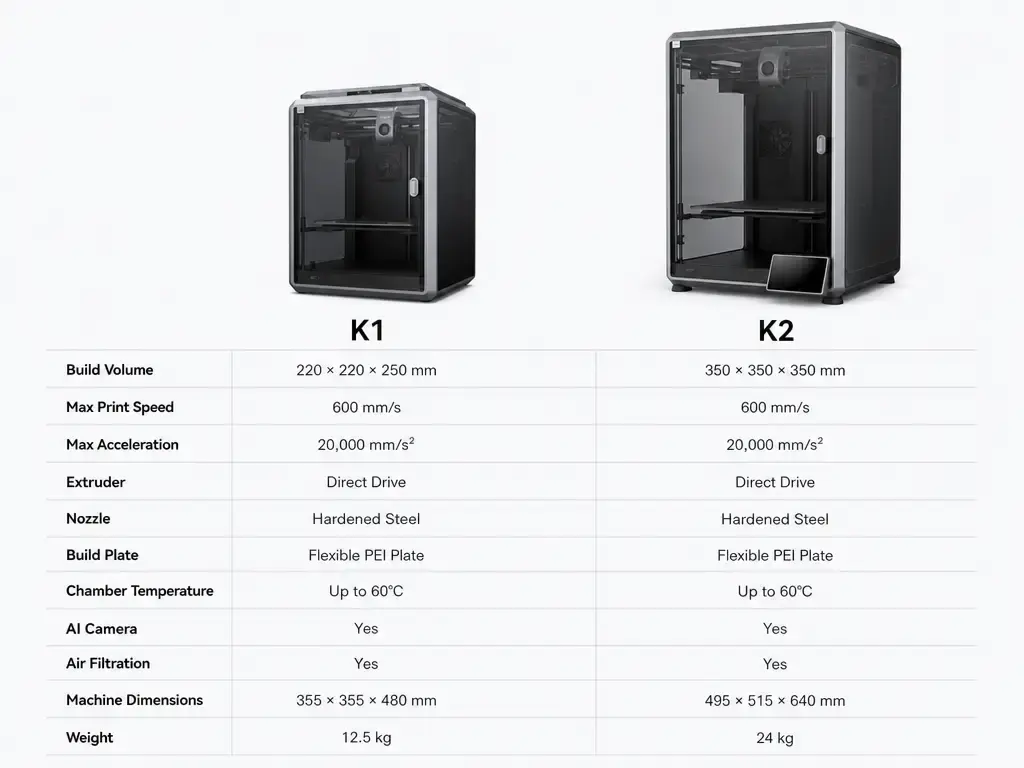
Build Volume in Real Life: What 45% More Nominal Space Changes
The math is straightforward and should be treated as Calculated, not measured. [5] [8] K1 nominal rectangular volume is 220 × 220 × 250 mm, which equals 12,100,000 mm³, or 12.1 L. [5] Base K2 nominal rectangular volume is 260 × 260 × 260 mm, which equals 17,576,000 mm³, or 17.576 L. [8] That makes the base K2 about 45.3% larger in nominal rectangular volume than the K1. [5] [8]
In practice, that extra space matters more for one-piece prop sections, taller functional brackets, and wider batch trays than for small everyday parts. [5] [8] The K1’s 220 mm class bed is still enough for many single-color jobs, but the K2 gives you more room before you need to split a model or rearrange a small production layout. [5] [8]
Projects that get easier at 260³:
- Larger prop sections that would otherwise need earlier model splitting. [5] [8]
- Taller functional parts and fixtures that press against the K1’s 250 mm Z limit. [5] [8]
- Batch trays with a little more clearance between parts. [5] [8]
That 45.3% figure is only nominal rectangular volume, not a guarantee of usable object size, because brims, purge structures, and part geometry can reduce real working space. [5] [8] [15]
Speed & Throughput: Why 600 mm/s Doesn’t Equal 10-Minute Prints
Both printers advertise the same top-line number: 600 mm/s maximum print speed. [4] [8] The K1 compare page also shows a 300 mm/s typical speed and 12,000 mm/s² typical acceleration, while the K2 product page footnote says the typical printing speed for all K2 models is 300 mm/s and lists 20,000 mm/s² as maximum acceleration for K2. [5] [8] So the creality k1 vs k2 speed story is not that K2 is faster on paper. It is not. [5] [8] Real prints spend much of their time accelerating, decelerating, cornering, and respecting geometry rather than cruising at a theoretical maximum. [3]
Throughput is also constrained by how much molten plastic the system can move cleanly, how fast layers can cool, and how minimum-layer-time settings slow down small cross-sections. [3] [16] This is exactly the sort of context NIST says should be documented when a test artifact is used to evaluate performance. [3] Maximum motion speed is only one input; flow, cooling, and slicing parameters determine whether that speed survives contact with a real model. [3] [16]
The independent K1 review is a useful example. [16] In 3D Printing Industry’s testing, Benchy prints at 60 mm/s and 300 mm/s were both good quality but took 48 and 45 minutes, while the 600 mm/s test dropped to 21 minutes with some under-extrusion. A more aggressive setup that doubled volumetric speed from 18 mm³/s to 36 mm³/s and cut minimum layer time from 8 s to 1 s reached 18 minutes with more visible compromises. [16] That is why this article does not call the base K2 faster in real jobs without matched independent timing. [16]
Workflow & Daily Use (Including Multicolor Reality Check)
K1 is better documented if you care about officially named slicer options, because Creality’s K1 support page explicitly lists Creality Print, PrusaSlicer, Ultimaker Cura, and Simplify3D, along with USB flash drive, LAN, cloud printing, and 8GB of storage. [4] Base K2’s documentation is more centered on Creality Print: the support page lists Creality Print only, the manual specifies Creality Print 6.0 and above, and the official K2 pages confirm 8GB EMMC plus Wi‑Fi and USB-based workflow basics. [6] [7] [8] Base K2 also lists a 720p chamber camera, which is useful for monitoring but should not be confused with the higher-tier nozzle AI camera omitted from the base model. [8]
“CFS-ready” also means different things on these two platforms. [7] [8] [13] Base K2 is designed around CFS compatibility, and the product page says 4 × CFS can deliver up to 16 colors, while the manual lists CFS yes and up to four extensions. [7] [8] K1 reaches multicolor through a retrofit kit, and that kit is not compatible with split-type nozzles or K1 Series 2025 Version printers, while also reducing K1-class print size to 220 × 215 × 250 mm during CFS use. [13] The kit workflow also depends on Creality Print 5.1 or above, according to the kit manual. [14] Even with the cleaner K2 path, multicolor printing commonly creates purge or wipe structures from purged material during color changes, which adds waste and time to many jobs. [15]
Daily workflow checkpoints:
- Verify leveling and first-layer behavior before trusting any speed claim. [3] [4] [8]
- Check the full filament path, especially if adding CFS hardware or retrofit tubing. [13]
- Use camera monitoring as a convenience, not as proof of calibration quality. [5] [8]
- Plan for purge waste, extra tool-change time, and extra consumable handling in multicolor prints. [13] [15]
- Treat nozzles, beds, and maintenance access as part of the workflow, not just the headline specs. [4] [8]
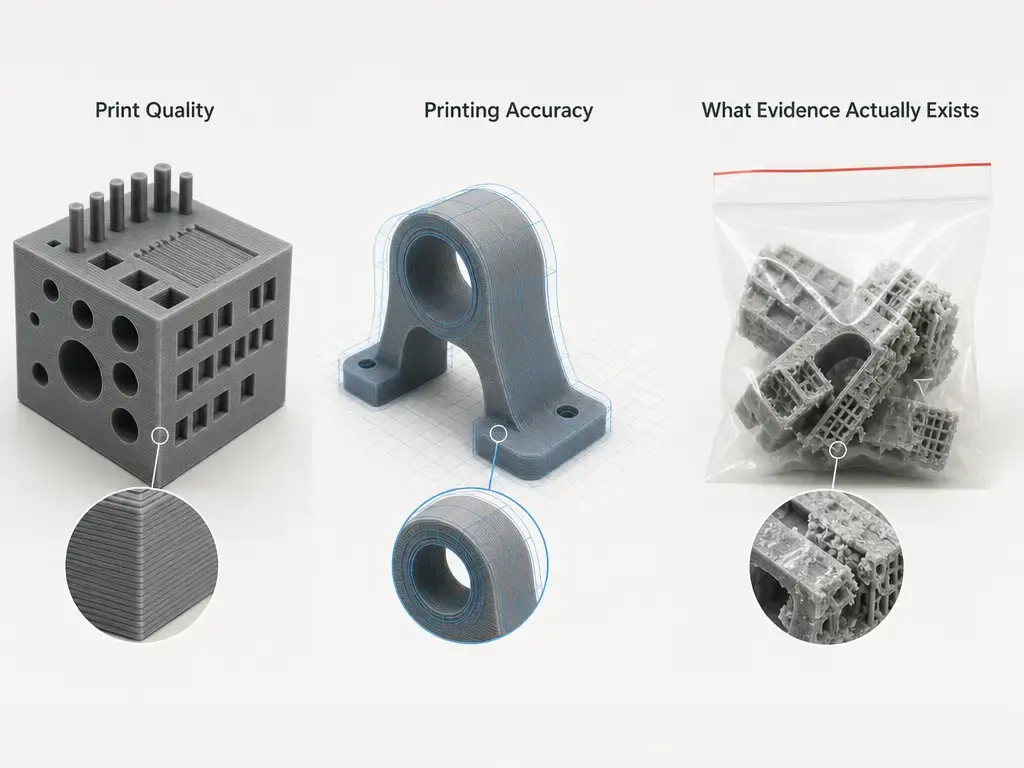
Print Quality, “Printing Accuracy,” and What Evidence Actually Exists
The easiest spec line to misread in both product families is the vendor-style “100 mm ±0.1” statement. [4] [7] K1 lists “Printing Accuracy 100 mm ±0.1” on the support page, and the K2 manual lists “Precision 100 mm ±0.1 mm.” [4] [7] Under ISO 5725 framing, that should not be treated as a universal promise that every printed feature on every model will hold that tolerance, because accuracy relates to trueness and precision under controlled measurement conditions. [2] Real printed parts vary with material, orientation, cooling, layer height, compensation, first-layer behavior, and the measurement method itself. [2] [3]
For actual third-party measurement, the useful source in this article is the K1 review from 3D Printing Industry. [16] That review reports more than 250 hours of testing and says a standard-settings Benchy achieved an average deviation of 0.10 mm from the source-file dimensions. [16] In its repeatability testing, the K1 achieved an average deviation of 0.05 mm and a standard deviation of 0.04 mm for X/Y measurements across repeated shapes, while Z-axis results were worse, with reported average standard deviations of 0.16 mm and 0.08 mm that the reviewer linked to first-layer behavior and automatic bed leveling on the tested unit. [16] Those are useful measured results, but they still apply to one tested machine, one method set, and one reviewer workflow. [3] [16]
Base K2 needs a more cautious description. [6] [7] [8] Official K2 sources do publish its layer-height range, temperatures, build volume, and the same style of “100 mm ±0.1 mm” accuracy line, but that is official-spec evidence, not matched independent measurement. [6] [7] [8] So if you are asking whether creality k1 vs k2 print quality clearly favors the base K2, the strict answer is no: that is not proven for base K2 by same-method benchmarks in this article. [16]
Materials & Enclosure Reality (ABS/ASA Without Overpromising)
The safe comparison here is narrow and documented. [4] [5] [6] [7] [8] K1 lists a 300 °C nozzle and 100 °C bed on its support page, and the compare page labels chamber heating as passive heating. [4] [5] Base K2 also lists a 300 °C nozzle and 100 °C bed, and its manual-supported filament list is PLA, PETG, ABS, PLA-CF, and PET. [6] [7] [8]
What base K2 does not publish on the cited product page is a maximum chamber temperature, because that field is listed as “-.” [8] That is why this article does not present the base K2 as a specified heated-chamber machine for ABS or ASA work. [8] If you need a specified heated chamber, that is a K2 Pro or K2 Plus topic and is out of scope here. [8] [9]
Which Should You Buy? (Buying New vs Upgrading From K1)
If You’re Buying New
If you are buying new and mostly want affordable, compact, single-color printing, the K1 makes the clearer value case in the cited September 14, 2026 US-store snapshot. [11] [12] On that date, Creality’s US store listed the K1 at $299, compared with $399 for the base K2 without CFS. [11] [12] Since both printers list the same top-line speed and typical-speed figures, the K1’s argument is mainly about price and a smaller footprint rather than raw-spec inferiority. [5] [8]
If you are buying new because you need more room for props, taller parts, or a simpler route to multicolor later, the base K2 is easier to justify. [7] [8] [13] The volume increase is real, and the K2 ecosystem treats CFS as a native compatibility path instead of a K1 retrofit with exclusions and a build-area penalty. [7] [8] [13] If you want the bundled version, the cited US-store snapshot listed K2 Combo at $549 on September 14, 2026. [12]
If You Already Own a K1
If you already own a K1 and it is dialed in for single-color parts inside 220 × 220 × 250 mm, the evidence here does not force an upgrade for print quality alone. [5] [16] The independent measurements in this article are K1-heavy, not base-K2 head-to-head, so a move from K1 to base K2 is easier to defend on workspace or multicolor-workflow grounds than on proven baseline quality gains. [16]
If your current bottleneck is model size or you want the cleaner CFS-native path, then K2 makes more sense than bolting multicolor onto K1 after the fact. [7] [8] [13] The retrofit path works for some K1-class machines, but the official upgrade-kit page adds compatibility exclusions, tube-routing compromises, and a reduced Y dimension when CFS is installed. [13]
Choose K1 if:
- You want the lowest entry price in the cited September 14, 2026 US-store snapshot. [11] [12]
- You mostly print single-color parts that fit comfortably inside 220 × 220 × 250 mm. [5]
- You prefer the broader official slicer list on the K1 support page. [4]
Choose K2 if:
- You need the extra 260 × 260 × 260 mm workspace. [8]
- You want the more straightforward path to CFS-based multicolor workflows. [7] [8] [13]
- You are buying with K2 Combo in mind rather than adding multicolor later to a K1. [12] [13]
Limitations, Maintenance, and Reliability Risk Framing
The biggest official-doc risk on the K1 side is hardware ambiguity. [4] [5] Creality’s K1 support page lists an all-metal hotend and hardened-steel nozzle, while the K1 compare page lists a metal-plus-Teflon-tube hotend and copper nozzle, with a note about changing to all-metal soon. [4] [5] So you should not assert the exact K1 hotend/nozzle shipping configuration for a US retail box unless that exact listing, package, or manual is checked at publication time. [4] [5]
The biggest practical risk on the multicolor side is assuming convenience comes free. [13] [15] Purge behavior adds material waste and time, and any add-on or bundled multicolor stack adds more things to load, route, and maintain. [13] [15] Price is also volatile, so the K1 and K2 dollar figures in this article should be read as US-store snapshots accessed on September 14, 2026, not as stable long-term pricing. [11] [12]
Conclusion: Creality K1 vs K2 Recommendation
The final creality k1 vs k2 recommendation is simple: choose K1 for value and compact single-color printing, and choose base K2 for larger-format work and the more straightforward path into CFS-based multicolor workflows. [5] [7] [8] [13]
The caveats matter as much as the verdict. [2] [3] Base-K2 superiority in print quality is not proven here by same-method independent benchmarks, multicolor printing still adds purge waste and time, and K1 hardware specifics remain muddied by conflicting official hotend/nozzle pages. [4] [5] [15] [16] If your needs are single-color and price-driven, K1 remains compelling. If your needs are size and cleaner multicolor expansion, K2 is the better fit. [5] [8] [11] [12]
FAQ
Creality K1 vs K2: which is better for most buyers?
For most price-sensitive buyers, K1 is the easier default because the cited September 14, 2026 US-store snapshot places it below the base K2 while both printers share the same top-line speed claims. [5] [8] [11] [12] K2 becomes the better answer when your real need is more build volume or a simpler CFS path. [7] [8] [13]
Is Creality K1 vs K2 speed actually different in real prints?
Not from the official headline numbers alone, because both list 600 mm/s maximum speed and 300 mm/s typical speed. [5] [8] The independent K1 evidence also shows that quality, flow, cooling, and minimum-layer-time settings can change results dramatically, so real-print speed cannot be awarded to base K2 without matched third-party timing. [3] [16]
What is the Creality K1 vs K2 build volume difference (and is it really 45%)?
Yes, the nominal rectangular-volume math works out to about 45.3% more space for the base K2. [5] [8] K1 is listed at 220 × 220 × 250 mm, or 12.1 L, while base K2 is listed at 260 × 260 × 260 mm, or 17.576 L. [5] [8] That is a calculated comparison, not a guarantee that every model gains 45.3% more usable space in practice. [5] [8]
Does Creality K1 vs K2 print quality favor the K2?
Not on the evidence used here. [16] K2 has official spec lines for layer height and “100 mm ±0.1 mm” style accuracy, but this article does not include a same-method independent base-K2 benchmark that proves better print quality than K1. [6] [7] [8] [16]
Can the Creality K1 use CFS like the K2?
Yes, but it is a retrofit path, not the cleaner native-compatibility story that base K2 presents. [7] [8] [13] The official K1 upgrade-kit page says the kit is not compatible with split-type nozzles or K1 Series 2025 Version printers, and that K1/K1C/K1 SE build size becomes 220 × 215 × 250 mm during CFS use. [13]
Expert: What does “printing accuracy 100 mm ±0.1” mean, and how should I interpret it?
Treat it as a narrow vendor spec line, not as a blanket tolerance promise for every feature on every print. [2] [4] [7] ISO 5725-1 frames accuracy through trueness and precision under controlled measurement conditions, which is much stricter than casual marketing use of the word “accuracy.” [2]
Expert: What usually limits real throughput on high-speed CoreXY printers: acceleration or volumetric flow?
Usually both matter, but flow, cooling, and minimum-layer-time limits are what prevent many real models from benefiting fully from headline motion speed. [3] [16] The K1 independent test is a good example: higher motion speed cut time, but pushing volumetric speed harder also increased under-extrusion and visible compromises. [16]
Sources
- ISO/ASTM 52900:2021 index. https://www.iso.org/standard/74514.html
- ISO 5725-1:2023 index. https://www.iso.org/cms/%20render/live/en/sites/isoorg/contents/data/standard/06/94/69418.html
- NIST AM test artifact page. https://www.nist.gov/el/intelligent-systems-division-73500/production-systems-group/nist-additive-manufacturing-test
- Creality K1 support/spec page. https://www.creality.com/support/creality-k1-3d-printer
- Creality K1 compare page. https://www.creality.com/compare/compare-k1-flagship-series
- Creality K2 support/spec page. https://www.creality.com/support/k2-series-3d-printer
- Creality K2 user manual (PDF). https://wiki.creality.com/products/fully-enclosed/k2/%E5%A4%9A%E8%AF%AD%E7%A7%8D%E8%AF%B4%E6%98%8E%E4%B9%A6/k2-sm-001_%E8%AF%B4%E6%98%8E%E4%B9%A6%28%E8%8B%B1%E6%96%87%29.pdf
- Creality K2 series product page. https://www.creality.com/products/k2-series-3d-printer
- Creality K2-series buying guide. https://www.creality.com/blog/which-to-buy-k2-series-3d-printers
- Creality K1 series launch blog. https://www.creality.com/blog/creality-unveils-revolutionary-k1-series-and-celebrates-milestone-9th-anniversary
- Creality US Store: K1 page. https://store.creality.com/products/k1-3d-printer
- Creality US Store: K2/K2 Combo page. https://store.creality.com/products/k2-combo-3d-printer
- K1 Series CFS upgrade kit page. https://www.creality3dofficial.com/products/creality-k1-series-cfs-upgrade-accessory-kit
- K1 Series CFS upgrade kit manual (PDF). https://wiki.creality.com/products/k1-series-cfs-upgrade-accessory-kit/%E5%A4%9A%E8%AF%AD%E7%A7%8D%E8%AF%B4%E6%98%8E%E4%B9%A6/k1_series_cfs_upgrade_accessory_kit-sm-001_user_manual%28en%29.pdf
- Prusa KB: wipe-tower glossary. https://help.prusa3d.com/glossary/torre-di-spurgo_139166
- 3D Printing Industry K1 review. https://3dprintingindustry.com/news/review-creality-k1-high-speed-high-quality-3d-printing-for-under-600-226262/