
Summary
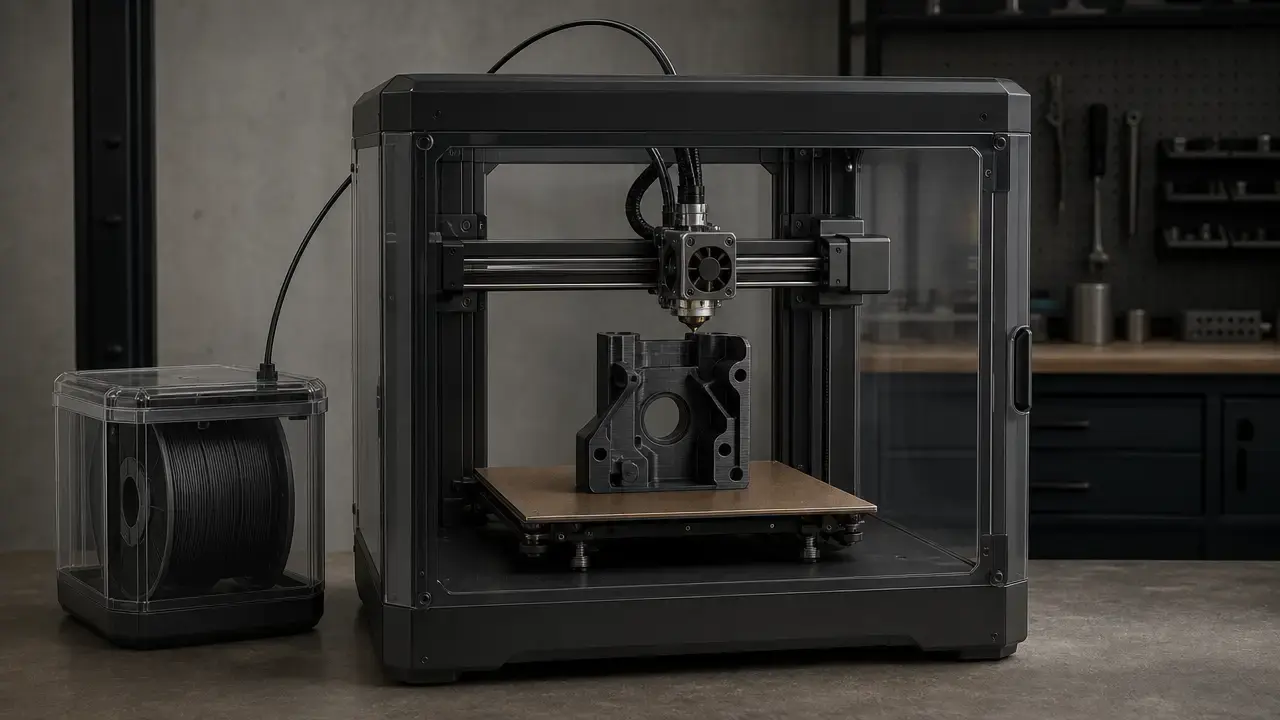
PC-ABS filament is a PC/ABS blend: a thermoplastic mix of polycarbonate and ABS aimed at printed parts that need a wider process window and, in many published product comparisons, more thermal margin than standard ABS offers. [13] [14] It is most relevant to users who can control enclosure heat, bed adhesion, and drying, because the material is less forgiving than plain ABS and vendor values are typically reference data rather than design allowables. [13] [16]
That variability matters. Published numbers can shift with brand, test method, print orientation, conditioning, and whether the specimen was printed, molded, or not clearly identified by the manufacturer. [13] [16] [18] In practice, PC-ABS is useful for tougher, hotter, more demanding parts when the printer and workflow can support it. [13] [16]
What Is PC-ABS Filament?
What is PC-ABS filament, exactly? In most filament catalogs, PC-ABS, PC/ABS, and PC+ABS are naming variants for a polycarbonate-ABS blend, unless a manufacturer defines a different recipe for a specific product. Stratasys describes PC-ABS as a blend of polycarbonate and ABS thermoplastics. [13]
There is no universal commercial blend ratio to memorize. The manufacturer documents cited here do not disclose one common PC:ABS ratio across all products, and that is normal for this category. [13] [16] [18]
In practical terms, the blend is an engineering compromise. Polycarbonate contributes heat resistance and stiffness potential; ABS contributes easier processing and the familiar impact-tough, general-purpose character many users already know. The result is not a universal upgrade over ABS, but a material intended to balance those tradeoffs for more demanding functional parts. ABS is also commonly presented by manufacturers as an amorphous material, which is why glass transition and softening metrics matter more here than any melt-point narrative. [13] [16] [20]
When PC-ABS Makes Sense (and When It Doesn’t)
PC-ABS makes sense when a part needs more thermal margin, more toughness, or both, and when the machine setup can support a hotter, more controlled print. Stratasys positions it as combining strength, toughness, heat resistance, and flexural strength, which is a useful shorthand for the kind of parts it targets. [13] But that should be read as product positioning, not proof that every printed part will automatically outperform ABS in every direction or every brand ecosystem. [13]
It makes less sense when the part is simple, low-load, low-temperature, or when the printer cannot hold the process stable enough to suppress warping and layer problems. If your workflow cannot manage enclosure heat, drying, and adhesion consistently, ordinary ABS or another easier-processing material may be simpler to qualify. [16] [17] PC-ABS is not a universal “stronger ABS.” It is a candidate material when the part requirement justifies the added process burden. [13]
PC ABS Printing Temperature and Printer Requirements
PC ABS printing temperature is not a single number so much as a coordinated setup. Nozzle temperature, bed temperature, chamber heat, filament dryness, and post-print thermal handling all affect the result. Polymaker’s PC-ABS TDS gives a nozzle recommendation of 250–270 °C, a bed recommendation of 90–105 °C, cooling fan OFF, drying at 75 °C for 6 h, and annealing at 90 °C for 2 h. [16] Fillamentum’s PC-ABS sheet recommends 260–280 °C, while Stratasys shows PC-ABS in an industrial F900 context with 0.254 mm layers rather than consumer-style setup guidance. UltiMaker’s cited Method PC-ABS page does not state settings. [18] [13] [19]
| Brand/product | Nozzle | Bed | Chamber/enclosure + drying/anneal notes |
|---|---|---|---|
| Stratasys PC-ABS | Not stated as consumer guidance; industrial F900 context. | Not stated as consumer guidance; industrial F900 context. | F900 print/test setup at 0.254 mm layer height; no consumer workflow values stated in the cited datasheet. [13] |
| Polymaker PC-ABS | 250–270 °C. | 90–105 °C. | Closure chamber needed at 90–100 °C; fan OFF; dry 75 °C for 6 h; anneal 90 °C for 2 h. [16] |
| Fillamentum PC-ABS | 260–280 °C. | Not stated. | Print temperature given; specimen type and chamber notes are not stated in the cited sheet. [18] |
| UltiMaker Method PC-ABS | Not stated. | Not stated. | Settings not stated on the cited page. [19] |
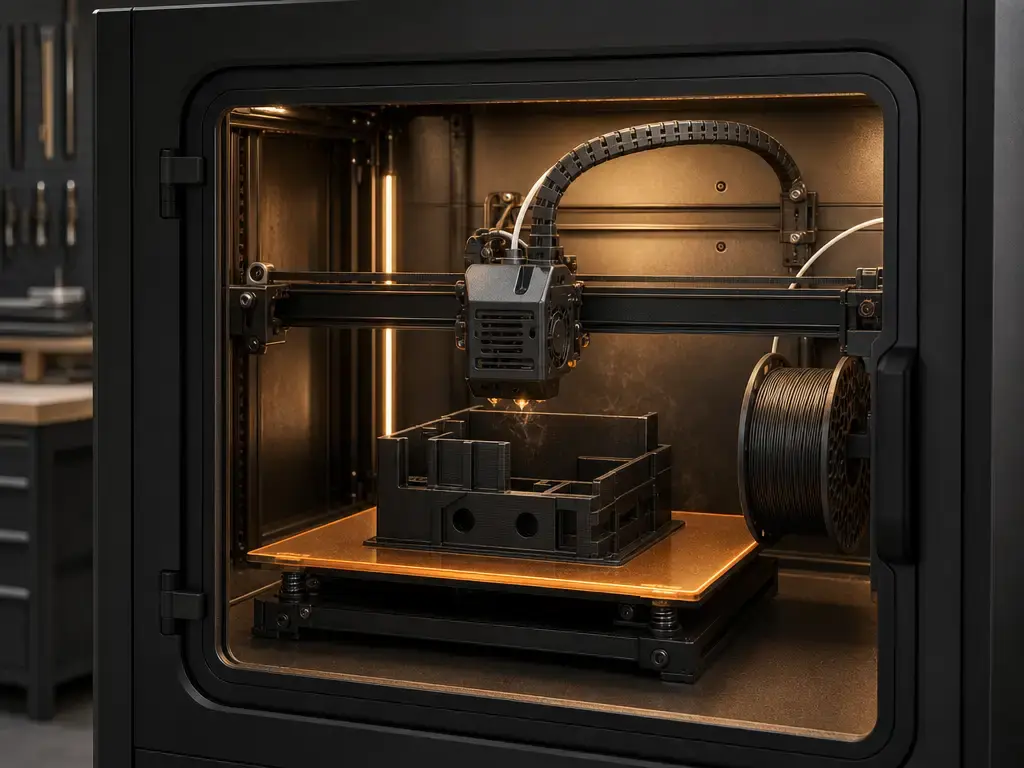
The hardware tier matters as much as the nozzle setting. A passive enclosure only traps some heat. A warm chamber, common on many consumer and prosumer machines, is still different from an actively heated chamber. Polymaker goes further than a generic enclosure recommendation: its TDS lists a needed 90–100 °C closure chamber, and its FAQ says PC-ABS may require an industrial-style printer that can keep ambient air above 90 °C. [16] [17] That is manufacturer-attributed workflow guidance, but it explains why some PC-ABS grades sit well outside casual ABS printing habits. [16] [17]
Baseline setup checklist
- Confirm the nozzle can reach the manufacturer’s recommended range. [16] [18]
- Use a heated bed in or near the published range. [16]
- Decide whether you have a passive enclosure, a warm chamber, or an actively heated chamber. [16] [17]
- Dry the filament before printing if the vendor says to. [16]
- Keep cooling low or off unless the profile explicitly calls for it. [16]
- Use an adhesion aid plus a brim or raft for shrink-prone geometries. [16]
- Plan for ventilation or filtration appropriate to ABS-family materials. [26] [27]
Key Terms You Must Keep Separate (So You Don’t Misread Datasheets)
PC-ABS datasheets are easy to misread because they mix thermal, mechanical, and process metrics that answer different questions. HDT is not continuous service temperature, Vicat is not the same thing as HDT, and a tensile number does not tell you whether a thin wall will warp or crack after cooling. [4] [5] [9] [10]
- Tg: glass transition temperature, usually measured by DSC; it marks a major change in polymer mobility, not a melting point. [9]
- HDT: deflection under load under a defined test method such as ISO 75 or ASTM D648; useful for comparison, but not a blanket service-temperature guarantee. [4] [12]
- Vicat: softening under a specified load and heating rate; another thermal-response metric, not a direct service limit. [5]
- Tensile strength: resistance to being pulled apart, usually compared under ISO 527 or ASTM D638 conditions. [2] [10]
- Modulus: stiffness in the elastic range; it says more about rigidity than toughness. [2] [10]
- Impact strength: how much energy a specimen absorbs in a standardized impact test such as Izod or Charpy. Those methods are not interchangeable. [6] [7] [11]
- Layer adhesion: the practical strength of bonds between printed roads and layers; it is strongly affected by temperature, cooling, chamber conditions, and orientation. [13] [16] [17]
PC-ABS Filament Properties (Examples by Product — Not Universal Averages)
As-printed, orientation-specific examples: Stratasys PC-ABS is safest to read as a printed dataset, not a universal material constant. Stratasys states that its values are measured as printed, with XY, XZ, and ZX orientations tested, and the cited main dataset was produced on an F900 with 0.254 mm layer height. [13] In that printed dataset, PC-ABS HDT by ASTM D648 Method B is 117.9 °C in XY and 126.1 °C in XZ/ZX at 66 psi, or 107.5 °C in XY and 112.0 °C in XZ/ZX at 264 psi. [13] The same datasheet also lists molded HDT by ASTM D648 Method B at 125.0 °C at 66 psi and 102.9 °C at 264 psi, which is useful mainly as a reminder that molded and printed values should not be merged. [13] The same source lists Tg at 105.3 °C by ASTM D7426 and specific gravity at 1.10 at 23 °C by ASTM D792. [13]
Stratasys also shows tensile anisotropy for printed PC-ABS: yield strength is 36.5 MPa in XZ with no yield reported in ZX, while strength at break is 34.7 MPa in XZ and 25.9 MPa in ZX; elastic modulus is 1.99 GPa in XZ and 1.87 GPa in ZX, all under ASTM D638. [13] Polymaker’s specimen conditions are equally important: its TDS states 260 °C nozzle temperature, 100 °C bed temperature, 100% infill, 90 °C environmental temperature, and fan OFF for the test specimens. [16] Under those printed conditions, it reports tensile strength of 39.9 ± 1.0 MPa in X-Y versus 22.9 ± 1.2 MPa in Z under ISO 527 and GB/T 1040, plus Tg 109 °C by DSC, HDT 106 °C at 1.8 MPa and 112 °C at 0.45 MPa by ISO 75, and Vicat 135 °C by ISO 306 and GB/T 1633. [16]
Unspecified specimen examples: Fillamentum’s numbers are useful as vendor examples, but the sheet does not identify the specimens as printed orientation datasets, so they should be treated as unspecified for direct comparison purposes. [18] In that sheet, tensile strength is 42 MPa by ISO 527-1,2, flexural strength is 68 MPa by ISO 178, Izod impact is 55 kJ/m² at 23 °C notched and 41 kJ/m² at −30 °C notched by ISO 180/1A, Charpy impact is 53 kJ/m² at 23 °C notched by ISO 179, and Vicat is 113 °C B50 and 115 °C B120 by ISO 306. [18] UltiMaker’s Method PC-ABS page gives headline values of 1700 MPa tensile modulus, 37.2 MPa tensile strength, 91 °C thermal resistance, 1.75 mm filament diameter, and 750 g spool weight, but the cited page does not state the test method. [19] That means those headline values should not be mixed directly with printed-orientation datasets from Stratasys or Polymaker. [19] The short MakerBot/UltiMaker PC-ABS sheet likewise separates regular PC-ABS from PC-ABS FR but does not state methods for the summary values. [21]
Why PC-ABS numbers vary so much: orientation, raster strategy, chamber temperature, drying, conditioning, printer platform, and test method all change the result, and printed parts are inherently anisotropic. [13] [16] [24] A datasheet number is not necessarily wrong because another vendor reports a different number; it may be answering a different question under different conditions. [13] [16] [18]
Why you cannot average these numbers: they come from different brands, sometimes different specimen types, and often different standards or missing method descriptions. A clean comparison needs matching specimen type, matching test method, and matching print process. Otherwise, the average is mostly a blur. [13] [16] [18] [19]
PC ABS vs ABS Filament (What Changes in Practice?)
PC ABS vs ABS filament comes down to which metric you care about most: heat response, impact behavior, print difficulty, or dimensional reliability. Stratasys’ own numbers give a useful same-ecosystem comparison because the PC-ABS and ABS-M30 datasheets both report printed data with orientation labels and similar test framing. [13] [14]
Examples, not rankings.
| Criterion | PC-ABS filament | ABS filament | Practical implication |
|---|---|---|---|
| Heat performance | In Stratasys printed data, HDT is 117.9 °C in XY and 126.1 °C in XZ/ZX at 66 psi, or 107.5 °C in XY and 112.0 °C in XZ/ZX at 264 psi. [13] | In Stratasys printed data, ABS-M30 HDT is 103.8 °C at 66 psi and 99.9 °C at 264 psi. [14] | PC-ABS offers more thermal margin in this brand family, but HDT is still a deflection metric, not a service guarantee. |
| Impact/toughness | In Stratasys printed F900 data, notched impact is 241 J/m in XZ and 34.0 J/m in ZX; unnotched impact is 655 J/m in XZ and 101 J/m in ZX. [13] | In Stratasys printed F900 data, ABS-M30 notched impact is 101 J/m in XZ and 32.2 J/m in ZX; unnotched impact is 291 J/m in XZ and 103 J/m in ZX. [14] | Toughness can improve with PC-ABS, but orientation still matters enough that Z-direction behavior needs separate attention. |
| Print difficulty | Published PC-ABS workflows here assume hotter, more controlled printing, often including drying and strong chamber management. [16] [17] | ABS generally appears in less demanding printer contexts and fewer chamber-specific requirements in the sources used here. [14] [20] | If the hardware cannot hold heat well, ABS is usually the simpler starting point. |
| Warping/cracking risk | Higher if chamber conditions are too cool or the geometry is shrink-prone. [16] [17] | Still a risk, but often easier to manage than PC-ABS. [14] [20] | Geometry and chamber control matter more as you move toward PC-ABS. |
| Surface finish/post-processing | Good surface finish is part of vendor positioning, and one product is explicitly positioned as compatible with metal plating. [15] [16] | ABS is also widely used where sanding, finishing, or other post-processing is expected. [20] | Finish choice depends on the exact workflow and target appearance, not just the polymer family name. |
| Cost/accessibility | No reliable universal price figure was found in the sources used, but the PC-ABS products here are tied to more specialized print environments or printer ecosystems. [13] [16] [17] [19] | ABS appears in broader printer ecosystems and less demanding published workflows. [14] [20] | Budget for process capability as well as material cost. |
| Automotive suitability | Better aligned with validated prototypes, fixtures, and some interior non-safety parts. [15] [22] | ABS remains relevant for prototyping and related workflows, but not every ABS grade offers the same thermal margin shown by PC-ABS examples. [14] [20] | Final selection depends on validation, not on a blanket engineering-plastic label. |
In practical buying terms, PC-ABS is worth evaluating when ABS is close but not quite enough, especially for hotter housings, tougher functional parts, and more demanding fixtures. ABS remains attractive when the job is low-risk and the goal is a simpler process. The key is not deciding which material is universally better, but which failure mode matters most for the part you are actually making. [13] [14] [16]
Printing Workflow for Reliable PC-ABS Parts
A reliable PC-ABS workflow starts before the first layer. Dry the filament first if the vendor recommends it, because moisture can hurt surface quality, flow consistency, and layer bonding. Polymaker specifies 75 °C for 6 h. [16] Then heat-soak the enclosure or chamber so the print environment is stable before extrusion begins, keep the fan low or off, and orient the part so the main loads are not trying to split the layers. Polymaker’s published setup combines a needed 90–100 °C chamber with fan OFF, and its specimen guidance uses a 100 °C bed and 90 °C environmental temperature. [16] For shrink-prone geometries or large flat footprints, a brim or raft can improve bed adhesion and reduce corner lift. Stratasys’ orientation-labeled testing is a reminder that X-Y and Z performance are not the same thing. [13]
After the print, slow cooling matters because a rapid thermal drop can lock in stress and show up later as cracking or delamination. Polymaker recommends annealing at 90 °C for 2 h right after printing, and its FAQ says polycarbonate materials should be annealed immediately either in a heated chamber or in a 90 °C oven. [16] [17] That is manufacturer guidance rather than a universal rule for every brand, but it is a reminder that PC-ABS behaves more like an engineering thermoplastic workflow than a casual hobby filament. [16] [17]
Types and Taxonomy of PC-ABS Filament (Including FR Grades)
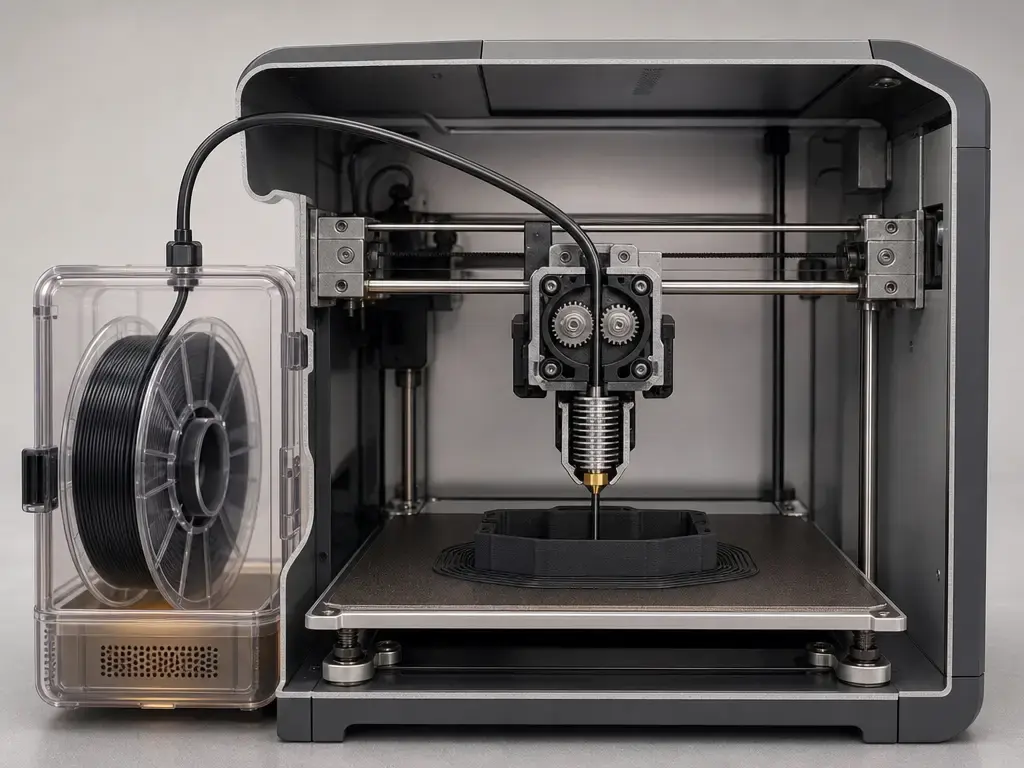
Not every PC-ABS filament is interchangeable with another PC-based material. Plain PC-ABS, PC blends, PC-PETG, PC-CF, ABS-CF, ASA, and PC-ABS FR are different materials with different processing windows and tradeoffs. Even within PC-ABS, manufacturers may tune formulations for surface quality, toughness, plating compatibility, or printer compatibility, so a brand name alone is not enough to assume equivalence. [15] [16] [21]
Fire-retardant grades are a separate category, not a synonym for ordinary PC-ABS. The MakerBot/UltiMaker sheet lists PC-ABS and PC-ABS FR separately, with different summary values such as Vicat 108 °C versus 104 °C, impact 25.5 versus 42.5 kJ/m², and tensile 37.2 versus 60 MPa. Methods are not stated on that two-page sheet, but the separation between grades is clear. [21] Polymaker also positions its PC-ABS as compatible with metal plating or metal electroplating, but that is a vendor claim about a specific product, not a universal trait of the whole PC-ABS family. [15] [16]
Applications: Is PC-ABS Filament Good for Automotive Parts?
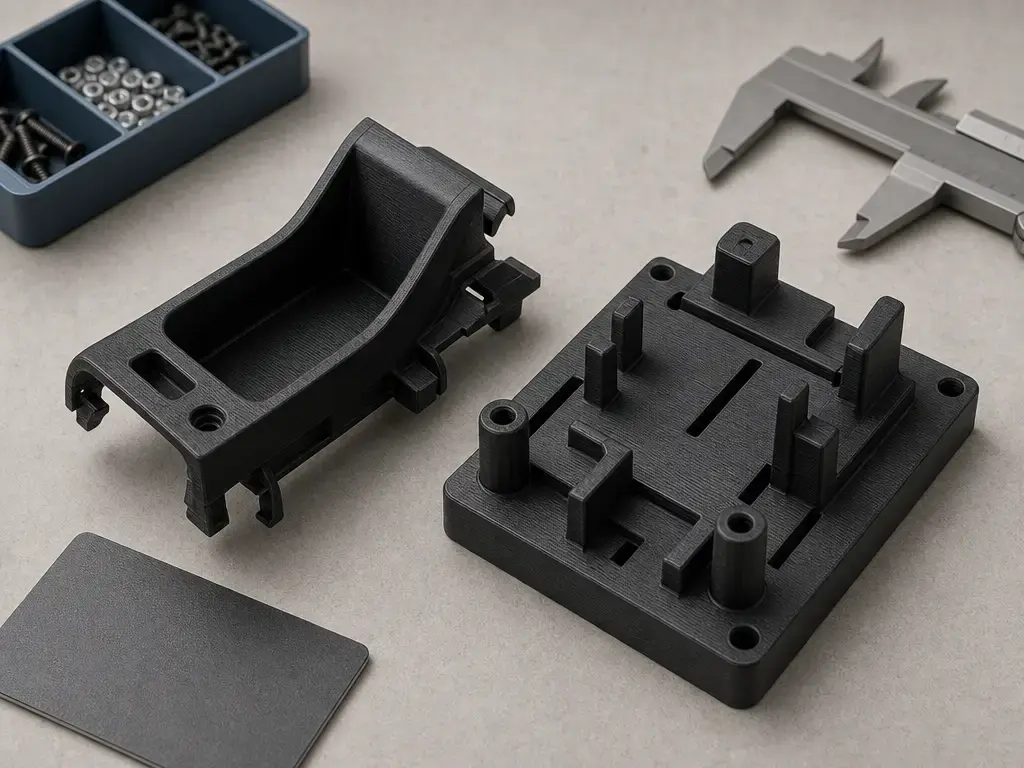
Is PC-ABS filament good for automotive parts? Sometimes, but only in the right part class and only after validation. The most realistic uses are concept prototypes, jigs and fixtures, and some interior non-safety parts. Polymaker’s product page names automotive interior parts such as dashboard pieces, door handles, and instrument panels as examples, while SABIC places the broader PC/ABS family in automotive interiors and electrical or electronic components and housings. [15] [22]
Treat PC-ABS as suitable for prototypes, jigs/fixtures, and some interior non-safety parts only after validating heat, UV, chemical exposure, and mechanical requirements for the exact part and print orientation. [13] [15] That matters because printed parts are anisotropic and can fail differently in X-Y versus Z. [13] The practical ladder is concept prototype first, fixture next, interior non-safety part only if the validation is real, and production part only when the printed material, process window, and end-use tests all agree. Under-hood, regulated, structural, braking, steering, or other safety-critical uses should not be approved from a filament datasheet alone.
The broader polymer-family context still matters. SABIC’s injection-molding PC/ABS background helps explain why the material category appears in automotive interiors, yet that does not automatically qualify a printed part. [22] PC-ABS can be a realistic automotive filament for prototypes, tooling, and some validated interior applications; it is not a shortcut around part-specific testing. [13] [15] [22]
Limitations, Failure Modes, and Safety (Warping, Creep, Emissions)
The biggest PC-ABS problems are usually process-related first and service-related second. During printing, common failures include warping, corner lift, cracking, and layer splitting if the chamber is too cool or cooling is too aggressive. [16] [17] Moisture matters too: Polymaker reports equilibrium water absorption of 0.352% and recommends drying at 75 °C for 6 h, which strongly suggests that moisture control is part of the normal workflow for that product. [16] Orientation matters because the same material can behave very differently across XY, XZ, and ZX directions. [13] Separate those print failures from service-life limits: a part can print cleanly and still creep, relax, or soften later when it sits under load at elevated temperature for long periods.
On ventilation, the evidence boundary matters. A 2026 study on ABS- and PET-G-based filaments reported VOC emissions dominated by styrene up to 264.75 µg/m³ for the ABS-based set, with particle number concentrations about one order of magnitude greater than those measured for the tested PET-G-based filaments. [26] A 2022 Fab Lab study also places PC-ABS in the emissions discussion, including ultrafine-particle behavior with and without filtration, but no reliable PC-ABS-specific quantitative VOC dataset was found in the sources used here. [27] For that reason, PC-ABS should be handled with the same ventilation caution given to other ABS-family materials. [26] [27]
Current Research Snapshot (2026): What Studies Measure vs What You Print
Recent studies help explain the material, but they do not hand you a slicer profile. In one 2026 Polymers paper, the controlled print parameters for PC-ABS were XY orientation, 0.254 mm layers, 100% infill, 45°/−45° raster, 265 °C extrusion, and a 110 °C build platform. [24] Under those conditions, the paper reports Young’s modulus of 1230 ± 44.3 MPa, tensile strength of 31.43 ± 0.7 MPa, and ultimate strain of 5.6 ± 0.3%. [24] That is useful as a research example, not as a product specification. These conditions do not equal your slicer profile. [24]
The same study reports an onset temperature of final degradation for PC-ABS of 447.71 °C, which is a thermal-analysis result, not a print temperature or a service temperature. [24] A separate 2026 structure-property paper on PC/ABS blends reinforces that blend ratio and compatibilizers matter, but that does not justify guessing the undisclosed ratios of commercial PC-ABS filaments. [25] For practical selection, research clarifies behavior; it does not replace validation on your printer, in your geometry, under your load case. [24] [25]
Brief Context: PC/ABS Before Filament
PC/ABS was already an established engineering polymer family before spool-based desktop filament made it easier to buy in print-ready form. SABIC describes the family in applications such as automotive interiors and electronic housings, and a 1994 literature review shows that PC/ABS blends were already a serious materials-research topic well before the current filament market. [22] [23] Stratasys’ PC-ABS filament offering fits that longer industrial context: an older polymer family adapted to material-extrusion workflows rather than a hobby-era invention. [13]
Practical Selection Guidance
If your printer can hold a warm enclosure or chamber, your adhesion and cooling control are already solid, and the part genuinely needs more thermal margin or toughness than ordinary ABS is giving you, PC-ABS is worth testing. If the machine is open-frame or lightly enclosed, the geometry is large and shrink-prone, or the end use is modest, a simpler material may be more practical. Stratasys’ own note that its values are for reference and comparison only is a reminder not to turn a datasheet into a design shortcut. [13]
A good pre-purchase check comes down to four questions: can your hardware reach the process window, can you dry the filament correctly, can you manage warping and anisotropy, and have you defined the part’s real environment of use? Polymaker’s published workflow alone implies that chamber control and drying are part of the buying decision, not optional extras. [16] Ventilation belongs in that decision too, because ABS-family emissions caution is supported in the literature. [26] If those answers are mostly yes, PC-ABS can be a sensible engineering filament choice. If not, it may deliver more process burden than performance value.
FAQ
1. What is PC-ABS filament?
PC-ABS filament is a polycarbonate-ABS blend used for printed parts that need a combination of toughness, heat resistance, and better processing balance than straight PC would typically offer on its own. [13] The name can appear as PC-ABS, PC/ABS, or PC+ABS unless a manufacturer specifies otherwise. It is best understood as an engineering compromise material, not a universal upgrade over every ABS product. [13] [16]
2. What temperature to print PC ABS filament?
There is no single correct temperature. The answer depends on the product and the rest of the thermal setup. Polymaker publishes 250–270 °C nozzle, 90–105 °C bed, fan OFF, 75 °C drying for 6 h, and 90 °C annealing for 2 h. [16] Fillamentum recommends 260–280 °C print temperature. [18] Chamber conditions also matter; for some PC-ABS products, the nozzle number alone is not enough to predict success. [16] [17]
3. Does PC-ABS filament need an enclosure or a heated chamber?
Often yes, but the hardware tier matters. A passive enclosure is the minimum heat-trapping step, a warm chamber is more helpful, and Polymaker explicitly goes further by calling for a heated chamber in the 90–100 °C range for its PC-ABS workflow. [16] Its FAQ also says PC-ABS may need an industrial-style printer that can keep ambient air above 90 °C. [17] That is a stronger requirement than many hobby ABS workflows demand. [16] [17]
4. PC ABS vs ABS filament: which is better — and by which metric?
It depends on the metric. In Stratasys’ printed same-ecosystem data, PC-ABS shows higher HDT than ABS-M30 and also stronger notched impact in the cited XZ example. [13] [14] But ABS can still be easier to print and less demanding about chamber control. [14] [20] So better only makes sense when you specify whether you mean heat performance, impact behavior, stiffness, process difficulty, or Z-direction reliability. [13] [14]
5. Is PC-ABS filament good for automotive parts?
Sometimes, especially for prototypes, jigs, fixtures, and some interior non-safety parts. Polymaker lists dashboard parts, door handles, and instrument panels as example applications, and SABIC places the wider PC/ABS family in automotive interiors and electrical or electronic housings. [15] [22] But that does not approve every printed automotive part. You still need validation for heat, UV, chemicals, load, and print orientation before treating PC-ABS as suitable for a real vehicle application. [13] [15]
6. Do you need to dry PC-ABS filament before printing?
Yes, if the vendor recommends it, and at least one major vendor does. Polymaker specifies drying at 75 °C for 6 h and reports equilibrium water absorption of 0.352% for its product. [16] That does not prove every PC-ABS brand behaves identically, but it is a strong signal that moisture control matters for print consistency, surface quality, and layer bonding. [16]
7. Is PC-ABS stronger than ABS?
Not as a blanket statement. In Stratasys’ printed same-ecosystem comparison, PC-ABS shows higher HDT than ABS-M30 and higher tensile yield in the cited XZ data, but that does not mean every PC-ABS grade beats every ABS grade in every metric or print direction. [13] [14] Strength, stiffness, impact behavior, and layer adhesion can all move differently. The right answer is always metric by metric, not absolute. [13] [14]
Sources
- ISO/ASTM 52900:2021 Additive manufacturing — General principles — Fundamentals and vocabulary — https://www.iso.org/standard/74514.html
- ISO 527-1:2019 Plastics — Determination of tensile properties — General principles — https://www.iso.org/cms/%20render/live/en/sites/isoorg/contents/data/standard/07/58/75824.html
- ISO 178:2019 Plastics — Determination of flexural properties — https://www.iso.org/standard/70513.html
- ISO 75-1:2020 Plastics — Determination of temperature of deflection under load — https://www.iso.org/cms/%20render/live/en/sites/isoorg/contents/data/standard/07/75/77576.html
- ISO 306:2022 Plastics — Thermoplastic materials — Determination of Vicat softening temperature — https://www.iso.org/standard/82176.html
- ISO 179-1:2026 Plastics — Determination of Charpy impact properties — Non-instrumented impact test — https://www.iso.org/standard/91071.html
- ISO 180:2023 Plastics — Determination of Izod impact strength — https://www.iso.org/standard/84394.html
- ISO 1133-1:2022 Plastics — Determination of the melt mass-flow rate (MFR) and melt volume-flow rate (MVR) — https://www.iso.org/standard/83905.html
- ISO 11357-2:2020 Plastics — Differential scanning calorimetry (DSC) — Determination of glass transition temperature and step height — https://www.iso.org/cms/%20render/live/en/sites/isoorg/contents/data/standard/07/73/77310.html
- ASTM D638 Standard Test Method for Tensile Properties of Plastics — https://store.astm.org/standards/d638
- ASTM D256 Standard Test Methods for Determining the Izod Pendulum Impact Resistance of Plastics — https://store.astm.org/standards/d256
- ASTM D648 Standard Test Method for Deflection Temperature of Plastics Under Flexural Load in the Edgewise Position — https://store.astm.org/d0648-00a.html
- Stratasys PC-ABS Datasheet — https://www.stratasys.com/siteassets/materials/materials-catalog/fdm-materials/pc-abs/pc-abs-redesign/mds_fdm_pc-abs_0823a.pdf
- Stratasys ABS-M30 Datasheet — https://www.stratasys.com/siteassets/materials/materials-catalog/fdm-materials/abs-m30/mds_fdm_abs-m30_0921a.pdf
- Polymaker PC-ABS Product Page — https://polymaker.com/product/polymaker-pc-abs/
- Polymaker PC-ABS Technical Data Sheet V5.4 — https://cdn.shopify.com/s/files/1/0548/7299/7945/files/Polymaker_PC_ABS_TDS_EN_V5.4.pdf
- Polymaker Polycarbonate FAQ — https://shop.polymaker.com/pages/polycarbonate
- Fillamentum PC-ABS Technical Data Sheet — https://fillamentum.com/wp-content/uploads/2020/10/Technical_Data_Sheet_PC-ABS.pdf
- UltiMaker Method Series PC-ABS Page — https://ultimaker.com/materials/method-series-pc-abs/
- UltiMaker ABS Page — https://ultimaker.com/materials/abs/
- MakerBot/UltiMaker PC-ABS and PC-ABS FR Sheet — https://ultimaker.com/wp-content/uploads/2023/12/MakerBot-PC-ABS-FIRE-RETARDANT-for-METHOD.pdf
- SABIC PC/ABS Product Page — https://www.sabic.com/en/products/polymers/polycarbonate-acrylonitrile-butadiene-styrene-pc-abs
- Greco and Sorrentino (1994) Polycarbonate/ABS Blends: A Literature Review — https://onlinelibrary.wiley.com/doi/abs/10.1002/adv.1994.060130401
- MDPI Polymers (2026) Mechanical, Fatigue, and Thermal Characterization Including PC-ABS — https://www.mdpi.com/2073-4360/18/2/302
- ScienceDirect (2026) PC/ABS Blend Structure–Property Assessment — https://www.sciencedirect.com/science/article/pii/S2949822826005228
- MDPI Materials (2026) Emissions from ABS- and PET-G-Based Filaments — https://pmc.ncbi.nlm.nih.gov/articles/PMC13164954/
- MDPI Sustainability (2022) Fab Lab Emissions Including PC-ABS — https://www.wisdomlib.org/uploads/journals/mdpi-sust/2022-volume-14-issue-5–2071-1050-14-5-2900-.pdf