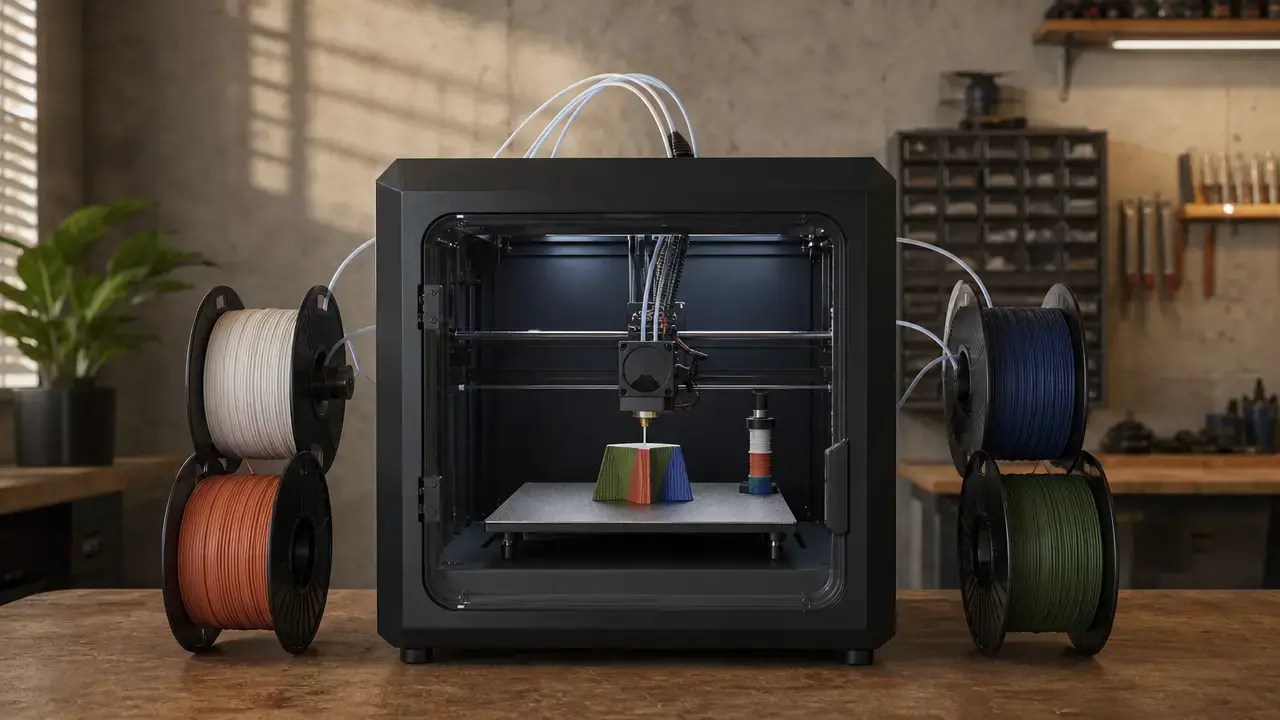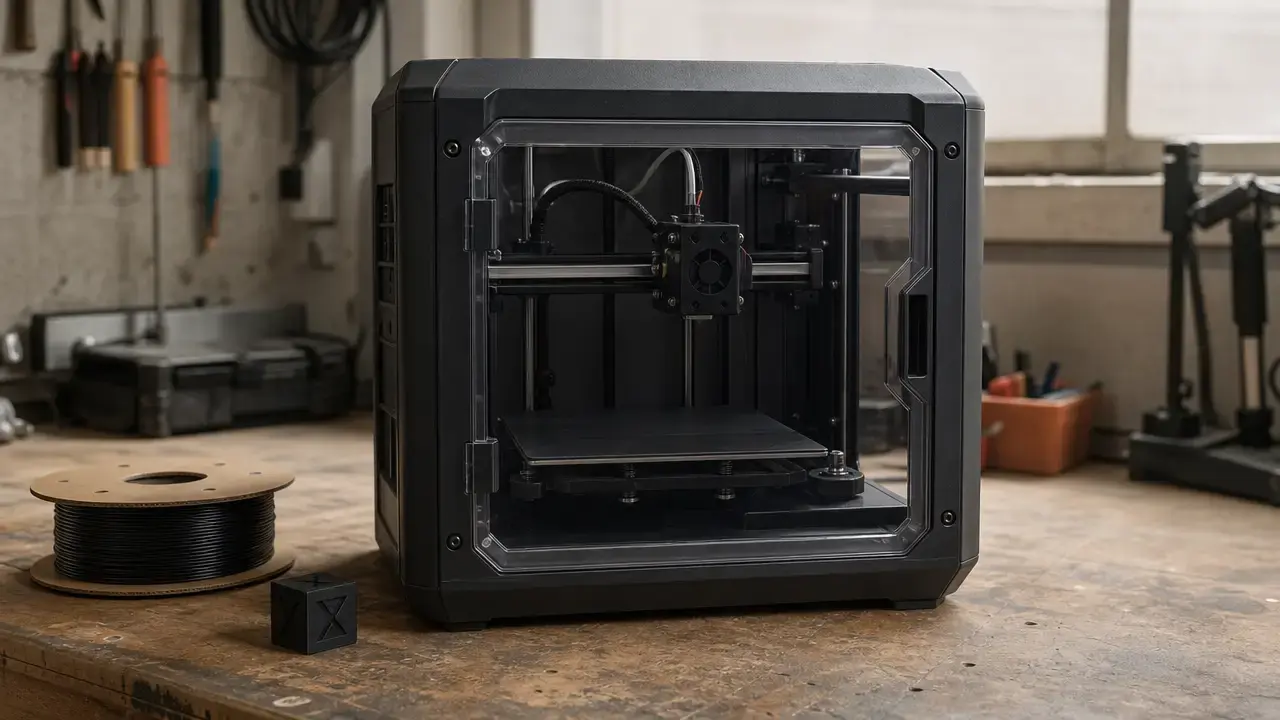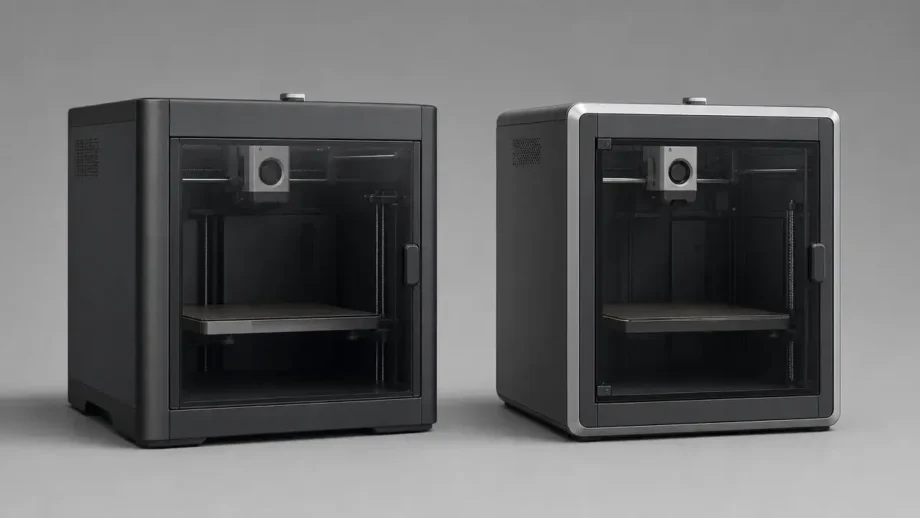
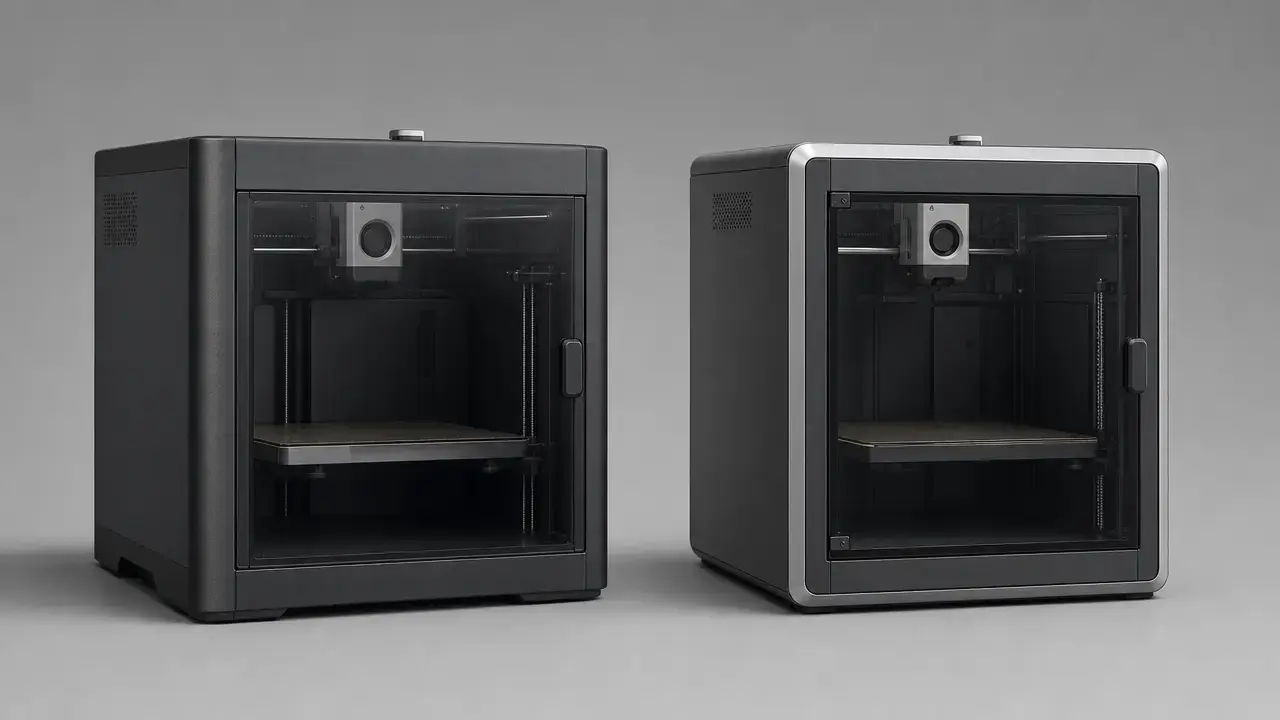

Summary: bambu p1s vs x1 carbon in one minute
Bambu P1S vs X1 Carbon: for most buyers, the P1S is the better value, while the X1C makes more sense if you want more built-in inspection, a richer on-printer interface, and stronger stock hardware for abrasive materials. Both printers share the same 256 × 256 × 256 mm³ build volume, the same 500 mm/s maximum toolhead speed, and the same 20 m/s² maximum acceleration, so this is not a simple speed contest. It is mainly a workflow and materials decision. [2] [3] [6]
- Buy P1S if you mainly print PLA, PETG, TPU, ABS, or ASA, want an enclosed printer without paying for extra sensing hardware, and do not need stock abrasive-filament readiness. [2] [5]
- Buy X1C if you want LiDAR-assisted checks, a 5-inch 1280 × 720 touchscreen, a higher-resolution 1920 × 1080 chamber camera, hardened steel extruder gears, and a hardened steel stock nozzle. [3] [6] [7] [8]
- Do not choose based only on the 500 mm/s headline, because both machines publish the same motion spec and both still depend on filament, geometry, cooling, and tuning in real prints. [2] [3] [12] [13]
AMS compatibility is shared across the X1 and P1 series, so it is not an X1C-only advantage. For abrasive engineering filaments, Bambu’s own material guidance matters more than marketing shorthand: its PAHT-CF page recommends a 0.6 mm nozzle, says a 0.2 mm nozzle is not compatible, says stainless steel is not recommended, and requires an enclosure printer. If you print indoors, remember that an enclosure is not the same as emissions certification; EPA, NIOSH, and UL all treat ventilation and standardized emissions testing as separate issues. [9] [10] [14] [15] [16]
Bambu P1S vs X1 Carbon: key specs table
These two printers sit in the same enclosed desktop family, and the decision comes down more to stock hardware and workflow than to the motion platform itself. The table below uses official Bambu documentation for the printer specs, plus official accessory and material pages where those clarify camera, screen, AMS, and abrasive-filament context. [2] [3] [4] [6] [7] [8] [9] [10]
| Spec | P1S | X1 Carbon | Why it matters |
|---|---|---|---|
| Build volume | 256 × 256 × 256 mm³ | 256 × 256 × 256 mm³ | Same part envelope. [2] [3] |
| Stock nozzle | 0.4 mm stainless steel nozzle | 0.4 mm hardened steel nozzle | Nozzle hardness affects abrasive wear. [2] [3] |
| Extruder gears | Steel | Hardened steel | The X1C ships with harder stock drive hardware. [2] [6] |
| Hotend temp | 300 ℃ | 300 ℃ | The X1C does not have a hotter hotend. [2] [3] |
| Bed temp | 100 ℃ | 120 ℃ @ 110 V; 110 ℃ @ 220 V | The X1C has more bed-temperature headroom, but the figure is voltage-dependent. [2] [3] |
| Max speed / acceleration | 500 mm/s; 20 m/s² | 500 mm/s; 20 m/s² | Shared headline motion spec. [2] [3] |
| Max flow | 32 mm³/s @ ABS | 32 mm³/s @ ABS | Published under specific ABS test conditions, not as a universal material limit. [2] [6] |
| Camera | 1280 × 720 / 0.5 fps | 1920 × 1080; 110° FOV | Monitoring convenience differs substantially. [2] [4] [8] |
| Screen | 2.7-inch 192 × 64 screen | 5-inch 1280 × 720 touch screen | Local control and feedback differ substantially. [2] [7] |
| LiDAR | No | Yes; 7 μm manufacturer-claimed resolution | This is an inspection feature, not a direct tolerance promise. [3] |
| Stock material support | PLA, PETG, TPU, ABS, ASA, PVA, PET ideal; PA and PC capable; carbon/glass fiber reinforced polymer not recommended | PLA, PETG, TPU, ABS, ASA, PVA, PET supported; PA, PC, and carbon/glass fiber reinforced polymer ideal | Out-of-box material range is broader on the X1C. [2] [3] [5] |
| AMS compatibility | Compatible with X1/P1 series | Compatible with X1/P1 series | Not a differentiator. [9] |
| Dimensions / weight | 389 × 389 × 458 mm³; 12.95 kg | 389 × 389 × 457 mm³; 14.13 kg | Footprint is effectively the same; the X1C is heavier. [2] [3] |
| Electrical requirement | 100–240 VAC, 50/60 Hz; 1000 W @ 220 V; 350 W @ 110 V | 100–240 VAC, 50/60 Hz; 1000 W @ 220 V; 350 W @ 110 V | Installation context only, not an energy-cost claim. [2] [3] |
X1 Carbon printable-height caveat: Bambu says Bambu Studio uses a default printable height of 250 mm, and using the remaining 6 mm requires following its safety instructions. [3]
Flow note: both 32 mm³/s figures are Bambu ABS test figures tied to a 150 × 150 mm single-wall model at 280 ℃. [2] [6]
Why buyers compare these two printers now
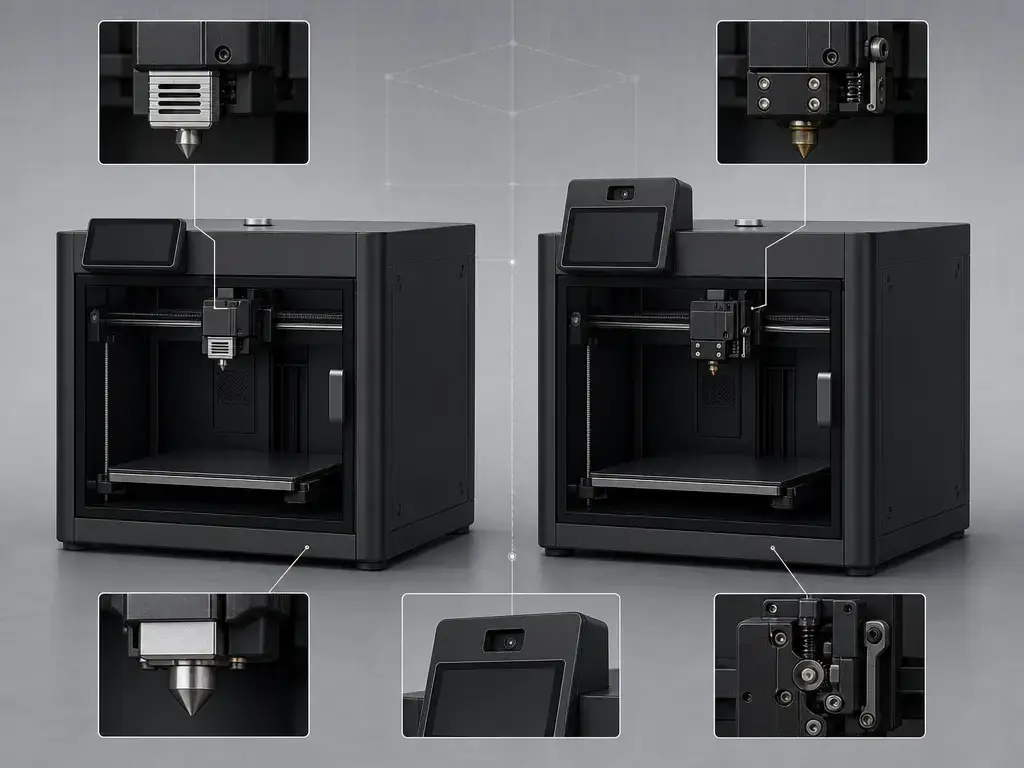
Buyers compare the P1S and X1 Carbon because they occupy nearly the same space, share the same build volume, and publish the same headline motion figures. This is not a small-printer-versus-large-printer decision. It is a choice between the lower-cost enclosed model and the more feature-rich model in the same family. [2] [3] [5]
What separates them is the stock hardware and the automation layer. The P1S ships with a stainless steel nozzle and steel extruder gears, while the X1C adds a hardened steel nozzle, hardened steel extruder gears, LiDAR-assisted inspection features, and the larger touchscreen interface. That makes the X1C the more complete out-of-box option for buyers planning to use engineering plastics, abrasive-filled filaments, or more hands-off supervision. The P1S remains compelling if you mainly want an enclosed printer without paying for that extra hardware stack. [2] [3] [5] [6]
Technical principles: same platform, different automation layer
Terminology note: FDM, FFF, and material extrusion
ISO/ASTM 52900:2021 remains the current vocabulary standard for additive manufacturing, and it treats material extrusion as the formal process family. Bambu labels the P1S printing technology as Fused Deposition Modeling, while many hobbyists use FFF as the non-trademarked community term. Here, those labels refer to the same basic process: filament is heated, pushed through a nozzle, and deposited layer by layer. [1] [2]
Why motion speed, flow, and acceleration are not the same as print quality
The shared 500 mm/s speed figure and 20 m/s² acceleration figure are useful for classifying the printers, but they are not promises about real print time or finished-part quality. Throughput still depends on geometry, segment length, nozzle diameter, temperature, cooling, layer time, and how aggressively the slicer can maintain velocity through corners. The X1C’s extra sensors do not make the motion system inherently faster; they add inspection, monitoring, and setup assistance. [2] [3] [12]
That distinction also matters for LiDAR. Bambu’s 7 μm claim is a manufacturer claim about sensing resolution, not proof that every X1C part will come out dimensionally tighter than the same part on a P1S. It is best understood as a workflow feature that can help with first-layer and inspection tasks. [3]
Both printers also publish the same 32 mm³/s ABS flow figure, and that number is tied to a specific Bambu ABS test setup rather than to every filament and nozzle combination. NIST’s die-swell work helps explain why: in ABS extrusion, behavior changed with volumetric flow rate, shear stress, hotend temperature, and nozzle diameter. A Scientific Reports paper adds the thermal-history side, reporting an average cooling rate of 113 ± 46 ℃/s from 230 ℃ to 130 ℃ in its baseline model and linking weld formation and mechanical properties to time-temperature history rather than to one simple machine spec. [2] [6] [12] [13]
Workflow comparison: setup, calibration, monitoring, and daily use
The workflow split is easier to grasp than the raw spec split. The P1S gives you a basic local interface and a low-rate 1280 × 720 / 0.5 fps chamber camera, which is enough for status checks and timelapse support but not the same monitoring experience as a full-speed, higher-resolution chamber view. The X1C adds a 5-inch 1280 × 720 touchscreen, a 1920 × 1080 chamber camera with a 110° field of view, and manufacturer-claimed features such as dual auto bed leveling, AI-inspected first layer, spaghetti failure detection, and 7 μm LiDAR-assisted checks. Those additions do not automatically improve finished parts, but they do change how much feedback the machine gives you during setup and long jobs. [2] [3] [4] [7] [8]
For day-to-day use, the key question is how much supervision you want to do yourself. Both printers use the same Bambu Studio and Bambu Handy ecosystem, and both are compatible with AMS, so the software baseline is shared. The difference is how much local control, visual feedback, and built-in inspection you get before and during a print. A practical checklist is:
- Will the printer run unattended?
- Will it be monitored remotely?
- Will multiple users operate it?
- Will new filament brands be used often?
- Is local touchscreen control important?
If you answer yes to several of those, the X1C’s interface and sensing stack are easier to justify. If not, the P1S usually covers the job with less up-front complexity. NIOSH’s ventilation guidance still matters for longer or less-attended indoor printing, especially with ABS or ASA. [3] [7] [8] [9] [15]
Materials and applications: PLA, PETG, TPU, ABS, ASA, PA, PC, and fiber-filled filaments
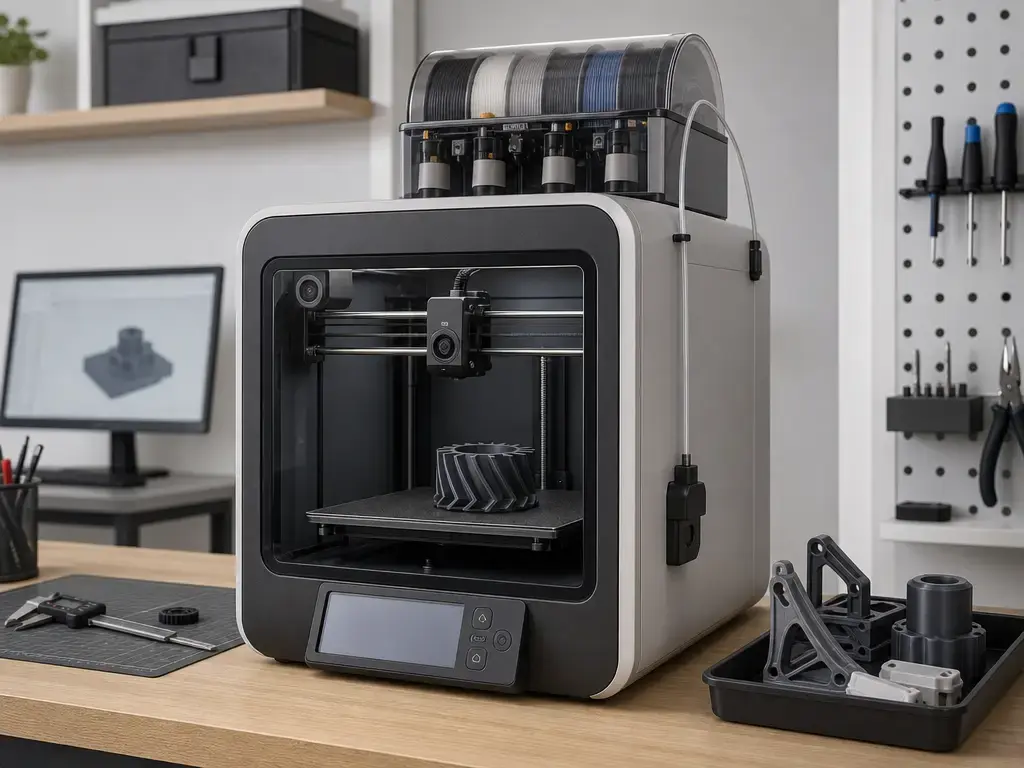
Both printers cover the mainstream material set, and both are enclosed machines. Officially, the P1S lists PLA, PETG, TPU, ABS, ASA, PVA, and PET as ideal, with PA and PC as capable. The X1C supports the same common plastics and is positioned more strongly toward engineering materials, with PA, PC, and carbon/glass fiber reinforced polymer marked ideal. That difference reflects stock hardware, not just temperature claims. AMS compatibility remains shared across both families. [2] [3] [9] [11]
ABS and ASA: which is better, P1S or X1 Carbon?
For ABS and ASA, both printers have the key structural advantage of being enclosed, and both officially support those materials. The X1C’s bed can reach 120 ℃ on 110 V power in the US, while the P1S lists a 100 ℃ maximum bed temperature. That extra bed-temperature headroom may help some higher-temperature jobs, but it should not be turned into a chamber-heating claim. Bambu’s official pages do not provide a reliable maximum chamber-temperature figure for either machine, so the safest reading is that the enclosure helps with drafts and thermal stability, while actual part behavior still depends on temperature profile, geometry, and cooling history. [2] [3] [13]
Carbon-fiber and glass-fiber filaments: stock P1S vs upgraded P1S vs X1C
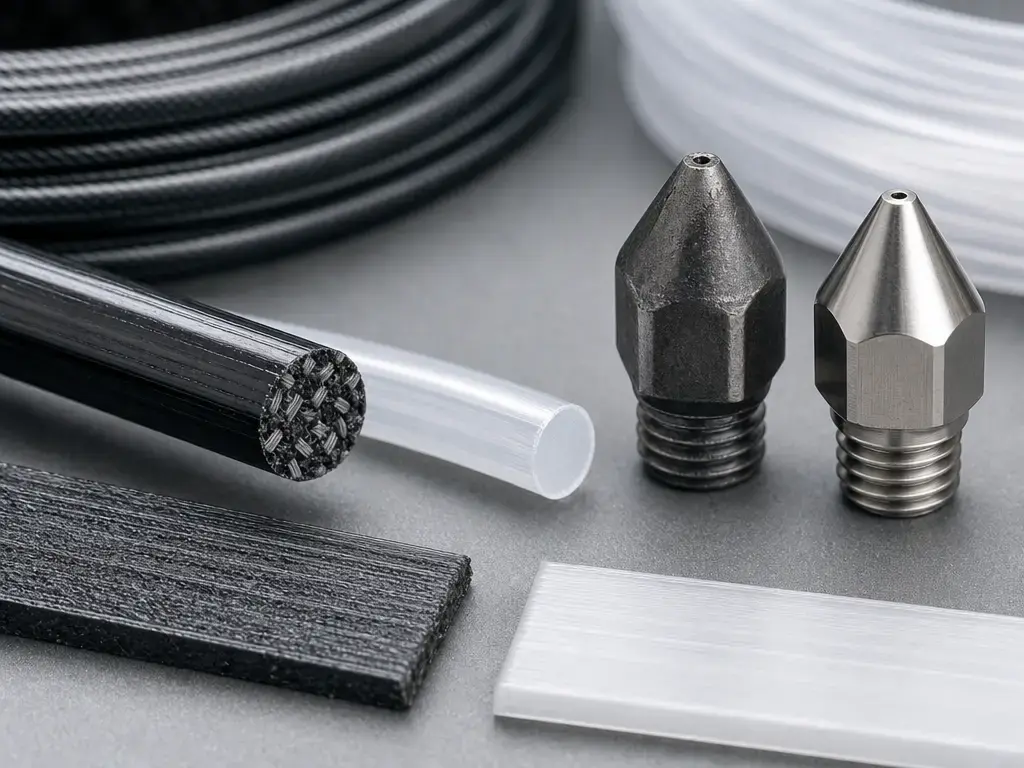
This is where the comparison becomes more conditional. In stock form, the P1S is not recommended for direct printing of fiber-reinforced glass- or carbon-filled filaments before an extruder and hotend upgrade. That is Bambu’s wording in the P1S FAQ, and it aligns with the P1S tech sheet’s stainless nozzle and steel extruder gears. The X1C is the stronger out-of-box choice because it already includes hardened nozzle and hardened extruder hardware. [2] [5] [6]
Once you start considering a P1S upgrade, the practical question becomes which hardware the filament actually requires. Bambu’s PAHT-CF page is explicit: it recommends a 0.6 mm nozzle, says a 0.2 mm nozzle is not compatible, says stainless steel is not recommended, and requires an enclosure printer. So the distinction between stock and upgraded hardware matters. A modified P1S can change the value equation, but the X1C starts much closer to that abrasive-material use case. [5] [10]
Performance metrics that matter more than the headline speed
The more useful comparison is not speed alone, but how speed interacts with acceleration, flow, bed temperature, nozzle material, nozzle diameter, cooling, and layer time. Both printers share the same headline motion spec, and both publish the same 32 mm³/s ABS flow number under Bambu’s stated test conditions. That means neither machine automatically wins on motion alone. Once you move away from Bambu ABS, the 0.4 mm stock nozzle, or the published test geometry, that single flow number becomes less predictive. [2] [3] [6]
NIST’s extrusion study explains why. In its ABS work, die swell changed across volumetric flow from 0.9 to 10.0 mm³/s, hotend temperature from 200 ℃ to 250 ℃, and nozzle diameter from 0.25 mm to 0.60 mm, with die swell increasing with flow and shear stress and decreasing with hotter setpoints and larger nozzles. The Scientific Reports paper adds the thermal-history side: ABS-class bond formation and mechanical performance depend on the time-temperature path, not just a nominal printer spec. So the X1C’s higher bed temperature and harder stock hardware can reduce risk in some workflows, but they do not remove the need for material-specific tuning. [3] [12] [13]
Print quality: what it means here
In this comparison, “print quality” needs to stay narrow. Surface finish, first-layer success, dimensional consistency, and material-specific strength are related outcomes, but they are not the same outcome. A printer can help one of those without proving superiority in all the others. That is why the X1C’s LiDAR, camera, and touchscreen are better framed as process-support tools rather than as blanket proof of universally better parts. [3] [12] [13]
The defensible conclusion is modest. The X1C gives you more built-in control points and more stock hardware margin, especially for abrasive materials and higher-supervision workflows. The P1S gives you the same basic build volume and motion class with fewer extras. Without a controlled third-party accuracy study, it would overstate the case to say the X1C inherently prints more accurate or stronger parts in every situation. [2] [3] [12] [13]
Current market context and value judgment
The value case is not fixed throughout the year because official store pages change with variants, bundles, and promotions. That makes a permanent price gap unreliable as buying advice. It also means the bambu p1s vs x1 carbon decision changes if you were already planning to add hardened parts to a P1S for abrasive materials, because that upgrade premium belongs in the comparison even if you do not state it numerically. [3] [5] [9] [10]
In practical terms, the P1S is the better feature-per-dollar choice when your work stays in common filaments and you do not need the X1C’s extra monitoring and inspection hardware. The X1C earns its feature premium when you want stock hardened hardware, the higher US bed-temperature spec, and more built-in workflow feedback from the start. Recheck bundles and store pricing on publication day, but keep the buying logic qualitative unless you verify a specific listing that day. [2] [3] [5] [9] [10]
Final recommendation: is the X1 Carbon worth it over the P1S?
For most buyers, the P1S is still the better value choice because it keeps the same 256 × 256 × 256 mm³ build volume, the same 500 mm/s maximum speed, and the same 20 m/s² maximum acceleration class while avoiding the X1C’s extra hardware cost. If your use case is mostly PLA, PETG, TPU, ABS, and ASA, the P1S already covers the main enclosed-printer job. AMS compatibility does not change that, because it is shared. [2] [5] [9]
The X1C is worth it when your workflow specifically benefits from stock hardened hardware, LiDAR-assisted checks, the larger touchscreen, the higher-resolution camera, and the 120 ℃ bed spec on 110 V power. It is also the cleaner starting point if abrasive filaments are a real part of the plan, because Bambu’s own material guidance ties those materials to nozzle material, nozzle diameter, and enclosure context rather than to a generic “can print engineering filament” claim. The short answer is simple: buy the P1S unless you know you need the X1C’s added hardware and process support. [3] [6] [7] [8] [10] [12] [13]
FAQ
Which should I buy: P1S or X1 Carbon?
Choose the P1S if you want the best value for general enclosed printing and mainly use standard materials. Choose the X1C if hardened out-of-box hardware, more built-in inspection, and stronger local monitoring matter more than saving money. Both share the same build volume and headline motion specs. [2] [3] [5]
What is the difference between Bambu P1S and X1 Carbon?
The main differences are the X1C’s hardened steel extruder gears, hardened steel nozzle, LiDAR-assisted inspection features, larger touchscreen, higher-resolution chamber camera, and higher bed-temperature spec on 110 V power. The P1S uses the same general printer format and build volume, but with simpler stock hardware. [2] [3] [6] [7] [8]
Is the Bambu X1 Carbon worth it over the P1S?
It can be, but mainly for users who will actually use the extra hardware and workflow support. If you mainly print common filaments, the P1S usually gives you the better value; if you want abrasive-material readiness, more monitoring, and more inspection help on day one, the X1C is easier to justify. [3] [5] [10]
Which is better for ABS and ASA: P1S or X1 Carbon?
Both are enclosed and both officially support ABS and ASA. The X1C’s higher bed temperature may help some ABS or ASA workflows, but that is not the same as active chamber heating, and no reliable official chamber-temperature maximum was found for either machine. [2] [3] [13]
Does LiDAR improve print quality or mainly workflow?
Mainly workflow. On the X1C, LiDAR supports first-layer and inspection tasks, but it is still a sensor feature rather than proof of universal gains in dimensional accuracy, surface finish, or strength. [3] [12] [13]
Are both printers AMS compatible?
Yes. Bambu’s AMS 2 Pro page says it is compatible with X1/P1 series printers, so AMS is not a deciding difference between these two models. [9]
How should I interpret bed temperature, enclosure, and chamber heat for ABS?
Treat them as related but separate. Bed temperature supports adhesion, the enclosure reduces drafts and heat loss, and chamber conditions affect cooling history, but official Bambu documentation does not provide a reliable maximum chamber-temperature figure for either machine in the sources used here. [2] [3] [13]
Limitations and safety considerations
Both printers are enclosed, which helps with drafts and can support more stable ABS or ASA printing, but enclosure alone does not prove filtration performance or low emissions. EPA says 3D printing can release VOCs and ultrafine particles in the 1–100 nm range. NIOSH says polymer feedstocks can release ultrafine particles and VOCs when sufficiently heated, notes that printing with ABS yields higher airborne ultrafine-particle concentrations than PLA, and cites studies where enclosing hoods or retrofitted enclosures with source control reduced particle emissions by about 97% to 99%. UL 2904 matters here because it shows that standardized emissions testing exists as a separate technical question from whether a printer has an enclosure. [14] [15] [16]
There are also a few comparison limits worth stating clearly. For noise level, no reliable figure found in the official Bambu materials used here for either the P1S or the X1C. For maximum chamber temperature, no reliable figure found in the official Bambu materials used here for either machine. That is why this article does not make a dB comparison and does not call either printer an actively heated-chamber machine. Pricing and bundles should also be rechecked on the publication day, because store listings can change without changing the underlying hardware. [2] [3] [5]
Who should buy which
Hobbyists and home prototyping — Pick: P1S.
If your work is mostly PLA, PETG, ABS, ASA, and general enclosure-friendly printing, the P1S covers the important basics without charging you for the X1C’s extra workflow hardware. It keeps the same build volume and motion class, and it is the cleaner fit when abrasive composites are not central to the plan. [2] [5]
Education, labs, and shared-use environments — Pick: X1C.
In spaces where multiple operators will use the printer, the X1C’s larger screen, richer monitoring, and LiDAR-assisted workflow features can reduce some setup uncertainty and make the machine easier to supervise. AMS support is still shared, so the case for the X1C here is really about local control, inspection support, and consistency across users. Indoor ventilation guidance still applies, especially if ABS or ASA enters the material mix. [3] [7] [8] [9] [14] [15]
Small-shop production, engineering parts, and abrasive composites — Pick: X1C.
If carbon- or glass-fiber-filled filaments are part of the workload, the X1C is the more appropriate starting point because its stock hardware already aligns better with abrasive use than the P1S does. Bambu’s own guidance for PAHT-CF points to a 0.6 mm nozzle, says stainless steel is not recommended, and requires an enclosure printer. In that context, the X1C’s stock hardened nozzle and hardened extruder gears are more than convenience features; they are part of the actual material-compatibility picture. [3] [6] [10]
Related on 3D Mag
Sources
- ISO/ASTM 52900:2021 Additive manufacturing — General principles — Fundamentals and vocabulary
- Bambu Lab P1S Tech Specs PDF
- Bambu Lab X1 Carbon product page (US store)
- Bambu Lab printer comparison page
- Bambu Lab P1S product page / FAQ
- Bambu Lab X1-Carbon Tech Specs PDF
- Bambu Lab High Resolution Screen — X1 Series
- Bambu Lab Chamber Camera — X1 Series
- Bambu Lab AMS 2 Pro product page
- Bambu Lab PAHT-CF product page
- Bambu Filament Guide PDF
- NIST: Characterization of Die-Swell in Thermoplastic Material Extrusion
- Scientific Reports: Predicting mechanical properties of material extrusion additive manufacturing-fabricated structures with limited information
- EPA: 3D Printing Research at EPA
- NIOSH: Approaches to Safe 3D Printing
- UL: ANSI/CAN/UL 2904 Technical Brief