
Summary
Matte PLA filament is a PLA-family filament sold for a lower-glare surface finish. In additive-manufacturing vocabulary, desktop FDM/FFF printing sits in the material-extrusion family, but “matte PLA” remains a product label rather than a formal standards class. [1] [19]
This guide covers what creates the matte look, how matte PLA print settings vary by brand, why temperature and flow can push a print toward satin or glossy, how anisotropic strength affects printed-part performance, and how matte PLA vs glossy PLA compares in practice. The main point is product specificity: one Bambu PLA Matte sheet, for example, lists 190–230 °C at the nozzle and 35–45 °C on the bed, which is a useful starting point but not a universal rule. [4]
What Is Matte PLA Filament (and What It Isn’t)
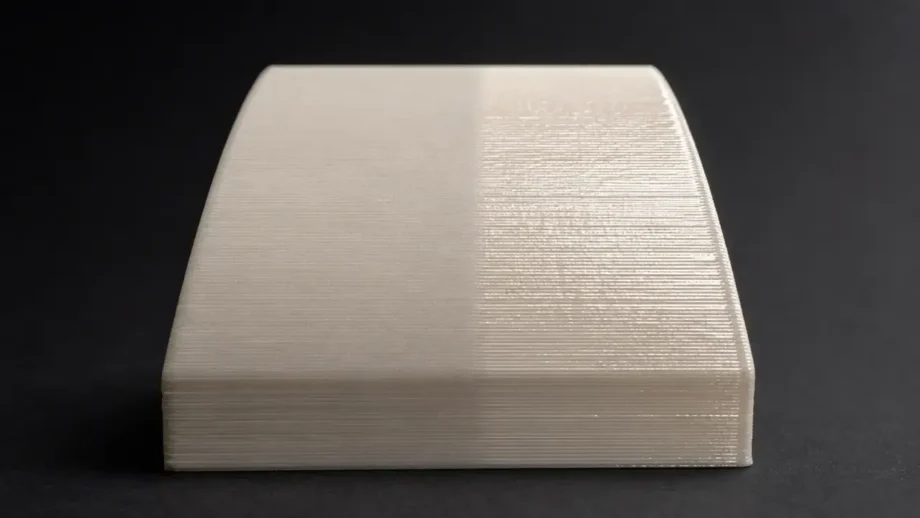
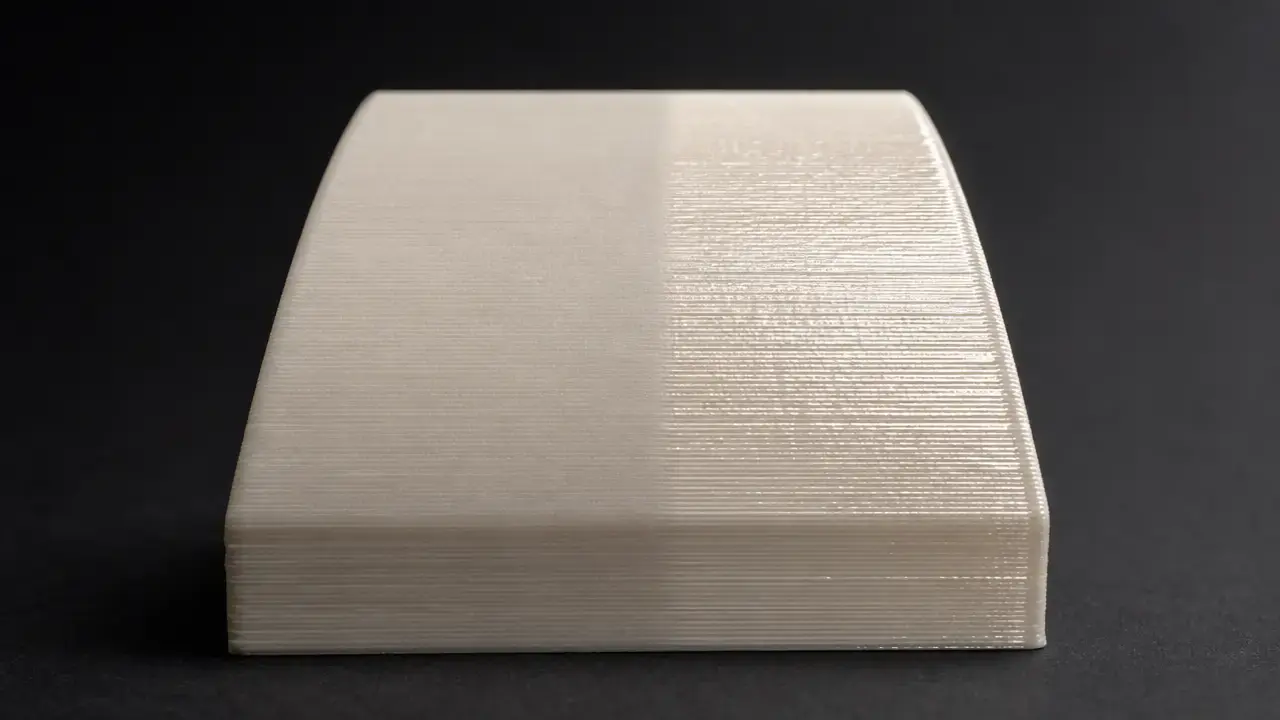
Matte PLA filament is a PLA-family filament formulated to produce a low-glare surface finish. That finish may come from the blend, pigments, other formulation choices, or from how the printed outer skin scatters light. What it does not indicate is a standardized mechanical class. In practice, the label says more about appearance and likely tuning behavior than about one fixed category of strength, stiffness, or heat resistance. [1] [6] [19]
That distinction matters because technical-data-sheet values are product-specific and condition-specific. Polymaker states that its typical values are intended for reference and comparison only, not for design specifications, and Bambu likewise notes that printed-part results depend on the printer, settings, and model. [4] [6] Printed-part properties also change with orientation, so “matte PLA” alone is not enough information for a functional decision. [6] [15]
Why Matte PLA Looks Matte
A matte print looks matte because its surface sends less light back in a tight, mirror-like direction and more into scattered directions. That is the practical distinction between specular and diffuse reflection. The gloss standards most often cited in industry do not rely on a single viewing condition: ISO 2813 measures gloss at 20°, 60°, and 85°, and ASTM D523 uses the same three glossmeter geometries. [2] [3]
On printed parts, sheen is influenced by outer-surface microtexture, the geometry of the layer stack, and how evenly the filament is deposited. One PLA FFF study reported Ra values from about 3.9 to 18.8 µm across different parameter sets, while another found layer height and wall thickness to be the most important roughness factors in that experiment. [13] [14] That is why “matte hides layer lines” is best understood as optical masking, not proof that matte PLA is always smoother or rougher than glossy PLA. [2] [3] [13] [14]
- Microtexture changes how strongly highlights scatter.
- Layer height changes how visibly layer lines catch light.
- Flow errors or overextrusion can create uneven reflective bands.
- Temperature and speed can change how much the outer skin smooths.
- Lighting angle can make the same part look flatter or shinier.
No reliable figure was found in the reviewed standards and product sheets for a universal gloss-unit cutoff that defines matte PLA. [2] [3] [4] [6]
Matte PLA Print Settings: Start Ranges + Calibration Workflow
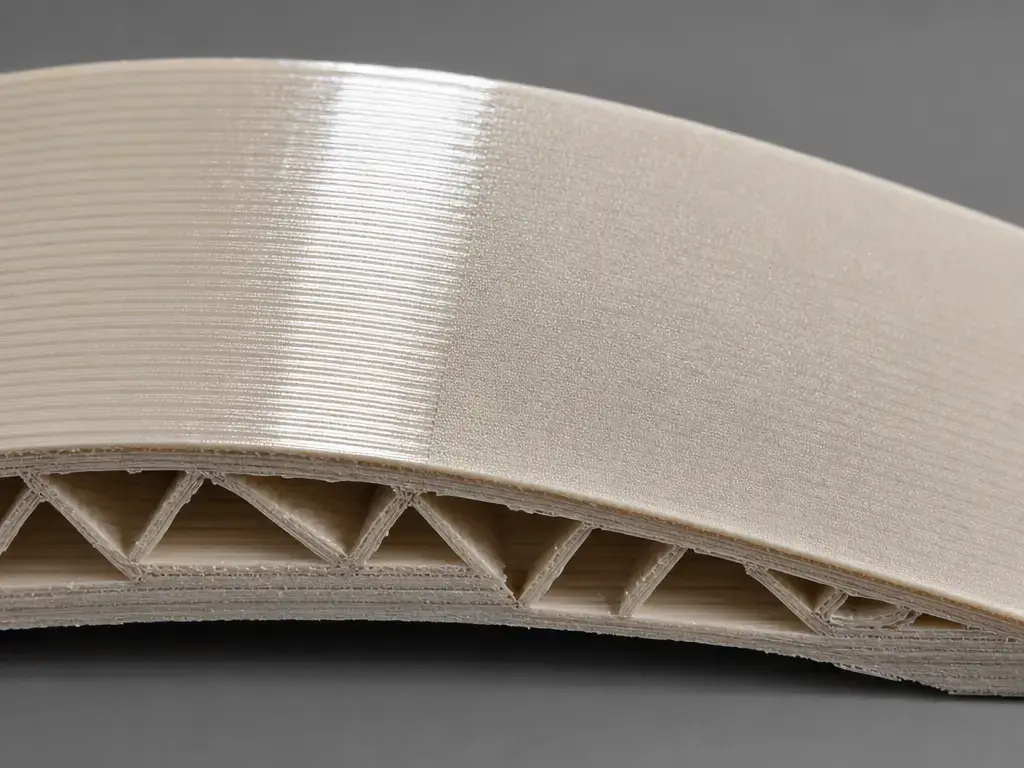
Matte PLA print settings usually overlap with regular PLA, but they should be treated as brand-specific starting ranges, not values you can safely average into one generic profile. A matte filament may share PLA-like temperatures yet still differ on cooling, retraction, drying, or speed tolerance. Bambu’s PLA Matte sheet, for example, lists 190–230 °C at the nozzle and 35–45 °C on the bed, while PolyTerra PLA+ lists 190–220 °C and 30–60 °C. [4] [6]
| Product | Nozzle temp (°C) | Bed temp (°C) | Notes (speed, fan, drying) |
|---|---|---|---|
| Bambu PLA Matte | 190–230 | 35–45 | Speed <300 mm/s; retraction 0.6–1.0 mm; retraction speed 20–40 mm/s; chamber 25–45 °C; dry 50 °C for 8 h or 60–70 °C for 12 h on an X1 Series heatbed. [4] |
| PolyTerra PLA+ | 190–220 | 30–60 | Speed 30–70 mm/s; retraction 1–3 mm; retraction speed 30–60 mm/s; fan ON. [6] |
| eSUN ePLA-Matte | 190–230 | 45–60 | Recommended 215 °C; fan 100%; speed 40–100 mm/s. [8] |
| colorFabb PLA Semi-Matte | 195–220 | 50–60 | Speed 40–100 mm/s; page updated January 23, 2024. [9] |
| Prusament PLA baseline | 210 ±10 | 40–60 | Speed up to 200 mm/s; fan 100%. [10] |
The Bambu “up to 250–300 mm/s” language should be read as a product-specific claim, not a universal matte PLA speed target. Whether a printer can hold surface quality at that speed depends on melt delivery at the chosen line width and layer height, as well as hotend capacity and cooling. [4]
A practical calibration order is temperature first, then flow, retraction, cooling, drying, and only then speed. That sequence helps because matte filaments often show surface changes quickly: a small shift in outer-wall temperature or flow can change both sheen and stringing. If the filament is moist, drying belongs in setup rather than as a last-ditch fix. [4] [6]
- Confirm the exact product name, not just “matte PLA.”
- Start near the middle of the manufacturer’s nozzle and bed ranges.
- Print a small temperature tower before changing multiple variables at once.
- Check first-layer adhesion and adjust bed temperature only within the listed window.
- Tune flow before judging sheen or surface consistency.
- Set retraction from stringing behavior, not from a generic PLA preset.
- Raise speed only while extrusion stays stable and the surface still looks acceptable.
Matte PLA vs Glossy PLA: What Actually Changes?
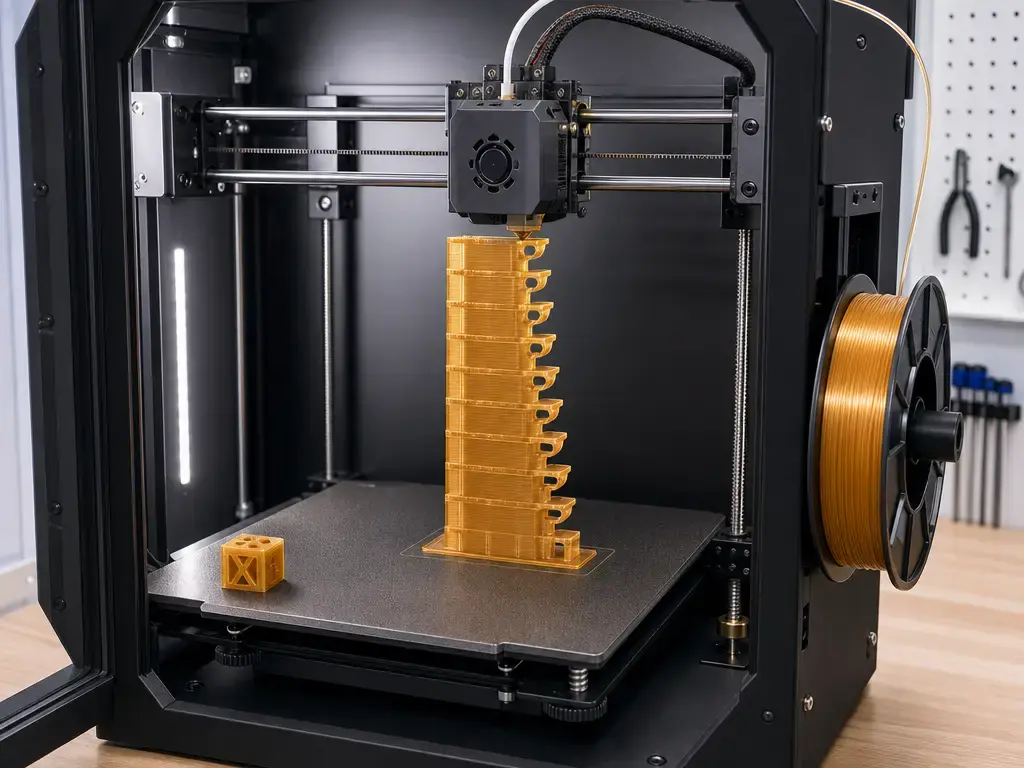
In matte PLA vs glossy PLA, the first difference is appearance and formulation, not basic print geometry. If the model, slicer path, and dimensional settings stay the same, the part is still being built by the same FDM/FFF process logic. [2] [3]
| Aspect | Matte PLA | Glossy PLA |
|---|---|---|
| Geometry | Same nominal geometry when model and slicer settings are unchanged | Same nominal geometry when model and slicer settings are unchanged |
| Visual effect | Lower glare and less aggressive highlights | Stronger highlights and more obvious specular reflection |
| Layer-line perception | Can make layer lines less visually dominant | Can make the same layer lines stand out more |
| Sensitivity to settings | Sheen can still shift with temperature, speed, and flow | Sheen can still shift with temperature, speed, and flow |
Gloss perception depends on viewing geometry, which is why ISO 2813 and ASTM D523 use 20°, 60°, and 85° measurements instead of one universal angle. [2] [3] In practice, glossy surfaces tend to emphasize highlight contrast, while matte surfaces can mask small surface irregularities optically. A practitioner-facing COEX example shows the same PLA looking noticeably shinier at 245 °C than at 220 °C, which is a useful process cue rather than a universal rule. [12] No reliable figure was found in the reviewed standards and manufacturer sheets for a universal gloss threshold separating matte PLA from glossy PLA. [2] [3] [4] [6]
Taxonomy: Matte vs Semi-Matte vs Silk PLA vs PLA+
These labels are mostly manufacturer-defined. Matte PLA is the low-glare category discussed here. Semi-matte is a separate label used by colorFabb, which is a reminder that vendors often divide the space between flat and glossy finishes. [9] Silk PLA is usually the shinier category, chosen when a satin or glossy look matters more than glare reduction. PLA+ is broader still: it generally signals a modified PLA blend, but the exact change varies by brand and may affect printability, toughness, or both. PolyTerra PLA+, for example, states that it contains organic material compared with ordinary PLA. [6]
The safe reading is simple: treat the label as a clue, then read the sheet. Two products with similar names can have different temperature windows, different retraction behavior, and different printed-part data. That is especially true for “PLA+,” which is not standardized across manufacturers. [6] [9]
Performance: Strength, Stiffness, Toughness, and Heat Limits
For printed parts, “stronger” is too vague to be useful on its own. Tensile strength describes how much tensile stress a specimen resists before failure. Stiffness is usually represented by modulus, where a higher value means less elastic stretch under load. Toughness is broader, but in filament sheets it is often approximated by elongation-at-break context when that value is reported. Those metrics do not always move together, so a matte finish alone does not predict performance. [4] [6]
The larger issue is anisotropy. A recent review frames anisotropy as a property of the printed structure rather than an intrinsic property of the polymer itself, and notes that bulk-polymer data does not fully capture FFF part behavior. [15] That is why XY values often exceed Z values and why specimen conditions matter. Bambu’s published standard samples for PLA Basic were printed at 220 °C nozzle temperature, 35 °C bed temperature, 200 mm/s, and 100% infill. [5] Polymaker likewise treats its numbers as comparative rather than design-allowable. [6]
| Product | Test method (as listed) | Tensile strength XY (MPa) | Tensile strength Z (MPa) |
|---|---|---|---|
| Bambu PLA Matte | ISO 527, GB/T 1040; printed specimens. [4] | 30 ± 5 | 22 ± 4 |
| Bambu PLA Basic | ISO 527, GB/T 1040; printed specimens. [5] | 35 ± 4 | 31 ± 3 |
| PolyTerra PLA+ | ISO 527, GB/T 1040; printed specimens. [6] | 31.1 ± 0.8 | 16.7 ± 0.4 |
| PolyLite PLA | ISO 527, GB/T 1040; printed specimens. [7] | 52.3 ± 0.3 | 40.5 ± 0.5 |
There is no universal matte penalty or matte bonus. In the same-brand Bambu comparison, PLA Basic exceeds PLA Matte on tensile strength in both XY and Z. [4] [5] PolyTerra also shows how sharply Z performance can drop relative to XY, including much lower elongation at break. [6] By contrast, eSUN lists a single tensile-strength figure and elongation figure on its product page without the same XY/Z printed-specimen context, so those numbers should not be compared directly with the table above as if they were equivalent. [8]
On heat limits, matte PLA still stays in PLA-like territory. Bambu PLA Matte lists 61 °C glass transition, 163 °C melting temperature, and HDT values of 52 °C at 1.8 MPa and 58 °C at 0.45 MPa. [4] PolyTerra PLA+ lists 59 °C glass transition and 161 °C melting temperature, which is why the common “about 60 °C melting” claim is wrong: that temperature is glass-transition territory, not melt temperature. [6]
Where Matte PLA Filament Fits (and Where It Doesn’t)
Matte PLA filament fits best where low glare and surface appearance matter more than heat resistance. Miniatures, architectural models, mockups, classroom parts, display pieces, and many cosplay props benefit from the flatter look and reduced highlight contrast. But the material still carries PLA-like heat limits and orientation-dependent strength, so appearance should not be mistaken for structural predictability. [4] [15]
- Good fits: visual prototypes, display models, educational prints, props, presentation parts.
- Poor fits: hot environments, high-load structural parts unless tested in the real orientation, long-term outdoor UV exposure, and applications that need repeated thermal cycling.
Troubleshooting: Glossy Patches, Stringing, Rough Skin, Weak Supports
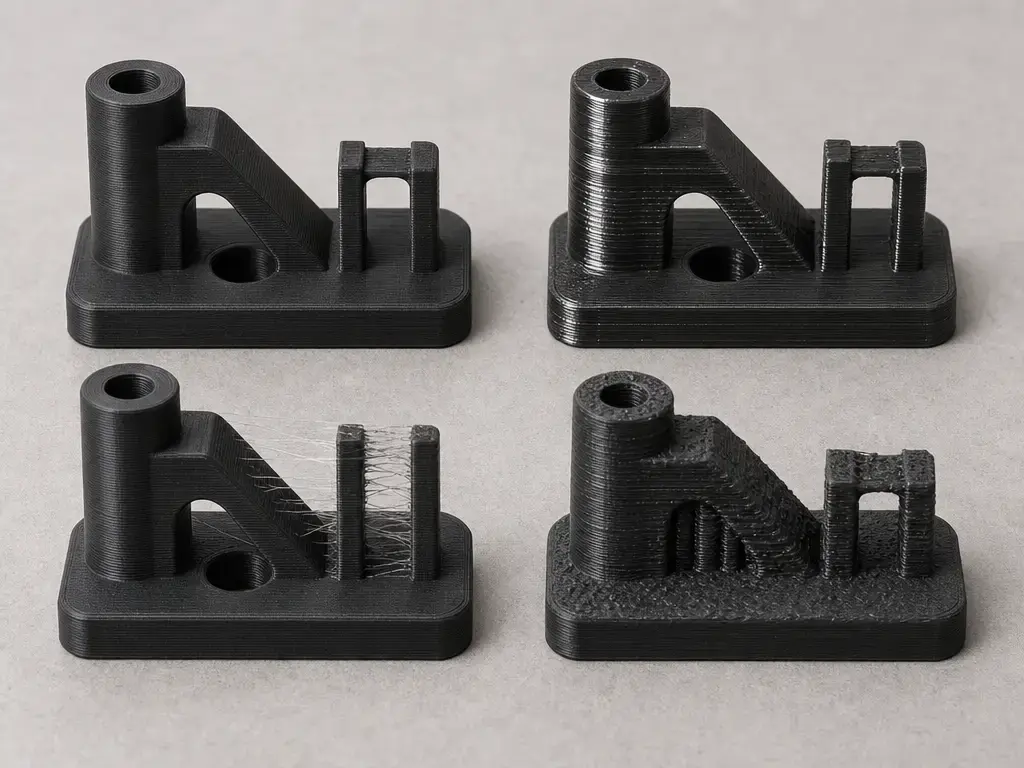
Troubleshooting works best when you start from the symptom rather than assuming matte PLA has one built-in behavior. Glossy patches, stringing, rough top skin, weak supports, and poor overhangs can all come from some combination of temperature, flow, cooling, moisture, geometry, and machine setup. The roughness literature supports the broader point: surface quality is strongly parameter-driven, not defined by the word “matte” on the spool. [13] [14]
Why can a matte print turn glossier or show glossy banding? The careful answer is that this is an inference grounded in optics and process behavior, not a universal law. Gloss appearance depends on observation geometry, and the outer skin can look shinier when conditions make it smoother or more uniformly flowed. [2] [3] A COEX example ties increased shininess to higher effective temperature or lower speed, using the same PLA at 220 °C versus 245 °C as a visual comparison. [12] Combined with the roughness studies, that makes glossy banding easier to read as a process-sensitive surface effect rather than proof that matte PLA itself changed category. [12] [13] [14]
- Lower temperature if stringing or unwanted sheen increases.
- Raise temperature if layers are not bonding and the surface looks under-fused.
- Dry the filament if the surface looks fuzzy, pitted, or inconsistent.
- Reduce speed or flow if glossy bands or rough top skin appear.
- Recalibrate flow if walls look overfilled or ridged.
- Adjust fan if overhangs sag or supports fuse too aggressively.
- Check extruder tension for eSUN ePLA-Matte specifically, because eSUN says its lines are softer and should not be clamped too tightly. [8]
If heat resistance or durability is the real failure mode, switching materials can make more sense than endlessly retuning matte PLA. PETG, ASA, or ABS may be better fits depending on the temperature exposure, impact needs, and whether you can run an enclosure.
Short Market Context: PolyTerra as a Visible 2021 Example
Matte PLA became more visible as an aesthetic product category in the early 2020s, and PolyTerra is one of the clearer 2021 examples. A February 25, 2021 3D Printing Industry report described Polymaker’s roughly 40% reduced-plastic-content claim and its reported ISO 14855-1 compostability test result of around 77% degradation after 45 days. [17]
TCT’s February 24, 2021 report, updated November 14, 2025, likewise described PolyTerra as a material developed by compounding organic materials with a reduced amount of raw PLA and said that this contributed to a matte finish on printed parts. [18] These are product-specific reports, not a definition of matte PLA as a class.
Practical Takeaways: How to Choose Matte PLA Filament
No reliable figure was found for a universal best matte PLA filament, a universal gloss threshold, or a universal matte strength penalty across the standards and product sheets reviewed here. [2] [3] [4] [5] [6] [7] [8] The practical approach is to match the finish to the job, read the exact TDS, and calibrate from the listed window rather than from a copied profile. If the part is functional, look for XY/Z data and remember that many TDS values are explicitly presented for reference and comparison only. [6]
- Temperature window.
- Bed-temperature range.
- XY/Z data availability.
- Drying guidance.
- Surface consistency on parts like yours.
FAQ
What is matte PLA filament?
Matte PLA filament is a PLA-family filament sold for a lower-glare surface finish. In additive-manufacturing vocabulary, the printing family is material extrusion, while FDM/FFF is the reader-facing language most people use for desktop machines. “Matte PLA” is still a product label rather than a standardized mechanical class, so it does not guarantee one fixed strength or heat category by itself. [1] [19] [6]
What temperature should you print matte PLA at?
There is no single temperature for every matte PLA. Bambu PLA Matte lists 190–230 °C, PolyTerra PLA+ lists 190–220 °C, and eSUN ePLA-Matte lists 190–230 °C with 215 °C recommended. [4] [6] [8] The safest workflow is to start near the middle of the manufacturer’s range and print a temperature tower before changing multiple settings at once.
Does matte PLA need a heated bed?
Not always, but a heated bed is commonly recommended. Bambu PLA Matte lists 35–45 °C, PolyTerra PLA+ lists 30–60 °C, colorFabb PLA Semi-Matte lists 50–60 °C, and Prusament PLA overlaps at 40–60 °C. [4] [6] [9] [10] eSUN also lists 45–60 °C while marking heated bed use as optional on its product page, which is a useful reminder that build-surface choice matters too. [8]
Matte PLA vs glossy PLA: what’s the real difference?
The main difference in matte PLA vs glossy PLA is how the surface reflects light, not a different geometry system. Matte surfaces reduce sharp highlights, while glossy surfaces make specular reflection stronger and can make the same layer lines stand out more. ISO 2813 and ASTM D523 also show why there is no one-angle view of gloss: both use 20°, 60°, and 85° geometries. [2] [3]
Is matte PLA stronger than regular PLA?
Not universally. In Bambu’s same-brand comparison, PLA Basic is higher than PLA Matte in tensile strength in both XY and Z, at 35 ± 4 MPa and 31 ± 3 MPa versus 30 ± 5 MPa and 22 ± 4 MPa. [4] [5] That does not prove matte PLA is always weaker; it only shows that finish labels are not enough to predict performance. Orientation still matters because printed parts are anisotropic. [15]
Why does matte PLA sometimes print glossy or show matte/glossy banding?
Usually because process conditions changed the outer skin. Higher effective temperature, lower speed, different flow, and cooling changes can all alter how smooth and reflective the deposited surface becomes. ISO 2813 and ASTM D523 remind us that gloss is also viewing-angle dependent, while a COEX example shows the same PLA looking much shinier at 245 °C than at 220 °C. [2] [3] [12]
How should you compare mechanical-property numbers across filament TDS sheets?
Compare like with like. Check whether the sheet is reporting printed specimens, whether it gives XY and Z separately, which test standard is used, and what specimen conditions were applied. A review source also notes that anisotropy comes from the print structure, not just the polymer, so bulk or injection-molded data is not enough to predict FFF part behavior. [15] Polymaker explicitly says its typical values are for reference and comparison only, not design specifications. [6]
Related on 3D Mag
Sources
- ISO/ASTM 52900:2021 Additive manufacturing — General principles — Fundamentals and vocabulary — standard
- ISO 2813:2014 Paints and varnishes — Determination of gloss value at 20°, 60° and 85° — standard
- ASTM D523-25 Standard Test Method for Specular Gloss — standard
- Bambu Lab PLA Matte Technical Data Sheet V3.0 — manufacturer
- Bambu Lab PLA Basic Technical Data Sheet V3.0 — manufacturer
- Polymaker PolyTerra PLA+ Technical Data Sheet V5.3 — manufacturer
- Polymaker PolyLite PLA TDS page — manufacturer
- eSUN ePLA-Matte Refill product page — manufacturer
- colorFabb PLA Semi-Matte printer settings — manufacturer
- Prusament PLA Technical Data Sheet — manufacturer
- Polymaker PolyTerra PLA product page — official documentation
- COEX 3D — Why Do My Prints Look “Dull”? — manufacturer context
- Effect of Printing Parameters on Dimensional Error, Surface Roughness and Porosity of FFF Printed Parts with Grid Structure — scientific
- Surface Quality Enhancement of Fused Deposition Modeling (FDM) Printed Samples Based on the Selection of Critical Printing Parameters — scientific
- Enhancing the Performance of FFF-Printed Parts: A Review of Reinforcement and Modification Strategies for Thermoplastic Polymers — scientific review
- Layer Height and Filament Color Effects on the Mechanical Properties of PLA Specimens Printed Using FDM Technology — scientific
- 3D Printing Industry — Polymaker launches tougher, more environmentally friendly PolyTerra PLA — industry
- TCT Magazine — Polymaker launches carbon negative PLA-based 3D printing filament — industry
- NIST IR 8059 — Materials Testing Standards for Additive Manufacturing of Polymer Materials — institutional report