
Summary
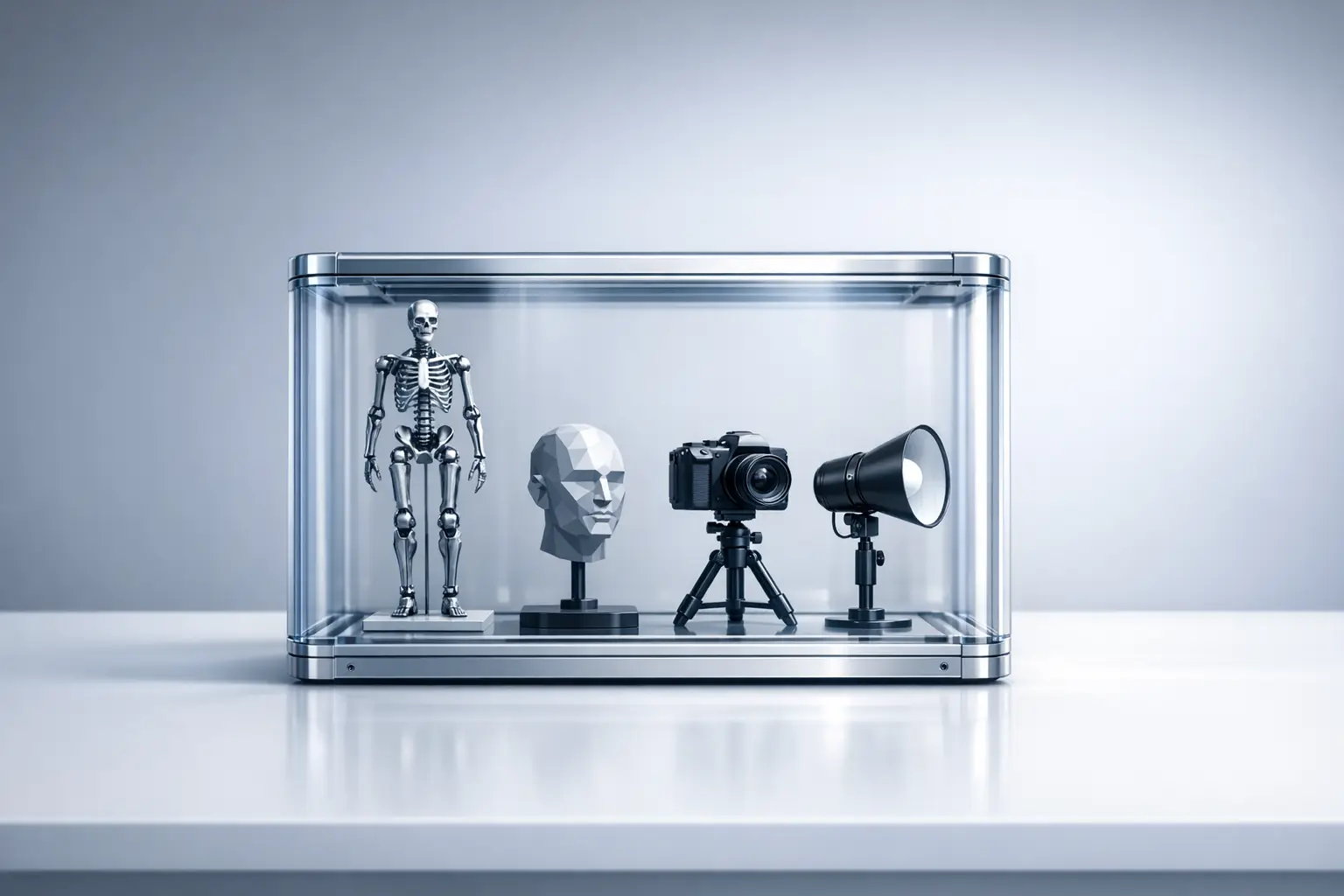
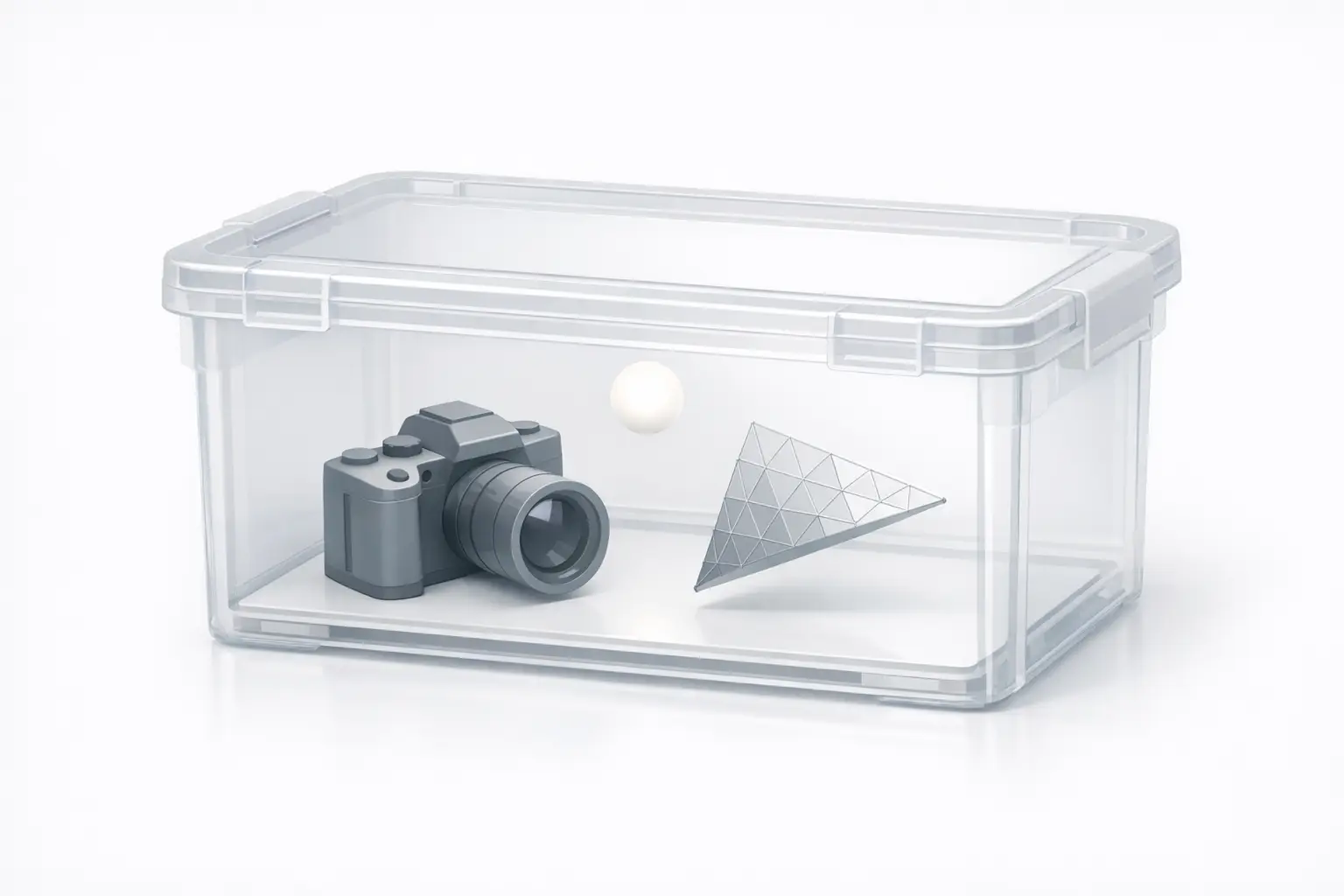
FBX (Filmbox) is a proprietary 3D interchange file format and technology used to move scenes and animation data between digital content creation (DCC) tools, VFX (visual effects) systems, and downstream pipelines. FBX files use the .fbx filename extension and can be stored in either binary or ASCII encodings, though they are normally saved in binary. [1] FBX can store cameras, lights, meshes, NURBS (non-uniform rational B-splines), and other scene elements, but the format itself is not documented and is commonly handled via the FBX SDK. [1][2]
Identification and Scope (What “FBX” means in production)
In production contexts, “FBX” typically refers both to the .fbx file format and to Autodesk FBX Technology as an interchange layer for complete scene descriptions or partial asset handoffs (for example, a character rigging and animation package versus a single static mesh). [1] The scope of what is exchanged is often described in pipeline terms such as scene graph, node hierarchy, skeleton, skinning, blend shapes (morph targets), keyframes, cameras, and lights, with the understanding that exact coverage depends on exporter/importer implementations rather than a publicly specified standard. [2]
Autodesk’s description of FBX emphasizes that FBX files can store multiple 3D-scene element types under a single .fbx container, including both geometry and non-geometry elements used for layout and animation workflows. [1] In practice, FBX is widely discussed in the context of Autodesk 3D interchange and third-party plug-ins, and it is also commonly paired with converter and viewer utilities for inspection, downgrade targeting, or batch processing where consistent interchange is required. [1][2]
- Common data categories carried in FBX:
- Cameras. [1]
- Lights. [1]
- Meshes. [1]
- NURBS. [1]
- Other 3D-scene elements (as described in Autodesk documentation). [1]
Historical Background
The format’s origins predate Autodesk stewardship. According to the Library of Congress format description, prior to 1996 Filmbox 1.0 used a file format called FLM, and in 1996 Kaydara released FBX with Filmbox 1.5. [2] A later corporate transition occurred when Alias completed the acquisition of Kaydara, reported with a published date of September 26, 2004. [14] Autodesk subsequently completed its acquisition of Alias, announced with a published date of January 10, 2006, and the release states a cash consideration of $197 million USD. [15] These acquisition milestones are commonly used as reference points when discussing “Kaydara-era” versus “Autodesk-era” stewardship, including the later consolidation of tooling around Autodesk’s SDK-mediated import/export approach. [2]
File Encodings — Binary vs ASCII
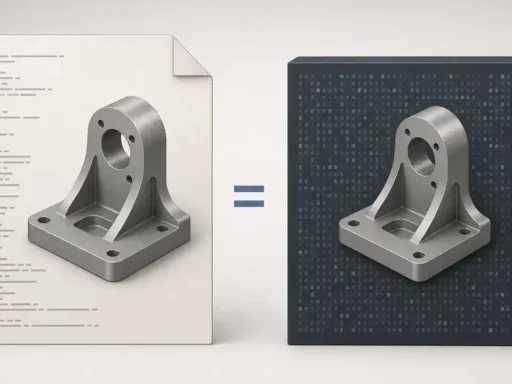
FBX files are normally saved in binary form, but they can also be saved in ASCII, and both encodings use the .fbx filename extension. [1] This binary-versus-text distinction is also described in technical literature as two different representations: binary and ASCII. [18] In workflows, ASCII FBX is sometimes treated as more inspectable due to its text structure, while binary FBX is the typical exchange artifact used for size, performance, or feature reasons, including constraints around embedded media support. [1][3]
Version markers can be visible in ASCII FBX headers, which is one reason ASCII appears in debugging and inspection contexts. Autodesk’s SDK documentation provides an example ASCII header showing FBXHeaderVersion: 1003 and FBXVersion: 6000, illustrating that a numeric version identifier may be directly readable in the file. [6] Autodesk also states that only binary FBX supports embedded media, which creates a practical feature boundary between the two encodings. [3]
- When ASCII FBX is used:
1) Debugging or inspection where human-readable header and node text is helpful. [6]
2) Legacy or compatibility workflows that rely on ASCII as an interchange artifact, even if the primary default is binary. [1]
3) Export constraints where embedded media is not required or is handled externally, since embedded media is only supported in binary FBX. [3]
Embedded Media and the .fbm Extraction Convention
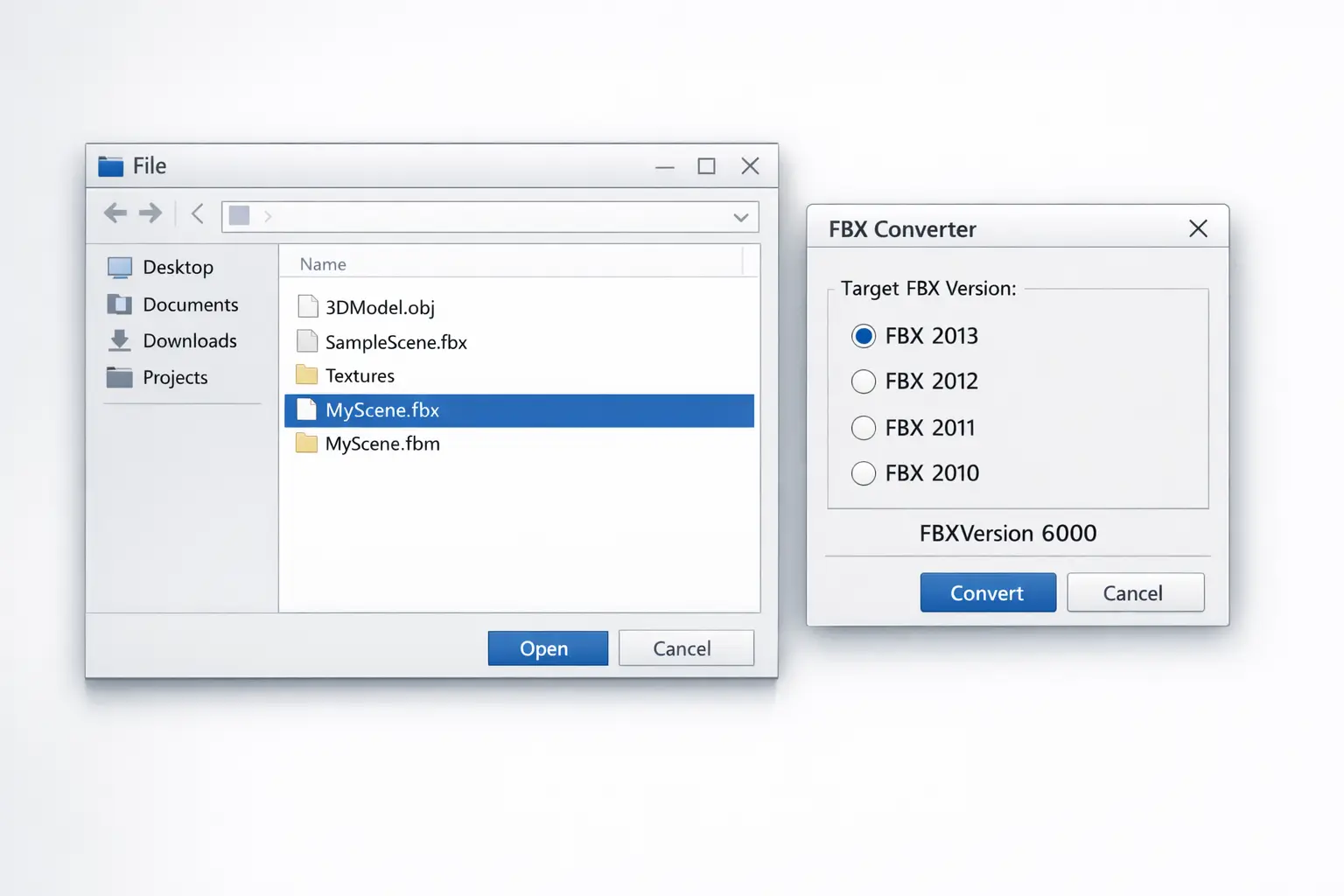
FBX workflows sometimes use an “Embed Media” approach to package external assets (commonly textures) into the FBX container, but Autodesk documentation states that only binary FBX supports embedded media. [3] Autodesk’s FBX Converter documentation similarly notes that media cannot be embedded if the file is saved in ASCII format, reinforcing that “ASCII FBX plus embedded textures” is not generally available through that tool path. [4] When embedded media is present in a binary FBX file, Autodesk’s FBX SDK importer extracts the embedded content on import; the default extraction directory convention uses a .fbm folder name derived from the FBX file name (for example, MyScene.fbm). [5] Pipelines therefore often see a paired .fbx and .fbm directory in shared storage, even when the authoring application presents the behavior as a single import operation. [5]
Versioning and Compatibility Signals
FBX versioning is commonly encountered as numeric identifiers embedded in files and as constants within SDK headers, rather than as a fully documented public specification. In Autodesk’s ASCII example, FBXVersion: 6000 appears in the header, providing a concrete illustration of numeric version presence in the file. [6] In the C/C++ SDK headers, version constants include FBX_FILE_VERSION_6000 6000, and the same header documentation includes version notes referencing Version 6000, Version 6100, Version 7000, and Version 7099. [7] Because applications typically rely on SDK-driven reading and writing, these numeric signals are often treated as compatibility cues rather than as standalone “spec compliance” guarantees, and version mismatch is commonly framed as an import/export risk in cross-application interchange when exporters target different generations of readers. [2][7]
Version selection is also expressed through “FBX year” targets exposed in Autodesk’s FBX Converter. The converter documentation lists target FBX versions as FBX 2013 (default), 2012, 2011, 2010, 2009, and 2006, and it also describes conversion to previous FBX versions as a supported function. [11] This year-based labeling is often used operationally to align deliveries with known toolchain expectations, even when the file internally carries a numeric FBXVersion marker. [6][11]
Version vocabulary (numeric vs year labeling):
- Numeric marker (in-file / SDK constant): Example
FBXVersion: 6000, andFBX_FILE_VERSION_6000 6000. [6][7] - Year target (converter UI / workflow label): Example “FBX 2013 (default)” and earlier year options in FBX Converter. [11]
FBX SDK and Automation Surface Area
Autodesk positions the FBX SDK as the primary supported route for working with FBX content programmatically. Autodesk describes the FBX SDK as a free C++ SDK and lists platform availability including Windows, OSX, iOS, and Linux. [10] The Library of Congress description states that the FBX file format is not documented and that applications should use the FBX SDK for import/export, which is frequently cited as a reason many pipelines treat FBX as SDK-mediated rather than as a format that can be robustly implemented from a public specification alone. [2] For automation, Autodesk documentation describes Python FBX as a Python binding for the C++ library of the FBX SDK, which supports scripting-oriented workflows such as batch inspection, transformation, and repackaging where organizations standardize around the SDK’s object model. [9]
Conversion Tooling — Autodesk FBX Converter Capabilities
Autodesk’s FBX Converter is documented as a format conversion utility that can convert 3DS, DXF, OBJ, or DAE (COLLADA) to FBX, and it can also convert FBX to DXF, OBJ, or DAE (COLLADA). [11] The same documentation describes conversion to previous FBX versions, which is frequently used in interchange scenarios where a downstream consumer requires an older version target. [11] Within the constraints of Autodesk’s documented conversion matrix, this tool is often treated as an intermediary step for asset handoffs, archive normalization, or downgrade workflows that avoid re-export from the originating DCC tool. [11]
The FBX Converter product documentation also states that the software includes four tools: Converter, Viewer, Explorer, and Take Manager. [12] This grouping distinguishes basic file conversion from inspection (Viewer), file browsing and associated operations (Explorer), and take-oriented handling (Take Manager), reflecting a workflow where users may need to examine scene contents, validate animations, or manage multiple animation segments before or after interchange. [12]
Coordinate Systems and Interchange Pitfalls
Coordinate-system assumptions are a recurring source of interchange friction, especially where downstream tools differ in axis conventions or bone alignment expectations. Autodesk documentation states that objects in the FBX SDK are created in a right handed, Y-Up axis system, which influences how importers/exporters apply axis conversion during interchange. [8] Blender’s FBX documentation provides a concrete example of mismatch at the rigging/skeleton level, noting a bone orientation discrepancy: “FBX bones seems to be -X aligned, Blender’s are Y aligned.” [17] In practice, such differences can manifest as rotated skeletons, altered rest pose interpretations, or the need for application-specific export/import settings, even when the scene graph and node hierarchy import appears nominally successful. [8][17]
MIME Types and Web Delivery Constraints
FBX does not have an official IANA media type, and it commonly defaults to application/octet-stream in web delivery contexts. [16]
A technical report on 3D heritage tools notes that some deployments use application/fbx or model/x-fbx, but describes these as non-standard rather than officially registered types. [16] Practically, this means servers and content pipelines often rely on generic binary handling, manual MIME configuration, or application-level routing when distributing .fbx assets over HTTP, and it can also affect browser-facing systems where content-type negotiation and security policies depend on standardized media types. [16]
Comparison — FBX vs OBJ vs glTF (and where COLLADA fits)
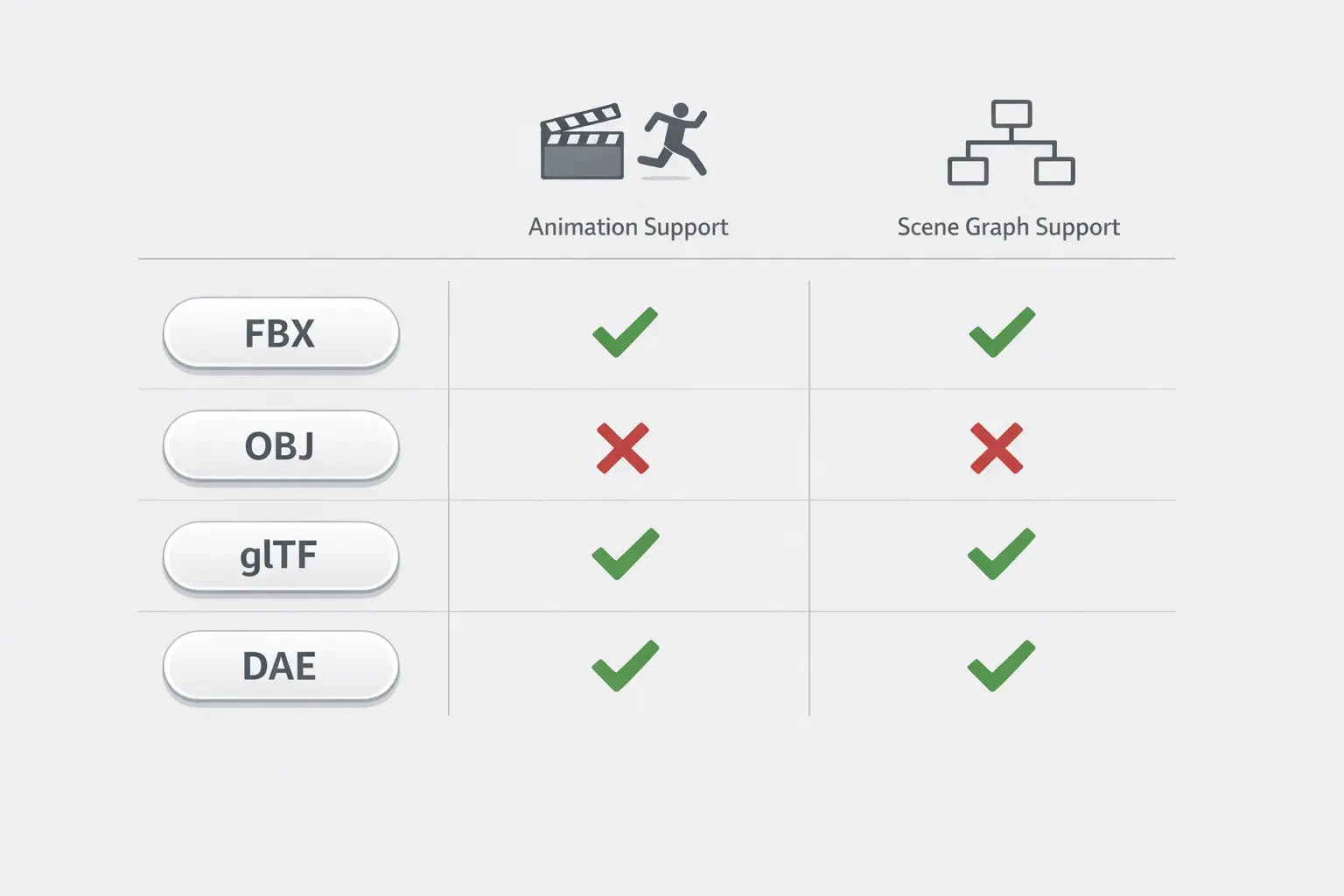
FBX is commonly used as an animation 3D file and scene interchange carrier, but the Library of Congress description states that the FBX file format is not documented and recommends using the FBX SDK for import/export, positioning it as proprietary and commonly SDK-mediated. [2] In contrast, comparisons with OBJ, glTF, and COLLADA (DAE) often focus on whether a pipeline primarily needs scene graph and node hierarchy transfer, rigging/skeleton and skinning data, or a broader “whole scene” package that includes cameras and lights. Autodesk’s converter documentation indicates that OBJ and DAE (COLLADA) appear as explicit conversion endpoints alongside FBX, which reflects their use as interchange alternatives in some workflows. [11] For web delivery, FBX lacks an official IANA media type and typically falls back to application/octet-stream, which can be a practical consideration when distributing assets via web infrastructure. [16]
| Format | Animation support (Y/N) | Scene graph (Y/N) | Typical encoding / Specification openness / Typical web MIME situation |
|---|---|---|---|
| FBX | Y | Y | Typical encoding: Binary or ASCII. [1][18] Specification openness: Proprietary; “not documented.” [2] Typical web MIME: No official IANA type; often application/octet-stream. [16] |
| OBJ | No reliable figure found | No reliable figure found | Typical encoding: Not specified in provided sources. Specification openness: Not specified in provided sources. Typical web MIME: Not specified in provided sources. |
| glTF | No reliable figure found | No reliable figure found | Typical encoding: Not specified in provided sources. Specification openness: Not specified in provided sources. Typical web MIME: Not specified in provided sources. |
| COLLADA (DAE) | No reliable figure found | No reliable figure found | Typical encoding: Not specified in provided sources. Specification openness: Not specified in provided sources. Typical web MIME: Not specified in provided sources. |
Q&A (FAQ)
What is an FBX file format in 3D and animation pipelines?
An FBX file is a 3D interchange file that uses the .fbx filename extension and can store a range of scene elements such as cameras, lights, meshes, and NURBS. [1] The Library of Congress notes that the FBX file format is not documented and that applications should use the FBX SDK for import/export, which is why many pipelines treat FBX interchange as SDK-mediated. [2]
FBX binary vs ASCII — what is the difference and when does it matter?
Autodesk states that FBX files are normally saved in binary but can also be saved in ASCII, and both encodings use the .fbx extension. [1] The distinction matters for embedded media: Autodesk documentation states only binary FBX supports embedded media, and Autodesk’s FBX Converter documentation explicitly notes that media cannot be embedded when saving in ASCII format. [3][4]
Can FBX embed textures — and why do .fbm folders appear after import?
FBX can embed media only in binary files, according to Autodesk documentation. [3] When embedded media is present, Autodesk’s FBX SDK importer extracts it during import, and the default extraction directory uses a .fbm naming convention derived from the FBX file name (for example, MyScene.fbm). [5] Autodesk’s converter documentation also states that embedding media is not available when saving in ASCII. [4]
What is the FBX SDK, and is there a Python option for automation?
Autodesk describes the FBX SDK as a free C++ SDK and lists availability on Windows, OSX, iOS, and Linux. [10] Autodesk also documents that Python FBX is a Python binding for the C++ library of the FBX SDK, which is commonly used for batch-oriented automation tasks around import, export, and inspection. [9]
How do I convert OBJ to FBX (or FBX to OBJ/DAE/DXF) using Autodesk tools?
Autodesk’s FBX Converter documentation states that it can convert 3DS, DXF, OBJ, or DAE (COLLADA) to FBX, and can also convert FBX to DXF, OBJ, or DAE (COLLADA). [11] The same documentation describes converting to previous FBX versions, and it lists target FBX versions including FBX 2013 (default), 2012, 2011, 2010, 2009, and 2006. [11]
Expert-level: How can I detect FBX version from the file, and why does version mismatch break imports?
In ASCII FBX, version information may appear directly in the header; Autodesk’s example shows FBXVersion: 6000 (and FBXHeaderVersion: 1003). [6] In the SDK headers, Autodesk documents version constants such as FBX_FILE_VERSION_6000 6000 and references multiple version numbers in version notes (including 6000, 6100, 7000, and 7099). [7] Version mismatch is generally treated as a compatibility risk because readers and writers may be built against different SDK expectations, even when the file extension is the same. [2][7]
Sources
- What is Autodesk FBX Technology? (FBX Developer Help 2020)
- Library of Congress: FBX (File Format Description fdd000558)
- Autodesk FBX Developer Help 2020: Importing a scene (embedded media note)
- Autodesk FBX Converter Online Help: Embed media limitation in ASCII
- Autodesk FBX SDK Help: Embedded media extraction and
.fbmfolder convention - Autodesk FBX SDK Programmer’s Guide: ASCII FBX header example (FBXHeaderVersion/FBXVersion)
- Autodesk FBX Developer Help 2019:
fbxio.hreference (file version constants) - Autodesk FBX Developer Help 2015: Axis system (right handed, Y-Up)
- Autodesk FBX SDK 2012 Documentation: Python FBX binding description
- Autodesk Forge: FBX SDK overview (free C++ SDK; platform availability)
- Autodesk FBX Converter 2013 Help: Supported conversions and target FBX versions
- Autodesk FBX Converter 2013 Help: Tools included (Converter, Viewer, Explorer, Take Manager)
- Macworld: Alias completes acquisition of Kaydara (Sep 26, 2004)
- Autodesk Investors: Autodesk completes acquisition of Alias (Jan 10, 2006; $197 million)
- 3D-4CH Competence Centre report: MIME type notes for FBX (no official IANA type)
- Blender Manual 3.0: FBX importer/exporter notes (bone alignment mismatch)
- Technical paper (Semantic Scholar PDF): FBX representations (binary and ASCII)