
Summary (direct answer)
Wavefront OBJ (.obj) is an ASCII, line-oriented 3D object file format originating at Wavefront Technologies around 1990, and it has been treated as vendor-neutral since the mid-1990s. [1] In typical use, OBJ stores polygon mesh geometry via keyworded statements (with # comments and optional \ line continuation), while “texture support” is implemented by referencing an external material library (.mtl) and external image files rather than embedding textures in the OBJ itself. [1]
Historical Background
The Wavefront OBJ format is associated with Wavefront Technologies and the company’s Advanced Visualizer software, with first use described as “around 1990” in Library of Congress (LC) format documentation. [1] The same LC description characterizes OBJ as an ASCII-based format that, by the mid-1990s, was treated as vendor-neutral in practice, without implying that it is a formally standardized specification. [1]
In LC’s account, OBJ remained widely used in 2020, including in contexts where color is relevant (for example, multi-color 3D printing workflows), despite its relatively simple and loosely constrained structure. [1] This continued use is often tied to the format’s broad software support and inspectable text representation, but interoperability can depend on which subset of the specification a given tool implements. [1]
File Structure and Core Syntax
OBJ is organized as a sequence of line-oriented statements that begin with a keyword token; # begins a comment, and long statements may be continued onto the next line using a backslash (\). [1] The cited primary references describe this keyworded, statement-based structure but do not provide a reliable, globally enforced specification for items such as a required file header, maximum file size, numeric precision limits, or standardized metadata blocks; when such constraints appear in practice, they are typically implementation-specific rather than mandated by the referenced descriptions. [1]
OBJ keyword quick-reference (common mesh, grouping, and material linkage keywords):
v— geometric vertex position. [1]vt— texture (UV) coordinate, typically(u, v). [1]vn— vertex normal. [1]f— polygon face element. [1]p— point element. [1]l— line element. [1]g— group statement (used to organize elements). [1]o— object name statement (used to label an object). [1]mtllib— references an external material library (.mtl) file. [1]usemtl— selects a material name from the referenced material library for subsequent elements. [1]curv— freeform curve element. [1]curv2— 2D curve element. [1]surf— freeform surface element. [1]
Geometry Representation (Polygon Mesh Subset)
In its most widely implemented subset, OBJ represents polygonal surface geometry using vertex records and face records. LC’s description identifies v as the required vertex position statement, with optional vertex normal (vn) and texture coordinate (vt) statements. [1] Texture coordinates in OBJ are commonly used as UV mapping inputs, with LC noting that vt is typically expressed as (u, v), even though the broader ecosystem may permit additional components depending on exporter conventions. [1]
Face elements (f) then reference previously defined vertex-related records by index, allowing a mesh surface to be specified as polygons. [1] In addition to faces, LC enumerates other geometric primitives that can appear in OBJ, including point (p) and line (l) elements, and it also describes a capability set that includes freeform curves and surfaces (for example, curv, curv2, and surf). [1] As a practical interoperability matter, many pipelines treat OBJ primarily as a polygon mesh interchange format, even though the format family can express more than triangles. [1]
OBJ’s specification-era documentation (as mirrored in an Appendix B1 copy) also describes vertices as being sequentially numbered starting at 1 when loaded into the originating workflow and describes the coordinate system as right-handed. [2] Real-world toolchains may apply additional transforms on import or export (for example, changing axis conventions), but such behavior is determined by the application rather than being enforced by the OBJ syntax described in the cited references. [2]
Faces, Indices, and Grouping Semantics
OBJ face definitions use 1-based indices (not 0-based), meaning the first declared vertex is referenced as index 1. [1] The specification family also allows negative indices that reference elements relative to the most recently defined vertex-related record, enabling patterns such as defining vertices and faces in an interleaved manner (for example, a quad face expressed as f -4 -3 -2 -1 to refer to the last four vertices). [3] LC notes interoperability concerns for OBJ, and negative-index usage is a common source of incompatibility when importers assume only positive, absolute indices. [1] Grouping (g) and object naming (o) statements are used in many exporters to label or organize subsequent elements, but the precise downstream meaning (for example, mapping to application “objects” versus “mesh groups”) is application-defined rather than being unambiguously enforced by the referenced descriptions. [1]
Materials and “Texture Support” (OBJ + MTL + Image Files)
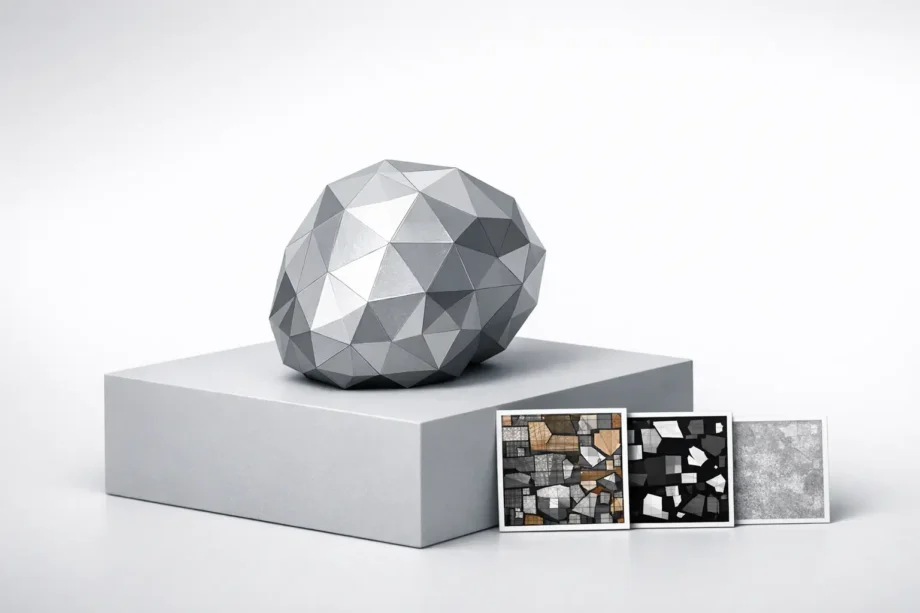
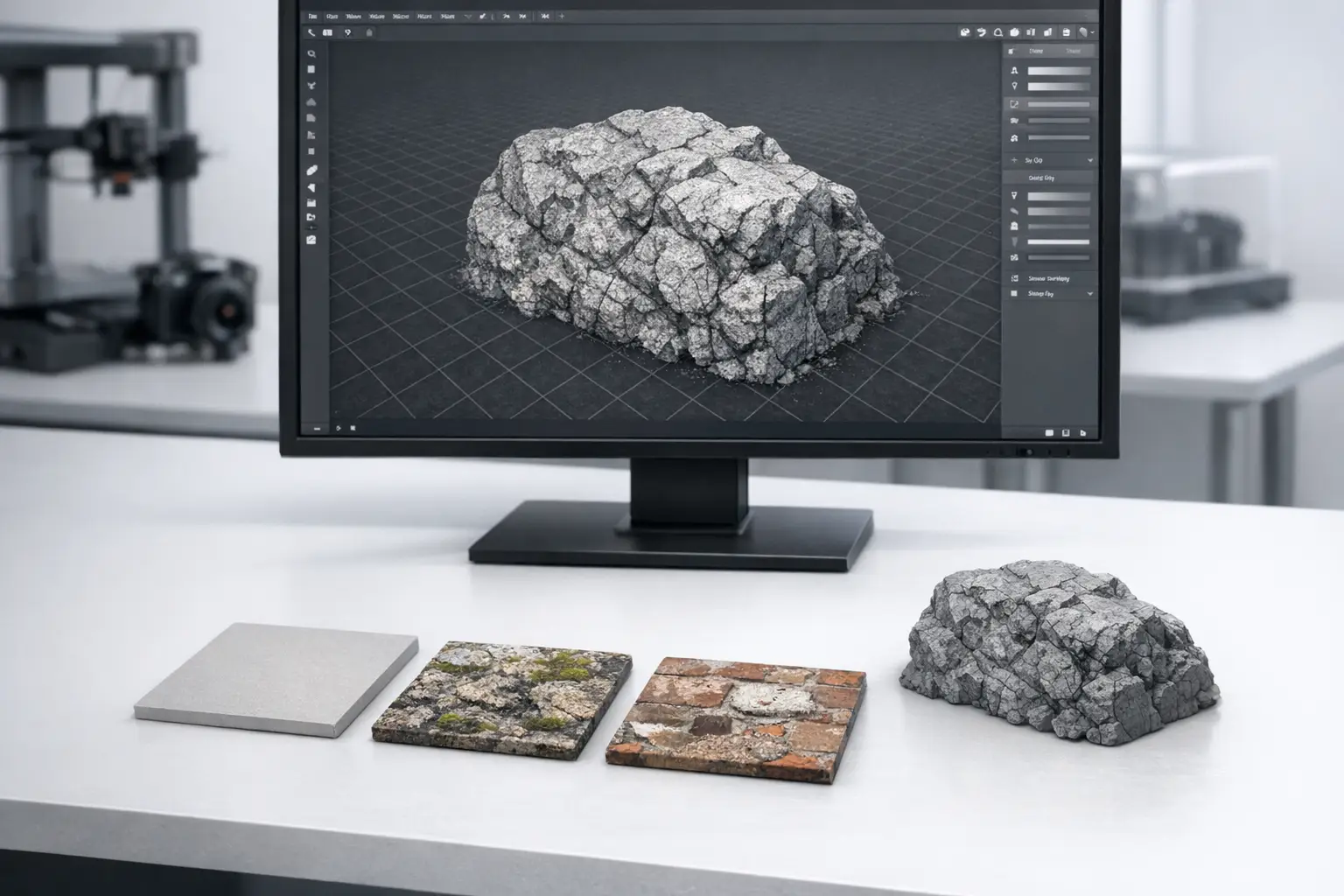
OBJ does not embed textures directly; instead, it uses a companion material library file (MTL, .mtl) to describe material properties, and the OBJ references that library via mtllib and selects a specific material via usemtl. [1] LC further notes that rendering an OBJ with intended color and texture appearance may require one or more MTL files and additional texture image files as external dependencies, which is a common cause of “missing textures” when assets are moved without their related files. [1] In this model, OBJ associates faces (or other subsequent elements) with a named material, while the MTL then associates that material with parameter values and (optionally) image maps such as a diffuse texture. [1][4]
MTL key fields (selected, commonly used parameters):
| MTL keyword | High-level role | Typical range / value form | Notes |
|---|---|---|---|
newmtl |
Begins a new named material definition. | String identifier. | MTL is ASCII and consists of a sequence of such material blocks. [4] |
Ka |
Ambient color. | RGB components between 0 and 1. | Interpreted by renderers; LC documents numeric ranges but not a single shading model. [4] |
Kd |
Diffuse color. | RGB components between 0 and 1. | Often paired with map_Kd for a diffuse texture map. [4] |
Ks |
Specular color. | RGB components between 0 and 1. | Reflection-related characteristics are included in LC’s description of MTL scope. [4] |
Ns |
Specular exponent (shininess). | Normally 0 to 1000. | The cited reference gives typical numeric range but does not mandate a particular BRDF. [4] |
Ni |
Optical density (index of refraction). | 0.001 to 10. | Range is documented in LC’s MTL description. [4] |
d |
Dissolve (opacity). | 0.0 transparent to 1.0 opaque. | MTL also appears in the ecosystem with Tr conventions, but no reliable statement on that is given in the cited primary references. [4] |
illum |
Illumination model selector. | Integer code. | LC includes illum among typical MTL fields but does not define renderer behavior beyond the presence of the keyword family. [4] |
map_Kd |
Diffuse color texture map reference. | Filename / path to an image file. | Textures are external files referenced by MTL rather than embedded in OBJ. [4][1] |
“Texture support” checklist (files typically required to render as intended):
- The
.objgeometry file. [1] - One or more
.mtlfiles referenced bymtllib. [1] - External texture image files referenced by the MTL (for example, via
map_Kd). [4] - A loader or application that implements MTL parsing; LC describes OBJ–MTL linkage, but support for the full MTL feature set varies across software, and no reliable conformance requirement is specified in the cited primary references. [1][4]
Freeform Curves and Surfaces (Spec Capability vs Real-World Support)
Beyond polygonal faces, LC’s description states that OBJ supports freeform curves and surfaces, and it enumerates freeform-related elements such as curv, curv2, and surf. [1] Specification-era documentation copies (as mirrored in an Appendix B1 text) describe a broader modeling feature set than polygon meshes alone, including freeform geometry concepts typical of that era’s modeling systems. [2] However, many contemporary interchange workflows only implement or preserve the polygon mesh subset, so freeform statements may be ignored, approximated, or lost when moving between applications that prioritize mesh-based representations. [1]
Extensions and Conventions (Per-Vertex Color and Non-Standard Variants)
LC notes that per-vertex color is not part of the original OBJ specification, but it documents a convention in which RGB values are appended to vertex coordinate lines. [1] Under this convention, a v record may contain not only position components but also trailing color components, typically represented in a 0 to 1 range, with interpretation depending on the importer. [1]
Because OBJ is widely implemented and not governed by a single, strictly enforced conformance program in the cited references, conventions such as per-vertex color can increase ambiguity: some tools treat additional components as colors, while others may treat them as unsupported extra fields or ignore them. [1] In the cited primary references, no reliable specification is provided for a universal extension mechanism, for embedding texture images inside the OBJ itself, or for standardized metadata blocks comparable to those found in some container-style formats. [1]
Interoperability, Packaging, and Common Failure Modes
Interoperability issues with OBJ assets often arise from external dependencies and from variation in which language features a given importer supports. LC explicitly describes the need for one or more MTL files and supplementary texture image files to achieve intended appearance, so packaging failures commonly include missing .mtl files, missing image files referenced by MTL (for example, diffuse maps), or path assumptions that break when an asset is moved between directories or operating systems. [1][4] Another class of failures involves parsing and indexing: OBJ’s 1-based indices can trigger off-by-one errors in loaders built around 0-based array conventions, and negative indices (relative addressing such as -1 for the most recently defined vertex) can fail in software that does not implement that feature. [1][3] Finally, material interpretation can vary because MTL provides a set of parameters (colors, texture references, and reflection-related characteristics) but does not, in the cited references, mandate a single physically based shading model; as a result, the same MTL may render differently across applications even when the files are present. [4]
Comparison Table — OBJ vs STL vs PLY vs glTF vs FBX
The following comparison focuses on feature-level capabilities that are explicitly supported (or explicitly absent) in the cited primary references. For formats where the brief’s reference set does not include a primary specification, the table reports “No reliable figure/spec found” rather than inferring capabilities from general knowledge.
In additive manufacturing (AM) and visualization pipelines, differences in color/material expression and scene representation are common drivers for choosing interchange formats. ISO/ASTM 52915:2020 and NIST AMS 300-10 both characterize STL as surface-mesh-only, with ISO/ASTM explicitly noting no provisions for representing colour, texture, material, and related attributes. [6][7] By contrast, glTF 2.0 defines scenes and node hierarchies and separates texture data into textures, images, and samplers, with materials based on physically based rendering (PBR) metallic-roughness. [8]
| Format | Geometry scope (per cited refs) | Materials / textures (per cited refs) | Scene, metadata, and other notes (per cited refs) |
|---|---|---|---|
OBJ (.obj) |
Supports polygonal meshes and also freeform curves/surfaces (elements include p, l, f, curv, curv2, surf). [1] |
Uses external MTL referenced by mtllib and selected by usemtl; textures referenced via MTL and external images. [1][4] |
LC notes no structured metadata embedding and no internal encryption/technical protection; comments via #. [1] |
STL (.stl) |
Defines only a surface mesh. [6][7] | No provisions for representing colour, texture, material, substructure, and related attributes in the cited standard; NIST similarly contrasts STL with AMF for these features. [6][7] | No reliable figure/spec found in the cited primary references for STL scene graphs or animation. |
PLY (.ply) |
No reliable figure/spec found in the cited primary references. | No reliable figure/spec found in the cited primary references. | No reliable figure/spec found in the cited primary references. |
| glTF 2.0 | No reliable figure/spec found in the cited primary references for CAD-style freeform curves/surfaces; glTF defines scenes and node hierarchies. [8] | Textures are separated into Textures, Images, and Samplers; materials are PBR (metallic-roughness). [8] | glTF is specified by Khronos; version header shows 2.0.1 timestamp 2021-10-11. [8] |
FBX (.fbx) |
No reliable figure/spec found in the cited primary references. | No reliable figure/spec found in the cited primary references. | No reliable figure/spec found in the cited primary references. |
Applications and Archival Context
In institutional and preservation-oriented workflows, OBJ appears as an accepted interchange option for certain categories of 3D content. LC’s Recommended Formats Statement (RFS) 2025–2026 lists Wavefront (.obj) as an acceptable format for “Scanned 3D Objects (output from photogrammetry scanning),” reflecting its continued presence in scanning and photogrammetry pipelines where surface meshes are common outputs. [5] More broadly, LC’s format description emphasizes OBJ’s long-lived use and its text-based, keyword-oriented structure, while also documenting limitations such as external material/texture dependencies and lack of structured metadata embedding. [1]

Q&A (FAQ)
1) What is the OBJ format (Wavefront .obj) used for as a 3D object file?
Wavefront OBJ is an ASCII, line-oriented 3D geometry file format in which each statement begins with a keyword token, with # introducing comments; it is widely used to represent polygon mesh surface geometry, and LC also describes support for additional element types beyond faces. [1]
2) Does the OBJ format support textures — and how does OBJ texture support work?
OBJ “texture support” is implemented by referencing a companion MTL file using mtllib and selecting materials using usemtl; the MTL then references external image files (for example, via map_Kd), so textures are not embedded in the OBJ itself and must be shipped as separate dependencies. [1][4]
3) What is an MTL file in a Wavefront OBJ workflow?
MTL is an ASCII companion format consisting of material definitions that begin with newmtl and may include parameters for color, texture, and reflection-related characteristics; LC documents common fields including Ka/Kd/Ks (RGB components between 0 and 1), Ns (normally 0 to 1000), Ni (0.001 to 10), and d (0.0 transparent to 1.0 opaque), and it notes map_Kd as a diffuse texture filename reference. [4]
4) Why do OBJ face indices start at 1 (not 0), and what are negative indices?
LC describes OBJ face indices as 1-based, meaning vertex references start at 1 rather than 0, and negative indices are a feature in which indices refer to elements relative to the current maximum (for example, -1 referencing the most recently defined vertex), enabling interleaving of vertex and face statements but potentially reducing compatibility with importers that do not implement negative indexing. [1][3]
5) Can OBJ store metadata, encryption, or DRM-like protection?
LC’s format documentation states that OBJ has no support for embedding structured metadata (beyond the use of comments) and that it has no internal capabilities for encryption or other technical protection. [1]
6) OBJ vs STL vs glTF — which formats support color/texture/material information?
In the cited references, STL is characterized as surface-mesh-only and as having no provisions for representing colour, texture, or material information. [6][7] OBJ can associate geometry with materials via external MTL libraries and can reference external texture images (for example, map_Kd) rather than embedding textures. [1][4] glTF 2.0 specifies materials based on PBR (metallic-roughness) and separates texture data into textures, images, and samplers within a scene-oriented model. [8]
Sources
- Library of Congress FDD — Wavefront OBJ File Format (fdd000507)
- OBJ File Format Specification (Appendix B1 mirror)
- Clemson University course notes — OBJ File Format (negative indices)
- Library of Congress FDD — Wavefront MTL File Format (fdd000508)
- Library of Congress — Recommended Formats Statement 2025–2026 (PDF)
- ISO/ASTM 52915:2020 sample PDF — STL limitations statement
- NIST AMS 300-10 (July 2020) — STL surface mesh and AMF comparison
- Khronos glTF 2.0 Specification