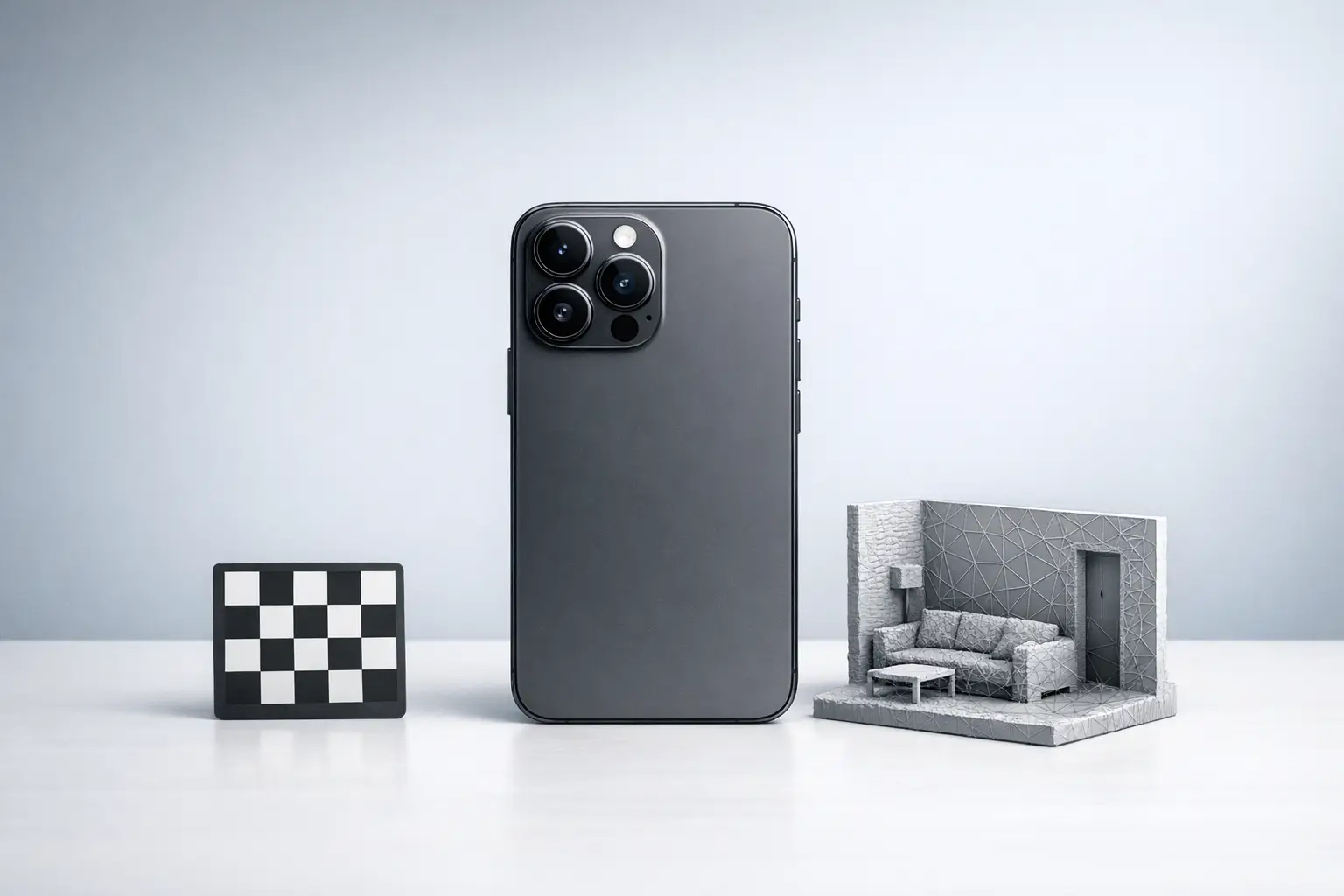

Summary (direct answer)
Mobile phone 3D scanning is the capture of 3D geometry using a smartphone LiDAR depth sensor, a front structured light depth sensor (Apple TrueDepth), or camera-only photogrammetry; each produces outputs such as a point cloud or a textured mesh. Apple states its iPad Pro (2020) LiDAR measures distance up to 5 m, but end-to-end “accuracy” for Scan-to-BIM workflows can degrade to 10–20 cm (95% confidence, 2σ) depending on the app pipeline and scene. [1][13]
Definitions and Scope: “Phone 3D scanning” vs “depth for AR”
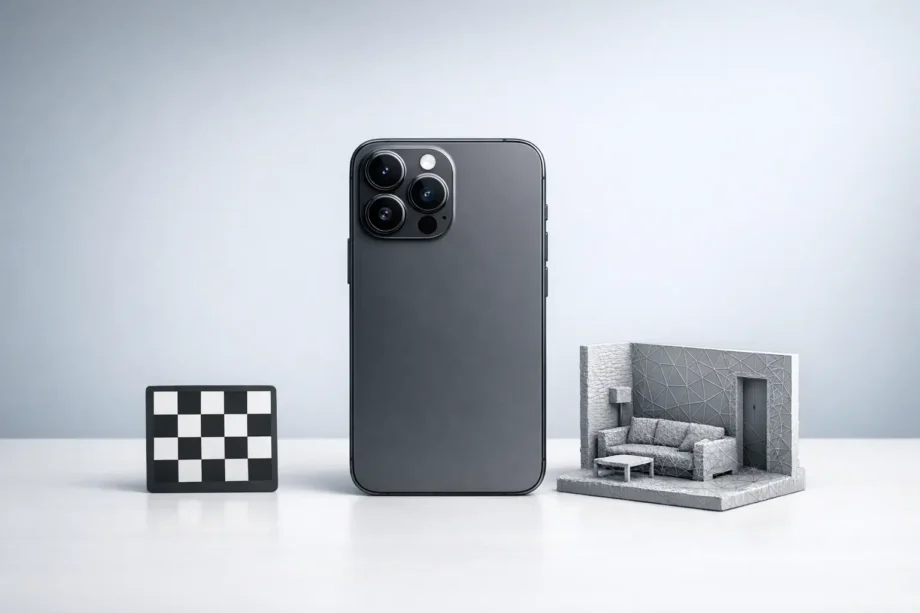
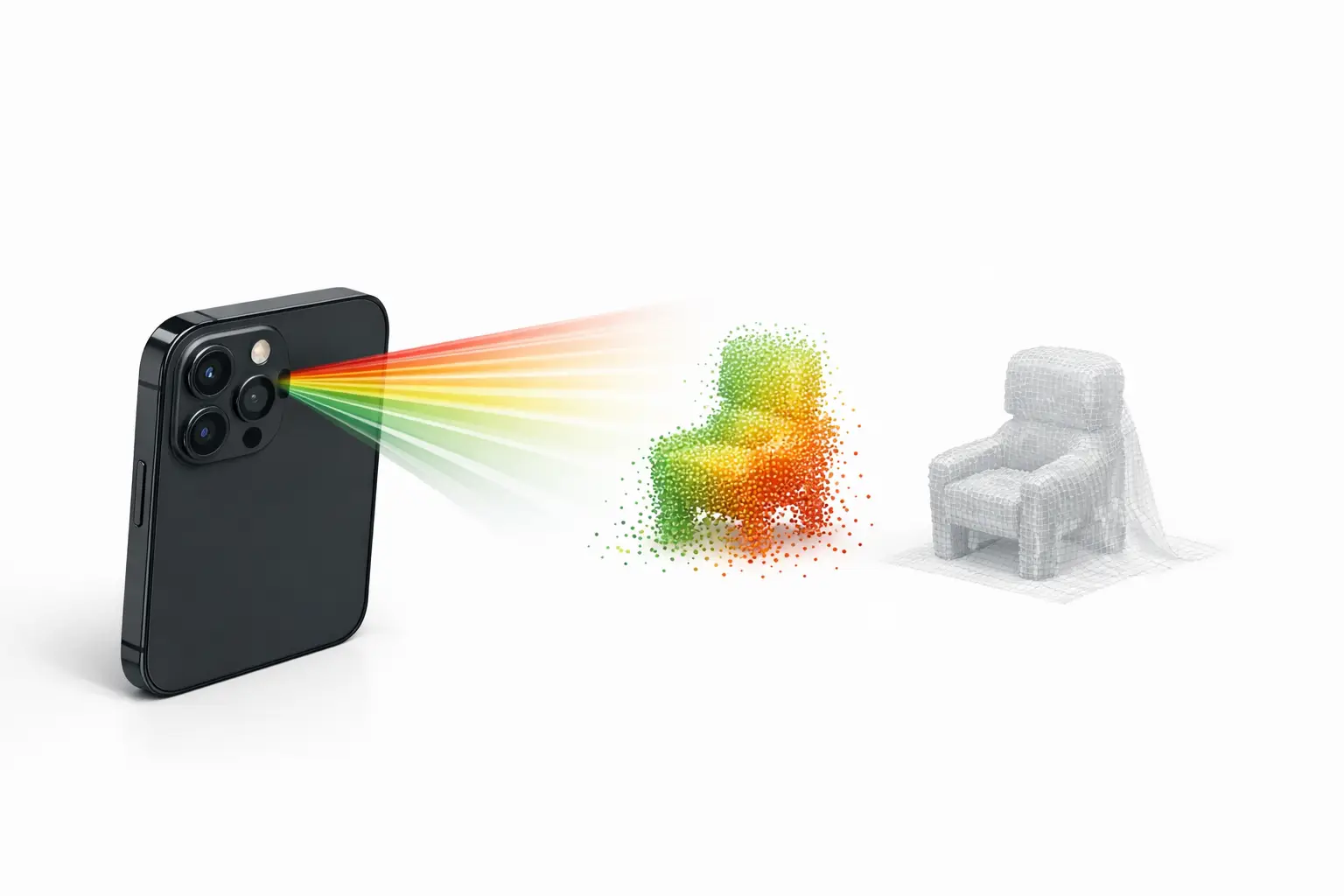
In consumer devices, “3D scanner” typically refers to a workflow that reconstructs surfaces from depth and/or images into (a) a point cloud (unordered XYZ samples), (b) a polygon mesh (connected triangles), or (c) alternative scene representations (for example, “splats”) designed for real-time rendering rather than CAD measurement. File exports commonly used downstream include OBJ and PLY (general 3D interchange) and USDZ (Apple’s AR-oriented packaging). In this context, time-of-flight (ToF) depth sensing measures distance by timing reflected light pulses, structured light projects a known pattern and observes its deformation, and photogrammetry estimates depth from multiple RGB views. Depth for augmented reality (AR) can be sufficient for occlusion or placement while still being unsuitable for metrology-grade measurement. [8]
Android “depth” is often an API-level capability rather than a dedicated sensor: ARCore’s Depth API states that a device does not require a ToF sensor to support depth, because depth can be computed from motion, and may be combined with ToF when available. As ecosystem context, Google reports that as of October 2025, over 87% of active devices support the ARCore Depth API, which affects how widely “mobile 3D scanner app” features can rely on depth maps across Android hardware. [8][9]
List — Scanner-types taxonomy used in this article
- Rear LiDAR (Apple iPhone Pro / iPad Pro)
- Front structured-light depth (Apple TrueDepth)
- Camera-only photogrammetry (iOS/Android)
- Android depth estimation (ARCore Depth API; optionally ToF-assisted)
Historical Background (origin, key releases, timeline)
Apple introduced the iPhone X TrueDepth camera system on 2017-09-12, describing a front-facing depth stack that includes a dot projector, infrared camera, and flood illuminator, and stating that Face ID projects more than 30,000 invisible infrared dots to map facial geometry. [3] Apple later positioned rear ToF-based depth sensing for environment-scale AR: on 2020-03-18 Apple announced an iPad Pro with a LiDAR Scanner and stated it measures distance “up to 5 meters away.” [1] On 2020-10-13 Apple announced iPhone 12 Pro and iPhone 12 Pro Max with a “LiDAR Scanner,” establishing the iPhone “Pro” line as the main Apple phone family associated with “iPhone LiDAR scanner” capabilities in that generation. [2]
Sensor Modality 1: Apple rear LiDAR on mobile devices
Apple’s rear LiDAR implementation is commonly treated as a ToF depth sensor paired with RGB cameras and inertial sensing, where depth samples are fused over time into a scene model. Apple’s iPad Pro (2020) press release provides a concrete upper bound for distance measurement claims (“up to 5 meters away”), which is often repeated as a shorthand maximum range for smartphone LiDAR in indoor room capture and larger object scanning. [1] However, the practical reconstruction range and reliability depend on the target’s reflectance, ambient illumination, surface geometry, and how the app filters and integrates depth over motion.
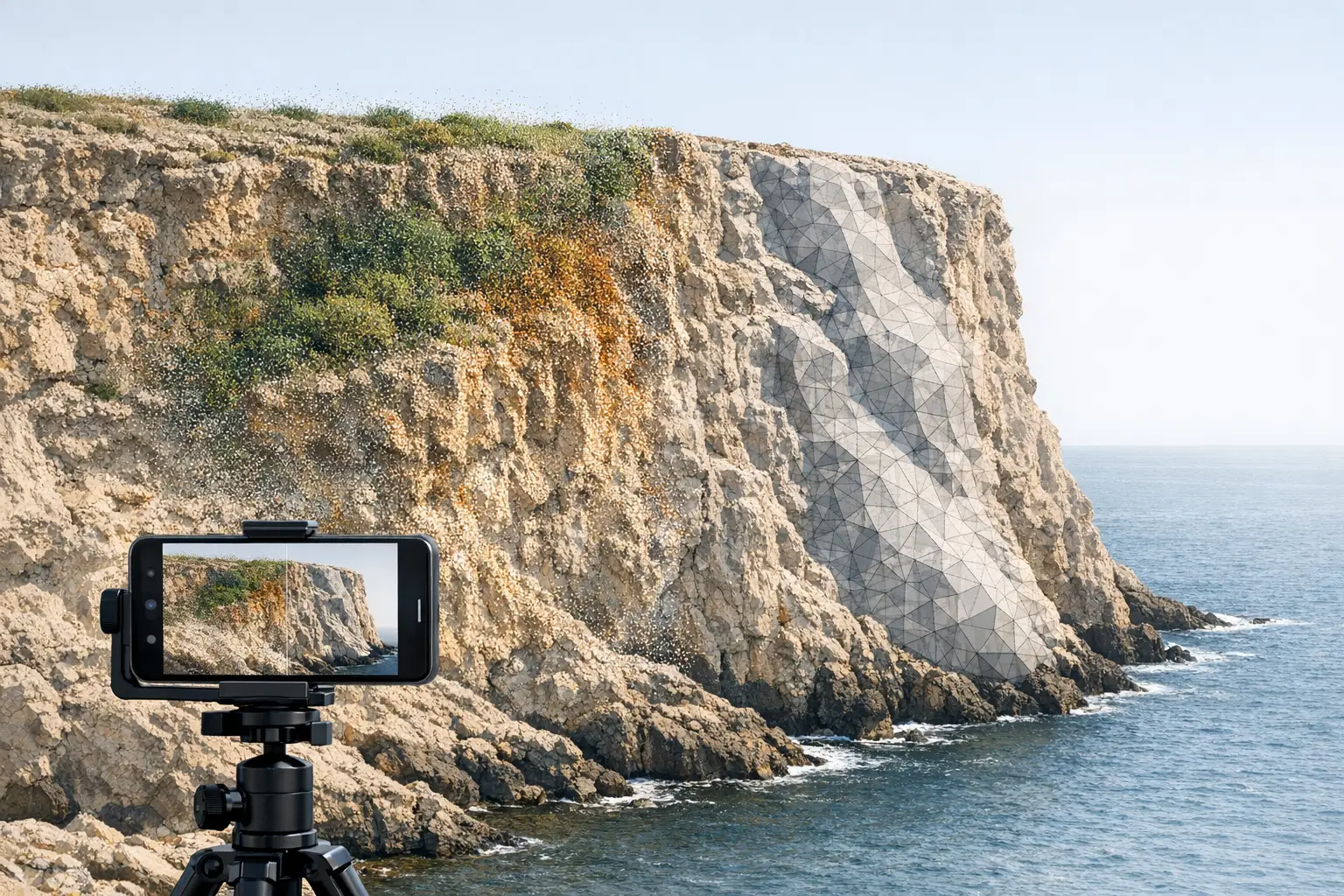
Peer-reviewed results show that “iPhone LiDAR” accuracy depends strongly on object scale and the measurement definition used. In a Scientific Reports evaluation of Apple iPhone 12 Pro LiDAR, the authors reported that for small objects with side length greater than 10 cm, the absolute accuracy reached ± 1 cm. [5] The same study reported that a coastal cliff model with dimensions up to 130 × 15 × 10 m was compiled with absolute accuracy of ± 10 cm, indicating scale effects and accumulated reconstruction errors in large outdoor scenes. [5] As an example of workflow performance, the study reports that scanning a ~130 m cliff took about 15 minutes using “3d Scanner App” and produced a mesh of around 1.5 million vertices; the brief summary does not specify all capture settings or the full reference measurement method in this excerpt, which limits transferability to other apps and conditions. [5]
Sensor Modality 2: Apple TrueDepth (front-facing depth capture)
Apple’s TrueDepth is a front structured-light-style depth system designed primarily for close-range facial capture rather than room-scale mapping: Apple describes a dot projector, infrared camera, and flood illuminator, and states that Face ID projects more than 30,000 invisible IR dots. [3] In metrology-oriented evaluation, a study comparing an iPad Pro (2020) TrueDepth-based workflow with an industrial scanner reported substantially tighter geometric tolerances for the industrial Artec Space Spider (average straightness 0.15 mm; flatness 0.14 mm; cylindricity 0.17 mm; roundness 0.96 mm), while reporting TrueDepth best results of 0.44 mm average straightness and 0.41 mm average flatness, with higher deviations including cylindricity 0.82 mm and roundness 1.17 mm. [6] These figures are not a universal TrueDepth “spec” across all devices and apps, but they illustrate why TrueDepth 3D scanning is usually treated as short-range and workflow-sensitive rather than a general replacement for dedicated structured light scanners.
Sensor Modality 3: Android depth (ARCore Depth API and ToF when available)
On Android, the ARCore Depth API abstracts depth generation across heterogeneous hardware, including phones with no depth sensor. Google’s developer documentation states that a device does not require a time-of-flight sensor to support the Depth API, because depth can be computed from motion, and that depth can be combined with ToF when present. [8] For “phone 3D scanning” this means some Android 3D scanning features may rely on multi-view depth inference (effectively a constrained, real-time depth-from-motion pipeline) rather than direct ranging.
Platform coverage is comparatively broad: Google reports that as of October 2025, over 87% of active devices support the Depth API. [9] This helps explain why some Android apps present “depth scanning” as widely available even when the underlying depth quality varies substantially by camera calibration, motion, texture in the scene, and whether the device includes dedicated depth hardware.
Software Pipelines: LiDAR mesh vs photogrammetry mesh vs splats
In practice, the “scanner” experience is determined as much by the reconstruction pipeline as by the sensor modality. LiDAR-first apps typically fuse sparse ToF depth with RGB imagery and tracking to produce a watertight or near-watertight mesh quickly, which can be useful for room-scale capture and rapid previews; the Scientific Reports example of a cliff scan explicitly ties a LiDAR workflow to “3d Scanner App” and a resulting mesh size (around 1.5 million vertices). [5] Photogrammetry-first apps build geometry from multi-view RGB images and may prioritize texture fidelity over metric stability; for example, RealityScan Mobile 1.6 documents output limits of up to 100,000 polygons (Normal) or up to 1 million polygons (High), and textures in 4K or 8K, which are pipeline-level constraints rather than sensor limits. [12] Some modern workflows also output non-mesh scene representations (for example, splats) that can preserve appearance with fewer topological artifacts, but these are not inherently equivalent to a metrically validated surface for CAD.
Device gating also constrains what “on-device processing” is feasible. Apple’s ARKit documentation indicates that ARKit “Depth API” and “Instant AR placement” are specific to LiDAR-equipped devices and lists iPad Pro 11-inch (2nd gen), iPad Pro 12.9-inch (4th gen), iPhone 12 Pro, and iPhone 12 Pro Max as examples, which affects which iOS devices can run LiDAR-dependent scanning modes without fallback. [4]
Technical Performance (measured accuracy, error metrics, and scale effects)
Published accuracy figures for smartphone LiDAR depend on the device model, the app, the environment, and the reference method, and they are reported using different error metrics (for example, absolute accuracy vs root-mean-square error (RMSE) vs confidence bounds such as 2σ). In a peer-reviewed evaluation of Apple iPhone 12 Pro LiDAR, small objects with side length > 10 cm achieved absolute accuracy of ± 1 cm, while a much larger coastal cliff model (up to 130 × 15 × 10 m) was compiled with absolute accuracy of ± 10 cm. [5] The same study’s workflow example reports about 15 minutes capture time for a ~130 m cliff using “3d Scanner App,” producing a mesh around 1.5 million vertices; without a complete published set of capture variables in this summary (for example, lighting, trajectory, and full reference method), it should be treated as a bounded example rather than a general benchmark. [5]
Application-level studies often show that software choices and scene type dominate outcomes even on the same LiDAR-enabled phone. In a comparative building documentation study of iPhone 13 Pro apps, the authors report achievable accuracies of 10–20 cm at the 95% confidence level (2σ) for the tested applications, and that no app achieved 95% of distances within LOA ≤ 5 cm. [13] The same study reports mean deviation from terrestrial laser scanning (TLS) of 5 cm (PolyCam), 6 cm (SiteScape), 10 cm (3D Scanner app), and 44 cm (Scaniverse), with RMSE values of 10 cm (PolyCam), 14 cm (SiteScape), 17 cm (3D Scanner app), and 56 cm (Scaniverse). [13] These figures are specific to that study’s devices, app versions, and capture conditions, and they demonstrate that “iPhone LiDAR scanner” is not a single performance level across “mobile 3D scanner app” implementations.
App Examples (not a “best-of” list): capabilities and constraints
Apps are best interpreted as reference implementations of different pipelines. Scaniverse documents cross-platform requirements: on Android it requires Android 7.0+, at least 4 GB RAM, and ARCore with the Depth API, while iOS support is limited to specific iPhone families listed by the developer. [10] RealityScan positions a photogrammetry-style workflow with explicit platform requirements (iOS 16+; Android 7 / API level 24+ with ARCore support) and documents output caps (Normal up to 100,000 polygons; High up to 1 million polygons; textures 4K or 8K), plus a known issue where Auto Capture can lag and the app can close when going over 170 images on some devices. [11][12] For TrueDepth-focused scanning, Heges (developer statement) advertises a “0.5MM Precision” setting and claims up to 2 millimeters accuracy with FaceID and 0.5MM Precision settings, while also warning that LiDAR is not intended for fine detail capture. [7]
Comparison Table (mandatory)
The table below separates hardware modality (how depth is acquired) from software constraints (reconstruction and export), because users often conflate “depth sensor” availability with end-to-end scan accuracy and asset quality.
| Hardware modality (typical use) | Max stated range & typical reported accuracy (metric) | Processing mode & output types (examples) | Minimum OS/device requirements (examples) |
|---|---|---|---|
| Rear LiDAR (Apple iPhone Pro / iPad Pro; rooms, larger objects) | Apple states iPad Pro (2020) LiDAR measures distance up to 5 m. [1] Peer-reviewed: iPhone 12 Pro LiDAR small objects >10 cm ± 1 cm (absolute accuracy), and a coastal cliff up to 130 × 15 × 10 m ± 10 cm (absolute accuracy). [5] | Depth acquisition is sensor-based; reconstruction varies by app. Example: “3d Scanner App” cliff scan produced ~1.5 million vertices. [5] | ARKit Depth API is limited to LiDAR-equipped devices (examples listed by Apple include iPhone 12 Pro/Pro Max and iPad Pro 11-inch (2nd gen)/12.9-inch (4th gen)). [4] |
| Front structured-light depth (Apple TrueDepth; faces, close range) | Hardware basis: dot projector + IR camera + flood illuminator; Face ID projects >30,000 IR dots. [3] Peer-reviewed iPad Pro (2020) TrueDepth best results: straightness 0.44 mm, flatness 0.41 mm; higher deviations including cylindricity 0.82 mm and roundness 1.17 mm. [6] | Reconstruction is app-dependent; developer claims vary. Example: Heges claims up to 2 mm accuracy with FaceID and “0.5MM Precision,” and states LiDAR is not for fine detail. [7] | TrueDepth is limited to Apple devices with the front depth system; no single OS-wide numeric requirement is stated in the cited sources. |
| Camera-only photogrammetry (iOS/Android; object capture, texture detail) | No reliable figure found for universal range or accuracy because results depend on capture geometry, scene texture, and reconstruction settings; app-level limits are often better documented than metric accuracy. | RealityScan Mobile 1.6 documents Normal up to 100,000 polygons, High up to 1 million polygons, and 4K or 8K textures. [12] It also reports a known issue on some devices when going over 170 images. [12] | RealityScan requirements: iOS 16+; Android 7 (API 24)+ with ARCore support. [11] |
| Android depth estimation (ARCore Depth API; AR occlusion, some scanning) | ARCore states Depth API can work without a ToF sensor, using motion-derived depth, optionally combined with ToF when available. [8] Ecosystem: over 87% of active devices support Depth API as of Oct 2025. [9] | Depth maps are computed within ARCore; reconstruction into point cloud/mesh depends on the app. Scaniverse requires ARCore with Depth API on Android. [10] | Example app constraint: Scaniverse on Android requires Android 7.0+, 4 GB RAM, and ARCore with Depth API. [10] |
The table’s accuracy figures combine different metrics and setups: absolute accuracy (±) for an iPhone 12 Pro LiDAR study, and app-level building documentation results that use TLS as reference with mean deviation and RMSE, which should not be compared as identical “accuracy” without aligning the measurement protocol and confidence reporting. [5][13]
Practical Workflow Notes (capture, exports, and downstream use)
Downstream use often dictates capture strategy more than sensor choice. For DCC (digital content creation) and games, photogrammetry-style assets may prioritize textures and manageable polygon budgets, where RealityScan’s documented caps (up to 100,000 polygons in Normal and up to 1 million polygons in High; 4K or 8K textures) provide concrete planning constraints for mobile capture sessions and retopology workflows. [12] For CAD/BIM and Scan-to-BIM, exports such as OBJ, PLY, and USDZ are often intermediates into registration, scale control, and modeling; however, app instability can constrain capture completeness, as RealityScan Mobile 1.6 notes Auto Capture lag and random closes on some devices when going over 170 images. [12]
List — What to capture for repeatable results (field checklist)
- Device model + OS version
- App name + version
- Scene type (object / room / exterior)
- Lighting and surface notes (reflective, featureless, transparent)
- Reference measurement method (if claiming accuracy)
Limitations and Failure Modes (what breaks scans)
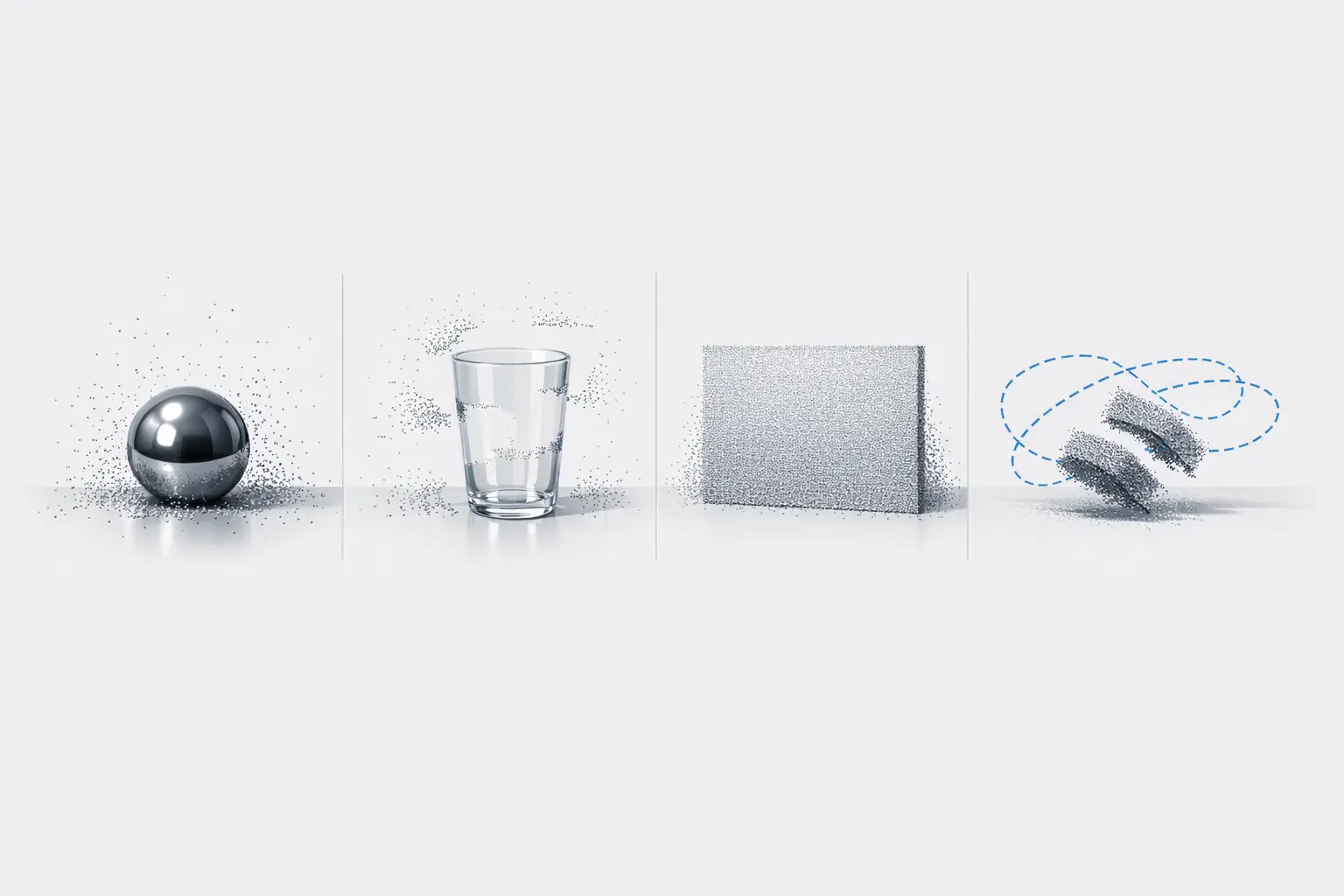
Mobile scanning performance commonly degrades due to reflective or transparent materials, low-texture walls, motion blur, and scale drift, but the most actionable limitations are often observed at the application level. In building-scale documentation on iPhone 13 Pro, tested apps showed that practical accuracies clustered around 10–20 cm at 95% confidence (2σ), and no app achieved 95% of distances within LOA ≤ 5 cm, which is a common target threshold in as-built verification. [13] In the same study, TLS-referenced mean deviation and RMSE varied widely between apps (for example, PolyCam mean deviation 5 cm vs Scaniverse 44 cm; PolyCam RMSE 10 cm vs Scaniverse 56 cm), indicating that alignment, filtering, and meshing decisions can dominate outcomes even when the phone hardware is held constant. [13]
Scale effects appear in peer-reviewed LiDAR evaluation as well: the iPhone 12 Pro LiDAR study reported ± 1 cm absolute accuracy for small objects >10 cm, but ± 10 cm absolute accuracy for a coastal cliff model up to 130 × 15 × 10 m, reflecting accumulated errors in large captures and the difficulty of maintaining consistent trajectories and registration over long paths. [5] The reported cliff workflow (about 15 minutes capture time using “3d Scanner App” and a mesh around 1.5 million vertices) also implies a trade-off between scan coverage and compute or memory budgets, which can vary by “on-device processing” capability and any “cloud processing” steps chosen by the app. [5]
FAQ
What is “phone 3D scanning” and how is it different from AR depth?
Phone 3D scanning usually means reconstructing a 3D surface (point cloud or mesh) for export and downstream use, while AR depth is often a real-time depth map used for occlusion and placement. ARCore explicitly notes that Depth API support does not require a ToF sensor and can compute depth from motion, which is suitable for AR interactions but not automatically a metrology workflow. [8] Even on LiDAR phones, app-level studies report building documentation outcomes around 10–20 cm at 95% confidence (2σ), indicating that AR-capable depth does not guarantee scan-grade accuracy. [13]
Does the iPhone LiDAR scanner really reach 5 meters?
Apple’s explicit 5 m statement is for the iPad Pro (2020) LiDAR Scanner (“measures distance up to 5 meters away”), and it is commonly used as the sourced maximum-range anchor for Apple mobile LiDAR discussions. [1] Reaching that distance does not imply uniform accuracy at that range: in an iPhone 13 Pro building documentation comparison, tested apps reported outcomes in the 10–20 cm range at 95% confidence (2σ), and in an iPhone 12 Pro LiDAR evaluation, large-scene absolute accuracy was reported as ± 10 cm for a coastal cliff model up to 130 × 15 × 10 m. [13][5]
Is iPhone LiDAR accurate enough for construction, Scan-to-BIM, or as-built documentation?
Peer-reviewed results indicate that iPhone LiDAR can be accurate at the centimeter level for certain small objects (iPhone 12 Pro LiDAR, objects >10 cm: ± 1 cm absolute accuracy), but performance degrades with scale (coastal cliff up to 130 × 15 × 10 m: ± 10 cm absolute accuracy). [5] For building documentation workflows on iPhone 13 Pro, one comparative study reported achievable accuracies of 10–20 cm at the 95% confidence level (2σ), and that no tested app achieved 95% of distances within LOA ≤ 5 cm when compared to TLS. [13] These figures suggest that “Scan-to-BIM” use typically requires control points, registration discipline, and explicit tolerancing rather than assuming phone-only capture is sufficient. [13]
TrueDepth vs LiDAR — which is better for small objects and fine detail?
TrueDepth is explicitly a structured-light-style front depth system (dot projector, IR camera, flood illuminator) that projects more than 30,000 invisible IR dots, which aligns with close-range face and small-object capture. [3] In one iPad Pro (2020) evaluation, TrueDepth best results included 0.44 mm straightness and 0.41 mm flatness, with higher deviations such as 0.82 mm cylindricity and 1.17 mm roundness, while an industrial Artec Space Spider reported tighter averages (for example, 0.15 mm straightness and 0.14 mm flatness). [6] App developers may also publish operational claims: Heges states (developer statement) up to 2 mm accuracy with FaceID and “0.5MM Precision,” and it cautions that LiDAR is not for fine detail. [7]
What are the best “3D apps” workflows on Android if there is no LiDAR sensor?
On Android, “depth” features can still be available without LiDAR because ARCore states the Depth API does not require a ToF sensor and can compute depth from motion, optionally combined with ToF when available. [8] Google also reports that over 87% of active devices support the Depth API as of October 2025, which makes depth-enabled AR broadly deployable even if depth quality varies. [9] In practice, Android workflows often split into (a) ARCore Depth API–assisted capture in apps that require it, and (b) camera-only photogrammetry; Scaniverse, for example, requires Android 7.0+, at least 4 GB RAM, and ARCore with the Depth API. [10]
RealityScan vs LiDAR apps — what output limits should creators plan around (polygons and textures)?
RealityScan Mobile 1.6 documents explicit output caps: Normal quality up to 100,000 polygons, High quality up to 1 million polygons, and textures in 4K or 8K, which provides a concrete planning bound for asset budgets before retopology or decimation. [12] The same release notes report a known issue where Auto Capture can lag and the app can randomly close when going over 170 images on some devices, which can limit how far users can push dense photogrammetry sets on mobile hardware. [12]
Related on 3D Mag
Sources
- Apple unveils new iPad Pro with LiDAR Scanner and trackpad support in iPadOS
- Apple introduces iPhone 12 Pro and iPhone 12 Pro Max with 5G
- The future is here: iPhone X
- ARKit (Apple Developer) — Augmented Reality
- Scientific Reports (2021): Evaluation of Apple iPhone 12 Pro LiDAR for 3D reconstruction
- MDPI (2021): Accuracy evaluation of iPad Pro (2020) TrueDepth vs Artec Space Spider
- Heges — 3D Scanner (App Store listing)
- ARCore Depth API developer guide (Google)
- ARCore supported devices (Google)
- Scaniverse — How to / requirements
- RealityScan Mobile — System Requirements and Installation (Epic Games)
- RealityScan Mobile 1.6 release notes (Epic Games)
- MDPI (2023): Comparative building documentation study of iPhone 13 Pro apps (TLS reference)