
Summary
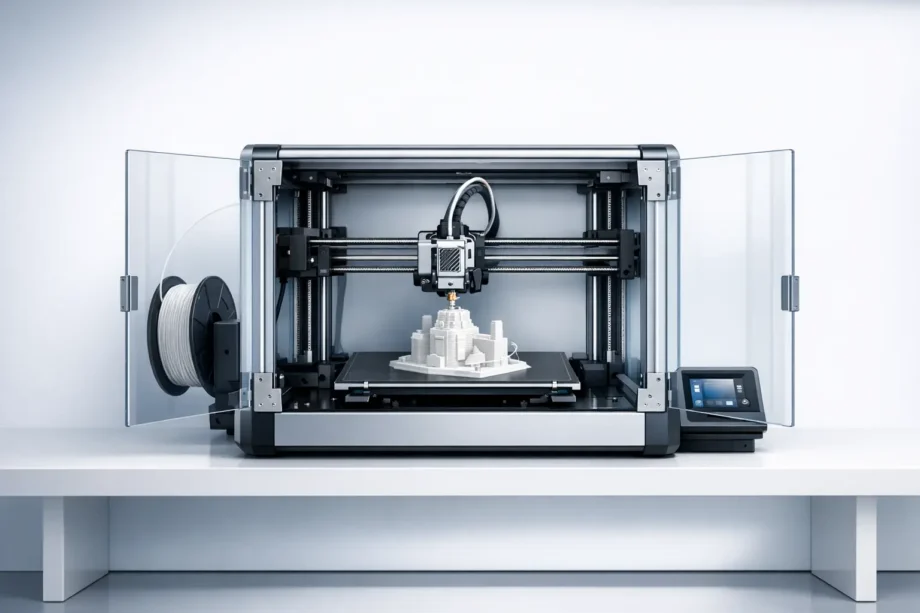
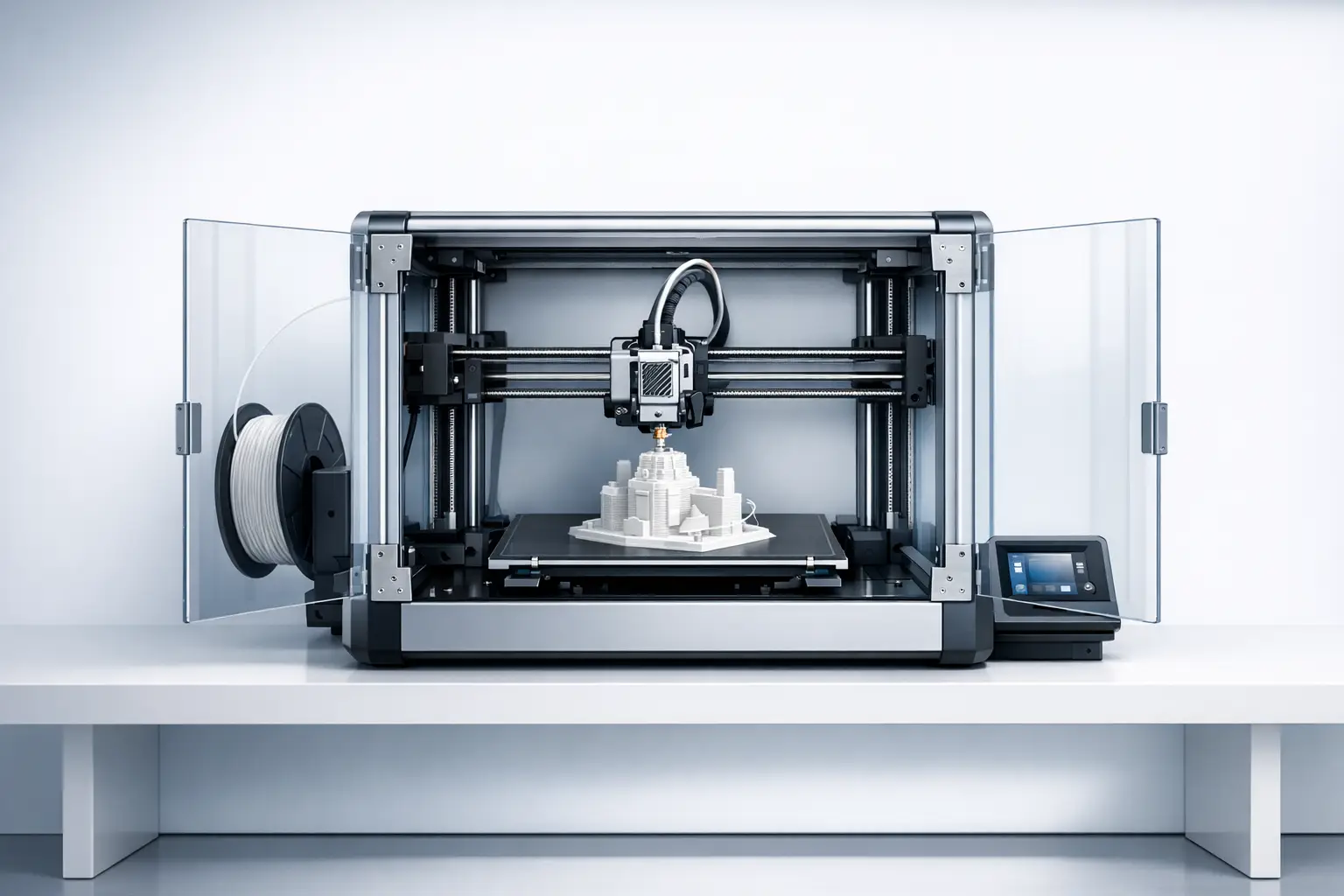
A consumer 3D printer is a desktop-scale additive manufacturing (AM) machine intended for home 3D printing and other small-workspace use, typically sold with simplified software and materials access. In practice, “types” are best understood as standardized process families plus their compatible materials and workflow steps. ISO/ASTM 52900:2021 (Edition 2) is a terminology standard (published 2021-11, 28 pages) used to keep process names consistent across industry and research. [1]
Historical Background
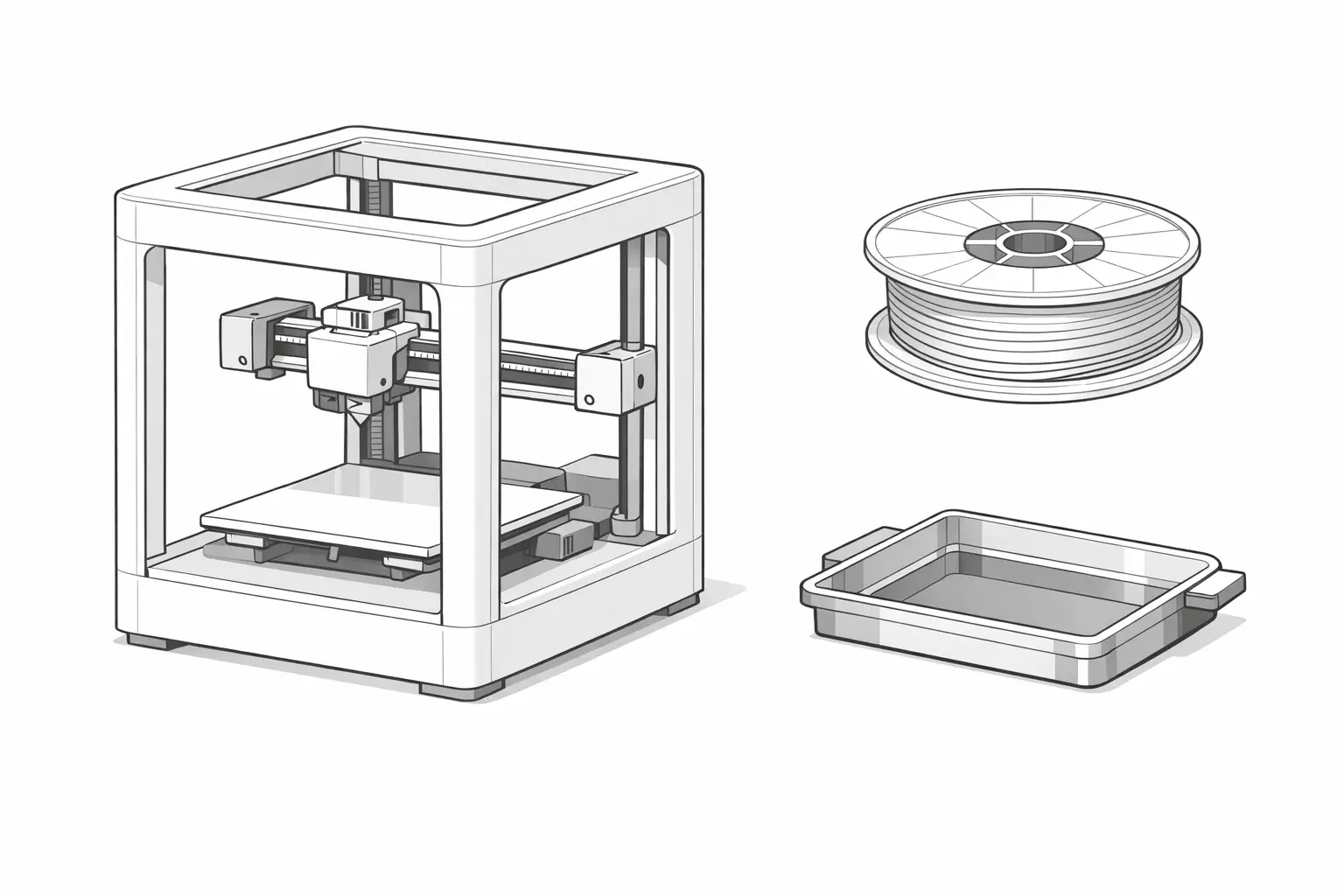
Modern desktop 3D printing draws on earlier industrial AM processes. Stereolithography (SLA) is anchored in a well-known early patent lineage, including U.S. Patent 4,575,330 (“Apparatus for production of three-dimensional objects by stereolithography”), granted 1986-03-11. [2] Over time, related “vat” processes and material-extrusion approaches were adapted into smaller systems, enabling consumer 3D printer form factors and workflows (file preparation, slicing, printing, and post-processing) that could be operated outside industrial settings.
A major driver of consumerization for extrusion-based hobby 3D printer designs was open-source hardware. RepRap is described as a University of Bath initiative founded in 2005 by Adrian Bowyer, and it helped normalize low-cost, user-assembled extrusion machines and community-maintained software toolchains. [3]
Taxonomy: “3D Printer Types” for Home Users
Consumer product pages often emphasize brand terms (for example, “FDM printer” or “MSLA resin printer”), but standardized process families provide a more stable definition of “type.” ISO/ASTM 52900 is commonly used as a terminology anchor for additive manufacturing process names and definitions, reducing ambiguity when comparing specifications across manufacturers. [1] For an accessible public taxonomy, the U.S. National Institute of Standards and Technology (NIST) lists AM technology categories that include Material Extrusion and Vat Photopolymerization. [4] Standard wording also matters because some terms are used as trademarks in industry; Stratasys has stated that “Stratasys, FDM, PolyJet … are trademarks or registered trademarks of Stratasys Ltd. and/or its affiliates,” which is one reason many communities prefer “FFF” (fused filament fabrication) or the generic process name “material extrusion” when discussing home printers. [5]
| Common marketing label(s) | Standardized process family |
|---|---|
| FFF; “FDM” | Material Extrusion |
| MSLA; SLA; DLP | Vat Photopolymerization |
Type 1: Filament Printers (FFF / “FDM”) — Material Extrusion
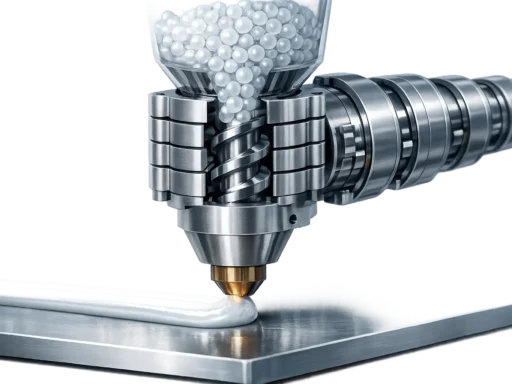
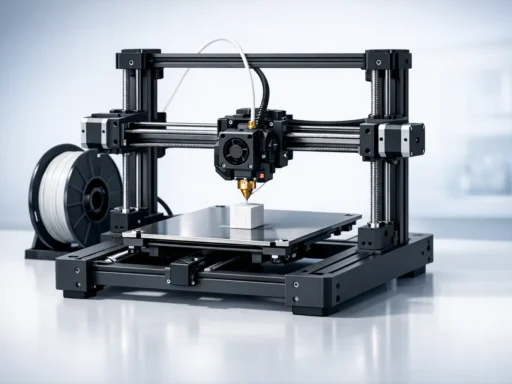
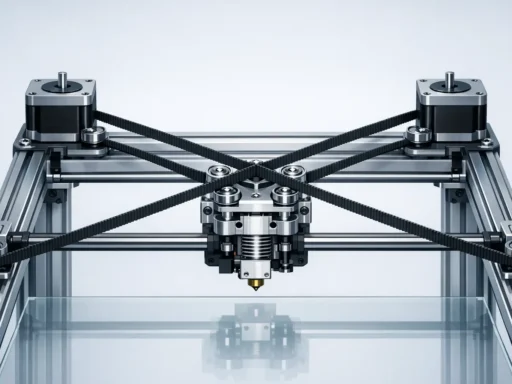
Filament printers (often called FFF or “FDM”) operate by heating a solid thermoplastic filament and extruding it through a nozzle to form toolpaths layer by layer on a build plate. In consumer workflows, a slicer converts a 3D model into motion and extrusion instructions, and the machine’s motion system (for example, bed motion vs gantry motion) determines how acceleration and speed limits affect print time and surface quality. Manufacturer spec sheets typically publish a 3D printer build volume and temperature limits because they constrain part size and material compatibility; for example, the Original Prusa MINI+ lists a build volume of 180 × 180 × 180 mm and a max nozzle temperature of 280 °C, with a max heatbed temperature of 100 °C. [6]
Performance-oriented desktop listings may emphasize motion limits in mm/s and mm/s², which are not direct predictors of finished-part accuracy but do influence practical throughput for many geometries. For example, Bambu Lab A1 mini specs list a build volume of 180 × 180 × 180 mm³, a max toolhead speed of 500 mm/s, max acceleration of 10000 mm/s², and a max hot end temperature of 300 ℃. [7] Other entry-level 3D printer listings may publish “layer resolution” and speed ranges; the Creality Ender-3 V3 SE is listed with a build volume of 22.0 × 22.0 × 25.0 cm, layer resolution of 100 to 350 micron (0.1 to 0.35 mm), and print speed of 180 to 250 mm/s, and it also reports positioning precision for the XY axis as 100 micron (0.1 mm). [8]
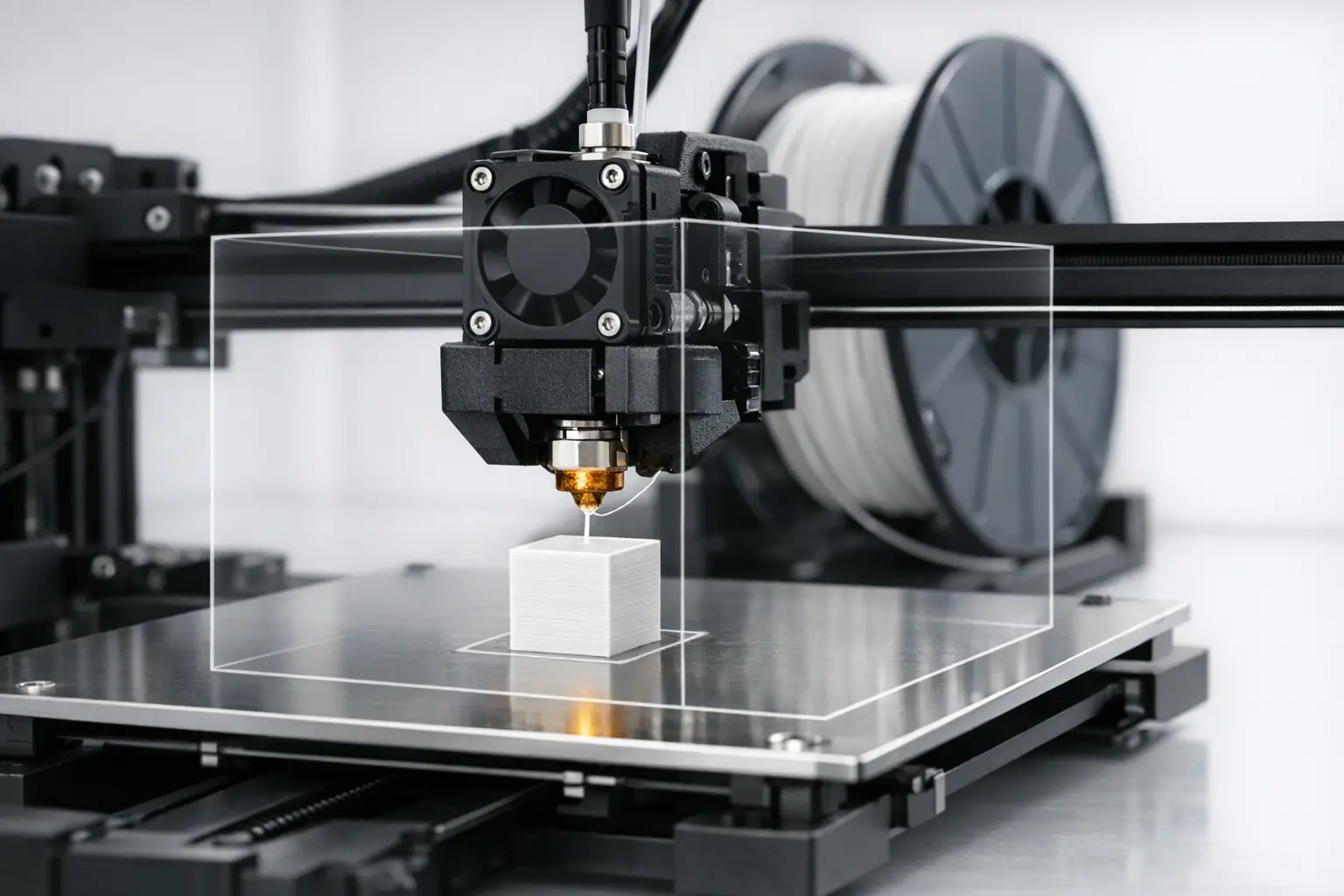
- Spec sheet fields to interpret for filament printers:
- Build volume (X × Y × Z).
- Nozzle temperature (max hot end / nozzle temperature).
- Bed temperature (max heatbed temperature).
- Layer height (minimum/maximum, or “layer resolution”).
- Speed (often mm/s) and what subsystem it refers to (toolhead vs “print speed”).
- Acceleration (often mm/s²), if reported.
- Filament diameter (commonly 1.75 mm or 2.85 mm). No reliable figure found.
- Connectivity (for example, SD/USB/Wi‑Fi/Ethernet). No reliable figure found.
Type 2: Resin Printers (MSLA / SLA / DLP) — Vat Photopolymerization
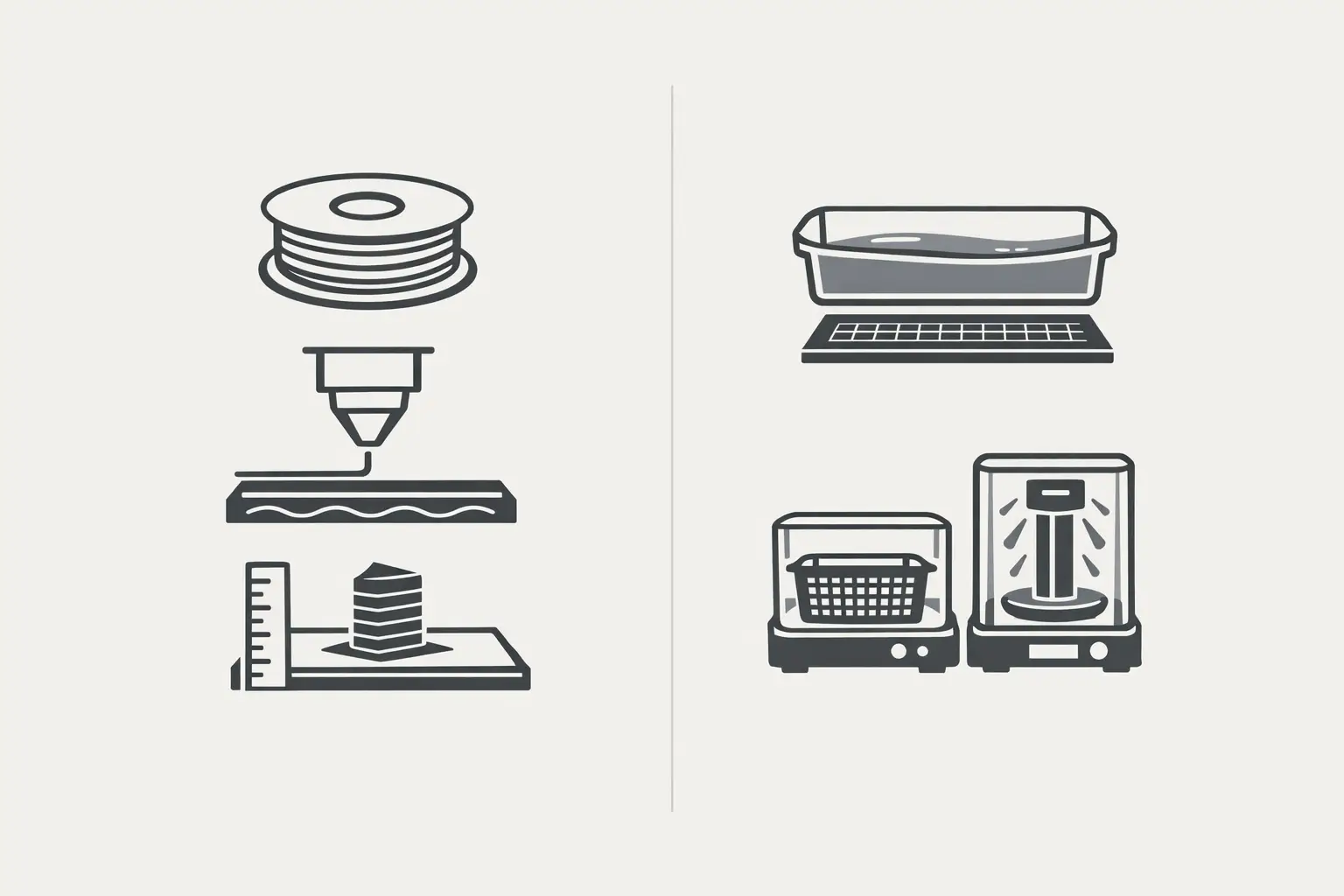
Resin printers in the consumer category generally use vat photopolymerization: a liquid photopolymer resin is selectively cured by light to form a solid layer, which is then separated and repeated. In common home use, MSLA (masked stereolithography) systems cure a whole layer through an LCD mask, while legacy SLA systems are often associated with scanning optics; in either case, spec sheets frequently foreground XY resolution because it is closely tied to in-plane pixel size or optical performance, while layer thickness controls Z-axis stepping and surface finish. An entry-level example is the Anycubic Photon Mono 2, listed with a build volume of 165 × 89 × 143 mm, an XY axis resolution of 34 microns, and an LCD resolution of 4096 × 2560. [9] Prosumer resin ecosystems may present a broader spec profile; the Formlabs Form 4 is listed with a build volume of 20.0 × 12.5 × 21.0 cm, a layer thickness range of 25 – 300 microns, and an XY resolution of 50 microns. [10] Unlike many filament workflows, resin printing treats post-processing as intrinsic: parts are typically washed to remove uncured resin and then cured (wash and cure) to reach intended handling properties, making cleanup capacity, ventilation, and waste handling part of the “type” definition rather than optional accessories. [11]
Comparison Table — Filament vs Resin (Consumer Desktop)
Because “desktop 3D printer” is a form factor rather than a process, comparison is most actionable when it preserves the process family and highlights the workflow consequences (materials, setup, and post-processing) rather than attempting a single score. [4]
The examples below illustrate how consumer and prosumer listings emphasize different “headline specs,” with filament printers often highlighting layer height and motion limits, while resin printers commonly highlight XY resolution and layer thickness. [6][9]
| Process family | Common marketing names | Example device(s) and headline specs (from listings) | Consumables, post-processing steps, and typical failure modes |
|---|---|---|---|
| Material Extrusion | FFF; “FDM” | Bambu Lab A1 mini build volume is 180 × 180 × 180 mm³, max toolhead speed is 500 mm/s, max acceleration is 10000 mm/s², and max hot end temperature is 300 ℃. [7] Original Prusa MINI+ build volume is 180 × 180 × 180 mm and layer height is 0.05 – 0.25 mm, with max nozzle temperature 280 °C and max heatbed temperature 100 °C. [6] | Typical consumables: thermoplastic filament (for example PLA, PETG, TPU, ABS) and build-surface consumables. No reliable figure found. Post-processing: support removal and light mechanical finishing are common. No reliable figure found. Typical failure modes: first-layer adhesion loss, under/over-extrusion, and warping driven by temperature management and part geometry. No reliable figure found. |
| Vat Photopolymerization | MSLA; “LCD resin printer” | Anycubic Photon Mono 2 build volume is 165 × 89 × 143 mm and XY axis resolution is 34 microns, with LCD resolution 4096 × 2560. [9] Headline spec emphasis is commonly XY resolution (in microns) plus Z layer thickness. [9] | Typical consumables: liquid photopolymer resin plus wash solvent. No reliable figure found. Post-processing: wash and cure are typically required steps. [11] Typical failure modes: incomplete supports, peel/separation issues, and contamination-related defects (for example cured debris in the vat). No reliable figure found. |
| Vat Photopolymerization | SLA (ecosystem term); “desktop resin” | Formlabs Form 4 build volume is 20.0 × 12.5 × 21.0 cm, layer thickness is 25 – 300 microns, XY resolution is 50 microns, and maximum 3D print speed is 100 mm/hour. [10] | Typical consumables: manufacturer-qualified resins and wash/cure supplies. No reliable figure found. Post-processing: wash and cure are treated as part of the workflow rather than optional. [11] Typical failure modes: resin handling/cleanliness issues and support-related defects that can be sensitive to resin profile and process settings. No reliable figure found. |
Safety, Emissions, and Home Placement Considerations
Home users often place a consumer 3D printer in multipurpose spaces, so safety discussions commonly focus on emissions, contact hazards, and practical containment. The U.S. Environmental Protection Agency (EPA) describes ultrafine particles as 1–100 nm and notes that studies have found 3D printing releases gases and particulates, including volatile organic compounds (VOCs) and ultrafine particles. [12] Measurement results can vary by printer type, material, and operating conditions; one ACS Environmental Science & Technology paper reports average particle emission rates during 3D printing ranging from 2 × 10^8 to 2 × 10^12 min^–1 (as summarized in the article text). [13] For resin workflows, manufacturer documentation typically treats personal protective equipment (PPE) and controlled handling as standard practice; Formlabs safety guidance recommends PPE such as nitrile or neoprene gloves and safety glasses, and it notes that Form 4 / 4L use 405 nm LEDs instead of lasers. [11] NIOSH also publishes additive manufacturing guidance for manufacturing settings, which is often consulted when adapting control concepts (for example, ventilation and separation) for non-industrial spaces. [14]
- Minimum home setup controls:
- Location: keep printers out of primary living/sleeping areas when possible and plan for containment of debris and odors. [12]
- Ventilation approach: use local exhaust or enclosure ventilation strategies as a risk-reduction measure because studies report VOCs and ultrafine particle releases during 3D printing. [12][13]
- Spill control: treat resin and solvent handling as a process step; keep absorbents and a cleanup routine appropriate to the resin’s Safety Data Sheet (SDS). [11]
- Child/pet separation: restrict access to active print areas, uncured resin, and isopropyl alcohol (or other wash agents) used during wash and cure. [11]
- Resin waste handling: follow resin SDS guidance and local disposal rules rather than disposing of uncured resin as ordinary waste. [11]
Entry-Level Buying Checklist (Specs-First)
A practical evaluation method for an entry-level 3D printer starts by selecting the process family that matches the intended parts and workflow tolerance. For material extrusion (filament printer) use, build volume and temperature limits constrain what can be printed; the Original Prusa MINI+ lists a build volume of 180 × 180 × 180 mm with max nozzle temperature 280 °C and max heatbed temperature 100 °C, and it also publishes a layer height range of 0.05 – 0.25 mm that connects directly to slicer settings and surface finish expectations. [6] Listings may also highlight motion performance; Bambu Lab A1 mini lists max toolhead speed 500 mm/s and max acceleration 10000 mm/s², which can be relevant when comparing throughput claims among similar motion architectures. [7] For vat photopolymerization (resin printer) use, build volume and XY resolution frequently dominate the listing; the Anycubic Photon Mono 2 is listed at 165 × 89 × 143 mm build volume with 34 microns XY axis resolution, illustrating how “detail” is framed differently than filament layer height. [9]
- Checklist (specs-first, workflow-aware):
- Identify the standardized process family (Material Extrusion or Vat Photopolymerization). [4]
- Confirm build volume against your part envelope (including support structures). [6][9]
- For filament printers: check layer height range and temperature limits for intended materials. [6]
- For resin printers: check XY resolution and supported layer thickness range if published. [9][10]
- Treat post-processing as required capacity: access to washing and curing steps for resin, and safe removal/finishing steps for filament. [11]
- Plan placement and ventilation as part of “cost to operate,” based on emissions categories discussed in government and peer-reviewed sources. [12][13]
Desktop and entry-level labels should be interpreted as positioning (size, audience, and workflow assumptions) rather than as standardized process definitions; a repeatable comparison comes from mapping marketing terms to process families and then reading the spec sheet fields that actually limit use. [1][4]
Q&A (FAQ)
What is a consumer (home) 3D printer, and what “types” exist?
A consumer 3D printer is best treated as an umbrella category defined by intended use (home or small workspace) and form factor, while “types” are most consistently defined by standardized additive manufacturing process families. ISO/ASTM 52900 is a terminology reference used to keep process names and definitions consistent, which helps separate process claims from brand vocabulary. [1] For a public-facing taxonomy, NIST lists additive manufacturing technology categories that include Material Extrusion and Vat Photopolymerization, which align closely with the two dominant home workflows (filament printers and resin printers). [4] In this framing, “type” includes not only the machine but also its material system (filament or photopolymer resin), the toolchain (slicer and parameter sets), and the required post-processing steps that complete the part for handling and use. [11]
Desktop 3D printer vs entry-level 3D printer — are they the same?
“Desktop 3D printer” primarily describes a physical form factor (small enough for a bench or table) rather than a specific additive manufacturing process, while “entry-level 3D printer” is a market positioning term that implies simpler setup, lower initial complexity, and a broader beginner audience. One desktop filament example is the Original Prusa MINI+, listed with a 180 × 180 × 180 mm build volume and a 0.05 – 0.25 mm layer height range, with max nozzle temperature 280 °C and max heatbed temperature 100 °C. [6] Another desktop example is the Creality Ender-3 V3 SE, listed with build volume 22.0 × 22.0 × 25.0 cm, layer resolution 100 to 350 micron (0.1 to 0.35 mm), and print speed 180 to 250 mm/s, and it reports XY positioning precision as 100 micron (0.1 mm). [8] Neither label alone indicates whether the printer is material extrusion or vat photopolymerization; the standardized process family clarifies the workflow and consumables. [4]
FDM vs FFF — what is the correct term for home 3D printing?
In consumer discussions, “FDM” and “FFF” are often used to refer to similar filament-based printing behavior, but they differ in how they relate to formal terminology and trademark usage. Stratasys has stated that “Stratasys, FDM, PolyJet … are trademarks or registered trademarks of Stratasys Ltd. and/or its affiliates,” which is why many technical communities avoid using “FDM” as a generic process label. [5] When interpreting specs, the most standardized wording is the process family name “Material Extrusion,” as reflected in public taxonomy lists such as NIST’s AM technology categories. [4] “FFF” is commonly used in hobby and prosumer contexts as a generic term for filament printing, while “material extrusion” is a broader standardized category that can include other extrusion-based variants beyond consumer thermoplastic filament use. [1]
For home 3D printing, what matters more — layer height (FDM) or XY resolution (resin)?
They describe different dimensions of detail and are not direct substitutes. In filament-based material extrusion, layer height is a Z-axis parameter that affects surface stepping and print time, and manufacturers may publish an allowable range; for example, the Original Prusa MINI+ lists layer height 0.05 – 0.25 mm. [6] In resin-based vat photopolymerization, XY resolution is an in-plane measure tied to pixel size (for MSLA) or optics (for other variants), and it is often used as a headline detail metric; the Anycubic Photon Mono 2 is listed with XY axis resolution 34 microns. [9] A practical interpretation is that filament layer height primarily describes vertical surface texture potential (along Z), while resin XY resolution describes lateral feature sampling (in X and Y), and real part quality also depends on supports, exposure calibration, and post-processing steps such as wash and cure. [11]
Expert: How should “print speed” claims (mm/s, mm/hour) be interpreted across printer types?
Speed claims are usually expressed in different units and refer to different phenomena across process families, so they should be treated as within-type comparison fields rather than a universal leaderboard. In material extrusion, consumer listings often state motion or toolhead speed in mm/s and may also list acceleration; the Bambu Lab A1 mini lists max toolhead speed 500 mm/s and max acceleration 10000 mm/s². [7] In vat photopolymerization, listings may present a vertical build rate in mm/hour; the Formlabs Form 4 is listed with a maximum 3D print speed of 100 mm/hour. [10] These are not directly comparable because one is a motion limit for toolpath following while the other is a layer-by-layer curing throughput measure that can vary with layer thickness, exposure settings, peel behavior, and part cross-sectional area. [10] For consumer evaluation, speed fields are most useful when used alongside the printer’s headline detail controls (layer height for many filament profiles, and XY resolution plus layer thickness for resin profiles) and the time cost of post-processing. [6][11]
Expert: What does research say about emissions from desktop material extrusion 3D printers?
Government and peer-reviewed sources describe emissions as a mixture of particles and gases, with outcomes depending on materials and conditions rather than being a single fixed rate for “3D printing.” The EPA describes ultrafine particles as 1–100 nm and states that studies have found 3D printing releases gases and particulates including VOCs and ultrafine particles. [12] One ACS Environmental Science & Technology paper reports average particle emission rates during 3D printing ranging from 2 × 10^8 to 2 × 10^12 min^–1 (as summarized in the article text), illustrating that emission rates reported in controlled measurements can span multiple orders of magnitude. [13] For home placement, these findings are commonly used to justify risk-reduction steps such as separating printers from occupied living spaces when possible and using ventilation or local exhaust, while avoiding the claim that any single measure guarantees safety across all materials and printers. [12][14]
Sources
- ISO/ASTM 52900:2021 Additive manufacturing — General principles — Fundamentals and vocabulary (ISO page)
- U.S. Patent Grant 4,575,330 (Stereolithography) — uspto.report mirror
- RepRap (Wikipedia)
- NIST Additive Manufacturing Technologies
- Stratasys acts to protect its intellectual property (trademark statement)
- Original Prusa MINI+ (product page with specifications)
- Bambu Lab A1 mini technical specifications
- Creality Ender-3 V3 SE specifications (B&H Photo Video listing)
- Tom’s Hardware: Best budget 3D printers (includes Anycubic Photon Mono 2 specs)
- Formlabs Form 4 (Source Graphics listing with specifications)
- Formlabs: Safety with Formlabs resin products (PPE guidance; Form 4/4L 405 nm LEDs)
- EPA: 3D Printing Research (emissions; ultrafine particles 1–100 nm)
- ACS Environmental Science & Technology (2019): Particle emissions during 3D printing (emission-rate range summarized in text)
- CDC/NIOSH: Additive Manufacturing